Rewarded Ads in a WebView: When “Dismissed” Arrives Before the Reward
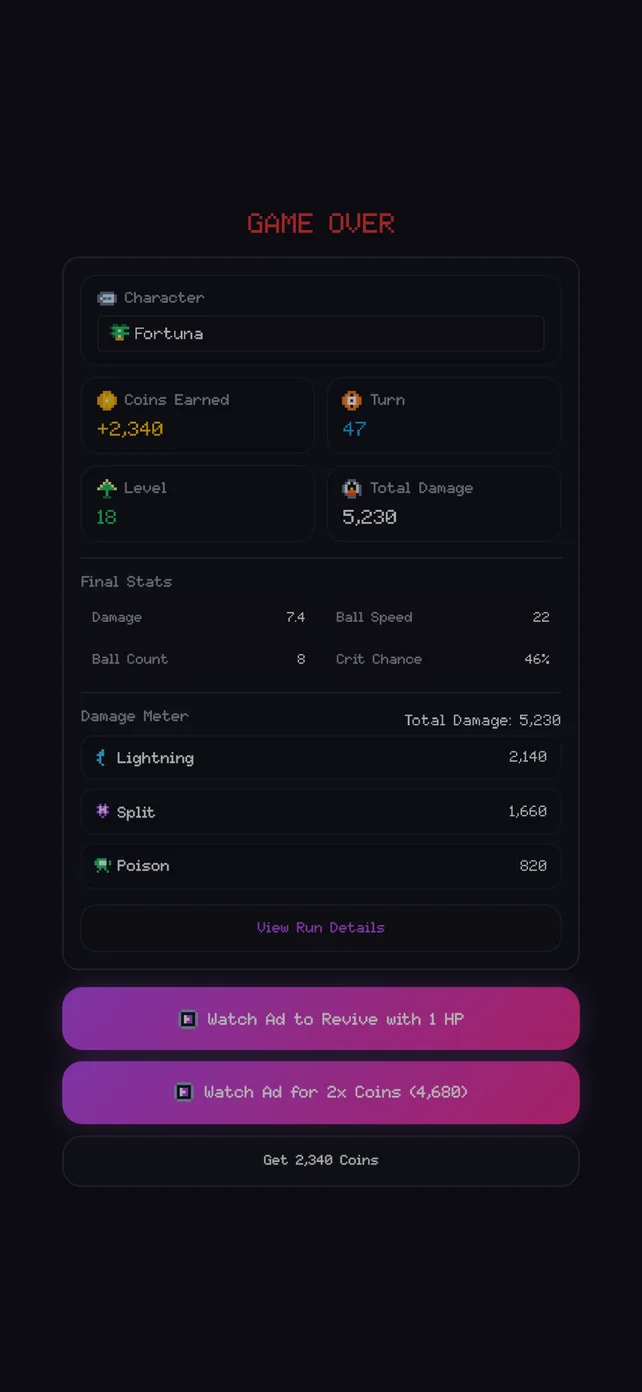
Block Smash: Survival has two rewarded-ad placements: revive, offered on the game-over screen to continue the run, and double reward, which doubles the coins earned in the run. The same React game is built for the browser, for Android and iOS through Capacitor with AdMob, and for Apps in Toss with Toss’s integrated in-app ads. You can get it on the App Store and Google Play.
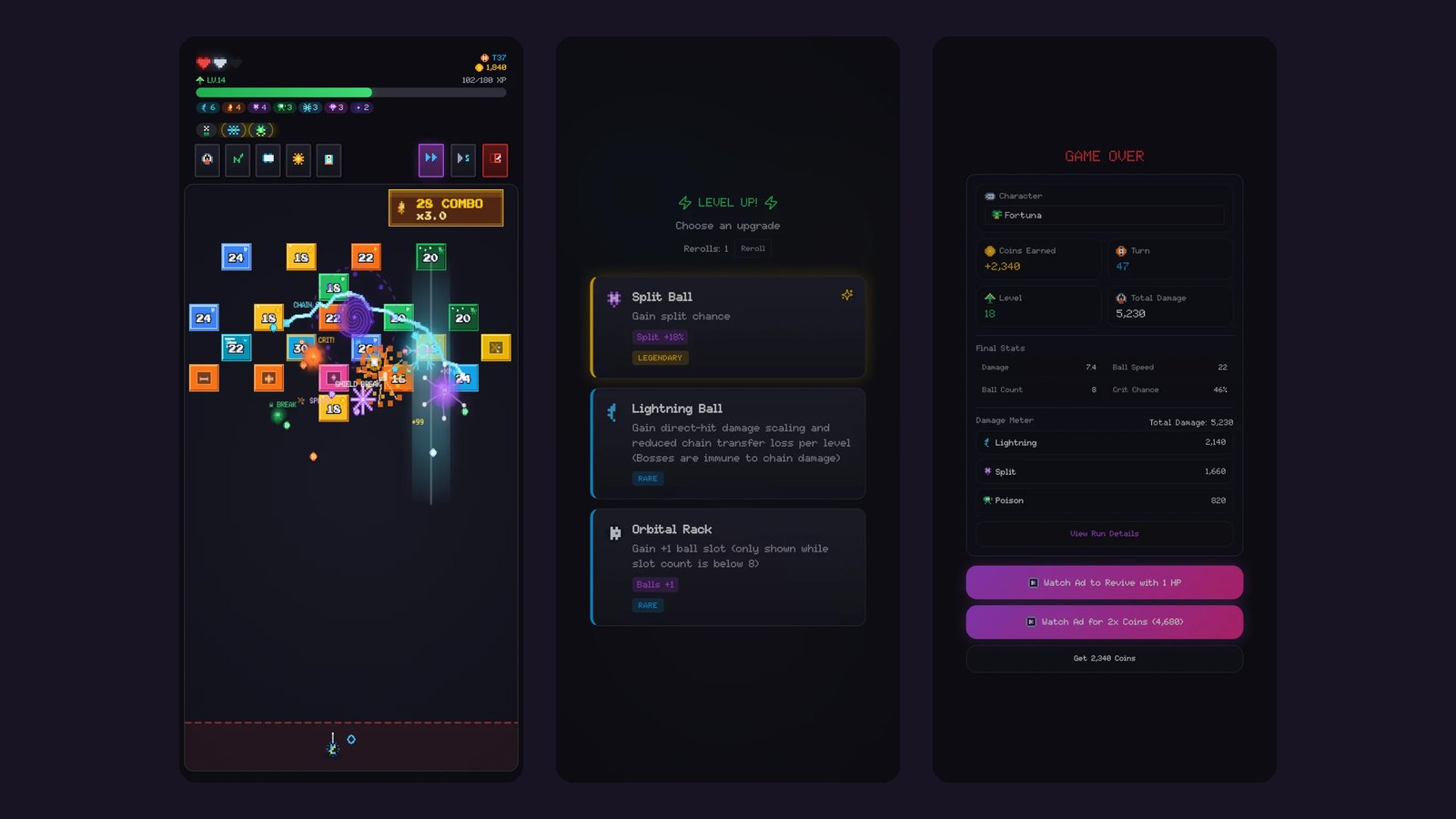
Twice, the ad code looked correct and still treated a player unfairly. Both times the reason was event timing inside a WebView. This note records what happened, what was changed, and the checks that now guard it.
Sources: the game’s src/platform code, commits of April 9, April 16 and August 16, 2026, and the tests added with them. The browser edition on this site does not show ads.
One interface, swapped at build time
Game code only ever sees one small contract. There are two placements, revive and double reward. A client can say whether an ad is available, preload one, and show one. Showing an ad always ends in exactly one of three results: rewarded, failed or cancelled, with an error reason or the reward amount attached.
The implementation is not chosen with an if at runtime. The Vite config aliases @/platform/runtime/rewardedAdsRuntime (and four sibling modules) to either the default or the toss folder, depending on the build mode. As a result the Toss SDK never ships inside the app-store build, and AdMob code never ships inside the Toss bundle. Each build contains only the platform it runs on.
Problem 1: “dismissed” can come before the reward
The first Toss implementation handled the ad’s events in the obvious way. userEarnedReward meant rewarded, and dismissed meant the player closed the ad early, so the result was cancelled.
On a real device the order is not guaranteed. The reward event could arrive after the dismiss event. The promise had already resolved as cancelled, so a player who watched the whole ad got nothing, which is the worst possible outcome for a rewarded ad.
The April 16, 2026 fix stopped treating dismissed as final. Dismissal now starts a short grace timer. If the reward event arrives inside that window, the result is rewarded. Only when the timer expires without a reward is the ad reported as cancelled.
- Reward event: the request ends as rewarded, with the amount the platform reported.
- Dismiss event: a short timer starts instead of ending the request.
- Timer runs out with no reward: only then does the request end as cancelled.
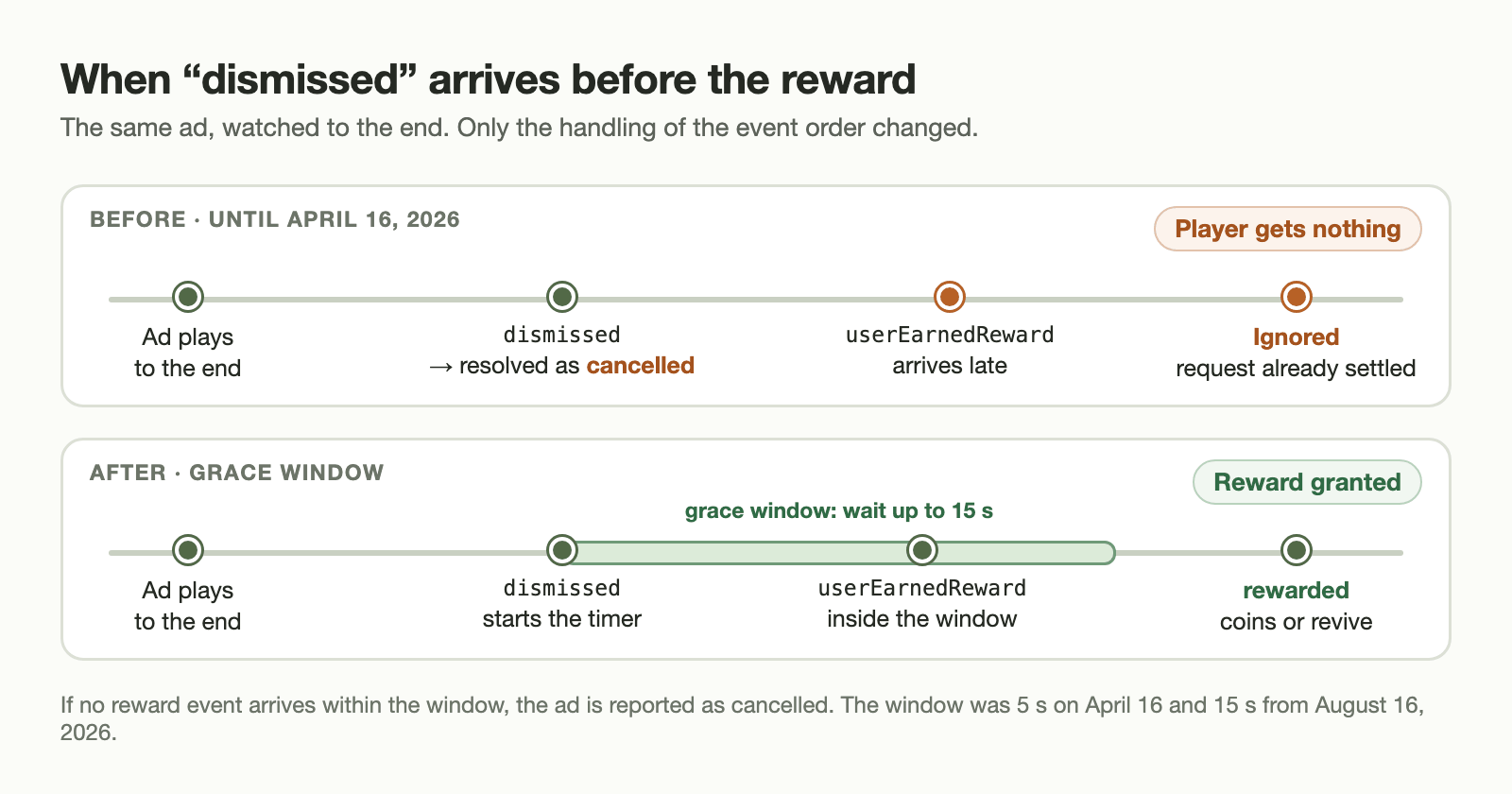
dismissed is what saves the reward.The grace window started at 5 seconds. It was raised to 15 seconds on August 16, 2026. A longer wait on a closed ad costs the player a few seconds. A reward that is lost costs their trust.
Problem 2: a watchdog that failed ads while they were playing
The show call also had a 30-second timeout. The idea was reasonable: if nothing happens, don’t leave the game frozen forever.
But the Toss integrated ads sometimes do not forward start events such as “requested” or “show” to the web layer. The timer therefore could not tell “the ad never started” apart from “the ad is playing but the page wasn’t told”. Longer ads were reported as failed while they were still on screen.
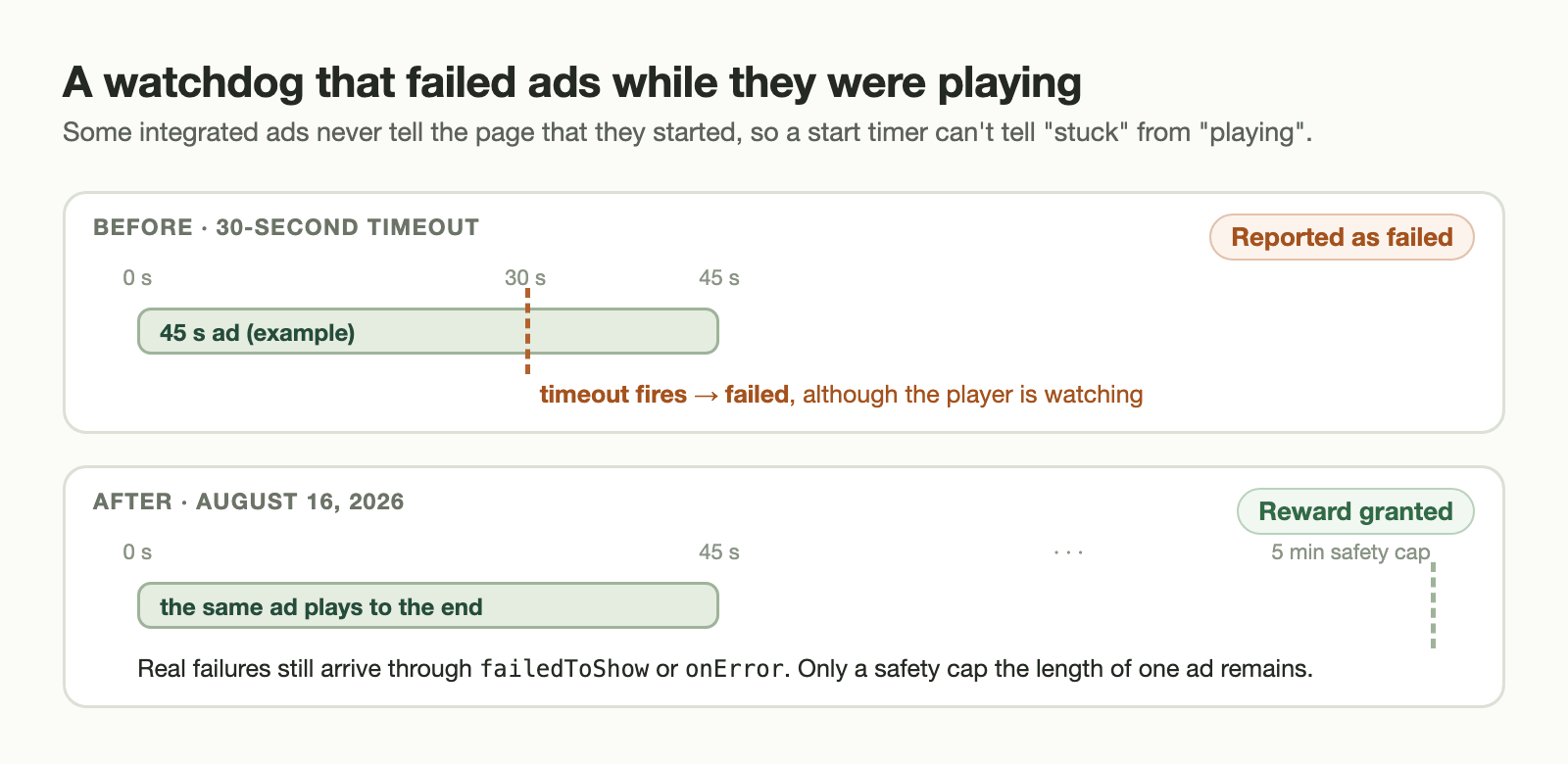
The August 16 fix is recorded in a code comment. Failures are delivered through failedToShow or onError, according to the platform documentation, so no start watchdog is needed. What remains is a safety cap of one ad’s length, 5 minutes. The same commit added about 115 lines of tests for these timing cases.
Other guards that came from the same bugs
Different failures need different messages
Error strings from two ad SDKs are grouped into five kinds before the player sees anything:
| Kind | Typical cause | What it means for the player |
|---|---|---|
| unavailable | No fill (AdMob error code 3), SDK missing | No ad right now. Try later. |
| consent_required | Android ad consent not given | Ads cannot be requested until consent is resolved. |
| misconfigured | Missing ad unit or group ID, test ID in a live build | A developer bug. It should never reach a release. |
| show_failed | Failed to show, show timeout | The ad loaded but could not be displayed. |
| generic | Anything else | A general error message. |
The “misconfigured” group exists mainly for developers. Debug builds deliberately use test ad group IDs, and release builds use configured live IDs. A release script (verify:release-ad-config) knows Google’s sample AdMob app and rewarded IDs and rejects a release that still contains them. A test ID in a live build is therefore caught as a build error, and the player never sees it as a message.
A reset while an ad is open
If a run is reset or restarted while an ad is showing, a late reward must not land in the new run. Every show call captures a “reset epoch”. Any event that arrives after a reset settles the old request as reset_cancelled instead of granting a reward.
Only one result per request
A settled flag clears both timers and unregisters the listener the first time any outcome is reached. A reward, a late dismissal and a timeout can arrive close together, but they cannot resolve the same request twice.
A checklist for rewarded ads in a WebView
- Don’t treat “closed” as “not rewarded”. Wait a short, documented grace period for the reward event.
- Don’t use a start-event watchdog unless the platform guarantees that start events reach the page.
- Resolve each ad request exactly once, and cancel it if the game state it belongs to is gone.
- Classify errors before showing them, and keep configuration errors out of release builds with an automated check.
- Test the event orders you did not expect, not just the documented happy path.