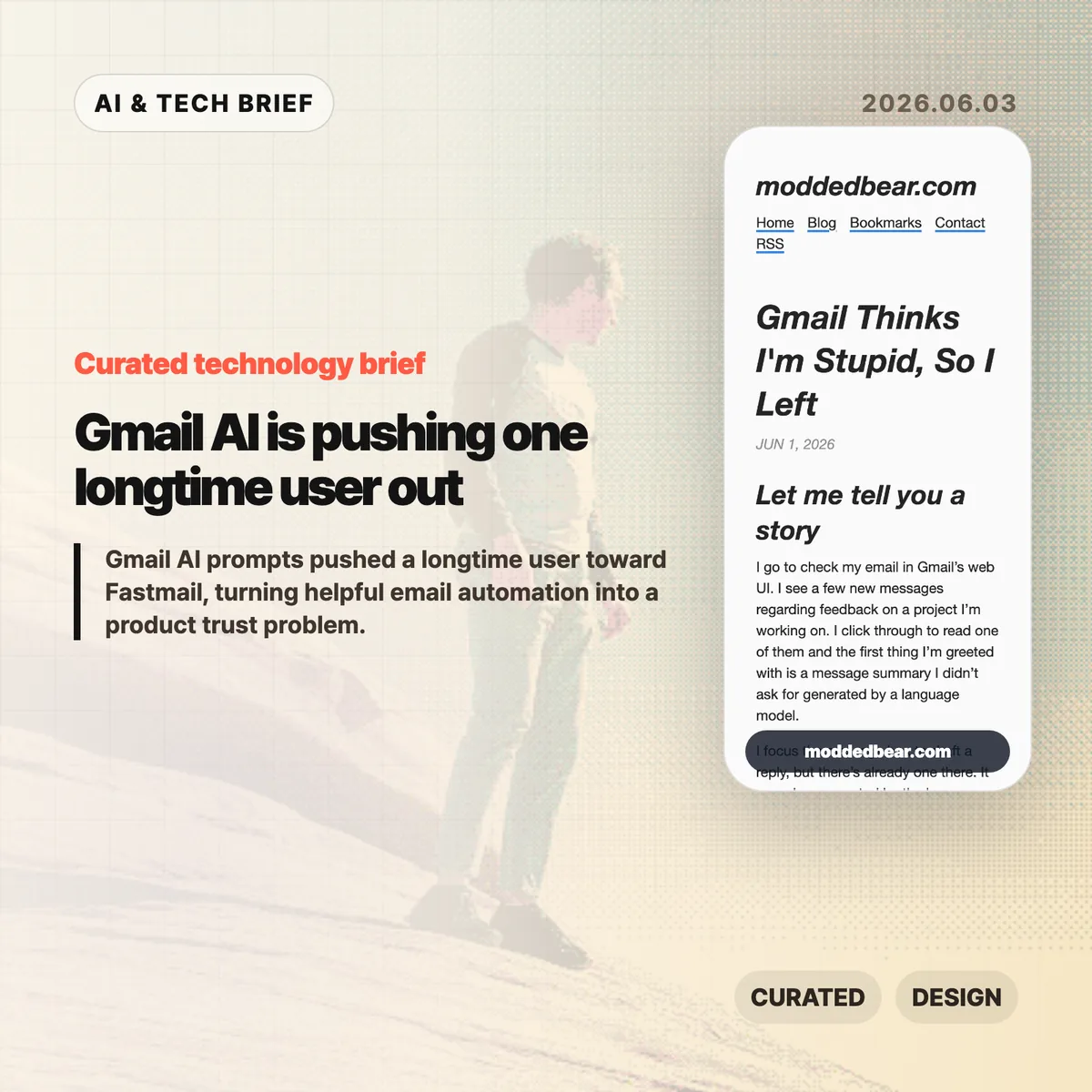
Gmail AI is no longer a quiet side feature for every user. In a June 1, 2026 post, developer JP described leaving a 16-year Gmail account after the web UI kept inserting AI summaries, reply drafts, and writing prompts into ordinary email work. By June 2, the post had reached Hacker News, where the discussion drew more than 600 points and hundreds of comments about forced AI in everyday tools.
Table of Contents
The short version
- A longtime Gmail user says the web UI showed an unsolicited message summary, an AI-generated reply draft, a “Help me write” nudge, and a “Tab to improve” prompt while reading and writing email.
- The author is moving toward a custom domain and Fastmail after 16 years on Gmail, partly because some unwanted smart features are hard to separate from useful older Gmail behavior.
- The Hacker News discussion drew 399 comments and focused less on whether AI can write emails, and more on whether Google, Microsoft, and other large platforms are forcing AI into workflows to satisfy internal product metrics.
- For product teams, Gmail AI is a useful warning: AI assistants need clear consent, easy opt-out controls, and restraint in high-trust communication tools.
What happened
JP’s June 1 post describes a specific Gmail web session: Gmail showed an unsolicited message summary, inserted a generated reply draft, promoted “Help me write,” and later suggested “Tab to improve.” The post says the prompts appeared while JP was reading project feedback and composing ordinary email, which made Gmail AI feel like a judgment on the user’s own reading and writing.
The author says some Gmail AI settings can be disabled, but the controls are not cleanly separated from older Gmail features such as automatic thread categorization. That coupling matters because an off switch should not make users give up unrelated mail organization. JP’s response was to start leaving Gmail after 16 years, connect a custom domain to a mail host, try Fastmail, and set up multiple domains and aliases. The switching cost makes the story useful for product teams: email users rarely move unless irritation has become durable.
Why Gmail AI is worth watching
Gmail AI is worth watching because email is one of the worst places to make users feel managed by software. Reading a message, deciding tone, and writing a reply are small acts of judgment. If an AI assistant appears before the user asks for help, the product can make a competent person feel supervised rather than supported.
The useful distinction is not AI versus no AI. Many people want summaries, drafts, translation, and tone help in email. The problem is where the assistant sits in the workflow. A visible command, a compose toolbar button, or a clearly labeled opt-in feature gives users control. A recurring prompt next to the cursor changes the mood of the tool. It turns the inbox from a communication surface into another place where the platform asks for attention.
That is why this story travels beyond Gmail. Builders adding AI to mature products have to decide whether the assistant is a tool the user summons or a layer the company pushes across the interface. The first can save time. The second can make users wonder whose workflow the product is serving.
What does Gmail AI change for builders?
Gmail AI changes the product design question from “can this model help?” to “who gets interrupted, and when?” For email clients, CRMs, support desks, note apps, and developer tools, an AI writing feature touches communication, privacy, and user confidence at the same time. A weak suggestion in Gmail is not only weak text. It can make the product feel as if Google is grading the user.
App builders should treat AI writing features like power tools. Put the assistant behind a deliberate action, keep the off switch separate from unrelated features, and avoid prompts that appear under the cursor while someone is composing. If the feature learns from user content or appears in a sensitive workflow, explain the setting in plain language. A smaller product can also compete by promising less noise: the assistant is available when asked, and quiet the rest of the time. For more IT and AI product briefs, see the IT & AI archive.
What Hacker News readers are arguing about
The Hacker News discussion reached roughly 642 points and 399 comments by June 3, and the argument was mostly about control. Readers treated the Gmail AI story as part of a broader platform pattern: Microsoft Copilot prompts, LinkedIn’s AI-heavy feed, Windows setup screens, Apple Intelligence, and Linux desktops all became comparison points for software that either respects or interrupts user intent.
The strongest objection was that the same Gmail behavior is not visible to everyone. Some readers had never seen the prompts, while others pointed to Gmail settings for Smart Reply and broader smart features. That makes the story weaker as a universal Gmail diagnosis, but stronger as a rollout lesson. If account settings, Google Workspace policies, regions, or feature flags change the experience, Gmail needs clearer language about what is on, what is off, and what users lose when opting out.
The practical thread focused on alternatives such as Fastmail, Proton Mail, Apple Mail, self-hosting, Linux desktops, and GrapheneOS. Commenters still acknowledged email switching costs, self-hosted deliverability problems, and the compromises in every provider. The frustration was less “AI is useless” and more “default software has become too needy.”
The practical read
Gmail AI is a product trust story before it is an AI capability story. Google may have good reasons to put Gemini-powered summaries and writing help inside Gmail, and some users will benefit from them. The risk is that email is a habit product. If the interface nags at the wrong moment, the user does not evaluate the model in isolation. He judges the whole service.
For teams shipping AI features, the checklist is simple. Put the assistant behind a deliberate action. Keep the off switch separate from unrelated non-AI features. Avoid prompts that appear under the cursor while someone is composing. Measure repeat voluntary use, not accidental exposure. If users are moving a 16-year account because the interface feels condescending, the feature is no longer just an experiment.
For users, the lesson is more practical: own the domain if email matters. A custom domain does not remove migration work, spam filtering problems, or provider lock-in, but it makes the next move less painful. JP’s move toward Fastmail is a reminder that switching email is still possible, especially before a provider becomes the only address people know.