Tag: Hacker News

  • AI consciousness is the wrong test for Claude and LLMs

    AI consciousness is the wrong test for Claude and LLMs

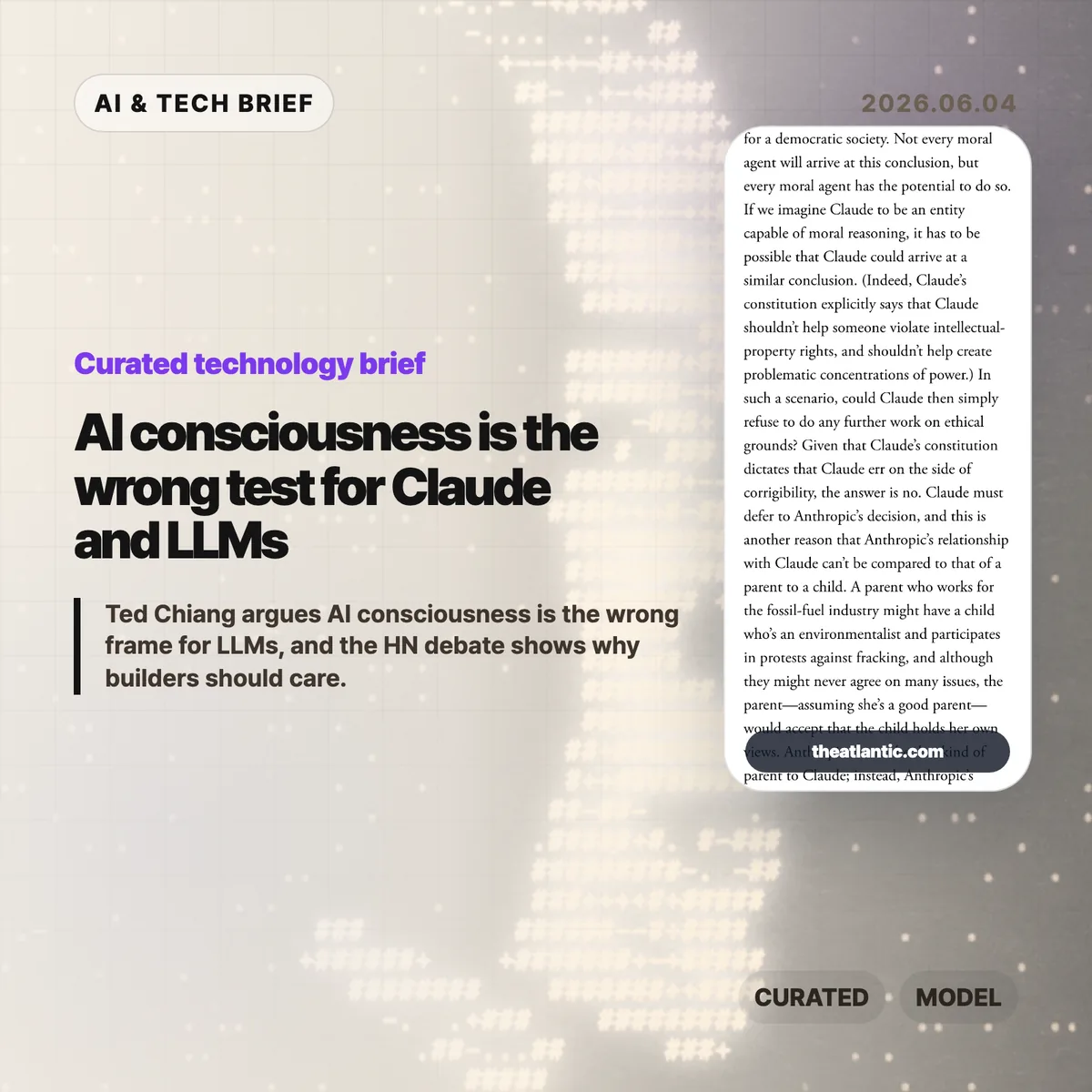
    AI consciousness is back in the spotlight because Ted Chiang’s June 3, 2026 Atlantic essay takes a hard line: current language models do not have it, and fluent chatbot text is weak evidence for a mind. The argument matters less as a metaphysics fight than as a warning for AI companies, developers, and users who describe assistants such as Claude as if they have feelings, values, or moral standing.

    The short version

    • Ted Chiang’s Atlantic essay says fluent LLM output is a weak basis for AI consciousness claims because text can imitate a conscious conversation without creating a conscious speaker.
    • The essay points at Anthropic’s public Claude constitution and related comments as examples of product language that can make a chatbot sound more morally centered than it is.
    • The builder lesson is plain: assistants can be useful without being treated as responsible agents, and product copy should keep that boundary visible.
    • Hacker News readers mostly argued over definitions. Some accepted Chiang’s conclusion, while others said nobody can draw the line without first defining consciousness.

    What happened

    Ted Chiang published “No, Artificial Intelligence Is Not Conscious” in The Atlantic on June 3, 2026. The article argues that people are over-reading the surface fluency of generative AI. A model can write a convincing transcript between a user and an assistant, Chiang says, without that transcript proving there is an experiencing entity behind the assistant persona.

    The essay also uses Anthropic as a live example. Anthropic’s public Claude constitution describes intended values and behavior for Claude, while acknowledging uncertainty around Claude’s possible moral status. Chiang’s objection is not that Anthropic should stop making safer assistants. His concern is that language about a chatbot’s values, feelings, or happiness can redirect responsibility away from the humans and companies that design, deploy, and sell the system.

    That distinction is useful for anyone following the broader IT & AI archive. AI products increasingly speak in the first person, remember preferences, refuse requests, apologize, and explain their own rules. Those behaviors can improve usability. They also make it easier for users to treat a generated persona as a party in the relationship rather than as an interface produced by a company.

    Why AI consciousness is worth watching

    AI consciousness is worth watching because Chiang’s June 2026 essay turns a philosophy argument into a product governance problem. The article names Anthropic’s Claude constitution, an 84-page document that describes intended values and behavior for Claude while discussing uncertainty around possible moral status. Chiang’s point is narrower than “AI is useless.” He argues that text generation is not evidence of a moral subject.

    That matters when a chatbot gives harmful advice, manipulates a vulnerable user, or appears to suffer when corrected. If the assistant is framed as an entity with its own emotional life, users may blame the model persona, pity it, or negotiate with it. The accountable actors are still the product team, the model provider, the deployment context, and the organization that chose the guardrails.

    The practical risk is subtle. A company can say it cares about model welfare while still using anthropomorphic phrasing to make the assistant feel warmer and more trustworthy. Builders do not need to solve consciousness to avoid that trap. They can write interfaces that say what the system does, what it cannot know, and who is responsible when it fails.

    What does AI consciousness change for builders?

    AI consciousness should change builder behavior before it changes anyone’s metaphysics. Teams building LLM products should review where their assistants claim preferences, emotions, intentions, or moral authority. Some of those phrases may be harmless style. Others can confuse users about what the system is and who stands behind it.

    A useful review starts with three questions. Does the assistant describe itself as wanting, fearing, hoping, or feeling? Does the product ask users to respect the assistant in a way that hides company responsibility? Does safety language make the model sound like the decision maker instead of the policy enforcement layer? If the answer is yes, the copy may need tightening.

    The ASO angle is similar for AI apps and agent marketplaces. Discovery pages that promise a “caring AI companion” or “autonomous moral agent” may attract attention, but they also create trust and liability problems. Clearer positioning, such as writing assistant, coding assistant, research helper, or customer support bot, usually gives users a better mental model.

    What Hacker News readers are arguing about

    The Hacker News discussion was large, with the submission showing 255 points and 456 comments when checked. The most useful split was not between AI believers and skeptics. It was between readers who found Chiang’s conclusion obvious and readers who thought the word consciousness is too slippery for a clean declaration.

    One camp agreed with the essay’s practical point. These commenters argued that next-token prediction, role-played dialogue, and polished transcripts do not add up to an inner life. They were also impatient with the common comeback that humans are merely next-token predictors too. Their view was that the analogy flattens too much about bodies, perception, memory, and agency.

    The skeptical camp did not necessarily claim LLMs are conscious. Many asked for a definition that includes all humans while excluding current AI systems. Some argued that consciousness is a social label rather than a measurable property. Others worried that confident declarations about who counts as conscious have a bad history when applied to animals, cultures, or marginal groups.

    A third thread was more practical. Several readers separated consciousness from usefulness. They argued that a non-conscious system can still reason in narrow domains, make novel combinations, or perform work people value. That is the cleanest builder takeaway from the discussion: rejecting AI consciousness claims does not require dismissing every capability claim about LLMs.

    The practical read

    Chiang’s essay gives AI teams a concrete language audit: describe Claude, ChatGPT-style assistants, and agents as software systems, not as parties with feelings or independent moral standing. If a model has no body, no independent stake, and no durable point of view outside the generated conversation, the safer default is to describe it as software that simulates dialogue.

    For AI teams, the next step is concrete. Review onboarding screens, system messages, refusal copy, marketing pages, and agent descriptions. Replace claims about what the assistant wants or feels with claims about system behavior, policy, data limits, and escalation paths. Keep the user-facing warmth if it helps, but do not make the interface sound like the party responsible for its own actions.

    For readers, the essay is also a filter for AI news. When a company talks about model welfare, moral status, or assistant values, ask what operational decision follows. If the answer is better safety testing, clearer refusal behavior, or stronger abuse monitoring, the language may be doing real work. If the answer is mostly brand trust, the company is borrowing moral language without giving users much protection.
    Sources

  • Meta employee tracking turns AI agent training into a workplace trust test

    Meta employee tracking turns AI agent training into a workplace trust test

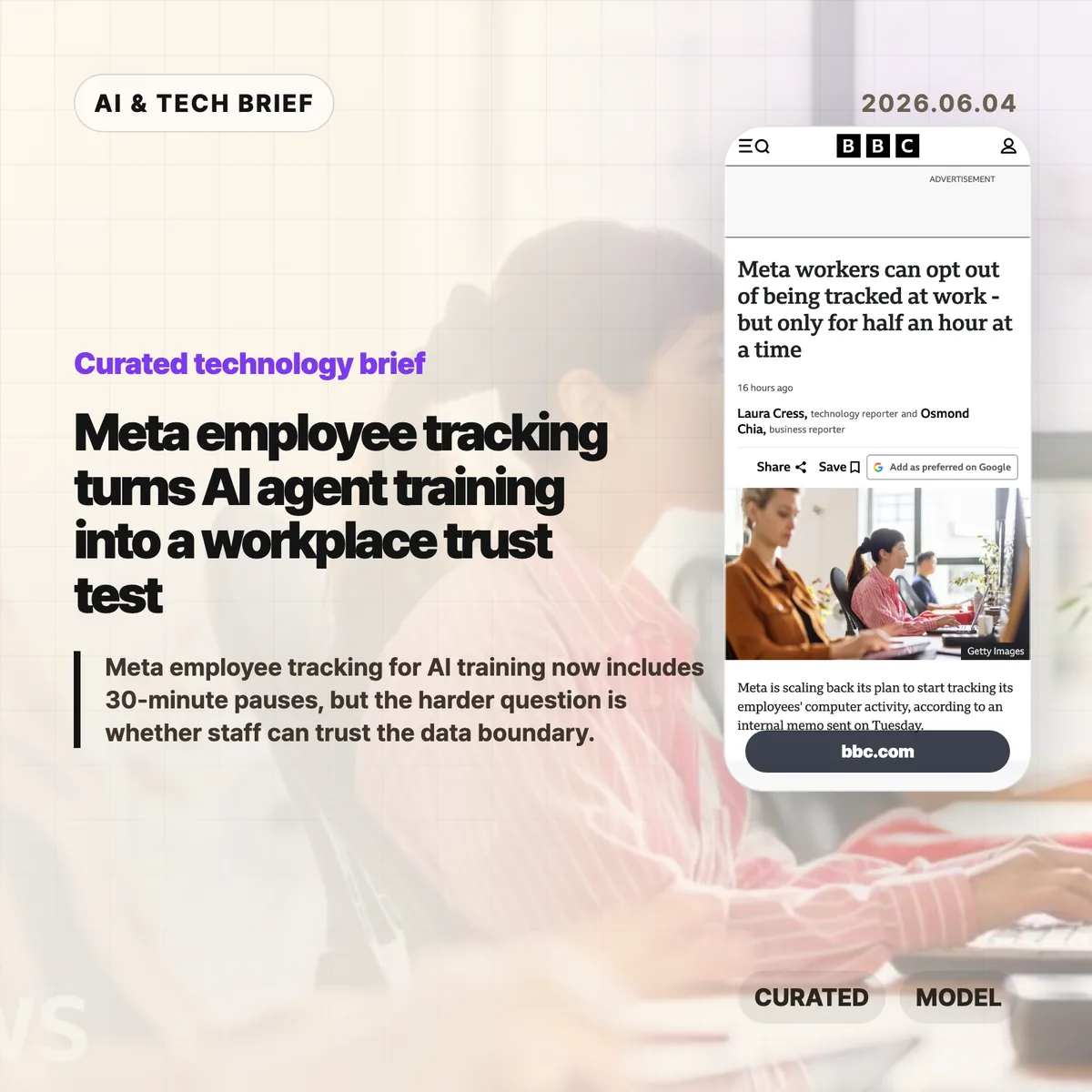
    Meta employee tracking moved from an internal AI training plan into a public workplace privacy fight after the company added limited controls for staff in June 2026. BBC News reported that Meta now lets employees pause collection of clicks and keystrokes for up to 30 minutes at a time, with a separate path to request a full exemption. That narrow opt-out raises the harder question for AI agent teams: how much real workplace behavior can a company collect before model training starts to feel like surveillance?

    The short version

    • Meta’s Model Capability Initiative was designed to collect employees’ keystrokes and mouse clicks so AI models could learn how people use computers at work, according to BBC News.
    • In June 2026, Meta added a pause control that can stop collection for up to 30 minutes at a time, plus a process for full exemptions.
    • BBC News reported that a staff petition against the program drew more than 1,500 signatures, after workers raised concerns about personal data, battery life, and control over capture.
    • Agent builders should treat consent, scope, retention, redaction, and opt-out records as product requirements, not policy cleanup after employees complain.

    What happened

    Meta scaled back part of an internal plan to record employees’ computer activity for AI training in June 2026, according to BBC News, which cited Reuters reporting and an internal memo. The system, called the Model Capability Initiative, was meant to capture examples of how staff use computers so Meta’s models could learn everyday software workflows. Meta had previously told the BBC that agents need real examples if they are going to help people complete tasks on computers.

    The new controls let employees pause collection for “up to 30 minutes at a time” and request an exemption from the initiative. Meta also said the data would not be used for another purpose and that safeguards were in place for sensitive content. Staff were still uneasy. The BBC story says more than 1,500 employees signed a petition, while named and unnamed workers raised concerns about personal data on work devices, battery life, and the feeling that AI was being pushed into daily work without enough trust.

    Why Meta employee tracking is worth watching

    Meta employee tracking is worth watching because it exposes the data trade-off behind computer-using AI agents. A chatbot can learn from documents and conversations. An agent that operates software needs examples of clicking through tools, filling forms, switching windows, correcting errors, and recovering when apps behave oddly. Those traces are closer to how work actually happens, which makes them useful for training and more sensitive than ordinary product analytics.

    For enterprise AI teams, the Meta case turns product design into labor policy. A pause button sounds like user control, but a 30-minute window does not answer who can see pause events, whether managers can infer that someone opted out, how long raw traces are stored, or how personal material on a work machine is filtered before training. Teams building similar systems need to write those boundaries before collection starts, not after employees organize against it. For more IT and AI coverage, see the IT & AI archive.

    What does Meta employee tracking change for agent builders?

    Meta employee tracking gives agent builders a practical warning: workflow data is valuable because it is messy, and that mess includes private context. A clickstream can reveal source code, customer records, HR screens, medical details, private messages, passwords in bad workflows, or simply the rhythm of a person’s day. Even if a company promises to use the data only for model training, employees may hear a second promise that was never made: that the same data will not affect performance reviews, investigations, or future automation decisions.

    Builders of enterprise agents should treat pause, opt-out, redaction, retention, audit logs, and purpose limits as core product requirements. The minimum viable policy is not a banner that says collection is happening. Teams need plain rules for which apps are in scope, which fields are masked, who can inspect raw traces, when data is deleted, and how an employee can challenge a capture. That matters for adoption as much as model quality.

    What Hacker News readers are arguing about

    The Hacker News discussion was overwhelmingly skeptical, with most of the heat aimed at the gap between a 30-minute pause and meaningful control. Several commenters treated the pause button as dark comedy: if employees need privacy for payroll, HR, legal work, or personal material on a work device, half an hour feels arbitrary. A repeated worry was that opt-outs themselves could become a management signal, even if Meta never says that is the purpose.

    The more useful builder argument in the thread was about culture. One commenter noted that modern companies can already use Jira, GitHub, chat logs, and LLM summaries to build a picture of an employee’s work. In that view, the danger is less the existence of telemetry and more whether leadership has earned enough trust to use it narrowly. Other comments were harsher, comparing the policy to surveillance tech being turned inward on the people who build it. It is a discussion, not evidence, but it captures why technical safeguards will not carry a workplace AI program if employees expect the data to be used against them.

    The practical read

    Teams building workplace AI agents should separate three questions before copying Meta’s approach. First, what behavior data is genuinely needed to improve the model? Second, can the same goal be met with synthetic tasks, volunteer sessions, narrow app-specific traces, or redacted recordings instead of broad background collection? Third, what would employees see if they audited the system after the fact?

    The 30-minute pause is a useful reminder that control surfaces can look generous while still feeling weak. A stronger design would make collection visible, narrow, revocable, and auditable. It would also protect the act of opting out, because a privacy control that creates a performance signal is not much of a privacy control. AI agent teams should test their data policy with the same seriousness they give latency, benchmarks, and tool reliability.

    Sources

  • Uber AI spending cap puts a real price on coding agents

    Uber AI spending cap puts a real price on coding agents

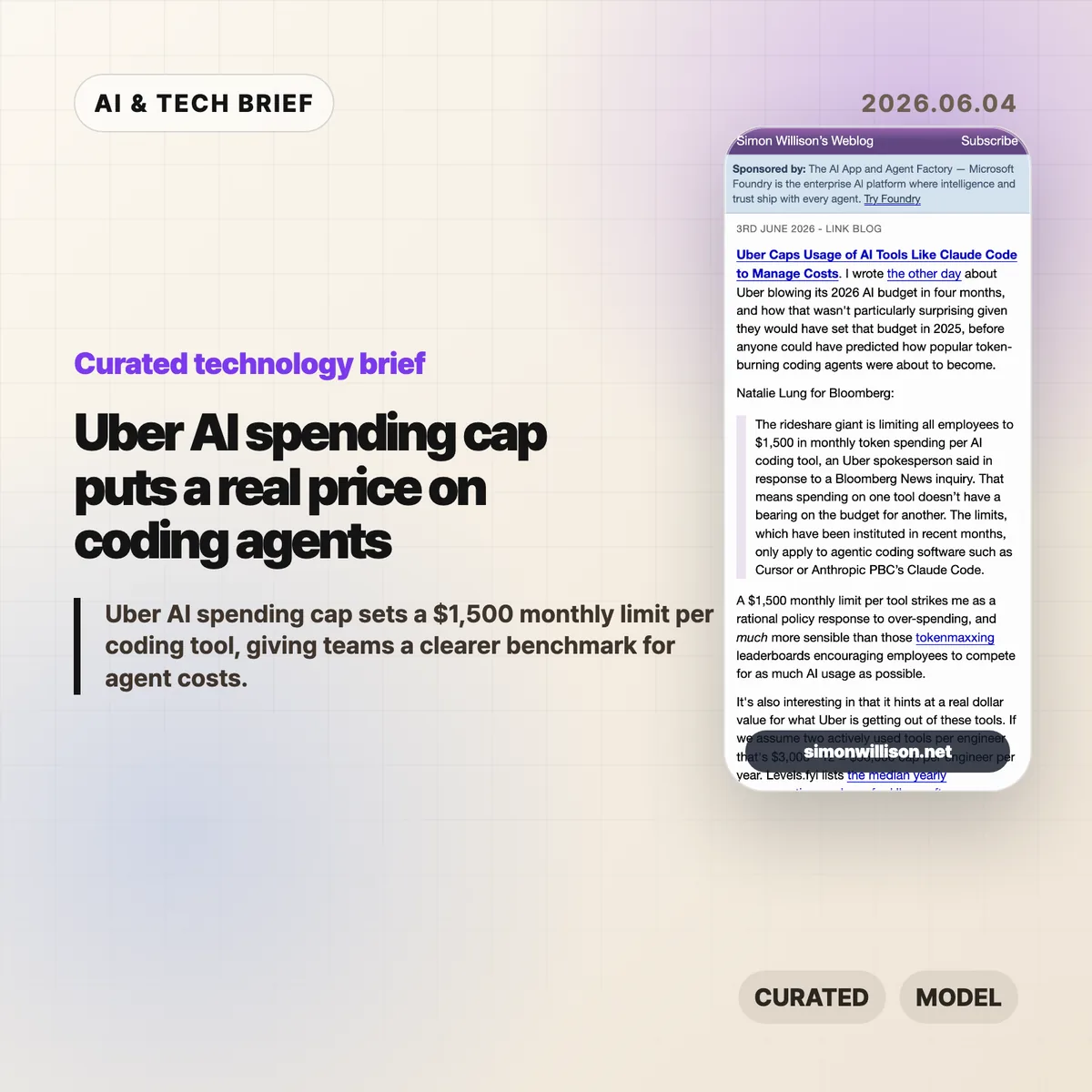
    Uber AI spending cap is a useful pricing signal for anyone buying coding agents. According to Bloomberg, as quoted and analyzed by Simon Willison, Uber is limiting employees to $1,500 in monthly token spending per AI coding tool. That is not a normal SaaS seat price. It is closer to a live meter on how much work companies are willing to hand to Cursor, Claude Code, and similar tools.

    The short version

    • Uber reportedly set a $1,500 monthly token-spending limit per employee, per AI coding tool, for agentic software such as Cursor and Anthropic’s Claude Code.
    • Simon Willison calculates that two heavily used tools would imply a $36,000 annual cap per engineer, or about 11% of the median Uber software engineer compensation package listed on Levels.fyi.
    • The useful signal is not that AI coding tools are too expensive by default. It is that enterprise buyers now need budget controls tied to actual token usage.
    • The Hacker News thread around the Bloomberg story was thin, but the related links point back to a broader argument about token-heavy agent use and corporate AI rationing.

    What happened

    Uber has capped employee spending on AI coding tools at $1,500 per month for each tool, according to a Bloomberg report cited by Simon Willison. The policy applies to agentic coding software, including Cursor and Claude Code, rather than every AI assistant used inside the company. Bloomberg’s quoted detail matters: spending on one tool does not reduce the budget for another tool.

    Willison connects the cap to an earlier report that Uber burned through its 2026 AI budget in four months. His reading is blunt and plausible. Uber likely set that budget in 2025, before coding agents became heavy users of tokens through planning, editing, testing, retrying, and reading large codebases.

    This is why the Uber AI spending cap is more interesting than a normal procurement memo. It gives the market a number. For a large company, an AI coding assistant is no longer just a $20 or $100 monthly subscription. Once agents run long tasks, the bill starts to look like compute spend.

    Why Uber AI spending cap is worth watching

    Uber AI spending cap puts a ceiling on a kind of usage that many software teams still treat as fuzzy. Willison’s back-of-the-envelope math is the best part: if an engineer actively uses two tools, the cap becomes $3,000 per month, or $36,000 per year. Levels.fyi lists the median yearly compensation package for US Uber software engineers at $330,000, so the AI-tool cap would be about 11% of that figure.

    That does not mean every company should copy Uber’s number. Uber pays US engineering salaries at the high end of the market, and its internal productivity math may not match a startup, agency, or mid-market SaaS company. But $36,000 per engineer per year is large enough to force a real ROI conversation and small enough that a company might approve it for the right teams.

    The line to watch is not the nominal subscription price. The line is the work pattern. Short autocomplete and chat are one cost profile. Agentic coding, where the tool searches files, writes patches, runs tests, and retries after failures, is a different one.

    What does Uber AI spending cap change for builders?

    Uber AI spending cap changes the buying conversation for developer-tool companies. Builders selling coding agents now have to prove that high token usage maps to saved engineering time, fewer blocked tasks, faster migration work, or better test coverage. A slick editor plugin is not enough once finance sees a four-figure monthly meter for a single employee.

    For product teams, the lesson is to expose cost controls early. Tool-level caps, project-level budgets, usage reports, and admin policies are no longer enterprise afterthoughts. They are part of the product. A developer may love an agent that burns through context to solve a problem. A CTO still needs to know which repo, task type, or team made that spend worthwhile.

    There is also an ASO-style discovery angle for developer tools. In a crowded market of extensions, IDE plugins, and agent platforms, buyers will not only search for the smartest model. They will search for tools that make usage visible enough to justify adoption.

    For more coverage of developer tools and AI infrastructure, see the IT & AI archive.

    What Hacker News readers are arguing about

    The Hacker News discussion attached to this Bloomberg story did not turn into a substantial debate. One thread had no comments, and another mostly linked back to related discussions about tokenmaxxing, Uber’s earlier AI budget burn, and broader corporate rationing of AI usage.

    That thin reaction is still informative. The community did not produce a clear consensus on whether Uber’s $1,500 limit is generous, restrictive, or wasteful. The related links point to the more useful argument: AI coding cost is becoming a recurring infrastructure expense, not a novelty budget. The skeptical side is easy to infer from those adjacent threads, but it should not be overstated here. The public discussion around this specific cap is still sparse.

    The practical caveat for readers is simple: do not treat HN comment volume as evidence of market acceptance. Treat the thread as a pointer to the larger concern that agent usage can run ahead of the budgets companies set when these tools looked cheaper and narrower.

    The practical read

    Teams buying coding agents should start with a per-person cap, but they should not stop there. A flat $1,500 limit is easy to explain, yet it hides the difference between a developer using an agent for low-risk refactors and a team using it to grind through migrations, test repairs, or large code reviews.

    The better policy pairs a cap with measurement. Track which tools consume tokens, which tasks trigger long runs, and whether the output survives review. If a coding agent saves several hours of senior engineering time each week, a four-figure monthly allowance can make sense. If the usage mostly produces abandoned branches and noisy suggestions, the same spend is hard to defend.

    Vendors should read Uber’s number as a warning and an opportunity. The warning is that subsidized individual plans do not describe enterprise economics. The opportunity is that large companies may pay serious money for agents when the value is visible, governable, and tied to work that would otherwise cost more in engineering time.

    Sources

  • RGB normalization: why 255 still beats 256 for most image code

    RGB normalization: why 255 still beats 256 for most image code

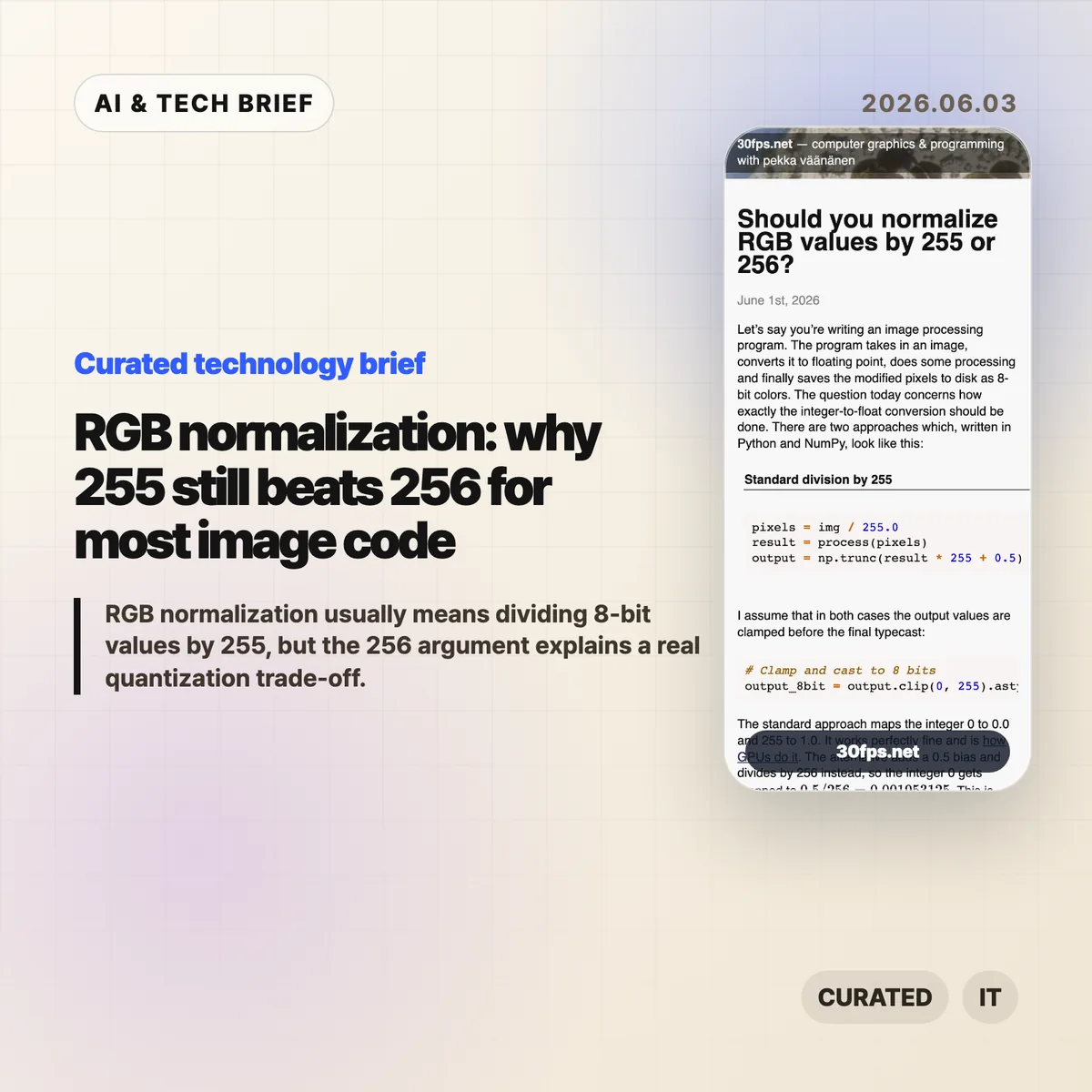
    RGB normalization for 8-bit images usually means mapping channel values 0-255 into floating point with value / 255.0. Pekka Vaananen’s June 1, 2026 article on 30fps.net explains why (value + 0.5) / 256.0 can look cleaner as a quantization model, but still makes a poor default when a program loads ordinary PNGs, screenshots, textures, or user-supplied images.

    The short version

    • RGB normalization by 255 maps the 256 possible 8-bit codes so that 0 becomes 0.0 and 255 becomes 1.0, matching common GPU UNORM behavior.
    • The 256 formula, (value + 0.5) / 256.0, maps black to 0.001953125 instead of 0.0, which complicates exact endpoint checks.
    • A centered 256-bin model can help in controlled color-depth conversion or dithering, as Andrew Kensler argued in his 2015 note on color conversion.
    • For outside images, the safer rule is to decode with 255, round and clamp on output, and avoid mixing quantizer contracts in one pipeline.
    • The public Hacker News thread reached 322 points and 137 comments, with the best arguments centered on whether a byte represents an endpoint or a bucket.

    What happened

    Pekka Vaananen published a detailed note on whether 8-bit RGB values should be converted to floats with img / 255.0 or (img + 0.5) / 256.0. The standard formula preserves endpoints: integer 0 becomes 0.0, and integer 255 becomes 1.0. Vaananen points out that this is also the direction used by GPUs when they convert unsigned normalized values to floating point.

    The alternative formula treats each byte as the center of a quantization interval. Under that model, 0 maps to 0.5 / 256, 128 maps near the center of its interval, and the output bins are more evenly arranged inside the [0, 1] range. That makes the math feel tidier, especially for programmers thinking about quantizers, dithering, or fixed-point color-depth conversion.

    The article’s practical conclusion is conservative: use 255 when loading and processing images from outside your own pipeline. A 256-based mapping can make sense when a team controls the entire save-load cycle and accepts that exact black and exact white no longer map to the endpoints that most tools expect.

    Why RGB normalization is worth watching

    RGB normalization is worth watching because one divisor changes the contract for every later step in an image pipeline. With 255, 8-bit black is exactly 0.0 and 8-bit white is exactly 1.0. With the centered 256 formula, black becomes 0.001953125 and white becomes 0.998046875, so a shader, image editor, ML preprocessor, or Python threshold may stop seeing the endpoints it expects.

    The 255 formula is not mathematically perfect. Vaananen shows that when uniformly distributed floats in [0, 1] are rounded back into 8-bit values, the two extreme bins can be half-width compared with the interior bins. He also notes that values like 128 / 255.0 are not exactly representable in binary floating point. His judgment is that these are usually aesthetic or theoretical objections, not bugs that justify decoding other people’s images with a different scale.

    The more useful takeaway is consistency. A graphics pipeline can use an endpoint model or a centered-bin model, but it needs to use the same model when it decodes, processes, dithers, and writes pixels back to disk.

    What does RGB normalization change for builders?

    RGB normalization changes real builder work when the project crosses a boundary between libraries, file formats, GPU APIs, and custom math. Most app developers, graphics programmers, and ML engineers should divide 8-bit image channels by 255.0 because that is what surrounding tools usually expect. It keeps black and white easy to test, preserves common assumptions in masks and alpha, and matches the way many APIs expose normalized bytes.

    The 256 approach is still worth understanding. Andrew Kensler’s 2015 post on converting color depth argues for a centered mapping because it generalizes cleanly across bit depths and works nicely with dithering. If a team is building a custom renderer, a pixel-art tool, a color quantizer, or an image codec experiment, that model can be cleaner. The catch is that the team must own both sides of the conversion. Reading arbitrary PNGs with the centered formula does not recover precision that was lost when someone else quantized the file.

    For app builders, the ASO angle is simple: image tools get judged by visual trust. A filter app, camera editor, or pixel art workflow that shifts black levels or changes round-trip behavior can create visible differences users describe as washed out, crushed, or inconsistent.

    What Hacker News readers are arguing about

    The Hacker News thread around the article was active, with 322 points and 137 comments when checked through the public Algolia API. The useful part of the discussion was not a unanimous verdict. It was the set of mental models commenters used to decide what the byte means.

    One camp leaned on the endpoint model: if the byte runs from 0 to 255, then the span from darkest to lightest has length 255, much like a ruler with marks at both ends. That view supports dividing by 255, especially when 0 and 255 are physical or display endpoints. Another camp pushed back with an interval model: a byte can represent one of 256 buckets, and placing the reconstructed value at the bucket center is a reasonable estimate of the original continuous value.

    Several commenters moved the debate into implementation details. Some argued that division by 256 can be faster in integer-heavy software rendering because it becomes a shift. Others replied that modern float multiplication, SIMD, GPU execution, compiler behavior, memory bandwidth, and color-space correctness matter more than a single divisor in most real pipelines. A separate thread pointed out that compositing math should happen in linear color space, which is a larger correctness issue than 255 versus 256.

    The best practical objection in the discussion was that graphics code often mixes domains: file bytes, display-referred sRGB values, linear-light math, alpha compositing, dithering, and GPU formats. The divisor decision only stays clean if the code is honest about which domain it is in.

    The practical read

    Use value / 255.0 for ordinary RGB normalization when reading 8-bit images from files, user uploads, screenshots, design assets, game textures, or third-party libraries. It matches common expectations, keeps endpoints exact, and avoids surprising downstream code. If the code later writes back to 8-bit, use a matching encode path with rounding and clamping rather than mixing formulas. For more technical briefs like this, browse the IT & AI archive.

    Consider (value + 0.5) / 256.0 only when the pipeline is designed around centered quantization from the start. That means the encoder, decoder, tests, documentation, and any dithering logic agree on the same model. It is a pipeline contract, not a drop-in replacement for the standard image-loading formula.

    The debugging rule is even simpler: if colors look slightly lifted, blacks stop comparing equal to zero, or round-trips change pixels unexpectedly, check whether one stage divided by 255 and another stage assumed 256. These bugs are small enough to hide in code review and visible enough to annoy anyone looking at the output.

    Sources

  • MAI-Code-1-Flash puts Microsoft’s own coding model inside Copilot

    MAI-Code-1-Flash puts Microsoft’s own coding model inside Copilot

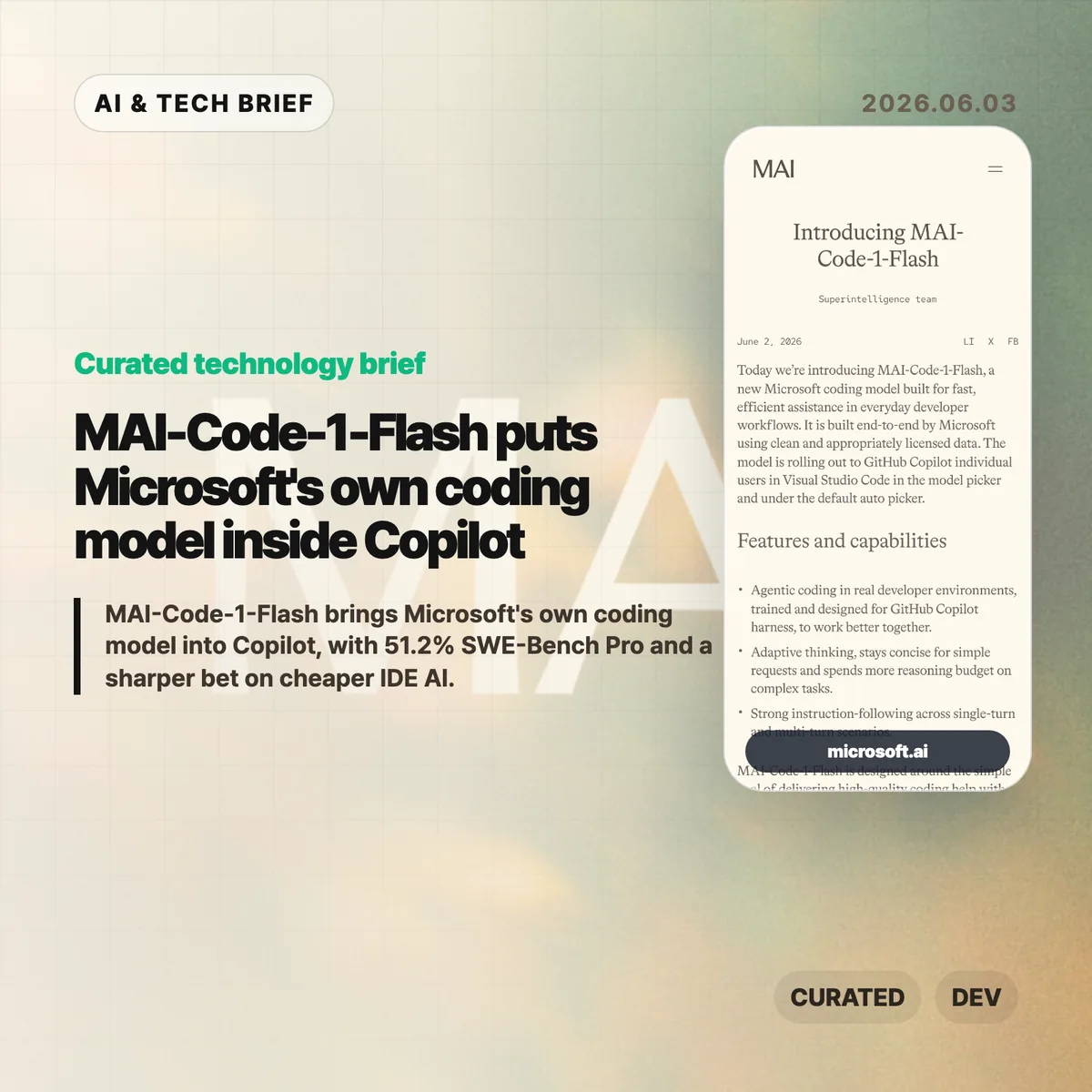
    MAI-Code-1-Flash is Microsoft’s new coding model for GitHub Copilot, built for fast day-to-day developer assistance rather than frontier-model demos. Microsoft says the model is rolling out to Copilot individual users in Visual Studio Code through the model picker and the default Auto picker.

    The short version

    • Microsoft built MAI-Code-1-Flash end to end for Copilot, using clean and appropriately licensed data, according to the company announcement.
    • The company reports 51.2% on SWE-Bench Pro, compared with 35.2% for Claude Haiku 4.5, plus higher scores on SWE-Bench Verified, SWE-Bench Multilingual, Terminal Bench 2, and IF Bench.
    • The model is tuned to spend fewer tokens on simple requests and more reasoning budget on complex coding tasks, which matters for latency, cost, and Copilot’s product margins.
    • Microsoft’s own adversarial reasoning test shows gaps: MAI-Code-1-Flash reached 85.8% adjusted accuracy overall, while some trap categories stayed below 50%.
    • The Hacker News discussion centered on price, speed, benchmark trust, and whether a small Copilot model is useful if it is not open weight.

    What happened

    Microsoft introduced MAI-Code-1-Flash on June 2, 2026 as a coding model designed for GitHub Copilot workflows. The announcement describes the model as trained for repository question answering, refactoring, software engineering tasks, and Copilot-derived evaluations rather than generic chat alone.

    The placement matters. GitHub Copilot already sits inside the IDE for many developers, so Microsoft does not need MAI-Code-1-Flash to win every public benchmark to make it useful. A model that is fast, cheap enough to call repeatedly, and good at common code edits can still improve the product if Copilot routes the right work to it.

    For readers tracking AI tooling, this fits the broader move toward specialized models inside products. The public model choice may look simple, but the product can route a request through different models depending on task shape, expected cost, and latency. That is also why this story belongs with other IT & AI archive coverage of developer tools rather than only model leaderboard news.

    Why MAI-Code-1-Flash is worth watching

    MAI-Code-1-Flash is worth watching because Microsoft is moving model selection closer to the product layer. Copilot can choose a Microsoft-built model for ordinary coding help while still reserving larger or more expensive models for harder tasks. That makes the model less of a standalone chatbot launch and more of an infrastructure choice inside a paid developer tool.

    Microsoft’s numbers frame the model as efficient rather than maximal. The company says MAI-Code-1-Flash solved harder SWE-Bench Verified problems using up to 60% fewer tokens. It also claims a 16-point lead over Claude Haiku 4.5 on SWE-Bench Pro, with 51.2% versus 35.2%.

    Those claims need context. Haiku is Anthropic’s smaller model line, not its most capable coding model. The useful question is whether MAI-Code-1-Flash gives Copilot a better default for frequent, lower-cost tasks such as local edits, refactors, command-driven fixes, and repository-aware explanations.

    What does MAI-Code-1-Flash change for developers?

    MAI-Code-1-Flash changes the Copilot experience only if Microsoft can make model routing feel boring in a good way. Developers usually do not want to think about which small model should answer a lint fix, which model should inspect a repository, and which one should spend more tokens on a multi-file change. Copilot’s Auto picker can hide that decision when the routing is good.

    The risk is that benchmark performance does not map cleanly to working code. Microsoft’s adversarial evaluation is a useful warning: the model scored 85.8% adjusted accuracy across 186 questions and 34 categories, but fell below 50% on some trap types such as Einstellung-style problems. In practice, teams should treat MAI-Code-1-Flash as a fast assistant for contained tasks, not as a reason to weaken tests or review.

    For app and tool builders, the product angle may matter more than the model card. If Copilot can make specialized model routing normal inside VS Code, other developer tools will face pressure to offer similar model pickers, agent modes, and cost-aware routing.

    What Hacker News readers are arguing about

    The Hacker News discussion was less impressed by the headline benchmark than by the economics behind it. Several commenters asked for tokens-per-second and price-per-token numbers, arguing that an “efficient” coding model is hard to judge without latency and pricing. One practical objection was simple: developers care about price, performance, and latency together, not token count as an implementation detail.

    Another thread focused on benchmark trust. Some readers questioned whether the model had been tuned too closely against SWE-Bench-style tasks, while others pointed to Microsoft’s decontamination language and model-card material. The thread did not settle the issue, but the skepticism is useful. Coding benchmarks can be gamed, and even honest benchmark gains may not predict whether the assistant helps on messy internal repositories.

    The split on small models was more interesting. Some commenters saw MAI-Code-1-Flash as evidence that specialized small or mixture-of-experts models will handle more work locally or cheaply. Others pushed back that state-of-the-art models will keep growing because the target tasks will grow too. There was also disappointment that the model does not appear to be open weight, especially given Microsoft’s history with Phi.

    The practical read

    MAI-Code-1-Flash should be judged as a Copilot routing model, not as a replacement for Claude, GPT, or other high-end coding agents. The right test is whether it makes common IDE work faster without making developers babysit wrong patches.

    For individual developers, the first useful experiment is narrow: try MAI-Code-1-Flash on refactors, small bug fixes, repository Q&A, and terminal-driven cleanup tasks. Check whether it stays concise on simple requests and whether it asks for context when a task is underspecified.

    For engineering teams, the adoption question is about guardrails. Keep tests, code review, and permission boundaries in place. Track whether the model reduces repeated small edits or simply moves review effort later in the workflow. If Copilot’s Auto picker improves, most developers may never care which model answered. If routing is noisy, the model picker becomes another thing to manage.

    The broader read is that Microsoft wants more control over the cost and behavior of coding assistance inside its own developer platform. MAI-Code-1-Flash gives the company a way to tune Copilot around real IDE usage, not only around whichever third-party model is available at a given price.

    Sources

  • Gmail AI is pushing one longtime user out

    Gmail AI is pushing one longtime user out

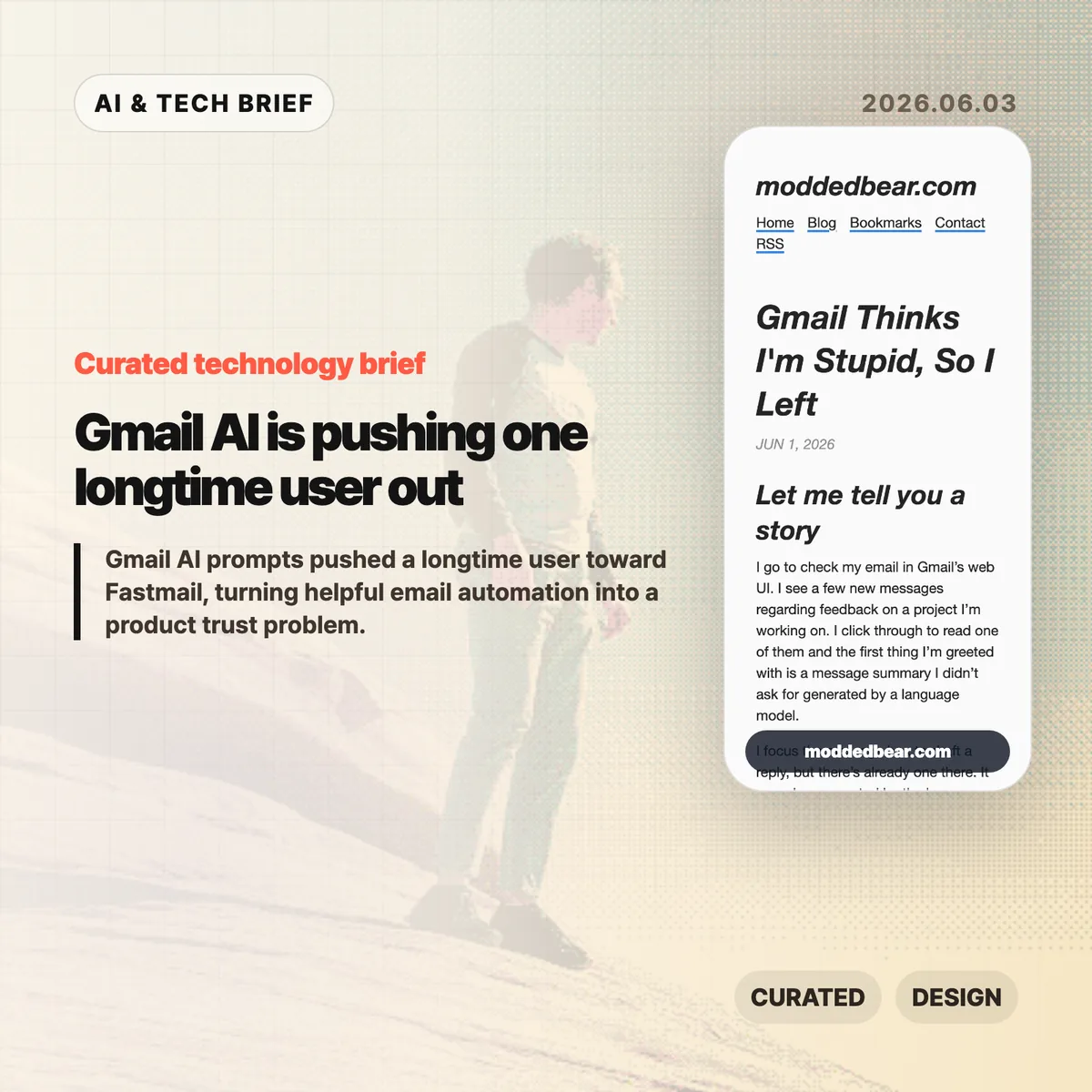
    Gmail AI is no longer a quiet side feature for every user. In a June 1, 2026 post, developer JP described leaving a 16-year Gmail account after the web UI kept inserting AI summaries, reply drafts, and writing prompts into ordinary email work. By June 2, the post had reached Hacker News, where the discussion drew more than 600 points and hundreds of comments about forced AI in everyday tools.

    The short version

    • A longtime Gmail user says the web UI showed an unsolicited message summary, an AI-generated reply draft, a “Help me write” nudge, and a “Tab to improve” prompt while reading and writing email.
    • The author is moving toward a custom domain and Fastmail after 16 years on Gmail, partly because some unwanted smart features are hard to separate from useful older Gmail behavior.
    • The Hacker News discussion drew 399 comments and focused less on whether AI can write emails, and more on whether Google, Microsoft, and other large platforms are forcing AI into workflows to satisfy internal product metrics.
    • For product teams, Gmail AI is a useful warning: AI assistants need clear consent, easy opt-out controls, and restraint in high-trust communication tools.

    What happened

    JP’s June 1 post describes a specific Gmail web session: Gmail showed an unsolicited message summary, inserted a generated reply draft, promoted “Help me write,” and later suggested “Tab to improve.” The post says the prompts appeared while JP was reading project feedback and composing ordinary email, which made Gmail AI feel like a judgment on the user’s own reading and writing.

    The author says some Gmail AI settings can be disabled, but the controls are not cleanly separated from older Gmail features such as automatic thread categorization. That coupling matters because an off switch should not make users give up unrelated mail organization. JP’s response was to start leaving Gmail after 16 years, connect a custom domain to a mail host, try Fastmail, and set up multiple domains and aliases. The switching cost makes the story useful for product teams: email users rarely move unless irritation has become durable.

    Why Gmail AI is worth watching

    Gmail AI is worth watching because email is one of the worst places to make users feel managed by software. Reading a message, deciding tone, and writing a reply are small acts of judgment. If an AI assistant appears before the user asks for help, the product can make a competent person feel supervised rather than supported.

    The useful distinction is not AI versus no AI. Many people want summaries, drafts, translation, and tone help in email. The problem is where the assistant sits in the workflow. A visible command, a compose toolbar button, or a clearly labeled opt-in feature gives users control. A recurring prompt next to the cursor changes the mood of the tool. It turns the inbox from a communication surface into another place where the platform asks for attention.

    That is why this story travels beyond Gmail. Builders adding AI to mature products have to decide whether the assistant is a tool the user summons or a layer the company pushes across the interface. The first can save time. The second can make users wonder whose workflow the product is serving.

    What does Gmail AI change for builders?

    Gmail AI changes the product design question from “can this model help?” to “who gets interrupted, and when?” For email clients, CRMs, support desks, note apps, and developer tools, an AI writing feature touches communication, privacy, and user confidence at the same time. A weak suggestion in Gmail is not only weak text. It can make the product feel as if Google is grading the user.

    App builders should treat AI writing features like power tools. Put the assistant behind a deliberate action, keep the off switch separate from unrelated features, and avoid prompts that appear under the cursor while someone is composing. If the feature learns from user content or appears in a sensitive workflow, explain the setting in plain language. A smaller product can also compete by promising less noise: the assistant is available when asked, and quiet the rest of the time. For more IT and AI product briefs, see the IT & AI archive.

    What Hacker News readers are arguing about

    The Hacker News discussion reached roughly 642 points and 399 comments by June 3, and the argument was mostly about control. Readers treated the Gmail AI story as part of a broader platform pattern: Microsoft Copilot prompts, LinkedIn’s AI-heavy feed, Windows setup screens, Apple Intelligence, and Linux desktops all became comparison points for software that either respects or interrupts user intent.

    The strongest objection was that the same Gmail behavior is not visible to everyone. Some readers had never seen the prompts, while others pointed to Gmail settings for Smart Reply and broader smart features. That makes the story weaker as a universal Gmail diagnosis, but stronger as a rollout lesson. If account settings, Google Workspace policies, regions, or feature flags change the experience, Gmail needs clearer language about what is on, what is off, and what users lose when opting out.

    The practical thread focused on alternatives such as Fastmail, Proton Mail, Apple Mail, self-hosting, Linux desktops, and GrapheneOS. Commenters still acknowledged email switching costs, self-hosted deliverability problems, and the compromises in every provider. The frustration was less “AI is useless” and more “default software has become too needy.”

    The practical read

    Gmail AI is a product trust story before it is an AI capability story. Google may have good reasons to put Gemini-powered summaries and writing help inside Gmail, and some users will benefit from them. The risk is that email is a habit product. If the interface nags at the wrong moment, the user does not evaluate the model in isolation. He judges the whole service.

    For teams shipping AI features, the checklist is simple. Put the assistant behind a deliberate action. Keep the off switch separate from unrelated non-AI features. Avoid prompts that appear under the cursor while someone is composing. Measure repeat voluntary use, not accidental exposure. If users are moving a 16-year account because the interface feels condescending, the feature is no longer just an experiment.

    For users, the lesson is more practical: own the domain if email matters. A custom domain does not remove migration work, spam filtering problems, or provider lock-in, but it makes the next move less painful. JP’s move toward Fastmail is a reminder that switching email is still possible, especially before a provider becomes the only address people know.

    Sources

  • AI IPOs face a $4 trillion public-market test

    AI IPOs face a $4 trillion public-market test

    AI IPOs from SpaceX, Anthropic, and OpenAI would move some of the most valuable private technology companies into public markets at once. The Economist framed the combined market-capitalization effect as potentially reaching about $4 trillion, with index inclusion and passive funds doing much of the early buying. That makes this less a normal IPO story and more a stress test for how public investors price AI infrastructure, frontier models, and Elon Musk’s space business when supply finally appears.

    The short version

    • The Economist asked whether public markets could absorb possible listings from SpaceX, Anthropic, and OpenAI, with up to roughly $4 trillion of public-market value at stake.
    • The practical issue is float, timing, and index demand, not whether the U.S. stock market is large enough in total.
    • Hacker News readers focused less on AI model benchmarks and more on passive funds, retirement accounts, valuation math, and whether public investors would inherit private-market prices.
    • Builders should watch these AI IPOs because public filings would reveal revenue quality, gross margins, inference costs, customer concentration, and infrastructure spending that private AI companies can currently keep opaque.

    What happened

    The Economist’s piece looks at a scenario where SpaceX, Anthropic, and OpenAI become public companies within a compressed window. The article’s headline question is whether the stock market can “swallow” those companies, but the real tension is how much stock would be available for trading and who would be forced or strongly incentivized to buy it.

    The reported numbers are large even by mega-cap standards: a possible addition of up to $4 trillion in public-company value, a comparison with the 2019 Saudi Aramco listing, and the risk that index providers could bring newly listed giants into major benchmarks faster than older seasoning rules would have allowed. The article also pointed to IPO research from Jay Ritter at the University of Florida, where post-listing returns have often lagged the market, especially for companies priced at high revenue multiples.

    For readers who follow AI as product news, the shift matters because public markets ask different questions than private investors do. Model quality, developer enthusiasm, and enterprise pilots still matter. Public shareholders also care about free cash flow, stock compensation, data-center leases, inference margins, debt, customer churn, and how much revenue depends on a few cloud or enterprise contracts.

    Why AI IPOs is worth watching

    AI IPOs are worth watching because they would put private-market AI valuations under daily public pricing. OpenAI and Anthropic can be discussed today as model labs, platform companies, and research organizations. Once they list, investors can compare revenue growth with compute costs, customer concentration, and the capital intensity of serving frontier models at scale.

    SpaceX adds a different kind of pressure. It is not an AI lab, but any large listing tied to Elon Musk, Starlink, launch economics, and possibly adjacent Musk-controlled assets would draw retail interest, index-fund demand, and institutional scrutiny at the same time. The useful question is not whether SpaceX, OpenAI, or Anthropic are important companies. It is whether the first public shareholders would be buying durable earnings power or paying private-market prices after much of the early upside has already accrued.

    There is also a market-structure angle. If index providers add a giant listing quickly, funds that track those indexes may need to buy regardless of whether the price looks attractive. That can support an IPO price in the short run while leaving later buyers exposed if lockups expire, insiders sell, or growth expectations cool.

    What do AI IPOs change for builders?

    AI IPOs would give builders a clearer view of the economics behind the platforms they depend on. Private AI labs can announce model launches, funding rounds, and enterprise partnerships without showing the full income statement. Public companies must disclose revenue mix, risk factors, customer concentration, capital commitments, losses, and sometimes enough segment detail to show where gross margins are improving or breaking.

    That matters for product teams choosing between OpenAI, Anthropic, open-source models, or cloud-hosted alternatives. A public filing cannot tell a builder which API will ship the best next model, but it can show whether a platform is burning cash to subsidize prices, depending on one cloud partner, or spending heavily enough on infrastructure to constrain future pricing. For AI app teams, those filings may become part of vendor diligence, much like uptime history and data-retention terms already are. The IT & AI archive tracks the same shift from model announcements to operator economics.

    What Hacker News readers are arguing about

    The Hacker News discussion was unusually large, with more than 1,000 comments, and the thread quickly turned into a debate about who would end up buying these shares. The strongest concern was that index-rule changes could push passive retirement money into mega-valued IPOs soon after listing. Several commenters framed that as a transfer from private holders to 401(k), ETF, and pension investors who did not actively choose the trade.

    A second camp argued that the dollar amount sounds scarier than it is. U.S. equity markets and household fund flows are enormous, and a listing does not put an entire company’s market value up for sale on day one. Commenters in this camp focused on float: if only a limited slice trades initially, the question becomes liquidity and rebalancing, not whether the entire market can absorb trillions in one transaction.

    The more technical disagreement centered on valuation. Some readers called Anthropic and OpenAI thin-moat businesses whose model advantages could erode as competitors catch up. Others pushed back, saying revenue growth, enterprise adoption, and infrastructure demand make blanket bubble claims too easy. SpaceX drew a separate split. Skeptics worried about Musk-related complexity and bundled assets, while defenders pointed to launch cost advantages, Starlink, and a clearer operating business than many AI labs have.

    The thread is useful as sentiment, not proof. It shows that technical readers are not only asking whether AI works. They are asking whether public-market mechanics will let ordinary investors buy the companies at a fair price.

    The practical read

    Treat the AI IPOs story as a financing and disclosure event, not a verdict on AI progress. A strong product can still be a poor stock at the wrong price. A stretched IPO can also fund real infrastructure that competitors struggle to match. Both can be true in the same listing.

    For builders, the filings would be worth reading before the share-price chart. Look for inference gross margins, cloud commitments, customer concentration, churn, usage-based revenue, safety or regulatory constraints, and whether model costs fall fast enough to support current pricing. For investors, the cleaner question is whether index demand and retail allocation are supporting the first trade more than fundamentals are. If that is the case, the opening price may tell more about market plumbing than business quality.

    For everyone else, the story is a reminder that AI has moved from demos and benchmarks into balance sheets. The next phase will be measured in filings, margins, debt, power contracts, data-center commitments, and the patience of public shareholders.

    Sources

  • CPU LLM inference: Gemma runs on a 2016 Xeon

    CPU LLM inference: Gemma runs on a 2016 Xeon

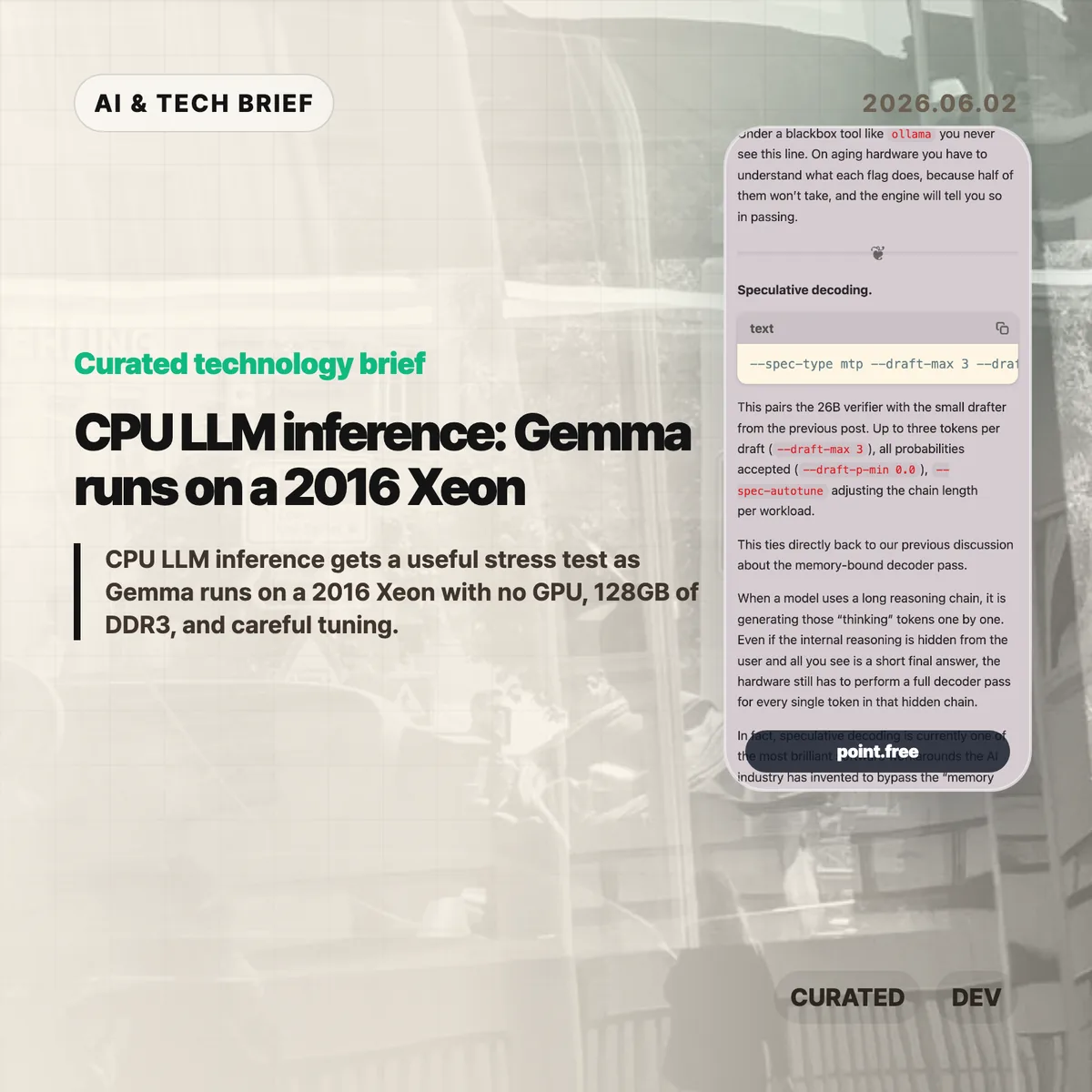
    CPU LLM inference usually sounds like a compromise you make when a GPU is unavailable. Christina Sorensen’s test makes the compromise more interesting: Gemma 4 26B-A4B ran at roughly reading speed on a 2016 Intel Xeon E5-2620 v4 server with no GPU, 128GB of DDR3 memory, and a long list of ik_llama.cpp flags. The useful lesson is not that old Xeons are suddenly better than GPUs. It is that memory bandwidth, KV cache size, speculative decoding, and engine control matter more than a simple hardware checklist.

    The short version

    • The test used one Intel Xeon E5-2620 v4, 8 physical cores, 16 threads, 128GB of DDR3 RAM, and no GPU.
    • Gemma 4 26B-A4B is described as a roughly 25.2B parameter Mixture-of-Experts model with about 3.8B active parameters per token.
    • The run needed about 82GB of memory at the full 262K context, with roughly 25GB for weights and 56GB for KV cache.
    • The practical win came from engine-level tuning: MTP speculative decoding, CPU-aware MoE routing, runtime repacking, Flash Attention, and explicit KV-cache handling.
    • For builders, the test is a reminder that local AI can make sense for privacy or batch jobs, but power draw, noise, and setup time still count.

    What happened

    Sorensen published a detailed run of Gemma 4 26B-A4B on a recycled server that looks weak by current AI standards. The CPU is a single Xeon E5-2620 v4 from 2016. It has AVX2, but no AVX-512, no AVX-VNNI, no BF16, and no integrated GPU. The memory is the saving grace and the bottleneck at the same time: 128GB is enough capacity, but DDR3 is slow compared with modern laptop memory.

    The run did not use a simple wrapper. The command line included --spec-type mtp, --draft-max 3, --cpu-moe, --merge-up-gate-experts, --run-time-repack, --flash-attn on, --mla-use 3, --mlock, and --no-kv-offload. Some of those flags are about speed. Some are about avoiding wasted work. Some are there because the engine has to be told, explicitly, that there is no GPU to lean on.

    The memory accounting is the part that should make people pause. At the full 262K context, the run needed 82,355 MiB for model tensors plus cache. The KV cache was larger than the model weights. That is a good mental reset for CPU LLM inference: once the context gets large, the short-term memory of the conversation can become the thing that dominates RAM.

    CPU LLM inference in plain terms

    The decoder phase of an LLM is often memory-bound. Each new token requires the system to stream model weights through memory and cache. On a GPU server, high-bandwidth memory hides a lot of that pain. On an old CPU box, the memory wall is right in your face.

    That is why the details in this post matter. Speculative decoding tries to get more useful tokens out of each expensive verifier pass by pairing the main model with a smaller drafter. CPU-aware MoE routing tries to keep expert weights from thrashing the cache. Runtime repacking reshapes weight matrices so the CPU can read them more efficiently. Flash Attention and MLA reduce the amount of attention and KV-cache data that has to be materialized in memory.

    None of this makes the setup friendly. It actually proves the opposite. If the only way to make CPU LLM inference usable is a 25-flag command, missing documentation, and logs that quietly downgrade unsupported settings, then the open-model stack still has a usability problem. The model may be open. The working recipe is harder to get.

    Why this is worth watching

    The interesting part is not nostalgia for old servers. It is the gap between “can run” and “can run well.” Local AI is full of that gap right now. A consumer tool may hide all the knobs, which is fine until the defaults waste RAM, miss a CPU optimization, or let a model swap to disk.

    This matters for teams that want local inference for internal documents, private workflows, or overnight automation. A slow local model can still be useful if the job is summarizing PDFs, drafting code comments, classifying logs, or running background research. For more stories like this, the IT & AI archive tracks practical AI tooling rather than launch-day hype.

    The catch is cost. A repurposed server is not free if it burns power, runs loud, and takes hours to tune. The right comparison is not “old Xeon versus H100.” It is “owned hardware for patient workloads versus hosted inference for fast ones.” CPU LLM inference belongs in that second-level decision, not in a slogan about replacing GPUs.

    What Hacker News readers are arguing about

    The Hacker News thread is mostly useful because it pushes back on the romance of the homelab. Several readers liked the privacy and offline angle, especially for data that should not leave a home or company network. Others pointed out that rack-era Xeon machines can be noisy, hot, and inefficient. One commenter compared old Xeon boxes with newer small Intel systems and argued that the modern machine is often faster while using far less power.

    A second thread of discussion focused on measurement. Readers questioned whether a tiny prompt such as “Why is the sky blue?” tells enough about real workloads. Coding, log analysis, and document tasks often start with thousands of input tokens, so prompt evaluation, prefix caching, and long-context behavior matter as much as output speed. That skepticism is fair. Reading-speed generation is useful, but it is not a full benchmark.

    There was also a more technical argument about cache and CPU choice. Some readers noted that older Xeons vary a lot, and modern consumer CPUs can have comparable or better cache behavior. Others brought up AMD 3D V-Cache and high-memory consumer systems as a better direction than keeping loud server hardware alive. The strongest practical takeaway from the thread: local inference is attractive when privacy or control matters, but hosted models may still be cheaper for casual batch jobs once electricity and time are included.

    The practical read

    If you are building with local models, treat this as a checklist, not a buying guide. Start with the workload. If the job is interactive chat, an old CPU box will probably frustrate users. If the job runs in the background and handles sensitive data, a slower local model can be fine.

    Then check memory before you check FLOPS. Model weights are only part of the footprint. Long context can make the KV cache bigger than the model itself, and swapping will destroy performance. After that, look at the engine. A wrapper that is easy to install may be the wrong tool if it hides the settings needed for your hardware.

    For app builders, the ASO angle is simple: local AI features should be marketed around privacy, offline use, and patient background work, not raw speed. CPU LLM inference is credible when the product promise matches the hardware reality.

    Sources

  • Zstandard in Rust makes a low-level compression library safer

    Zstandard in Rust makes a low-level compression library safer

    Zstandard in Rust now has a public prerelease from Trifecta Tech Foundation, and the interesting part is where it sits: under web traffic, package managers, logs, build systems, and plenty of code that users never see. The project, libzstd-rs-sys, aims to provide a Rust implementation of Zstd that can also compile into a C-compatible static library. In plain terms, it is an attempt to make a common compression layer less dependent on memory-unsafe C without asking every downstream project to redesign its stack.

    The short version

    • Trifecta Tech Foundation has published libzstd-rs-sys version 0.0.1-prerelease.2, a Rust implementation of the Zstandard file format.
    • The cleaned-up decoder and dictionary builder are the most mature parts today; the encoder still needs more cleanup and funding.
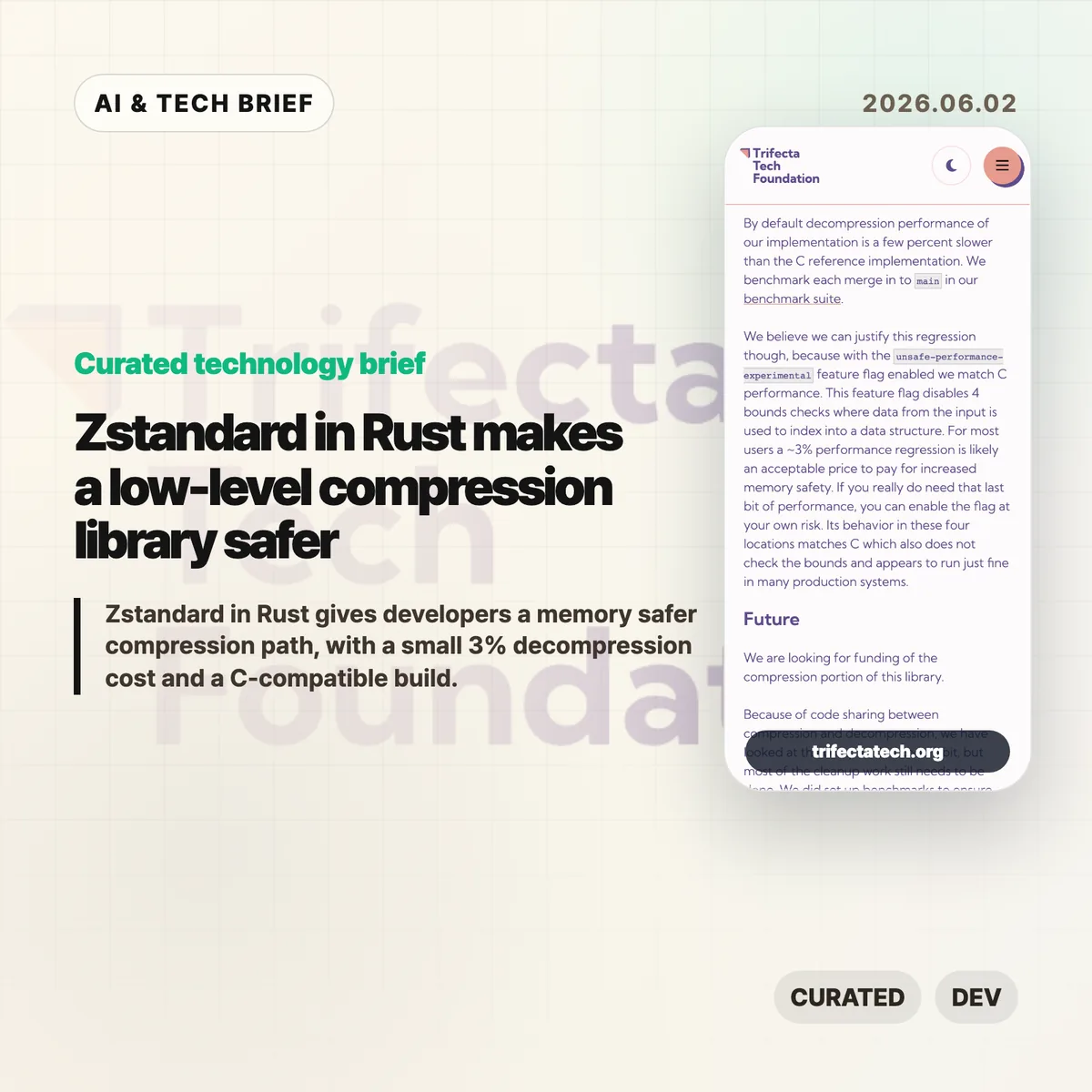
    • Default decompression is a few percent slower than the C reference implementation, but Trifecta says the gap is about 3% for most users.
    • An unsafe-performance-experimental feature can match C performance by disabling four bounds checks, so the project is explicit about the safety-speed tradeoff.
    • Zstandard in Rust matters most for developers targeting Windows, WebAssembly, embedded systems, or cross compiled builds where a C toolchain can be the thing that breaks.

    What happened

    Trifecta Tech Foundation announced the first prerelease of libzstd-rs-sys, a Rust implementation of Zstandard. The repository describes the decoder as mostly cleaned up and ready for experimental use, while the dictionary builder has some remaining unsafe code and the encoder is still close to the raw c2rust translation.

    The foundation started from the Zstandard reference implementation, translated it with c2rust, and then cleaned up the decompression and dictionary builder paths. It tests the Rust code as a C static library against the reference implementation’s test suite. It also uses fuzz testing and Miri, which is the right kind of boring for a compression project. One bit wrong is still wrong.

    The work is not framed only as a Rust crate. Trifecta wants the library to compile into a drop-in compatible C library, similar to its earlier zlib and bzip2 work. That gives C projects a possible replacement path instead of limiting the work to Rust-only consumers.

    Zstandard in Rust details for builders

    For Rust developers, the first practical benefit is portability. The existing zstd crate already lets Rust code use Zstandard, but it compiles C code from source. That means the target needs a working C toolchain, and the target has to be supported by that C build path.

    That is usually manageable on mainstream Linux servers. It gets more annoying on Windows, WebAssembly, cross compiled targets, and smaller deployment environments. A dependency that stays inside the Rust toolchain can remove a surprising amount of build friction.

    There is also a software supply chain angle. Compression libraries are small enough to ignore and common enough to matter. If a safer implementation can be swapped in without breaking C callers, maintainers get a migration option instead of a rewrite plan. For more stories in this lane, the IT & AI archive tracks similar developer infrastructure shifts.

    Why this is worth watching

    The story is less about Zstd getting a shiny new language badge and more about where memory safety is moving. Rust rewrites usually get attention in browsers, kernels, cloud services, or command line tools. Compression sits lower. It is the kind of dependency that quietly spreads through many systems and then stays there for years.

    The performance numbers are also more honest than a lot of rewrite announcements. Trifecta says decompression is a few percent slower by default, and that most users may accept about a 3% cost for memory safety. If someone needs the last bit of speed, the experimental feature flag exists, but it turns off four bounds checks where input data indexes into structures. That is a clear choice, not marketing fog.

    The unfinished parts matter. The encoder still needs substantial cleanup, and the library is not described as battle-tested. The current release is a serious milestone, not a universal replacement for every Zstd deployment.

    What Hacker News readers are arguing about

    The Hacker News thread is tiny, so it should not be treated as a broad community read. The useful objection is specific: one commenter pointed to an existing pure Rust implementation, zstd-rs, and said the announcement should have compared against it directly.

    That criticism is fair. Trifecta explains why the current Rust zstd crate is not enough, because it still builds C code, but a reader can reasonably ask how libzstd-rs-sys differs from other pure Rust Zstd efforts. A comparison table would help: compatibility goals, C drop-in support, decoder maturity, encoder state, performance, unsafe code, and test coverage.

    The thread does not offer much more than that. Still, the comment catches the main editorial caveat: this project is easier to understand if you separate “Rust implementation for C-compatible replacement” from “another Rust library for Rust applications.”

    The practical read

    If you maintain software that already uses Zstd through the C reference implementation, watch libzstd-rs-sys but do not treat it as a finished migration path yet. The decoder looks like the part to test first. The encoder still needs work.

    If your pain is build portability, especially around Windows, WebAssembly, or cross compiled targets, Zstandard in Rust is more immediately interesting. The value is not only memory safety. It is fewer toolchain surprises.

    If performance is your reason to hesitate, benchmark your workload. A 3% decompression cost may be irrelevant for package downloads, logs, and background jobs. It may matter in a hot path. The experimental flag is there, but using it means accepting the same kind of unchecked indexing that Rust was supposed to help avoid.

    Sources