Tag: Google

  • Google I/O 2026 AI updates: Gemini moves into Search, apps, and agents

    Google I/O 2026 AI updates: Gemini moves into Search, apps, and agents

    Google I/O 2026 AI updates were less about one model beating another benchmark and more about where Google wants Gemini to live. The company put Gemini into Search, the Gemini app, coding tools, shopping, YouTube creation flows, Android XR, and AI content verification. For builders, the useful question is whether Google is turning AI from a separate assistant into the default layer across its products.

    The short version

    • Google announced Gemini Omni for multimodal video generation, with Gemini Omni Flash arriving in the Gemini app, Google Flow, YouTube Shorts, and YouTube Create.
    • Gemini 3.5 Flash is aimed at agentic coding and long-horizon tasks, with access through Google Antigravity, Google AI Studio, Android Studio, Gemini Enterprise, and Search AI Mode.
    • Google Search is adding information agents and generative interfaces, so some queries may become tracked tasks, dashboards, or custom tools rather than a list of links.
    • The Gemini app is moving toward a personal agent model with Daily Brief, Gemini Spark, and a new interface system called Neural Expressive.
    • Universal Cart, Android XR, Gemini for Science, and SynthID verification show Google pushing Gemini into commerce, hardware, research, and provenance.

    What happened

    Google used I/O 2026 to announce a broad Gemini product push across consumer apps, developer tools, and Search. In one keynote recap, Google listed 12 major moments: Gemini Omni, Gemini 3.5 Flash, information agents in Search, generative UI in Search, Daily Brief, Universal Cart, Gemini Spark, Neural Expressive, Android XR eyewear, SynthID expansion, Gemini for Science, and NotebookLM updates.

    The first-party announcements matter because they describe product placement, not only model capability. Gemini Omni is positioned as a model that can turn text, image, video, and audio references into video. Gemini 3.5 Flash is positioned around agents and coding. Search gets background information agents and AI-generated interfaces. The Gemini app gets proactive briefings and a cloud agent that can keep working while a phone or laptop is closed.

    Google also tied these features to existing channels: Search, Gmail, Calendar, YouTube, Android Studio, Google AI Studio, Gemini Enterprise, Android XR, and Chrome. That is the part worth watching. If these features ship at meaningful scale, users may meet Gemini in places where they already search, code, shop, plan, and watch video.

    Why this is worth watching

    Google I/O 2026 AI updates are worth watching because they point to a product distribution strategy. Google is not asking every user to adopt a new standalone AI app first. It is putting Gemini into surfaces with existing habits: Search for discovery, Gmail and Calendar for personal context, YouTube for creation, Android Studio for developers, and Android XR for hardware.

    That gives Google a different kind of leverage from an AI lab that mainly ships a chatbot or API. Search information agents can keep monitoring a topic after the first query. The Gemini app can build a morning brief from connected apps. Gemini Spark can continue work in the cloud. Universal Cart can collect shopping actions across Google services. None of these ideas is brand new in isolation, but the combined placement is the signal.

    The catch is rollout. Several features start with U.S. users, Google AI Pro or Ultra subscribers, or later beta windows. Product teams should watch the exact availability and user controls rather than assume every announcement changes behavior immediately.

    What do Google I/O 2026 AI updates change for developers?

    Google I/O 2026 AI updates make the developer story more about agent placement than code completion. Gemini 3.5 Flash is available through Google Antigravity, the Gemini API in Google AI Studio, Android Studio, Gemini Enterprise Agent Platform, Gemini Enterprise, and Search AI Mode, according to Google. That means the same model family can show up in IDEs, enterprise workflows, and search experiences.

    For developers, the immediate test is not whether another model can write a function. The better test is whether an agent can manage longer tasks, inspect context, and hand back work that is easy to verify. Google says Gemini 3.5 Flash is built for agents and coding, but teams still need guardrails: tests, review flows, approval steps, and clear boundaries around credentials or production changes.

    The Search angle is especially strange in a useful way. Google says Search can use Antigravity and Gemini 3.5 Flash to create custom generative interfaces for certain questions. If that works, some lightweight dashboards, planners, or trackers may appear inside search results before a user opens a separate web app. Builders should ask where their product still earns a direct visit and where it should expose better data, APIs, or structured content for AI-driven surfaces.

    What Google Search agents could change

    Google Search agents could shift part of search from one-time lookup to ongoing monitoring. Google says information agents can operate in the background, reason across web, news, and social information, and send updates when something relevant changes. The user creates and manages these agents inside Search, starting with commands such as asking Google to keep them updated.

    That is a big change for publishers, SaaS products, and marketplaces. A search result may become a task subscription. A user researching a product category, policy change, travel plan, or technical topic may expect a stream of filtered updates rather than repeated searches. The old SEO question was often, “Can this page rank for the query?” The new question may become, “Can this source remain useful when an agent keeps checking the topic?”

    There is also a product-design implication. Google describes generative UI in Search as dynamic layouts, interactive visuals, trackers, and dashboards created for the user’s task. If users get a useful mini tool in the result page, web products need sharper reasons to pull them into a full product experience: deeper data, collaboration, transactions, identity, support, or trust.

    For more English-language technology coverage, see the IT & AI archive.

    What the discussion is missing

    There was no clear Hacker News discussion available from the source material or a direct search of public HN results for the main Google I/O 2026 announcement pages. That means the useful skepticism has to come from the product facts, not from a community thread.

    The missing debate is practical. How many of these features leave keynote demos and become defaults? How much user context will people connect to Gemini for Daily Brief or Spark? Will Search agents send useful updates or create another notification channel to ignore? Can generative UI in Search help users complete tasks without damaging the open web incentives that feed Search in the first place?

    Those questions are not minor. They decide whether Google I/O 2026 AI updates become a real platform shift or a long list of features that roll out slowly across regions, subscriptions, and product tiers.

    The practical read

    Builders should treat Google I/O 2026 as a map of where AI interaction is likely to appear next: search results, app home screens, coding environments, shopping flows, video tools, and wearable interfaces. The safest response is not to copy every feature. It is to check where your product depends on a user making a separate visit after a Google query.

    If your product is content-heavy, make the source material easy to parse and keep it fresh. If it is a developer tool, invest in verification and handoff, because agentic coding is only useful when teams can trust the output. If it is a commerce or app experience, watch Universal Cart and Gemini app integrations for signs that discovery and checkout may move closer to assistant surfaces.

    Ignore the parts that are still availability-limited unless they touch your roadmap. Pay attention to features that reuse existing Google distribution: Search, Android Studio, Gmail, Calendar, YouTube, and Android. Those surfaces, more than the model names, are where user behavior may actually change.
    Sources

  • Google AX puts agent runtime reliability ahead of model hype

    Google AX puts agent runtime reliability ahead of model hype

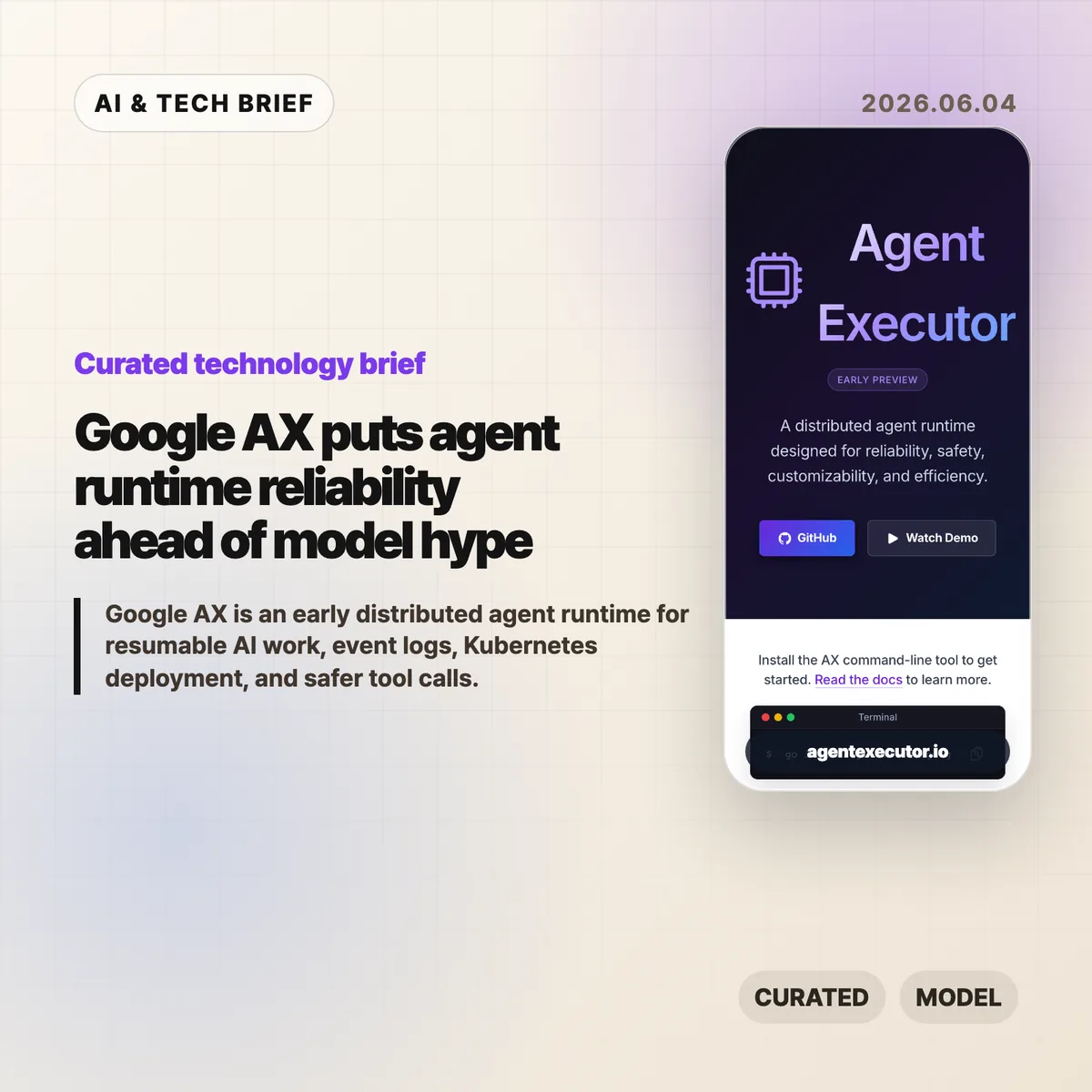
    Google AX, short for Agent Executor, is Google’s Apache 2.0 early preview runtime for distributed AI agents in 2026. According to the google/ax README on GitHub, AX uses a controller to coordinate agentic loops, write an event log, and communicate with local and remote actors. The project focuses on resumable execution, isolated skills and tools, and Kubernetes-friendly deployment. Its clearest message is that agent apps need infrastructure for recovery and audit trails before they can be trusted with long-running work.

    AX also arrives with a blunt stability warning. According to Google, the core runtime, resumption protocols, and specifications are still being refined before a stable release, and external pull requests are paused for now. That makes the project useful as a map of Google’s agent infrastructure thinking, not a mature dependency to install casually.

    The short version

    • Google AX is an early preview distributed runtime for agentic applications, released under Apache 2.0 through the google/ax GitHub repository.
    • The runtime coordinates controllers, skills, tools, and agents as isolated actors instead of treating an agent as one large process.
    • Its strongest idea is resumability: AX keeps an event log so disconnected clients can catch up from the last event sequence they saw.
    • Google says AX is compute agnostic, but the project currently aims to work especially well on Kubernetes and Agent Substrate.
    • The practical signal is clear: serious agent products will compete on execution reliability, auditability, and recovery, not only on model choice.

    What happened

    Google published Agent Executor, or AX, as a distributed runtime for long-running AI work in 2026, and the repository is public under the Apache 2.0 license. According to the official site, AX is designed for reliability, safety, customizability, and efficiency. The GitHub README says AX coordinates agentic loops, manages executions with event logging, and communicates with both local and remote actors.

    The project is still marked as an early preview. Google warns that the core, resumption protocols, and runtime specifications are still changing, and that major breaking changes may arrive before a stable release. External pull requests are temporarily paused while the team stabilizes the architecture, though issues and feedback are still invited through GitHub and ax-dev@google.com.

    This is not a polished product announcement. It reads more like Google opening a systems layer early so developers can test assumptions before the stable runtime is cut. For more coverage like this, the IT & AI archive tracks developer infrastructure and AI platform shifts.

    Why Google AX is worth watching

    Google AX is worth watching because it names the boring problem that decides whether agents become products: execution has to survive interruptions. A useful agent may run for minutes, call tools, talk to remote services, and wait for external state. If a browser tab closes or a network connection drops, the runtime needs to know what happened and where to resume.

    AX addresses that with a single-controller model and a durable event log. The README calls this a Single-Writer Architecture: one controller owns state updates, which reduces ambiguity when skills, tools, and remote agents are running separately. The event log gives clients a way to replay missed events from the last sequence number they saw. That is catch-up, not a rewind of the whole conversation.

    The more agent apps look like background workers, the more this matters. Logging, replay, tool-call policy, and recovery become product features because users will blame the app when a long task silently dies.

    What does Google AX change for builders?

    Google AX changes the checklist for agent builders by pushing runtime questions closer to the start of product design. The README’s quick start uses ax exec, conversation IDs, and last-seen event sequences, which points to a product model where clients can disconnect and later catch up. Teams should ask how execution state is stored, which actor writes state, whether tool calls are auditable, and how a client reconnects after a failure.

    That is especially relevant for apps that hand work to agents in the background: code changes, data cleanup, research runs, customer support workflows, infrastructure checks, or multi-step automation. These jobs need more than a chat transcript. They need an execution record that can be inspected after the fact.

    The ASO angle is also practical. Agent apps and developer tools that can advertise reliable background runs, policy controls, and recoverable tool execution will be easier to trust in plugin stores, agent directories, and enterprise app catalogs.

    Kubernetes is part of the runtime bet

    Google AX is compute agnostic on paper, but Kubernetes is clearly part of the intended path. The README says AX aims to provide its best experience on Kubernetes, and the official site points to a demo running on Agent Substrate. The installation path also includes an AX CLI built from the GitHub repository.

    That matters because many agent demos still assume a single process, a friendly local environment, and short sessions. Kubernetes pushes the conversation toward schedulable workers, isolated actors, deployment manifests, recovery boundaries, and resource density. Google is effectively treating agent execution as an orchestration problem.

    For small experiments, that may feel heavy. For teams already running AI services on cloud infrastructure, it is a familiar trade-off: more operational surface area in exchange for clearer control over state, isolation, and scale.

    What Hacker News readers are arguing about

    The Hacker News thread is too small to support a real sentiment read. The submission had 2 points and one visible comment when checked through the public Algolia item API. That comment noted that AX is built on top of Kubernetes and Agent Substrate, which lines up with the project’s own deployment story.

    The useful takeaway is the absence of debate as much as the comment itself. There is no broad public argument yet about whether AX is too complex, whether Kubernetes is the right default, or how it compares with LangGraph, Temporal-style workflows, or other agent orchestration stacks. Builders should treat the thread as a pointer, not evidence of adoption.

    The questions worth asking are straightforward: how stable will the resumption protocol become, how much of the runtime depends on Google’s preferred substrate, and whether AX can stay useful for teams that do not want to put every agent workload on Kubernetes.

    The practical read

    Google AX is an early preview, so most teams should treat it as a design reference rather than production infrastructure. The README warns about breaking changes before a stable release, and Google has paused external pull requests while the core architecture settles. That is useful information: the runtime is public enough to study, but too young to bet a product deadline on.

    If you are building an agent product, use AX as a checklist. Can a user reconnect without losing state? Is every tool call visible later? Does one component own state writes? Can a failing worker be resumed instead of restarted from scratch? Can local tools, remote agents, and policy checks be separated cleanly?

    If those questions sound premature, the app is probably still a demo. If they sound painfully familiar, Google AX is worth tracking even before it is stable.

    Sources

  • Gmail AI is pushing one longtime user out

    Gmail AI is pushing one longtime user out

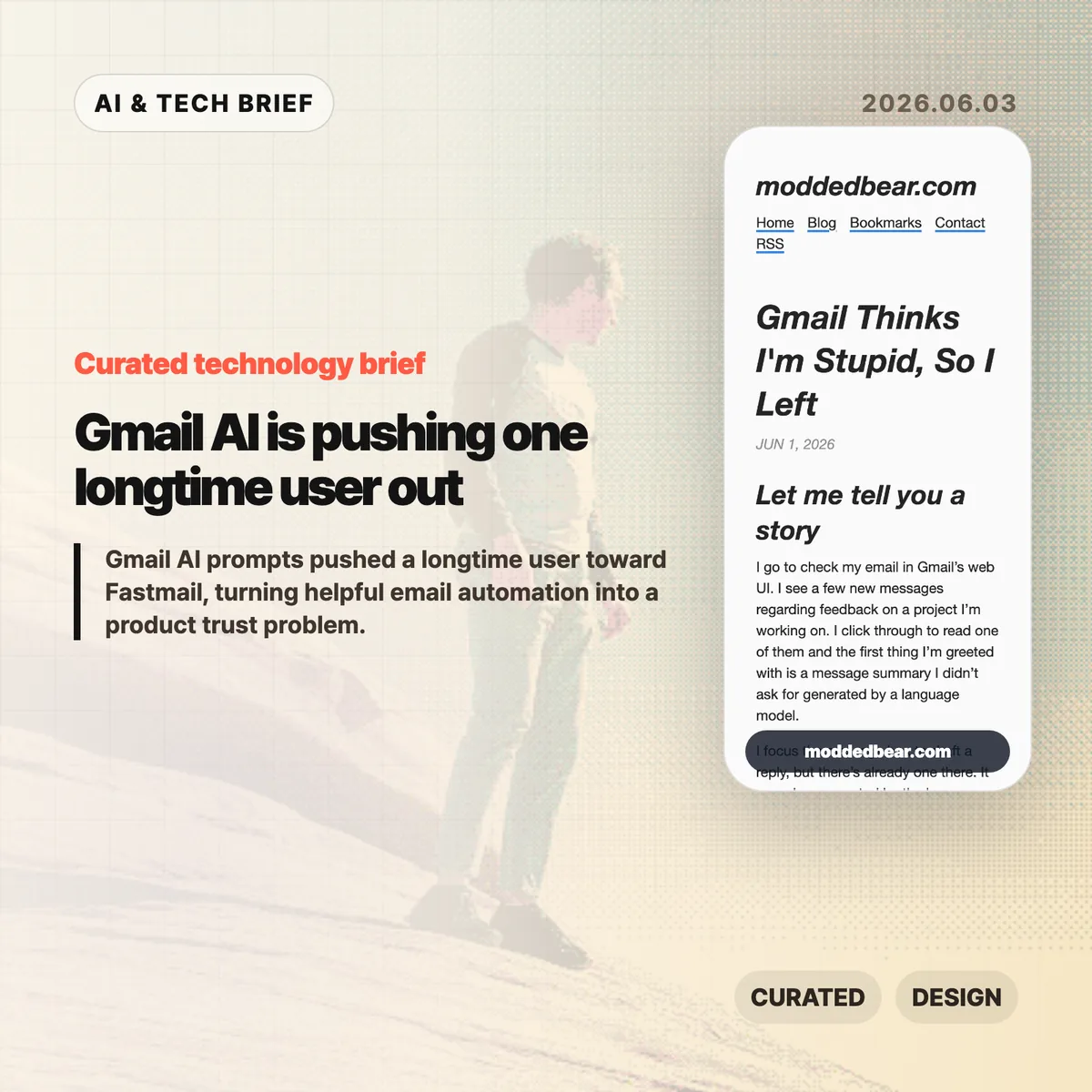
    Gmail AI is no longer a quiet side feature for every user. In a June 1, 2026 post, developer JP described leaving a 16-year Gmail account after the web UI kept inserting AI summaries, reply drafts, and writing prompts into ordinary email work. By June 2, the post had reached Hacker News, where the discussion drew more than 600 points and hundreds of comments about forced AI in everyday tools.

    The short version

    • A longtime Gmail user says the web UI showed an unsolicited message summary, an AI-generated reply draft, a “Help me write” nudge, and a “Tab to improve” prompt while reading and writing email.
    • The author is moving toward a custom domain and Fastmail after 16 years on Gmail, partly because some unwanted smart features are hard to separate from useful older Gmail behavior.
    • The Hacker News discussion drew 399 comments and focused less on whether AI can write emails, and more on whether Google, Microsoft, and other large platforms are forcing AI into workflows to satisfy internal product metrics.
    • For product teams, Gmail AI is a useful warning: AI assistants need clear consent, easy opt-out controls, and restraint in high-trust communication tools.

    What happened

    JP’s June 1 post describes a specific Gmail web session: Gmail showed an unsolicited message summary, inserted a generated reply draft, promoted “Help me write,” and later suggested “Tab to improve.” The post says the prompts appeared while JP was reading project feedback and composing ordinary email, which made Gmail AI feel like a judgment on the user’s own reading and writing.

    The author says some Gmail AI settings can be disabled, but the controls are not cleanly separated from older Gmail features such as automatic thread categorization. That coupling matters because an off switch should not make users give up unrelated mail organization. JP’s response was to start leaving Gmail after 16 years, connect a custom domain to a mail host, try Fastmail, and set up multiple domains and aliases. The switching cost makes the story useful for product teams: email users rarely move unless irritation has become durable.

    Why Gmail AI is worth watching

    Gmail AI is worth watching because email is one of the worst places to make users feel managed by software. Reading a message, deciding tone, and writing a reply are small acts of judgment. If an AI assistant appears before the user asks for help, the product can make a competent person feel supervised rather than supported.

    The useful distinction is not AI versus no AI. Many people want summaries, drafts, translation, and tone help in email. The problem is where the assistant sits in the workflow. A visible command, a compose toolbar button, or a clearly labeled opt-in feature gives users control. A recurring prompt next to the cursor changes the mood of the tool. It turns the inbox from a communication surface into another place where the platform asks for attention.

    That is why this story travels beyond Gmail. Builders adding AI to mature products have to decide whether the assistant is a tool the user summons or a layer the company pushes across the interface. The first can save time. The second can make users wonder whose workflow the product is serving.

    What does Gmail AI change for builders?

    Gmail AI changes the product design question from “can this model help?” to “who gets interrupted, and when?” For email clients, CRMs, support desks, note apps, and developer tools, an AI writing feature touches communication, privacy, and user confidence at the same time. A weak suggestion in Gmail is not only weak text. It can make the product feel as if Google is grading the user.

    App builders should treat AI writing features like power tools. Put the assistant behind a deliberate action, keep the off switch separate from unrelated features, and avoid prompts that appear under the cursor while someone is composing. If the feature learns from user content or appears in a sensitive workflow, explain the setting in plain language. A smaller product can also compete by promising less noise: the assistant is available when asked, and quiet the rest of the time. For more IT and AI product briefs, see the IT & AI archive.

    What Hacker News readers are arguing about

    The Hacker News discussion reached roughly 642 points and 399 comments by June 3, and the argument was mostly about control. Readers treated the Gmail AI story as part of a broader platform pattern: Microsoft Copilot prompts, LinkedIn’s AI-heavy feed, Windows setup screens, Apple Intelligence, and Linux desktops all became comparison points for software that either respects or interrupts user intent.

    The strongest objection was that the same Gmail behavior is not visible to everyone. Some readers had never seen the prompts, while others pointed to Gmail settings for Smart Reply and broader smart features. That makes the story weaker as a universal Gmail diagnosis, but stronger as a rollout lesson. If account settings, Google Workspace policies, regions, or feature flags change the experience, Gmail needs clearer language about what is on, what is off, and what users lose when opting out.

    The practical thread focused on alternatives such as Fastmail, Proton Mail, Apple Mail, self-hosting, Linux desktops, and GrapheneOS. Commenters still acknowledged email switching costs, self-hosted deliverability problems, and the compromises in every provider. The frustration was less “AI is useless” and more “default software has become too needy.”

    The practical read

    Gmail AI is a product trust story before it is an AI capability story. Google may have good reasons to put Gemini-powered summaries and writing help inside Gmail, and some users will benefit from them. The risk is that email is a habit product. If the interface nags at the wrong moment, the user does not evaluate the model in isolation. He judges the whole service.

    For teams shipping AI features, the checklist is simple. Put the assistant behind a deliberate action. Keep the off switch separate from unrelated non-AI features. Avoid prompts that appear under the cursor while someone is composing. Measure repeat voluntary use, not accidental exposure. If users are moving a 16-year account because the interface feels condescending, the feature is no longer just an experiment.

    For users, the lesson is more practical: own the domain if email matters. A custom domain does not remove migration work, spam filtering problems, or provider lock-in, but it makes the next move less painful. JP’s move toward Fastmail is a reminder that switching email is still possible, especially before a provider becomes the only address people know.

    Sources

  • Push notification summaries are changing who controls alerts

    Push notification summaries are changing who controls alerts

    Push notification summaries now sit between the app that sends an alert and the person who sees it. Apple and Google still run the delivery pipes through APNs and FCM, but the more interesting shift happens on the device, where Focus modes, notification channels, ranking systems, and AI summaries decide what appears on the lock screen.

    The short version

    • Apple and Google have always mediated mobile push through APNs and FCM, so the channel was never fully owned by app teams.
    • The newer layer is editorial: iOS and Android can group, delay, rank, or summarize notifications after delivery.
    • Push notification summaries make vague marketing copy riskier because the operating system may compress it into something less accurate or less persuasive.
    • Hacker News readers mostly sided with users, arguing that promotional pushes created the conditions for platform-level filtering.
    • App teams should measure downstream behavior, keep transactional alerts clean, and build owned surfaces such as in-app inboxes for anything important.

    What happened

    Jacques Corby-Tuech argues that push notifications are following the same path as email: a channel that once looked like transport is becoming an actively managed surface. On iOS, every third-party alert passes through Apple’s push service. On Android, it passes through Google’s Firebase Cloud Messaging or its predecessors. That architecture has existed for years, but the visible editing layer has become much stronger.

    The article traces the shift from battery-saving infrastructure to user and platform control. Android 8 introduced notification channels in 2017. iOS 15 added Focus modes, Scheduled Summary, and interruption levels. Android 13 made notification permission an explicit runtime grant. Apple Intelligence and Google’s Gemini Nano add another layer by summarizing, ranking, and organizing text on the device.

    The point is not that every alert gets rewritten. The point is that app teams can no longer assume that “delivered” means “shown as written.” For more coverage of mobile and AI platform shifts, see the IT & AI archive.

    Why this is worth watching

    Push notification summaries matter because the last mile is no longer just a UI template. The operating system can decide whether an alert belongs in a quiet batch, whether it looks time-sensitive, whether it should be grouped with other messages, or whether an AI-generated line is a better lock-screen representation than the sender’s original copy.

    How push notification summaries change control

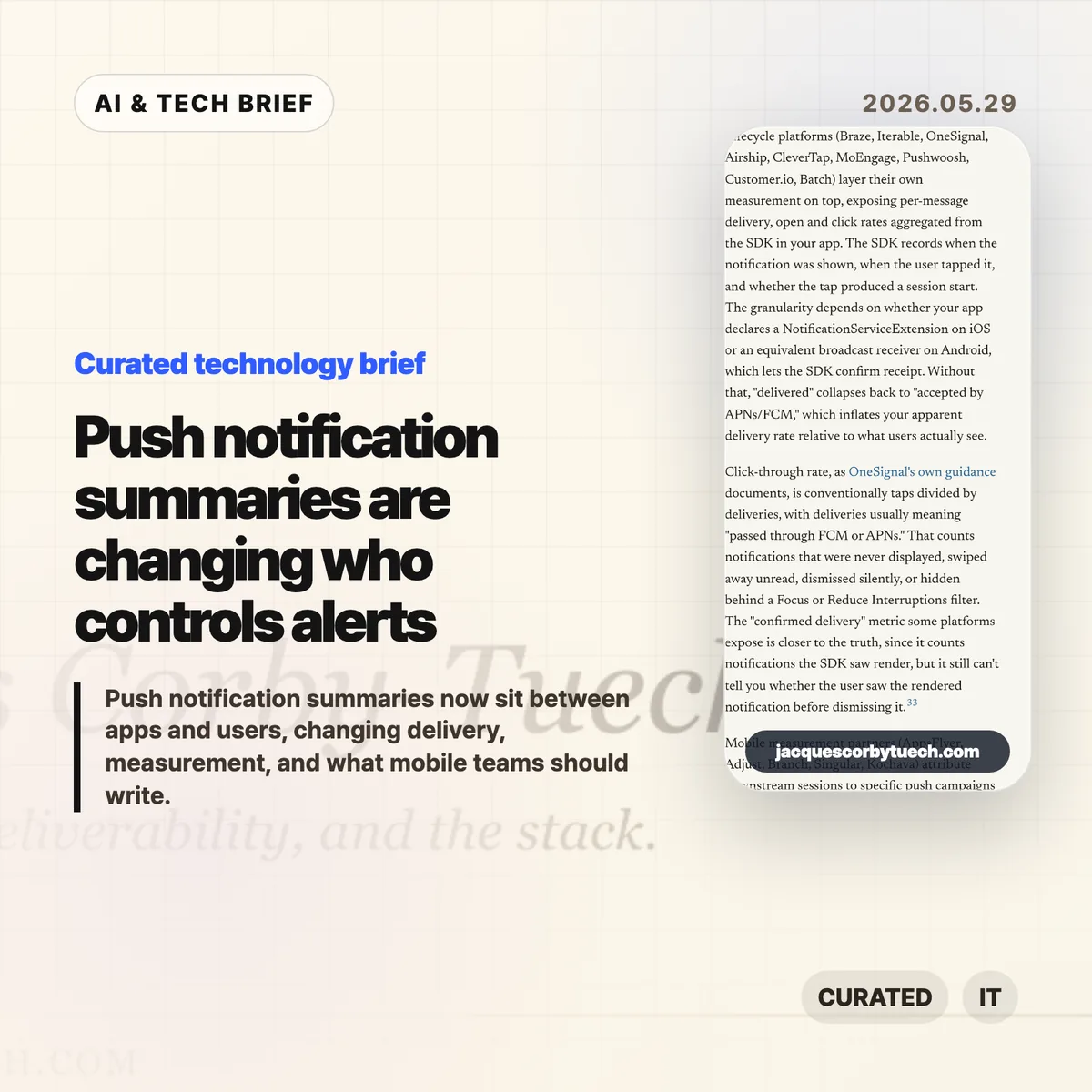
    That creates an awkward measurement problem. APNs or FCM delivery tells a team that the platform accepted the message. It does not tell them whether the user saw it, whether a Focus mode hid it, whether Android organized it into a lower-priority bucket, or whether an AI summary changed its meaning. The old email lesson applies here: proxy metrics can survive long after they stop measuring what teams think they measure.

    It also changes copywriting. “Big update today” is easy to compress badly. “Your 6 p.m. delivery moved to 6:30” gives the system less room to blur the point. Amounts, names, times, status changes, and direct next actions are more likely to survive summarization than brand tone or urgency language.

    What Hacker News readers are arguing about

    The Hacker News thread was lively, with more than 300 comments, and the strongest reaction was not sympathy for marketers. Many readers framed push as a user-owned surface, not a sender-owned channel. Their practical stance was simple: transactional alerts are useful, promotional alerts are usually spam, and app teams have abused that trust often enough that platform filtering feels deserved.

    A second camp accepted the author’s broader platform-power concern but wanted the blame spread around. Several commenters argued that Apple and Google have too much arbitrary control over users and developers, yet also said that users need stronger defaults because most people will not tune every app’s notification settings. In that view, platform mediation is a messy defense mechanism rather than a clean win.

    The most useful operator thread came from people who have worked at scale. One commenter described monitoring push delay, suppression, and coalescing at WhatsApp years before today’s AI summaries. That is a good reminder: push was never a guaranteed real-time pipe. The newer concern is that the intervention is becoming more semantic. It is not only “when does this arrive?” but “what does the user actually read?”

    The practical read

    If you run a mobile product, separate alerts by user intent before the platform does it for you. Transactional messages, account security, delivery changes, chat, rides, timers, and live events should live in clean channels with plain copy. Promotional pushes should be opt-in, easy to turn off, and measured by clicks or downstream actions rather than delivery counts.

    Treat push notification summaries as a constraint on product writing. Put the non-negotiable fact first. Avoid clever subject lines that only make sense with the full body. Do not rely on repeated reminders to create urgency. If a message matters after the lock screen disappears, put it somewhere durable inside the app.

    The app-store angle is easy to miss. Notification behavior now affects retention, reviews, permission prompts, and whether users trust the app enough to keep alerts enabled. For app builders, that makes push design part of the product’s discovery and retention surface, not a growth hack bolted on after launch.

    Sources