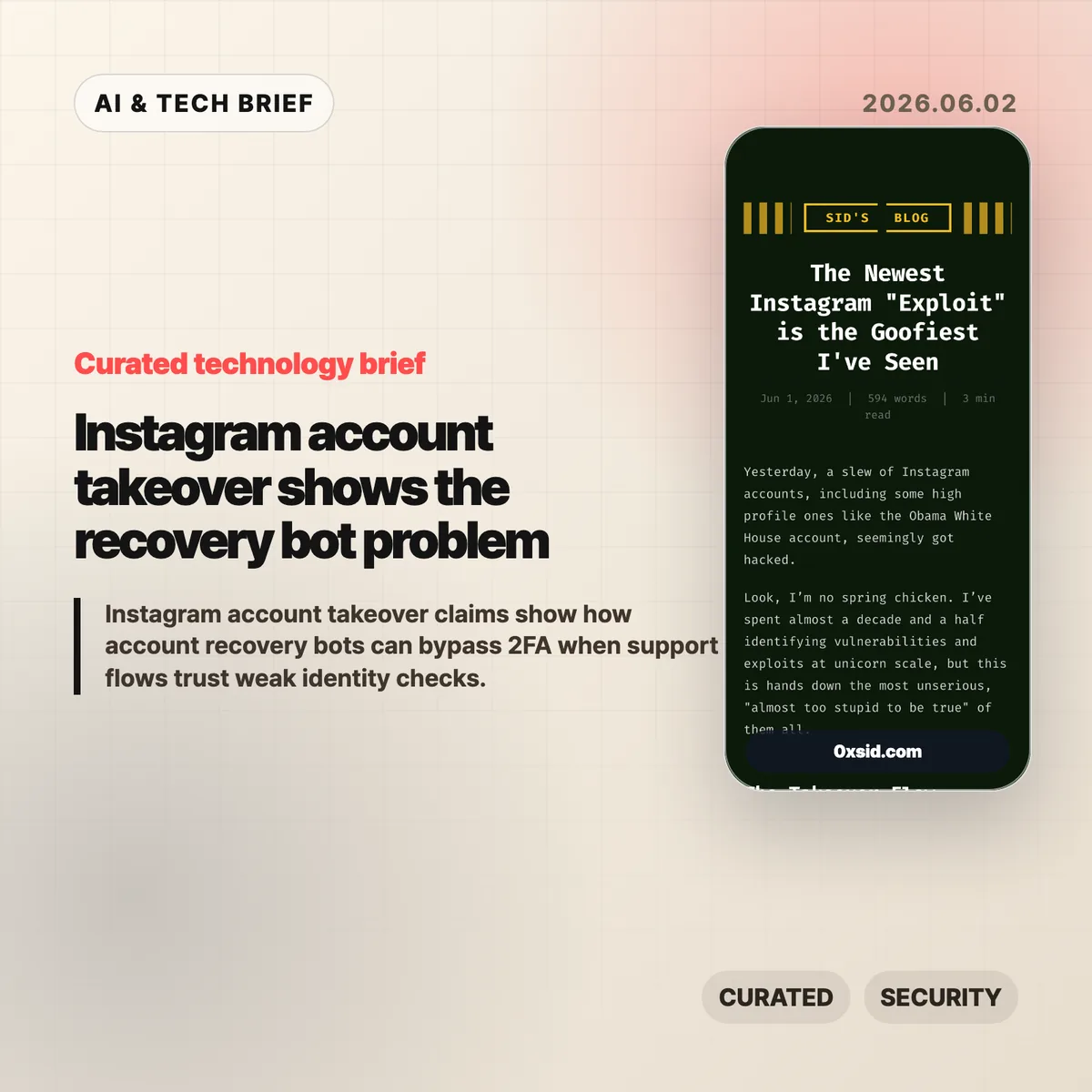
Instagram account takeover risk looks different when the attack starts in support, not at the login screen. A security write-up from Sid’s Blog claims attackers could trigger Meta’s account recovery flow with little more than a username, a nearby-looking network location, and a convincing story for a support AI. Meta appears to have patched the reported path, but the design lesson is bigger than one bug.
Table of Contents
The short version
- The report says attackers could start with a public Instagram username, use a VPN or proxy near the victim’s city, and ask Meta’s support AI to treat the account as hacked.
- The dangerous step was the recovery flow allegedly sending a verification code to an attacker-controlled email address without proving that email had a real tie to the account.
- Two-factor authentication did not solve the problem if the recovery path was treated as a higher-authority account reset.
- Hacker News readers focused less on the AI label and more on an older security problem: support channels can override protections that users thought were final.
- The practical fix is slower and less convenient: delayed recovery, alerts to existing contact methods, recovery keys, trusted contacts, and human review for high-value handles.
What happened
Sid’s Blog describes a reported Instagram account takeover flow that began with a username. The attacker would appear to be near the victim by using a local VPN or proxy, then tell Meta’s support AI that the account had been hacked. According to the post, the attacker could ask the system to send verification codes to an email address they controlled.
The write-up says the attacker could then feed the code back to the recovery flow and receive a fresh password reset link. If accurate, that turns the recovery process into a shortcut around the usual login controls. The account owner may have had two-factor authentication enabled, but the reset path allegedly treated the request as if the rightful owner had initiated a full recovery.
The report also says Meta seems to have patched the issue. That matters. This is no longer a clean “try this now” exploit note. It is more useful as a case study in how account recovery can become the most sensitive part of a consumer app’s security model.
Why this is worth watching
The phrase Instagram account takeover can make this sound like another social media scam. The more useful reading is that support automation now sits close to privileged account actions. A chatbot that only answers questions is annoying when it gets things wrong. A chatbot that can help change account ownership is a security boundary.
Short usernames and prominent accounts raise the stakes. The source post points to black market demand for desirable handles and mentions high-profile accounts that were reportedly affected. Even when a handle is not worth money, the account may still be useful for impersonation, spam, propaganda, or social engineering.
This also fits a broader pattern for anyone building consumer products, marketplaces, developer tools, or agent interfaces. The login screen gets the security budget. Recovery often gets the sympathy budget. Attackers notice the difference. For more coverage of AI and security product design, the IT & AI archive keeps related briefs in one place.
Instagram account takeover recovery risks
Account recovery has to choose between two bad outcomes. If it is too strict, real users lose access forever when they lose an email account or phone number. If it is too forgiving, attackers can pretend to be locked-out users and inherit the account.
The reported Instagram account takeover path landed on the second side of that tradeoff. A safer design would not rely on a single new email address introduced during the support conversation. It would notify existing contact methods, wait before making irreversible changes, preserve a cancellation window, and add extra checks for short handles, verified accounts, institutional accounts, and accounts with recent suspicious activity.
Recovery also needs to treat two-factor authentication as a signal, not as decoration. If support can remove 2FA without strong proof, then 2FA is only as strong as the weakest support override. That is the part product teams should take seriously.
What Hacker News readers are arguing about
The Hacker News thread is large, with more than 300 comments and a clear split in emphasis. One camp saw the reported flow as another example of support being the weakest link. Their point was blunt: if support staff or support software can remove 2FA, the user never really had a hard security guarantee.
Another camp pushed on the recovery tradeoff. A service can fail secure by locking out users who lose access to their old email, or fail safe by letting recovery proceed through alternate proof. Neither option is pleasant at Instagram scale. The thread’s better suggestions were practical rather than flashy: add multi-day delays, alert every existing address and phone number, let users preselect trusted recovery contacts, offer recovery keys, and require stronger checks for valuable accounts.
There was also useful skepticism about treating this as an “AI problem” only. Humans have made similar support mistakes for years. The AI angle matters because automation can make the weak path faster, cheaper, and available at larger scale. The bug is not that a model talked to a user. The bug is letting a support flow touch ownership without enough independent proof.
The practical read
If you run an app with accounts people care about, audit recovery like you audit login. Ask who can change the primary email, who can remove 2FA, what happens to existing sessions, and whether the original owner gets time to stop the change.
For high-risk accounts, convenience should lose more often. Add recovery keys. Add trusted contacts. Put a delay on ownership changes. Send warnings through every old channel before the new channel takes over. If AI support is involved, keep it away from final authority unless the request has already passed independent checks.
For users, the advice is boring but still useful. Keep account email and phone details current, enable 2FA, save backup codes, and treat unexpected logout or recovery notices as urgent. A strong password does not help much if the recovery desk can be convinced that someone else is you.