Tag: Hacker News

  • Bonsai Image 4B brings local image generation to the iPhone

    Bonsai Image 4B brings local image generation to the iPhone

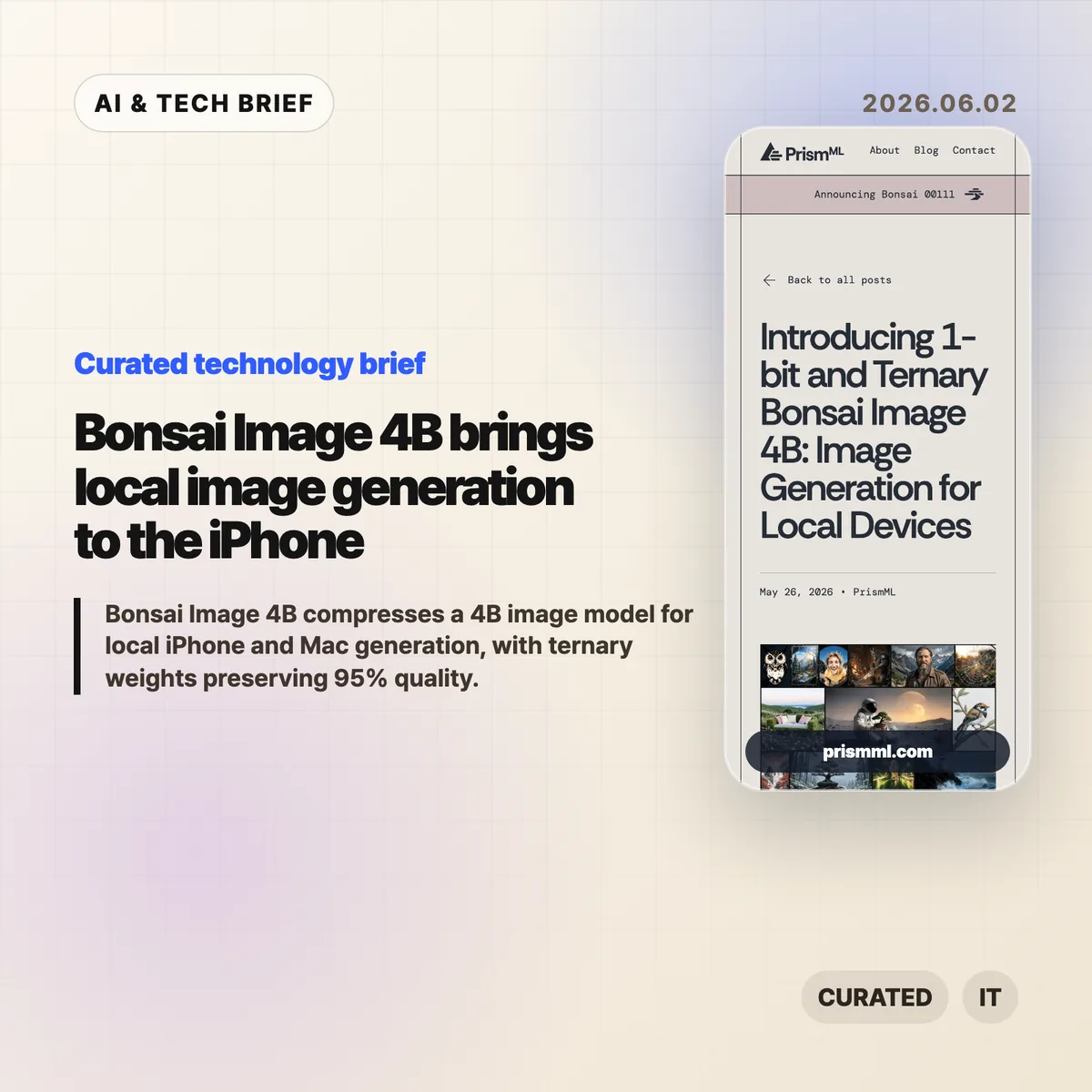
    Bonsai Image 4B is PrismML’s attempt to make a modern 4B-class image model small enough for local image generation on everyday hardware. The company says the ternary version generates a 512×512 image in 9.4 seconds on an iPhone 17 Pro Max, while keeping the diffusion transformer near 1.21 GB.

    The short version

    • Bonsai Image 4B is based on FLUX.2 Klein 4B, but stores the diffusion transformer weights in 1-bit or ternary form.
    • PrismML reports an 8.3x transformer footprint reduction for the 1-bit model and 6.4x for the ternary model, compared with the FP16 FLUX.2 Klein 4B transformer.
    • The ternary Bonsai Image 4B model keeps 95% of the reported benchmark performance of FLUX.2 Klein 4B across GenEval, HPSv3, and DPG-Bench.
    • The practical question is not whether this replaces cloud image APIs. It is whether fast, private, throwaway image generation can move into mobile and desktop products.

    What happened

    PrismML released Bonsai Image 4B, a family of compact image generation models aimed at local hardware. The models keep the FLUX.2 Klein 4B architecture, but change the representation of the transformer weights, which are the heaviest part of the image generation pipeline.

    The 1-bit variant uses {-1, +1} weights with FP16 group-wise scaling, for 1.125 effective bits per weight. Its diffusion transformer is 0.93 GB, down from 7.75 GB for the FP16 FLUX.2 Klein 4B transformer. The ternary variant uses {-1, 0, +1} weights with FP16 group-wise scaling, for 1.71 effective bits per weight. That version is 1.21 GB.

    The full deployment payload is larger than those transformer numbers because the text encoder and VAE still matter. PrismML lists 3.42 GB for 1-bit Bonsai Image 4B and 3.88 GB for the ternary model on Apple Silicon, compared with 15.97 GB for the full-precision FLUX.2 Klein 4B pipeline.

    Why this is worth watching

    Bonsai Image 4B is interesting because image generation is usually constrained by memory, serving cost, and latency. A model that fits on a phone changes the shape of the product, even if the best cloud systems still win on raw output quality.

    Bonsai Image 4B tradeoffs to test

    Local image generation can make sense when the user is iterating quickly, testing prompts, creating drafts, or working with private material. A mobile app can offer previews without sending every prompt to a remote server. A desktop creative tool can make cheap local drafts, then reserve cloud calls for final renders. For more stories like this, see the IT & AI archive.

    The benchmark claims are also specific enough to watch. PrismML reports GenEval 0.723, HPSv3 12.22, and DPG-Bench 0.851 for the ternary model, or 95% of FLUX.2 Klein 4B’s reported performance. The 1-bit version is smaller and lands at 88% of the same baseline. That gives developers a clear tradeoff: tighter memory and storage, or better prompt fidelity and visual quality.

    What Hacker News readers are arguing about

    The Hacker News thread is mostly impressed, but not blindly so. A useful chunk of the discussion asks whether this is a product breakthrough or a strong compression demo. Some readers point out that the transformer is under 1 GB in the 1-bit case, but the full inference stack still needs the text encoder and VAE, so the real app footprint is several gigabytes rather than a single tiny model file.

    Several commenters focused on practical deployment. People asked about minimum RAM, Mac compatibility, ComfyUI or Ollama-style integration, WebGPU support, and whether the browser demo works reliably. That is the right skepticism. Local AI only becomes useful when ordinary developers can install it, run it, and recover from dependency trouble without spending a weekend in build scripts.

    The strongest pro-local argument in the thread is about cost and iteration. If users generate many rough images, local inference can feel less metered than a cloud API. The strongest objection is that commercial teams may not want the support burden of running image generation on customer devices. Both can be true. Bonsai Image 4B is likely more relevant first for creative apps, offline tools, privacy-sensitive workflows, and developer experiments than for every production image feature.

    The practical read

    If you build mobile or desktop software, treat Bonsai Image 4B as a signal rather than a finished answer. The signal is that local image generation is moving from novelty to plausible product primitive.

    The next thing to test is image quality plus everything around it: install size, cold start time, battery drain, heat, memory pressure, prompt reliability, safety controls, and how often users actually need cloud quality. If the feature is quick sketching, private drafts, app-store-friendly creative tooling, or offline editing, Bonsai Image 4B deserves a closer look.

    The App Store angle is also real. Bonsai Studio gives PrismML a direct way to let users try the model on an iPhone, and it gives app builders a preview of how on-device AI features may be marketed: not as infrastructure, but as instant creative capability inside the app.
    Sources

  • AI application layer survival depends on workflow depth

    AI application layer survival depends on workflow depth

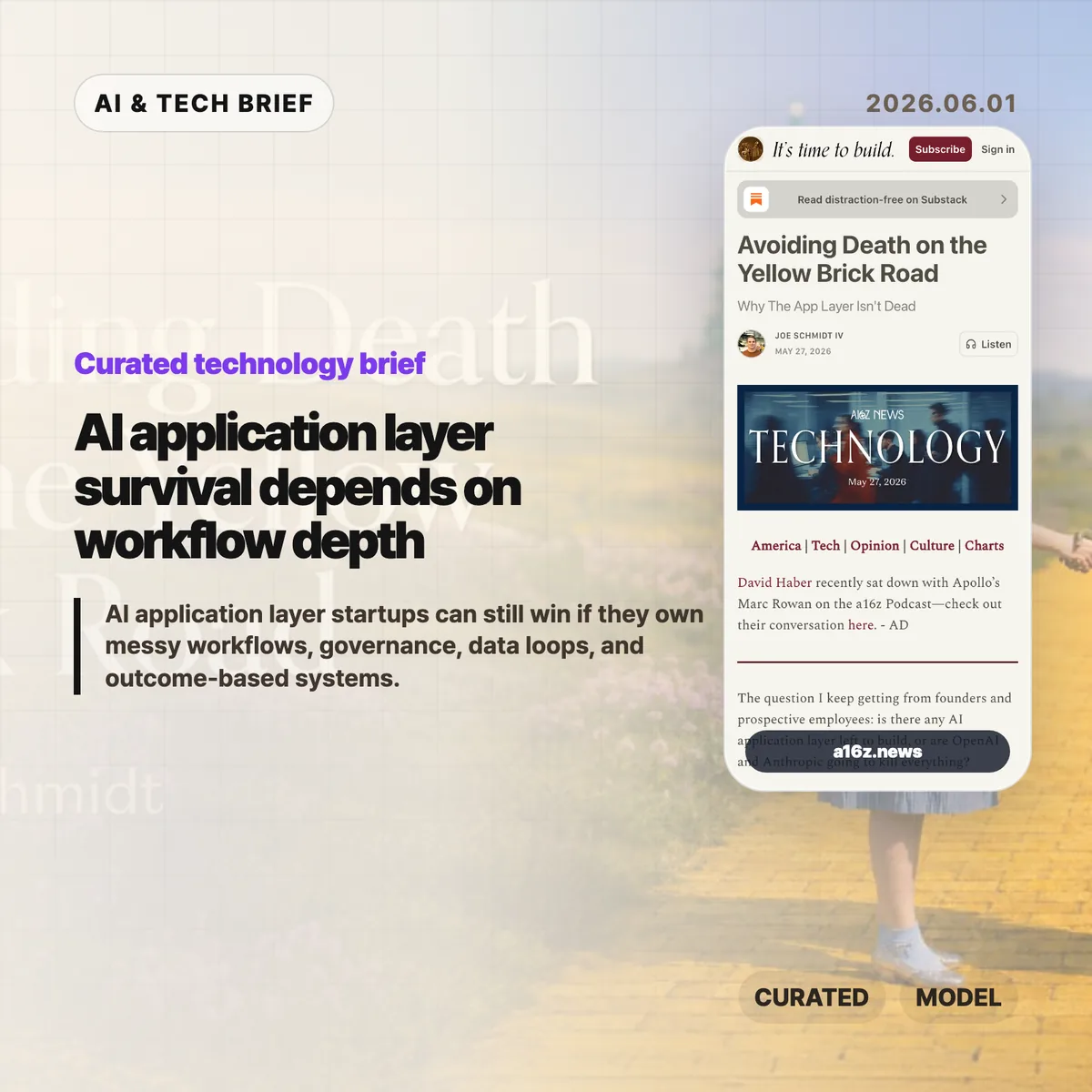
    The AI application layer is not dead, but the easy part of it looks dangerous. Joe Schmidt IV at a16z argues that startups building generic model-plus-connector products are walking straight toward OpenAI and Anthropic, while companies that own messy business workflows still have room to build.

    The short version

    • Horizontal AI tools for coding, writing, image creation, and simple connector workflows benefit directly from better frontier models.
    • The safer AI application layer opportunities sit in vertical workflows where approvals, audits, legacy systems, and domain rules matter.
    • a16z names four practical defenses: data loops, model routing, cost control, and governance.
    • The Hacker News thread was small, but the useful objection was sharp: if the answer is bespoke vertical stacks, the road to broad automation is messier than the hype suggests.

    What happened

    Schmidt frames the current AI startup anxiety as a map. The “Yellow Brick Road” is the path the labs are already walking: strong models, standard connectors such as Google Drive, Slack, Salesforce, Notion, and GitHub, plus an agent orchestration layer. Products in that lane improve when the model improves, so the model owner has better margins, distribution, and pricing power.

    The other side of the map is what he calls the rest of Oz. These are workflows where a model call is only one piece of the product. A sales agent, insurance underwriting tool, legal workflow, finance process, or healthcare operation may need role-specific sub-agents, deterministic software, approvals, audit trails, and integration with old systems that cannot be swapped out casually.

    The argument is also a warning to founders. If a startup is selling a smarter chat interface over the same connectors as everyone else, it may be selling a feature the labs can bundle. If it becomes the system where work is routed, checked, logged, and improved, the AI application layer has a better shot at becoming durable software.

    Why this is worth watching

    The useful part of the piece is its test for depth. A tool that sits on top of a customer system is easier to replace. A system that runs the work, captures the data, and handles governance is harder to pull out.

    AI application layer test for founders

    Schmidt points to four defenses. First, production usage can create data and learning loops that do not exist on the public web. Second, a vertical company can route tasks across multiple model vendors, open-source fine-tunes, and cheaper tiers instead of depending on one lab’s stack. Third, it can tune cost against the level of intelligence each sub-task needs. Fourth, it can become the control plane for permissions, audit logs, and compliance in a specific industry.

    That is also where the claim gets less glamorous. Much of the defensibility sounds like ordinary software work: deployment, edge cases, data cleanup, customer-specific configuration, permissions, and support. For more coverage of this kind of software shift, the IT & AI archive tracks related product and infrastructure stories.

    What Hacker News readers are arguing about

    The Hacker News discussion was tiny, so it should not be treated as a market signal. Still, one comment captured the strongest skeptical read: if the advice is to build bespoke vertical AI stacks, that sounds less like an imminent general-intelligence takeover and more like another generation of custom enterprise software.

    The commenter also raised three practical blockers. Many business processes are fuzzy because they exist to absorb edge cases. Some of the most valuable domains have security or compliance limits that make third-party inference hard to adopt. And if companies need more programmers to rebuild workflows around AI, that complicates the simple story that agents will replace labor by themselves.

    That objection does not kill the a16z thesis. It makes it more grounded. The AI application layer may survive because the hard work is not only model intelligence. It is the boring, expensive work of turning a messy process into software a customer can trust.

    The practical read

    Founders can use this as a quick filter. Count the steps in the workflow. Count the systems touched. Ask who approves the output, what gets logged, and what breaks if the model is wrong. If the answer is mostly “the user can rerun the prompt,” the product is probably on the road where labs have the advantage.

    If the answer involves customer-specific rules, compliance, multiple handoffs, data rights, and measurable business outcomes, the product has a better chance. That does not make it easy. It means the moat is less about having a clever agent demo and more about owning the work surface where the customer actually operates.

    For app builders, the ASO angle is similar: discovery will reward products that can explain a specific job and result, not another generic AI assistant claim. The AI application layer needs narrower promises and deeper execution.

    Sources

  • AV2 video standard v1.0 is here. The codec shift will still take years

    AV2 video standard v1.0 is here. The codec shift will still take years

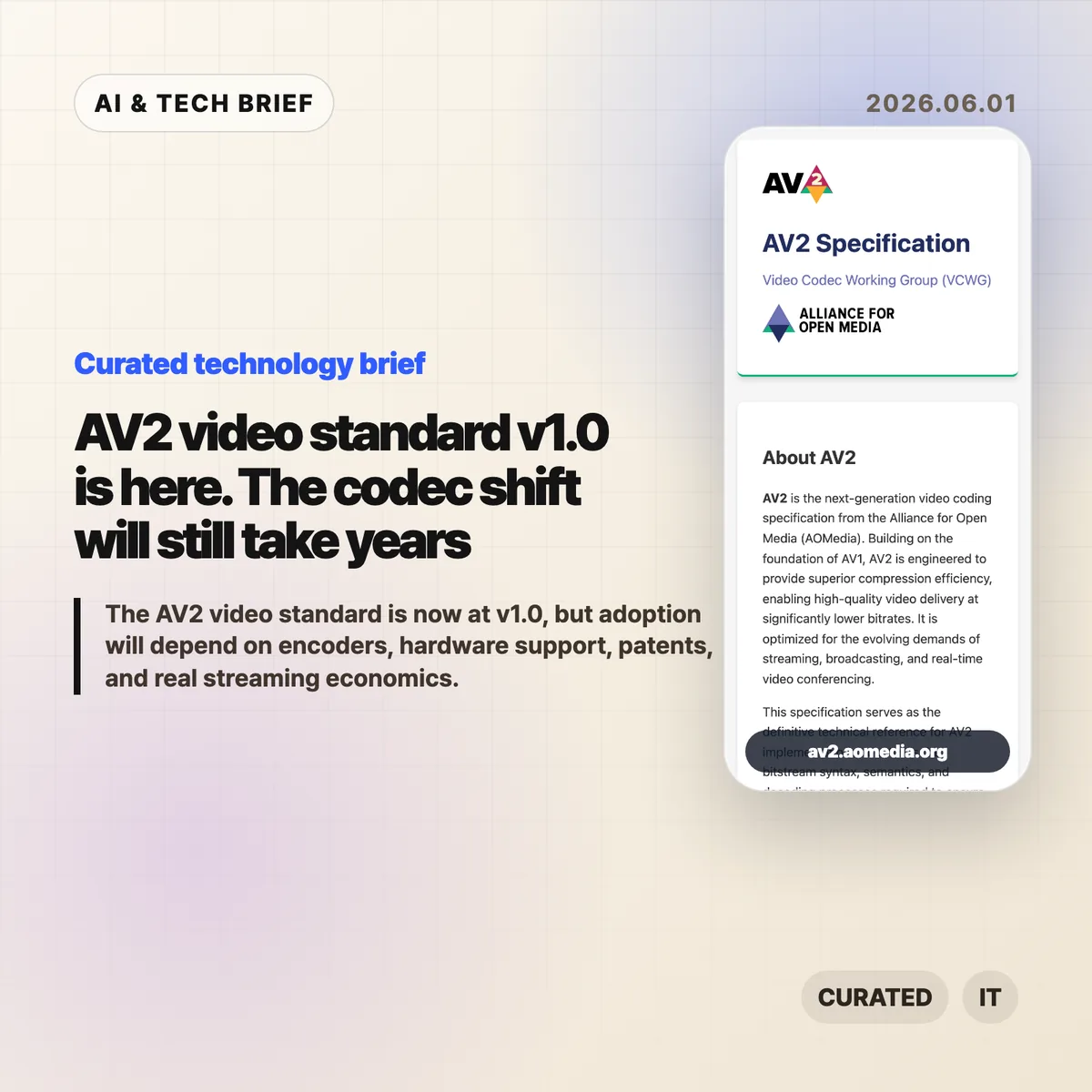
    The AV2 video standard has reached its v1.0 specification, giving codec implementers a fixed technical target after years of AV1 deployment work. That matters for streaming platforms, video apps, browsers, chip vendors, and anyone paying real money to store and deliver high-resolution video. It does not mean AV2 videos will suddenly play everywhere next month.

    The short version

    • AOMedia has published the AV2 v1.0.0 bitstream and decoding process specification, along with AVM v1.0.0 reference software.
    • AV2 is positioned as the successor to AV1, with better compression efficiency and support for streaming, broadcasting, video conferencing, AR/VR, screen content, and multi-program delivery.
    • The useful question is adoption speed. Reference software can prove correctness, but production encoders, decoder support, silicon, and patents will decide whether AV2 becomes a mainstream format.
    • Hacker News discussion is mostly practical: better compression is welcome, but encoding speed and hardware acceleration will matter more than the announcement itself.

    What happened

    AOMedia published the AV2 specification site for v1.0.0. The page describes AV2 as a next-generation video coding specification that builds on AV1 and targets lower bitrates for high-quality video delivery. The specification covers bitstream syntax, semantics, and decoding behavior so independent implementations can aim at the same format.

    The release also points implementers to AVM, the AOMedia Video Model reference software, tagged at v1.0.0 on GitHub. That is important, but it is easy to misread. Reference software is there to define and test the format. It is not the same thing as a fast encoder that a streaming service can run at scale.

    AOMedia also calls out use cases beyond ordinary movie streaming: broadcasting, real-time video conferencing, AR/VR, split-screen delivery of multiple programs, screen content, and a wider visual quality range. Those are the areas where a codec change can affect product design, not only bandwidth bills.

    Why this is worth watching

    The codec market moves slowly because every layer has to line up. A streaming provider can experiment with AV2 in a lab, but broad use needs encoders that are fast enough, decoders that are cheap enough to run, and hardware support across phones, TVs, laptops, browsers, and set-top boxes.

    AV1 showed the pattern. It became useful before it became universal. Big platforms could justify extra encoding work on popular videos because delivery savings compound over many views. Smaller platforms and user-generated video apps face a harder tradeoff: long upload processing times, extra fallback encodes, and battery cost can erase the storage savings.

    That is why the AV2 video standard is worth tracking now, even if it is not a near-term migration plan. A fixed v1.0 spec lets encoder vendors, browser teams, chip designers, and media toolchains start working against a stable target. The first real signals will come from production encoder projects, FFmpeg-related tooling, browser experiments, and silicon roadmaps.

    For more briefings on web and media infrastructure, the IT & AI archive is the best place to follow related updates.

    What Hacker News readers are arguing about

    The Hacker News thread is less excited about the press-release part and more focused on deployment math. One repeated estimate in the discussion is that AV2 could offer roughly 20-30% efficiency gains over AV1, but commenters treat that as only one part of the story.

    The strongest skeptical camp argues that software encoding and decoding costs are still a blocker for many real products. A small site operator described AV1 as expensive for both servers and clients, especially when a platform still needs to create an H.264 fallback while users wait for uploads to finish processing. For that kind of service, better compression does not help much if the workflow adds delay and duplicate storage.

    Another camp argues that the current AV2 encoder is reference software, so poor speed today should not be judged like a production encoder. Now that the spec is frozen, encoder teams can optimize against it. Even there, commenters mostly agree that real-time use cases such as video calls, camera recording, game streaming, and mobile capture will need hardware help.

    The most interesting technical thread is multi-stream support. Several commenters see that as more compelling than raw compression gains, especially for VR, live sports, and transparent video workflows where an alpha channel could travel as a separate stream and be composited later. Others questioned whether that belongs in the codec or the container layer, which is exactly the kind of detail that will matter as implementers start building around the spec.

    AV2 video standard adoption timeline

    The practical timeline is measured in years. A v1.0 spec in 2026 can lead to experimental software, test vectors, and early toolchain work first. Hardware decode support would likely arrive later, and hardware encode support could take longer because it requires chip area, product planning, and enough demand from camera, conferencing, streaming, and editing workloads.

    For builders, that means AV2 should sit on the watchlist rather than the roadmap unless you are already deep in media infrastructure. Track encoder performance, browser flags, FFmpeg support, mobile decode behavior, and patent noise. If you run a video product, the near-term work is probably still AV1 tuning and fallback strategy, not an AV2 migration.

    The practical read

    Treat the AV2 video standard as a starting gun for implementers, not a shipping guarantee for product teams. If your app delivers video at scale, the v1.0 release is a reason to start a research note: expected bitrate savings, likely hardware timelines, fallback costs, and whether your content mix includes screen sharing, VR, sports, or transparent video.

    If you build a smaller video service, wait for production encoders and device support before promising users anything. The painful part of codec adoption is rarely the file format alone. It is the upload queue, battery drain, CDN bill, browser support matrix, and the awkward period where every new format needs an older fallback beside it.

    Sources

  • NixOS 26.05 makes early boot the upgrade to test first

    NixOS 26.05 makes early boot the upgrade to test first

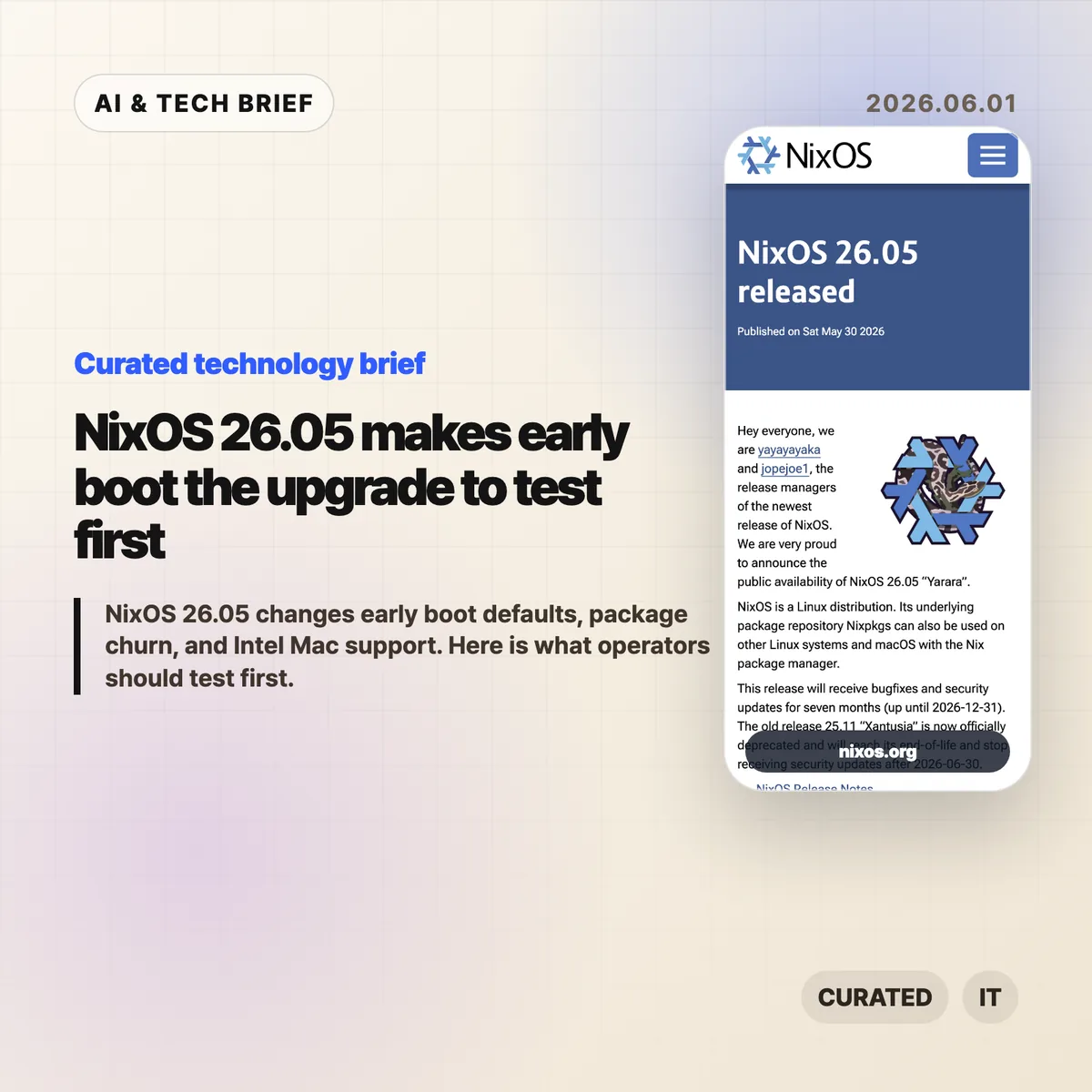
    NixOS 26.05 is less interesting as a package refresh than as an operations release. The headline change is that Stage 1, the early initrd phase before the root filesystem is mounted, now uses systemd by default. For teams that use NixOS because they like reproducible infrastructure, that is exactly the sort of default you test before touching production.

    The short version

    • NixOS 26.05, code-named “Yarara,” ships with seven months of bug fixes and security updates, ending on December 31, 2026.
    • Stage 1 is now systemd-based by default, while the old scripted implementation is deprecated and scheduled for removal in 26.11.
    • Nixpkgs added 20,442 packages, updated 20,641, and removed 17,532, so the release has real package churn.
    • This is the last Nixpkgs release to support x86_64-darwin, which matters for Intel Mac development setups.
    • GNOME 50 and GCC 15 are included, while LLVM stays at version 21.

    What happened

    NixOS 26.05 was announced on May 30, 2026 by the NixOS release managers. The release will receive fixes until December 31, 2026, while NixOS 25.11 reaches end of life on June 30, 2026.

    The scale is large even by Nixpkgs standards. The project says 2,842 contributors produced 59,703 commits for this cycle. Nixpkgs added 20,442 packages, updated 20,641, and removed 17,532 outdated packages. NixOS itself added 85 modules and 1,547 configuration options, while removing 25 modules and 355 options.

    The practical point is simple: NixOS 26.05 is not a casual channel bump for every machine. It deserves the same treatment as any infrastructure upgrade that touches boot behavior, package availability, desktop components, and compiler defaults.

    Why this is worth watching

    The most operationally sensitive change is Stage 1. This is the early boot environment inside initrd, before the system has mounted the real root filesystem. In NixOS 26.05, that stage is now based on systemd by default.

    That may be a welcome cleanup for many users. It aligns early boot with the system manager most Linux operators already know. But it also changes the assumptions around custom initrd hooks, encrypted disks, unusual storage layouts, network boot, recovery flows, and any setup that depended on the older scripted implementation.

    The old scripted Stage 1 is deprecated in this release and scheduled for removal in NixOS 26.11. That gives operators a clear window: test the new path now, while rollback is still easy and the old behavior has not disappeared.

    Nixpkgs 26.05 is also the last release that will support x86_64-darwin. The project says it will keep platform support and binary builds available until Nixpkgs 26.05 goes out of support at the end of 2026. After that, Nixpkgs 26.11 will no longer build packages for x86_64-darwin or support building them from source.

    The stated reasons are ordinary but important: Apple has moved away from the platform, build infrastructure is limited, and volunteer maintainer time is finite. If your team still uses Intel Macs with Nix-managed development shells, this is the moment to decide whether those machines stay pinned, move to Apple Silicon, shift to Linux builders, or run more of the workflow remotely.

    For teams that discover developer tools through package sets and reproducible environments, this is also an app-store-like discovery issue in miniature. The packages that remain easy to install tend to become the tools people actually try. That is why Nix and Linux operations stories often belong beside broader coverage in the IT & AI archive, even when they are not about AI directly.

    NixOS 26.05 upgrade checklist

    Use this release to check the parts of your setup that are hardest to fix after a reboot: initrd behavior, disk access, network boot, Intel Mac builders, compiler-sensitive packages, and desktop extensions.

    What Hacker News readers are arguing about

    The Hacker News thread is small, so it should not be treated as a broad community poll. The useful signal is still clear enough.

    One commenter focused on the package numbers. Updating roughly 20,000 packages sounded plausible given the size of Nixpkgs, but adding 20,442 and removing 17,532 looked unusually high. The question was whether renames or accounting details inflated the turnover, since recent releases had reportedly added closer to 7,000 or 8,000 packages.

    Another commenter pointed at the new NixOS modules as the fun part of each release. That is a good reminder of how people actually use NixOS release notes: not only to check breaking changes, but to discover mature projects that have become first-class enough to get a module.

    The thread is too thin for a verdict on NixOS 26.05. It does show the two checks many Nix users care about: how much churn is real, and what new modules are worth stealing ideas from.

    The practical read

    If you run NixOS on servers or workstations, start with machines that have custom boot behavior. Verify systemd Stage 1 with encrypted storage, remote disk access, nonstandard filesystems, or hardware-specific initrd logic before the old scripted path is removed.

    If you maintain development environments, audit package removals and compiler-sensitive builds. GCC 15 can expose warnings or build failures that were hidden before. GNOME 50 is also worth testing on machines with extensions or display-specific settings.

    If you still depend on Intel Mac builders or x86_64-darwin development shells, treat NixOS 26.05 as the last comfortable planning point. Pinning may buy time, but it is not the same as staying on the maintained path.

    The best upgrade plan is boring: test one representative machine, keep rollback generations available, read the release notes for the modules you use, and only then move the wider fleet.

    Sources

  • OpenRouter Series B shows the multi-model stack getting real

    OpenRouter Series B shows the multi-model stack getting real

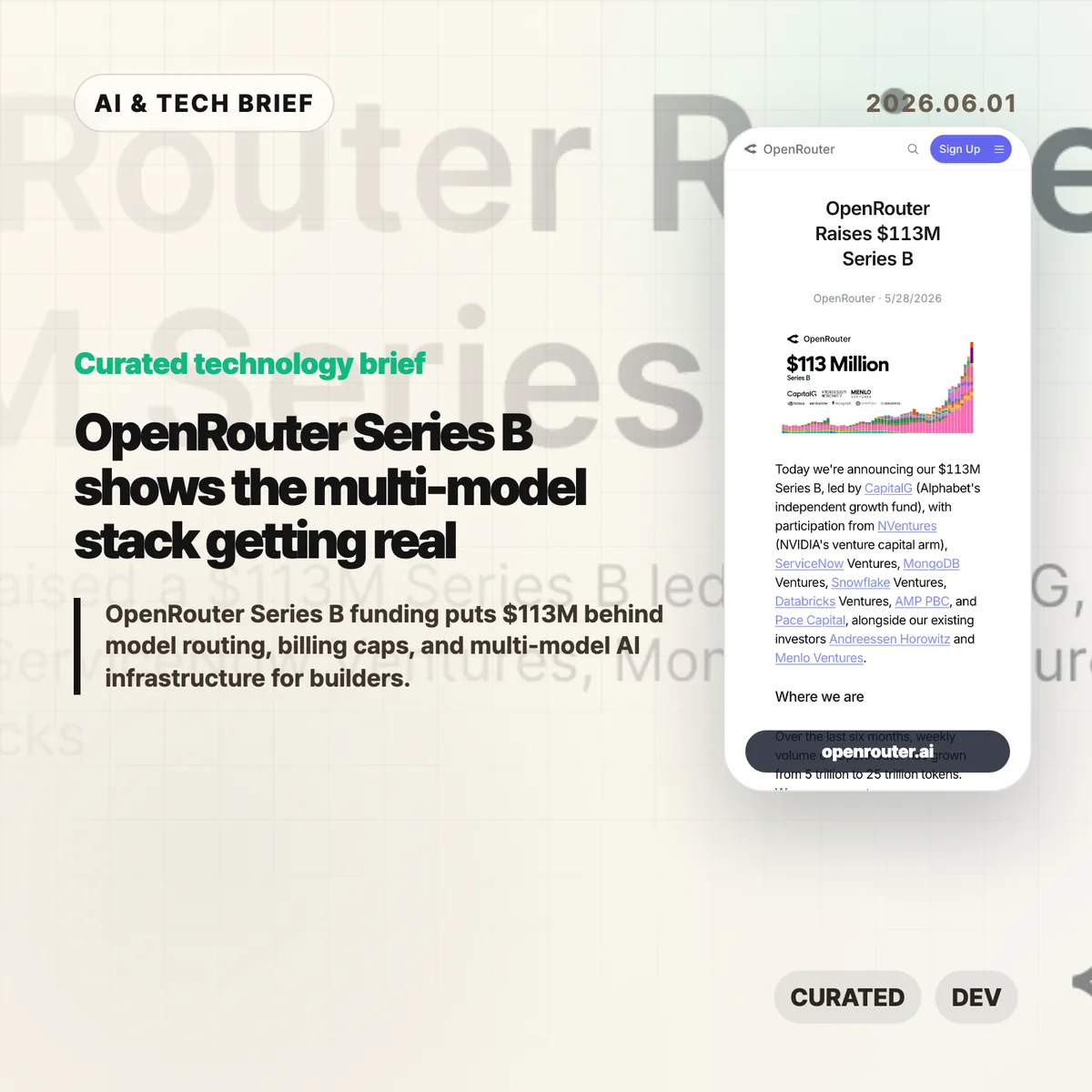
    OpenRouter Series B funding puts $113 million behind a simple bet: AI apps will not settle on one model provider. The company says it now serves more than 8 million developers across 400-plus models, with weekly volume growing from 5 trillion to 25 trillion tokens in six months.

    The short version

    • OpenRouter raised a $113 million Series B led by CapitalG, with NVentures, ServiceNow Ventures, MongoDB Ventures, Snowflake Ventures, and Databricks Ventures also joining the round.
    • The useful part of the OpenRouter Series B announcement is not the valuation story. It is the claim that model routing, billing, failover, and data controls are becoming a real infrastructure layer.
    • Developers on Hacker News like the convenience, model coverage, and billing caps, but they are also arguing about the 5% markup, privacy, lock-in, and whether this should be a library instead of a hosted proxy.
    • For builders, the decision is practical: use a gateway while experimenting, then decide whether the routing layer is still worth paying for at scale.

    What happened

    OpenRouter announced a $113 million Series B led by CapitalG. The round also includes NVentures, ServiceNow Ventures, MongoDB Ventures, Snowflake Ventures, Databricks Ventures, Andreessen Horowitz, and Menlo Ventures.

    The company describes itself as the layer between AI applications and model providers. Its pitch is routing, reliability, cost optimization, compliance, workspaces, spend controls, guardrails, and zero-data-retention options. That is a different business from selling access to a single frontier model.

    The growth numbers are the hook. OpenRouter says weekly volume rose from 5 trillion to 25 trillion tokens over the last six months, and that it is on pace to process more than a quadrillion tokens this year. The company also says more than 8 million developers are building across more than 400 models through the platform.

    For more English tech briefs like this, the IT & AI archive tracks the same shift from model launches to the infrastructure around them.

    why OpenRouter Series B matters

    OpenRouter Series B matters because it points to a boring but important problem inside AI products: model choice is becoming operational work. Teams may want Claude for one task, Gemini or GPT for another, an open model for cost-sensitive traffic, and a specialist model for image, code, or long-context jobs.

    That choice gets messy once real users arrive. Each provider has its own API behavior, pricing, rate limits, outage patterns, logging terms, and privacy controls. A model gateway can turn that mess into a single integration, at least in theory.

    There is a cost to that convenience. A proxy adds another dependency, another policy surface, and another bill. If the app is small or experimental, that trade may be easy. If the app is moving millions of expensive requests, the markup and data path need a harder look.

    Why this is worth watching

    The investor list is telling. CapitalG is leading, but the strategic names around the table are enterprise infrastructure companies. ServiceNow, MongoDB, Snowflake, and Databricks all have reasons to care about how companies route AI work across models and data systems.

    That does not mean OpenRouter owns the category. Cloudflare, Vercel, Replicate, direct provider APIs, client libraries, and internal gateways all crowd the same space from different directions. The question is whether developers want a neutral marketplace-style router, a cloud vendor gateway, or a small shim they control themselves.

    The market is still young enough that the answer may change by workload. A solo builder testing models has different needs from a company with compliance reviews, budget owners, abuse controls, and incident response.

    What Hacker News readers are arguing about

    The Hacker News thread is useful because it does not read like a victory lap. The strongest positive case is convenience. Developers like being able to try new models without wiring up every provider, and several comments point to consolidated billing, usage limits, and fast model switching as the real value.

    The skepticism is just as practical. Some commenters argue that a 5% fee becomes painful when a team is already spending heavily on expensive models. Others ask why this needs to be a hosted company at all when a client library or self-run gateway could normalize provider APIs.

    Privacy and data handling come up repeatedly. One camp warns that free or cheap model access may mean prompts and outputs are valuable to someone else. Another points out that OpenRouter offers filters for zero-data-retention providers, which helps but still leaves teams responsible for understanding the full data path.

    There is also a scale split. OpenRouter looks attractive for experiments, early products, and teams that value billing caps. At higher volume, several commenters expect serious users to compare the gateway against first-party APIs, internal routing, or alternatives like Cloudflare and Vercel.

    The practical read

    If you are building an AI app, OpenRouter is easiest to understand as a routing and procurement layer, not as a better model. It can reduce setup time, make model comparisons easier, and give smaller teams controls that some model providers still handle awkwardly.

    The practical test is simple. Use a gateway when it speeds up exploration or gives you spend limits you cannot get elsewhere. Revisit the choice once traffic is predictable. At that point, compare total cost, outage behavior, logging policy, privacy terms, and how hard it would be to move away.

    For agent products, the routing layer may matter even more. Multi-step workflows are sensitive to latency, failures, and model drift. A gateway can help, but it cannot replace evaluation, monitoring, and clear fallbacks inside the product.

    Sources

  • Domain expertise is the AI coding moat

    Domain expertise is the AI coding moat

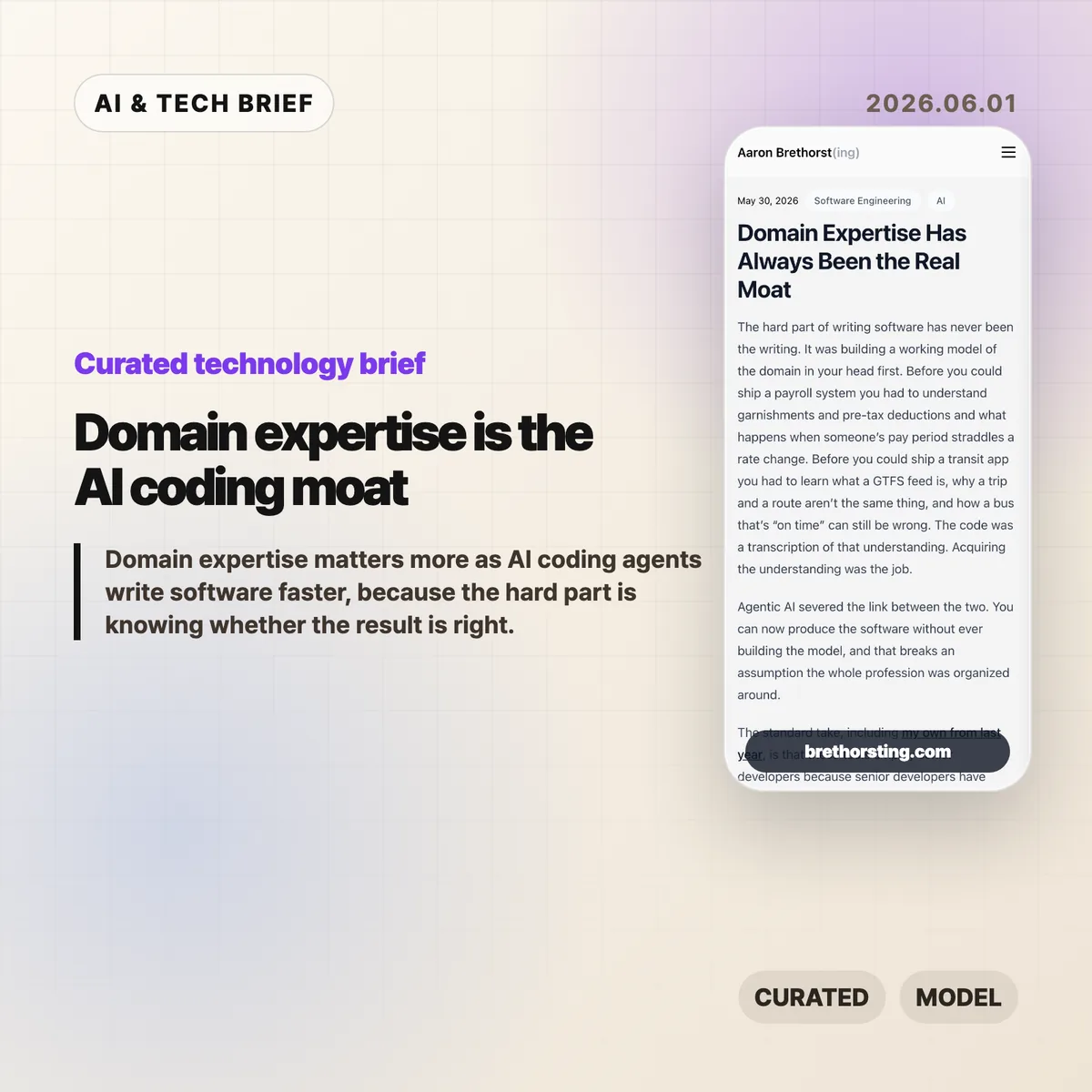
    Domain expertise is becoming more valuable as AI coding agents make software easier to produce. Aaron Brethorst’s argument is simple and uncomfortable: the bottleneck moves from writing the code to knowing whether the thing the code does is correct.

    The short version: domain expertise

    • AI coding agents lower the cost of implementation, but they do not automatically know the messy rules inside payroll, transit, insurance, logistics, or clinical billing.
    • Domain expertise matters because the expert can spot a plausible answer that is wrong before it turns into a costly system.
    • The strongest engineer in this setup is not the fastest prompt writer. It is the person who can judge the code and the real-world result.
    • Hacker News readers mostly agreed with the premise, but pushed back on the idea that domain experts can easily explain their own rules to an AI system.

    What happened

    Brethorst’s essay argues that software has always depended on a mental model of the domain. A payroll system is hard because of garnishments, deductions, rate changes, and edge cases. A transit app is hard because routes, trips, schedules, and rider expectations do not line up cleanly.

    In that view, code is the transcription layer. The harder work is learning enough of the domain to know what the software should do.

    AI coding agents weaken the old link between understanding and implementation. A person can now ask an agent to build screens, APIs, tests, and deployment scripts without years of programming practice. That helps domain experts, because the missing piece for many of them was code production. It does less for a generalist engineer who lacks the domain model and cannot tell whether a generated output is actually right.

    That distinction matters for teams following AI and software engineering closely in the IT & AI archive. Faster output is useful only when the organization has someone who can define and verify correctness.

    Why this is worth watching

    The essay lands because it pushes against a lazy version of the AI coding story. If code gets cheaper, the valuable work does not disappear. It moves closer to judgment.

    A logistics dispatcher may not read a stack trace, but they can look at a generated schedule and know that a driver cannot legally work that shift. A clinical coder may not care how the rules engine is structured, but they can see when a claim is likely to be denied. That is not generic “business context.” It is accumulated pattern recognition from years of seeing inputs, outputs, exceptions, and consequences.

    This is also a career argument. Senior developers still need architecture, reliability, testing, and incident judgment. But if their only advantage is turning clear requirements into clean code, that advantage is getting thinner. The rarer combination is engineering skill plus a working model of a real domain.

    For product teams, the practical question is where domain expertise sits in the AI workflow. If experts only review the product after engineers and agents have already built it, the process will keep producing polished wrong answers. The expert needs to shape tests, examples, acceptance criteria, and failure cases early.

    What Hacker News readers are arguing about

    The Hacker News discussion was less about whether domain expertise matters and more about whether domain experts can make their knowledge explicit enough for software.

    One strong objection was that verifying an answer is different from explaining how to generate it. Several commenters who had worked with finance or accounting teams said experts often know a rule when they see it, but struggle to describe it fully. That led to a useful thread around tacit knowledge and Polanyi’s paradox: people can know more than they can explain.

    Another camp argued that requirements work has always been the real software job. In small companies and internal systems, refining what the system should do often takes more time than writing the code. AI may make this more obvious rather than make it new.

    There was also a builder-friendly angle. Some commenters said AI can help engineers learn a domain faster because it removes boilerplate and lets them build experiments quickly. A few mentioned domain-specific languages as a better bridge: instead of expecting experts to write software, give them a constrained language that encodes the rules and can be tested against past cases.

    The useful skepticism is this: domain experts are not automatically good product designers, requirements writers, or system builders. The win probably comes from tighter collaboration, where experts supply examples and corrections while engineers turn that knowledge into reliable systems.

    The practical read

    If you run an engineering team, do not measure AI coding only by tickets closed or lines generated. Add domain validation to the workflow. Ask who owns the examples, who writes the edge-case tests, and who can reject a result that looks reasonable but fails a real rule.

    If you are a developer, the career move is not to panic about code generation. Pick a domain where mistakes matter and learn it seriously. Billing, compliance, logistics, security operations, financial workflows, health care administration, industrial systems, and public-sector processes all have rules that are hard to fake.

    The near-term advantage belongs to people who can ask an AI agent for working software, then say with evidence whether the output is correct. Domain expertise is the moat because correctness is still tied to the world outside the editor.

    Sources

  • Boring technology matters more when AI writes the code

    Boring technology matters more when AI writes the code

    Boring technology is not a nostalgia play. Aaron Brethorst argues that AI coding tools make the old “choose boring technology” rule more useful, because generated code is easier to trust when your team can actually review it. The uncomfortable part is simple: AI can write code for stacks you do not understand, but it cannot give your team the judgment it skipped.

    The short version

    • Brethorst revisits Dan McKinley’s 2015 “Choose Boring Technology” essay and applies it to Claude, Copilot, and agentic coding tools.
    • The risk is not that AI writes bad code. The risk is that it writes plausible code in unfamiliar stacks, where teams have weak review instincts.
    • Boring technology works well with AI because known tools have known failure modes, docs, operational patterns, and people who can spot odd suggestions.
    • The useful question for a new stack is: if AI generated this implementation, could the team review it without guessing?

    What happened

    Brethorst’s post starts from McKinley’s idea of “innovation tokens”: teams can afford only a limited number of new, risky technical choices before their ability to operate the system gets worse. A new language, a new framework, and a new infrastructure model in the same project may feel exciting, but every unknown adds review cost.

    AI coding assistants change the feel of that tradeoff. Claude or Copilot can produce professional-looking code for Kubernetes, GraphQL federation, Rails, JavaScript, or a framework the team barely knows. That makes the unfamiliar stack look cheaper than it is. The generated code may run. It may follow naming conventions. It may include error handling. None of that proves the design is safe, maintainable, or idiomatic.

    Brethorst’s practical rule is blunt: use AI as a multiplier for stacks you already understand. If the team knows Rails, AI-generated Rails code is easier to check. If the team knows JavaScript, Copilot’s suggestions can be reviewed against real language knowledge. In a stack nobody understands, the tool becomes a confidence machine.

    Why this is worth watching

    Boring technology has a different meaning in the AI coding era. It does not mean old for the sake of old. It means the team knows how it fails, where to find answers, which APIs are deprecated, how performance problems usually show up, and what production pain looks like at 3 a.m.

    That matters because AI-generated code has become tidy enough to hide its own problems. Bad code used to look suspicious. Now the risky version may look clean, because the model has learned the surface shape of good code. The reviewer still needs taste, context, and memory of prior failures.

    For more software and AI briefings, the IT & AI archive tracks similar stories about developer tools, AI infrastructure, and product engineering choices.

    What Hacker News readers are arguing about

    The Hacker News thread is tiny, so there is no broad community verdict to report. The one useful comment points to Django as an example of boring technology that still makes a developer more productive.

    That small reaction fits the essay better than a noisy debate would. The point is not that every team should pick Django, Rails, Postgres, or any other specific default. The point is that mature tools often pair better with AI coding assistants because the human reviewer has a sharper baseline. The discussion does not prove the argument, but it shows the kind of practical response the essay invites: name the stack you know well enough to trust yourself around.

    The practical read for boring technology

    A team evaluating AI coding tools should separate two decisions that often get mixed together. One decision is whether AI can speed up the work. The other is whether the team can review the output.

    If a project already uses a familiar stack, AI can help with boilerplate, tests, migrations, refactors, and repetitive glue code. If the project also introduces a new framework or infrastructure pattern, slow down. Build a small internal test first. Ask someone to review the generated code without running to the docs every two minutes. If that review is mostly vibes, the stack is not ready for core production work.

    Boring technology is a review strategy. It gives AI less room to fool the team and gives humans more chances to catch the mistake before customers do.

    Sources

  • Boring technology is a sharper engineering bet than it sounds

    Boring technology is a sharper engineering bet than it sounds

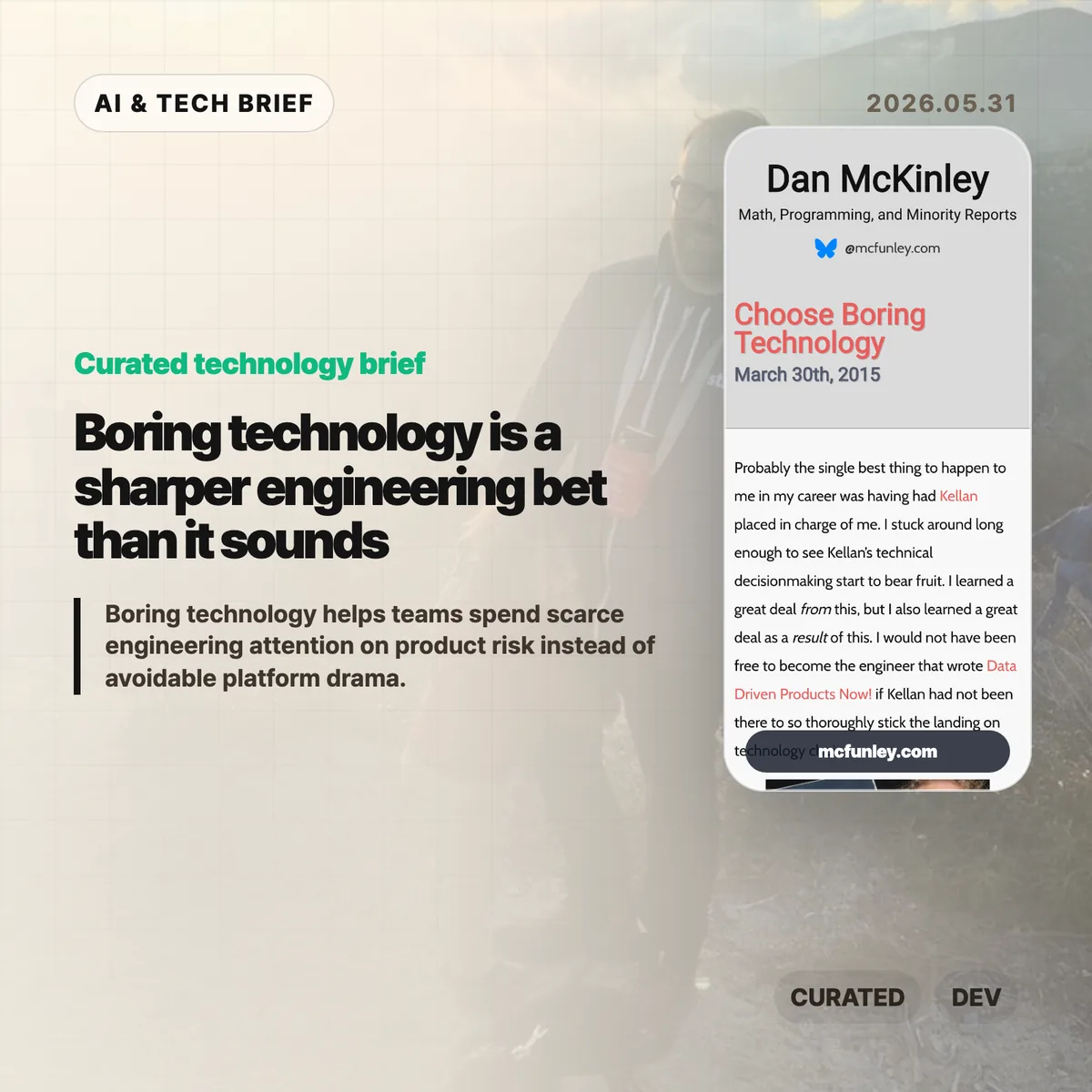
    Boring technology is not a plea for timid engineering. Dan McKinley’s 2015 essay argues that teams have a limited budget for novelty, and spending it on databases, queues, deployment plumbing, and service discovery can quietly steal attention from the product itself.

    The short version

    • McKinley’s core idea is the “innovation token”: every unfamiliar technology consumes attention, debugging time, hiring capacity, and operational patience.
    • “Boring” means well understood, not low quality. MySQL, Postgres, Python, Cron, and similar tools are boring because their failure modes are easier to predict.
    • The advice is strongest for startups and small teams. A tool that looks optimal for one subsystem can make the whole company harder to operate.
    • New technology still has a place when it is central to the product or removes a real constraint. The bar should be higher than “the demo looked good.”

    What happened

    Dan McKinley published “Choose Boring Technology” in 2015, drawing on his time at Etsy and on lessons from technical leadership there. The essay has kept circulating because it gives engineers a simple way to talk about platform risk without turning every stack debate into taste warfare.

    The memorable frame is that each company gets only a few innovation tokens. Pick Node.js, MongoDB, a new service discovery system, or a homegrown database, and you have spent one. The exact examples have aged, which is part of the point. Some technologies that felt risky in 2015 are ordinary now. The useful question is not whether a named tool is permanently safe or unsafe. It is whether your team already understands the tool’s limits, failure modes, and maintenance cost.

    McKinley is not arguing that teams should freeze their stack forever. He is arguing for global optimization. A tool can be the best local answer for one feature and still be the wrong company-level choice once monitoring, testing, hiring, incident response, and handoff costs enter the picture.

    Why this is worth watching

    The essay reads differently in 2026 because AI infrastructure has made shiny-stack pressure worse. A team can now add a vector database, orchestration framework, eval harness, agent runtime, observability layer, and model gateway before it has proved that the product solves a real user problem.

    That does not mean teams should avoid the AI stack. It means the “innovation token” model is even more useful. If the product’s real risk is model quality, workflow fit, or distribution, then spending novelty on routine plumbing is expensive. For more posts on practical tech judgment, see the IT & AI archive.

    The sharper reading is this: boring technology buys room to be bold somewhere else. A startup may need a risky model workflow or a new interface pattern. It probably does not need five risky infrastructure choices at the same time.

    What Hacker News readers are arguing about

    The Hacker News discussion is old but still useful because it shows where the advice meets developer identity. Many readers agreed with the broad lesson: code and infrastructure carry a maintenance cost, and chasing trends can become resume padding disguised as architecture.

    The pushback was more interesting than a simple pro-boring consensus. Some commenters argued that code is also an asset, not only a liability, and that speculative learning is part of becoming a better engineer. Others pointed out that “boring” changes with time. Node.js and MongoDB were used as examples of novelty in the original essay, but by the 2021 discussion several readers argued that Node had become mainstream enough to count as boring in many teams.

    The practical split is really about context. A consultancy, database company, or developer platform may have a good reason to spend tokens on the core technology it sells. A payments startup or marketplace usually has less reason to invent its own operational substrate. The thread also returns to hiring: familiar stacks are easier to staff, review, debug, and hand off when the first expert leaves.

    Boring technology in practice

    A useful stack review can be blunt. List every major system that needs special knowledge: database, queue, runtime, deployment layer, auth, observability, AI orchestration, and data pipeline. Then ask which choices are essential to the company’s edge and which ones are merely interesting.

    For each nonstandard choice, write down who can operate it during an incident, how it fails under load, how the team tests it, what migration would cost, and whether the same user outcome could be reached with a familiar tool. If nobody can answer those questions, the team may be spending an innovation token without admitting it.

    This is especially relevant for app builders and developer tool teams. Product discovery and marketplace rankings tend to reward visible features, but retention often comes from reliability. A tool that lets customers keep their boring stack while adding one valuable capability may be easier to adopt than a product that demands a full platform rethink.

    The practical read

    Use boring technology as a default, not a religion. If a new tool removes the main bottleneck in your business, test it seriously. If it only makes the architecture diagram look more current, leave it out.

    The best version of McKinley’s advice is not anti-innovation. It is anti-waste. Save the weirdness for the part of the product where weirdness actually compounds. Everywhere else, boring is often what lets the team keep shipping.

    Sources

  • Dickover UX names the popups that make the web worse

    Dickover UX names the popups that make the web worse

    Dickover UX is the newly popular label for a very old irritation: a website or app covers the thing you came to read and asks you to do something else first. John Gruber coined the term in a May 29 Daring Fireball post, and the reason it landed is simple. Everyone has lost patience with cookie walls, newsletter nags, app install prompts, and fake must-click dialogs that treat attention like a hostage.

    The short version

    • A dickover is a modal, popover, or curtain that blocks content for an interaction the reader did not ask for.
    • The test is necessity: sign-in for paid content is different from a newsletter prompt that appears before the article.
    • The Hacker News thread mostly agreed with the annoyance, but argued over the business pressure and privacy-law incentives behind it.
    • Product teams should review overlays in private browsing sessions, because returning staff often never see the first-run mess new users face.
    • For more coverage of product and web design patterns, see the IT & AI archive.

    What happened

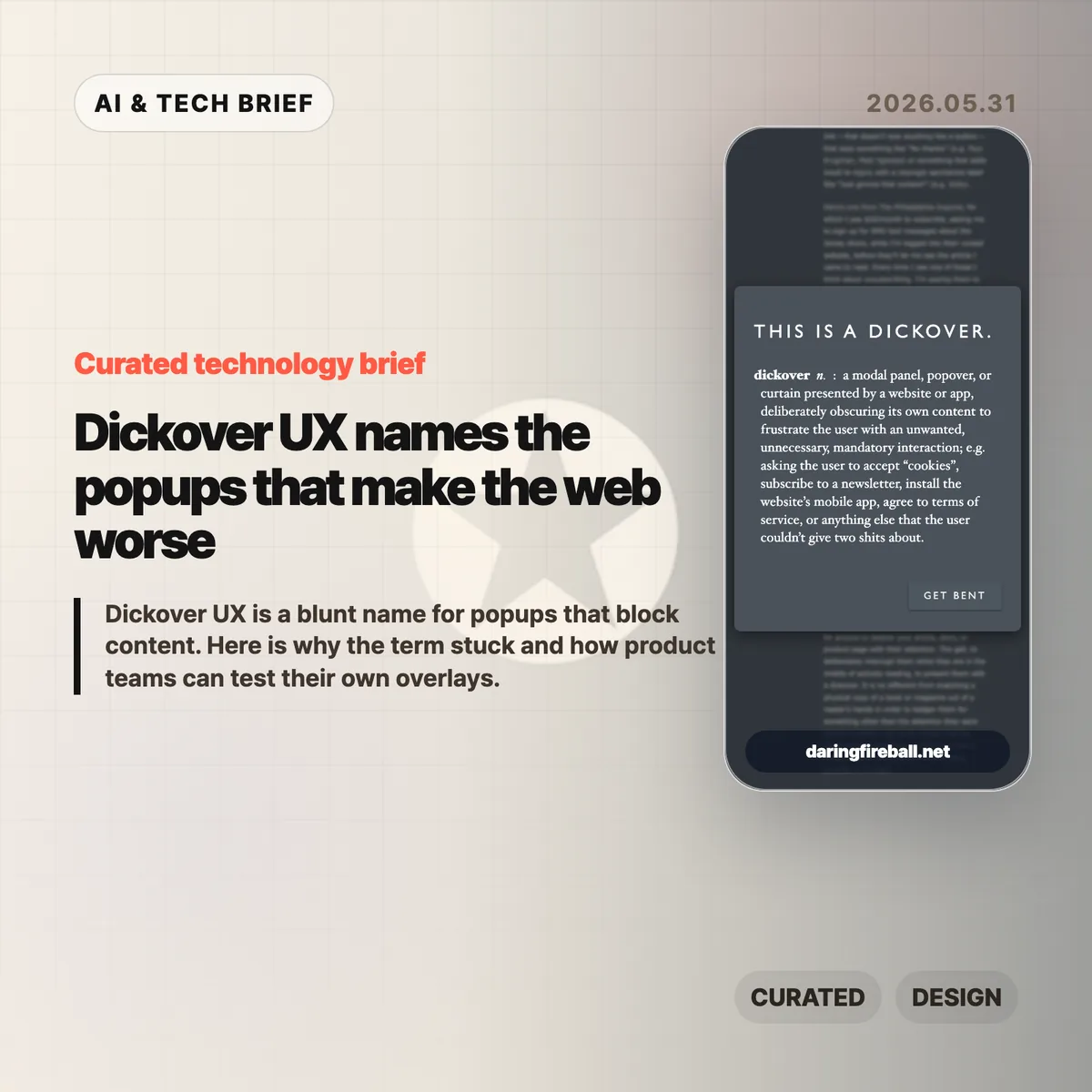
    Gruber defines a dickover as a modal panel, popover, or curtain that deliberately obscures a site’s own content to force an unwanted interaction. His examples include cookie consent panels, newsletter signups, mobile app install prompts, and terms prompts that appear before the page gives the user what they came for.

    The post is not arguing that every modal is bad. A paywall login panel can be part of the content transaction. The sharper complaint is aimed at overlays that serve the site’s secondary goals while interrupting the user’s primary task. That is why dickover UX is less a technical category than a product judgment.

    Gruber also separates dickovers from “dickbars,” his term for partial-width or edge-anchored bars that do not fully block the page. Those can still cover text, break keyboard paging, or distract the reader, but the full-screen curtain is the bigger sin because it demands dismissal before the page can be used.

    Why this is worth watching

    The useful thing about dickover UX is that it gives teams a rude but memorable name for a pattern they often normalize. Most teams do not set out to make hostile pages. They add one prompt for legal coverage, one for growth, one for email capture, one for app installs, and one for retention. The user experiences the stack, not the org chart.

    The term also catches a gap in design reviews. Teams often evaluate whether the modal works, converts, and complies. They spend less time asking whether it deserved to appear at that moment. A high-converting overlay can still teach readers that the site will interrupt them whenever it wants something.

    There is an app lesson here too. Mobile teams use notification prompts, rating prompts, permission dialogs, and install nudges in the same spirit. If the prompt appears before the user has received value, it feels like rent collection at the front door.

    What Hacker News readers are arguing about

    The Hacker News discussion was mostly sympathetic to the term. Many commenters treated it as a relief to have a word for the reflexive popups they already dismiss with Escape, browser filters, or uBlock Origin rules. Several people praised the value of naming bad patterns because a memorable label makes them easier to ridicule inside teams.

    The strongest disagreement was about incentives. One camp argued that readers are not entitled to a clean page if the site depends on ads, email capture, or other conversion mechanics. The counterargument was blunt: the browser is the user’s agent, and once a site sends a page to it, the user can filter and reshape that page locally. That split matters because it frames dickovers either as a price of access or as abuse of the reader’s machine and attention.

    Cookie consent drew the longest side debate. Some blamed European privacy regulation, while others pointed out that GDPR does not require full-screen annoyances. The more practical complaint was about malicious compliance: companies can satisfy lawyers while making rejection harder than acceptance. Commenters also noted Global Privacy Control as a better browser-level direction, though many sites still ignore it.

    The most useful operator point was simple: teams may not see their own damage. Staff, executives, and developers often accepted the cookie prompt years ago or browse from known networks, so they miss the chain of captcha, cookie wall, newsletter modal, app prompt, and checkout interruption that hits new users.

    dickover UX checklist

    A practical dickover UX review should happen before the growth experiment ships, not after complaints arrive. Run the page as a first-time visitor and watch for any prompt that blocks reading, hides the dismiss option, or asks for a commitment before the product has earned one.

    The practical read

    Treat every overlay as a small tax on trust. Before shipping one, ask five questions.

    • Is this required for the user to complete the task they started?
    • Can the user keep reading or using the page without answering now?
    • Is the dismiss action as visible as the accept action?
    • Does the prompt appear after the user has already received value?
    • Have you tested the page in a private window, on mobile, and from outside the company network?

    If the answer gets uncomfortable, the overlay probably belongs later, smaller, or nowhere. Dickover UX is a useful term because it makes a buried product tradeoff sound as ugly as it feels.

    Sources

  • Human intent in AI is the part benchmarks miss

    Human intent in AI is the part benchmarks miss

    Caleb Gross’s “You can just say it” makes a clean argument about human intent in AI: defending people by saying they still outperform models is a weak move. The stronger claim is simpler. Humans matter before the comparison starts, and creative work should be judged by more than surface polish.

    The short version

    • Gross argues that tying human worth to better output than AI is fragile because model capability keeps moving.
    • His sharper definition of AI slop is work with form but little readable intent, not merely bad work or machine-made work.
    • The Hacker News discussion mostly found the intent framing useful, especially for writing, email, and AI-assisted coding.
    • The hard question is whether readers can still feel a person’s judgment when AI has cleaned up every sentence.

    What happened

    Caleb Gross published “You can just say it” on May 28, 2026. The essay pushes back on a common defense of human value in the age of generative AI: people are special because they can still do some things better than machines.

    That argument may feel reassuring for a while. It also makes human dignity depend on the next benchmark run. Gross’s alternative is intentionally plain: humans are valuable. You do not need to attach that claim to writing speed, design quality, coding productivity, or any other measure of output.

    The essay then moves from human value to creative quality. Gross describes creation as intent taking form. A resignation letter, a drawing, a design, a piece of code, or a message all carry some mix of what the maker meant and what the maker produced. Generative AI changes that balance because it can produce convincing form from a thin prompt.

    That is where the essay’s useful definition of AI slop appears. Slop is not automatically “content made with AI.” It is output where the intent is hard to find. A human can make it. A person using AI can avoid it. The difference is whether judgment, taste, and purpose remain visible.

    Why this is worth watching: human intent in AI

    The phrase human intent in AI can sound abstract until you apply it to ordinary work. Think about the email example in the essay. If someone uses a model to turn a blunt request into a long, polite message, the result may be smoother. It may also make the recipient work harder to infer what the sender actually wants.

    That matters for product teams and app builders. AI writing tools often sell polish: clearer tone, better structure, faster drafting. Polish is useful. The risk is that a product can make every message sound finished while removing the cues that tell the reader what the sender chose, cared about, or understood.

    The same applies to AI-assisted coding. A generated patch can look complete. The better question is whether the prompts, review comments, tests, and edits add up to a coherent specification. If they do, AI is helping a human express intent. If they do not, the model may be producing code-shaped material that nobody fully owns.

    For more coverage of AI product and developer-tool debates, see the IT & AI archive.

    What Hacker News readers are arguing about

    The main Hacker News thread was unusually substantive for an AI culture argument: 383 points and more than 200 extracted comments. The most productive camp liked the essay because it separated a complaint about AI misuse from a blanket complaint about AI itself.

    One widely upvoted line of discussion treated the essay’s slop definition as a better mental model for AI-assisted coding. The useful distinction was between a chain of prompts that forms a real specification and a chain of retries that amounts to “it does not work, try again.” In the first case, the human is still steering. In the second, the human may be outsourcing responsibility.

    Another cluster focused on communication. Several commenters reacted to the quoted line about preferring the raw prompt over an AI-written email. The shared irritation was not that a machine touched the prose. It was that the sender might be asking the reader to decode a polished message the sender did not bother to write or fully understand.

    There was also pushback. Some readers disliked the essay’s religious reference to Genesis as support for human value, even when they agreed with the broader claim. Others argued over whether “valuable” was the right word at all, since it can imply something measurable. “Invaluable” felt closer to what some commenters wanted to say.

    The liveliest disagreement was about intent itself. One commenter prompted Claude to make something unconstrained and asked how anyone could be sure there was no intent in the result. Replies split between people who saw that as anthropomorphism and people who thought dismissing machine intent by saying “it is numbers” was too glib. That argument is not settled by Gross’s essay, but the essay gives readers a cleaner vocabulary for having it.

    The practical read

    If you are building with generative AI, the practical test is not “did AI touch this?” That question is already too blunt. Ask whether a reader, user, or teammate can still see the human intent in AI-assisted work.

    For writing tools, that means preserving the user’s point rather than inflating it into generic professional language. For coding tools, it means making review, tests, and constraints visible enough that the generated output has a responsible owner. For content teams, it means rejecting pieces that look finished but do not seem to come from anyone in particular.

    This is also a useful editorial standard. Bad AI output is easy to mock. Polished, empty output is harder to catch because it passes a quick scan. Gross’s essay is worth reading because it names that problem without pretending the answer is to avoid every AI tool.

    Human intent in AI is not nostalgia for manual labor. It is the part that tells another person, “someone meant this.” When that disappears, even technically competent output starts to feel cheap.

    Sources