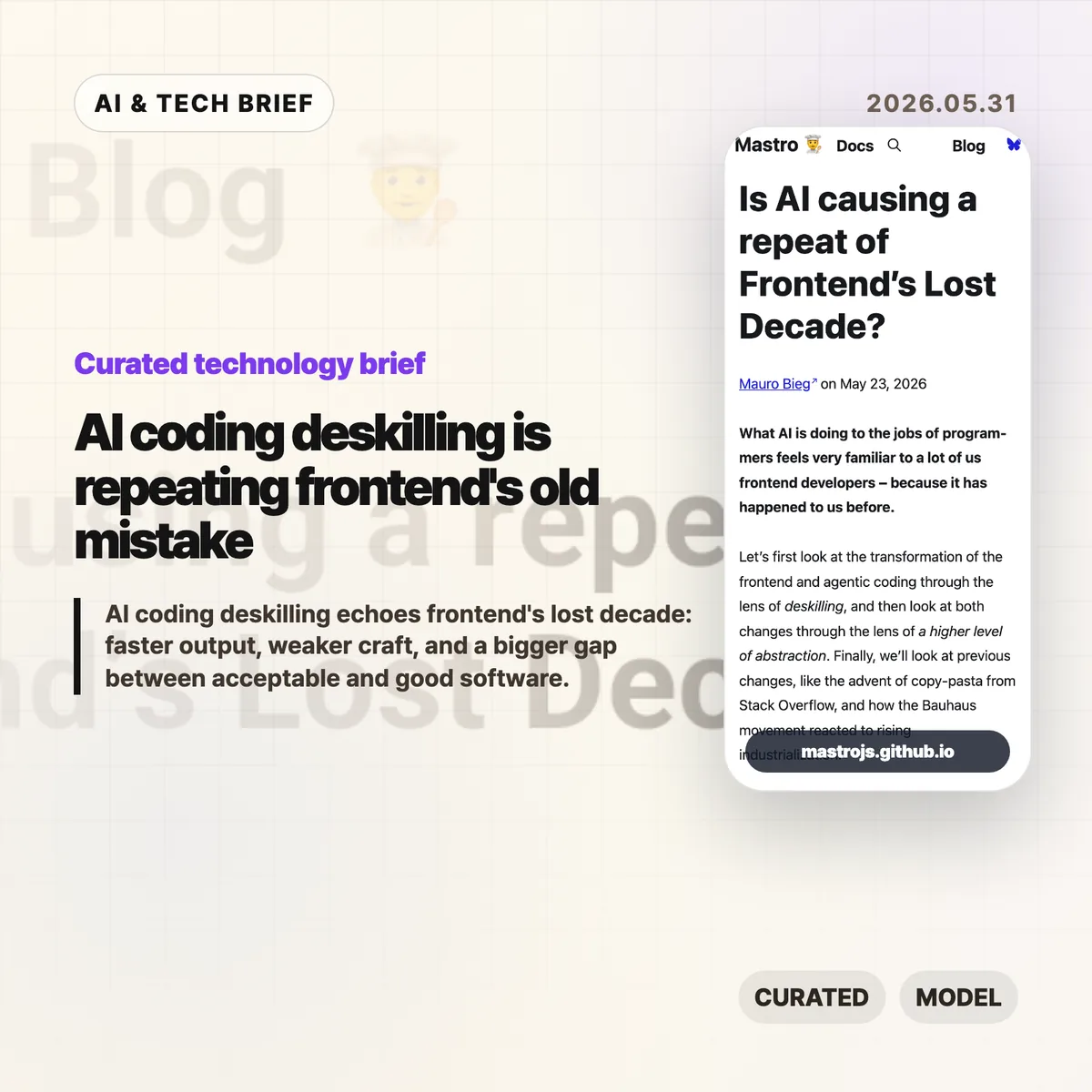
AI coding deskilling is starting to look familiar to web developers who watched frontend work move from browser craft to framework operation. Mauro Bieg’s Mastro essay argues that AI coding tools may repeat the same trade: more people can ship software, but fewer people may understand the details that decide whether it is any good.
Table of Contents
The short version
- Bieg frames AI coding deskilling through the same lens Alex Russell used for frontend’s lost decade: abstraction made teams faster, but it also hid browser behavior, accessibility, and performance costs.
- The warning is not “never use AI.” It is that LLM generated code still needs someone who can read the output, spot missing context, and cut the wrong abstraction back down to size.
- The Hacker News thread pushes back in useful ways. Some readers argue that frameworks and LLMs lower barriers, while others say they widen the gap between acceptable MVPs and decent software.
- For product teams, the practical question is whether AI coding agents are paired with tests, accessibility checks, performance budgets, and human review rather than treated as a replacement for those habits.
What happened
Mauro Bieg published an essay asking whether AI is causing a repeat of frontend’s lost decade. The piece compares agentic coding with the way JavaScript frameworks changed frontend development over the past decade.
His core claim is simple enough: frameworks made frontend work easier to staff and faster to start, but they also encouraged teams to treat the browser as a compilation target. That can push semantic HTML, CSS knowledge, accessibility, progressive enhancement, and network performance into the background.
Bieg then applies the same idea to AI coding tools. If a worker can describe a change in natural language and receive a working patch, the job shifts from writing code to steering and reviewing output. That can be useful. It can also move important details out of sight.
The essay points back to Alex Russell’s “Frontend’s Lost Decade” talk, which argued that modern frontend tooling often optimized for developer convenience while users paid the cost through slow, heavy web experiences. The point lands harder now because AI coding tools make it even easier to generate a lot of code quickly.
Why this is worth watching
AI coding deskilling feels familiar because frontend already lived through a version of this story. A higher level abstraction can be a gift when it removes accidental work. It becomes a problem when teams forget which details were removed and who still pays for them.
That distinction matters for AI coding tools. A model can produce a React component, a test file, a migration, or a refactor in seconds. It cannot know by default whether the component traps keyboard focus, whether the generated test checks real behavior, or whether the new abstraction makes next month’s bug harder to find.
The useful way to read Bieg’s argument is not as nostalgia for hand coded everything. It is a warning about ownership. If the team cannot explain the tradeoffs in AI generated code, the speed is probably being financed with technical debt.
There is a good reason builders keep reaching for these tools anyway. Fast prototypes matter, especially before product market fit. The trap is treating prototype speed as proof that the architecture, accessibility, and performance choices are good enough for production. Readers who follow the IT & AI archive will recognize the pattern: the best AI tooling stories are usually about better review loops, not magic replacement.
What Hacker News readers are arguing about
The Hacker News discussion is split, but not in the usual “AI good” versus “AI bad” way. The more interesting disagreement is about what counts as waste.
One camp argues that a lot of old frontend expertise was accidental complexity. Browser quirks, CSS specificity, and hand rolled accessible components were hard to learn, and abstracting them away let more people build things. From this view, frameworks and LLMs are acceptable tradeoffs if the alternative is fewer products getting built at all.
The other camp says that this misses the cost to users. Accessibility, performance, compatibility, and clean architecture are easy to ignore when the demo works. AI coding can make that worse by producing a convincing first draft before anyone has checked whether it behaves well outside the happy path.
The thread gets especially practical around testing. Optimists argue that agents can write tests, run red green cycles, and encode project rules in files like AGENTS.md. Skeptics answer that AI generated tests often mock too much, test the wrong layer, or create a maintenance burden that looks impressive without protecting real behavior. Accessibility testing gets the same treatment: automated checks help, but screen reader behavior, keyboard traps, focus restoration, and alt text still need judgment.
A useful middle position shows up in the discussion too. AI tools may make good engineering practices more visible. Tests, design docs, specs, and review checklists suddenly matter more because they give the agent something concrete to obey. That is a better argument than claiming the model has rigor on its own.
The practical read
Teams using AI coding tools should separate speed from confidence. Faster output is real. Confidence still has to come from review, tests that check behavior, accessibility passes, performance measurement, and a shared idea of what “good enough” means.
For a small MVP, the right move may be to let AI help with boilerplate and simple iteration. Keep the stack boring. Keep the code small enough that a human can still read it. Do not let generated layers pile up faster than the team can explain them.
For production web apps, AI coding deskilling is a management problem as much as a tooling problem. If every patch goes through an agent but nobody owns browser behavior, accessibility, latency, or long term maintainability, the team has only moved the work out of sight.
The best use of AI coding may be less glamorous: ask it to write the boring test, summarize the risky diff, check the accessibility checklist, or propose the smaller version of a change. If the tool helps experienced developers notice more, it is useful. If it helps inexperienced teams ignore more, Bieg’s frontend analogy is probably right.
AI coding deskilling checklist
A team does not need to reject AI coding to avoid AI coding deskilling. It needs a review loop that checks behavior, not only syntax. Start with four questions: can a human explain the change, can tests catch the obvious failure, can keyboard and screen reader users complete the flow, and does the page still feel fast on an ordinary device?