Quietly: Building a Calmer Notification Inbox for Android
Quietly is an Android app for people whose phones are too loud. It saves the notifications Android delivers so you can read a message preview without opening the chat app, search what came in earlier, and remove the alerts you never wanted. Its homepage puts it simply: “A little less noise. A little more room for you.” It is available on Google Play, and in early October 2026 it got its own site with guides and a blog at quietlyinbox.com.
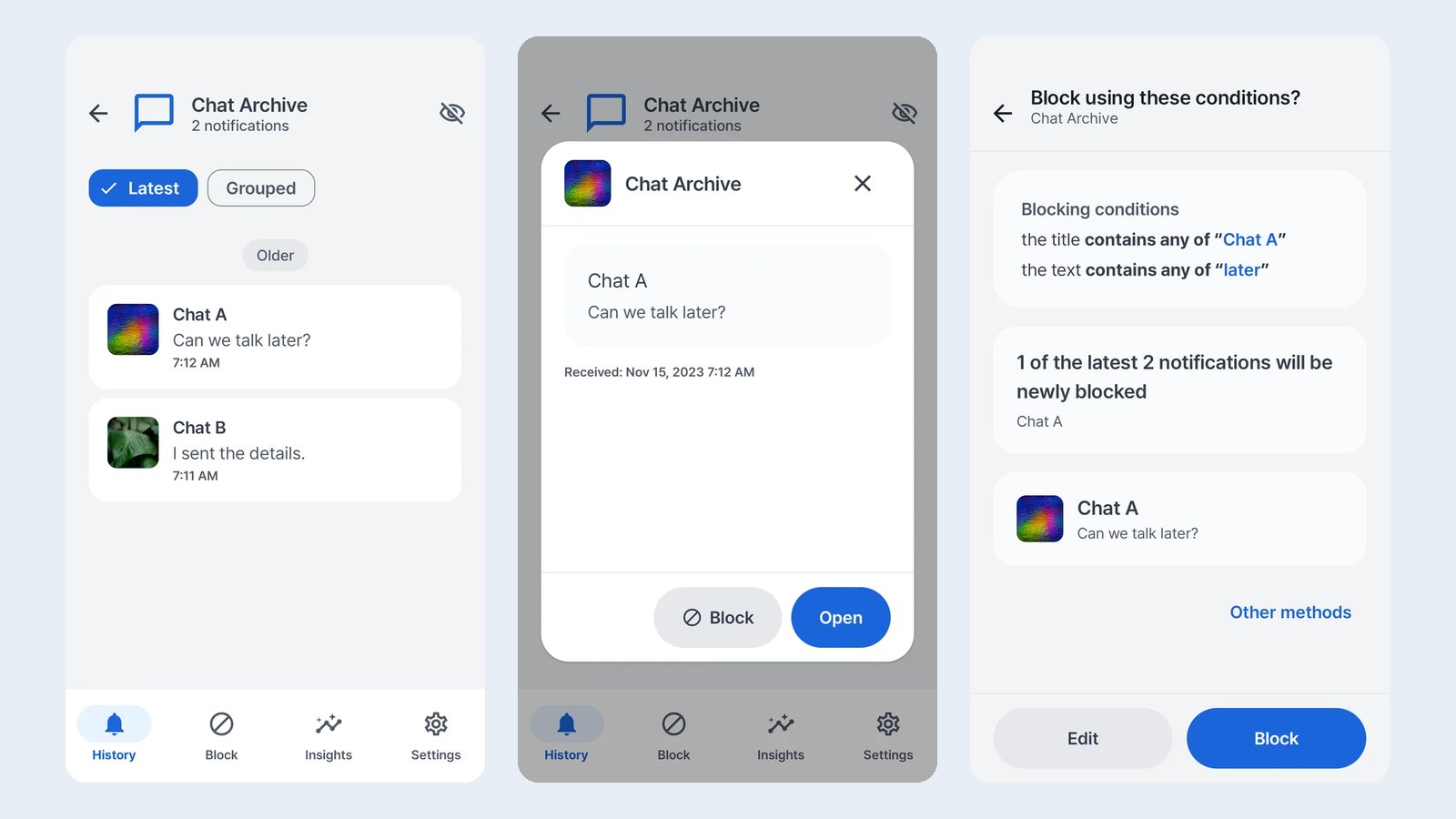
Three jobs, one inbox
- Read without opening. When an app includes the message text in its notification, Quietly keeps that preview, so you can read it later without opening the conversation.
- Filter the noise. A rule can target one app and specific words in the notification title or text. A “flash sale” rule can remove promotions while other alerts from the same shopping app still come through.
- Find it again. Saved notifications can be searched and filtered into received and blocked.
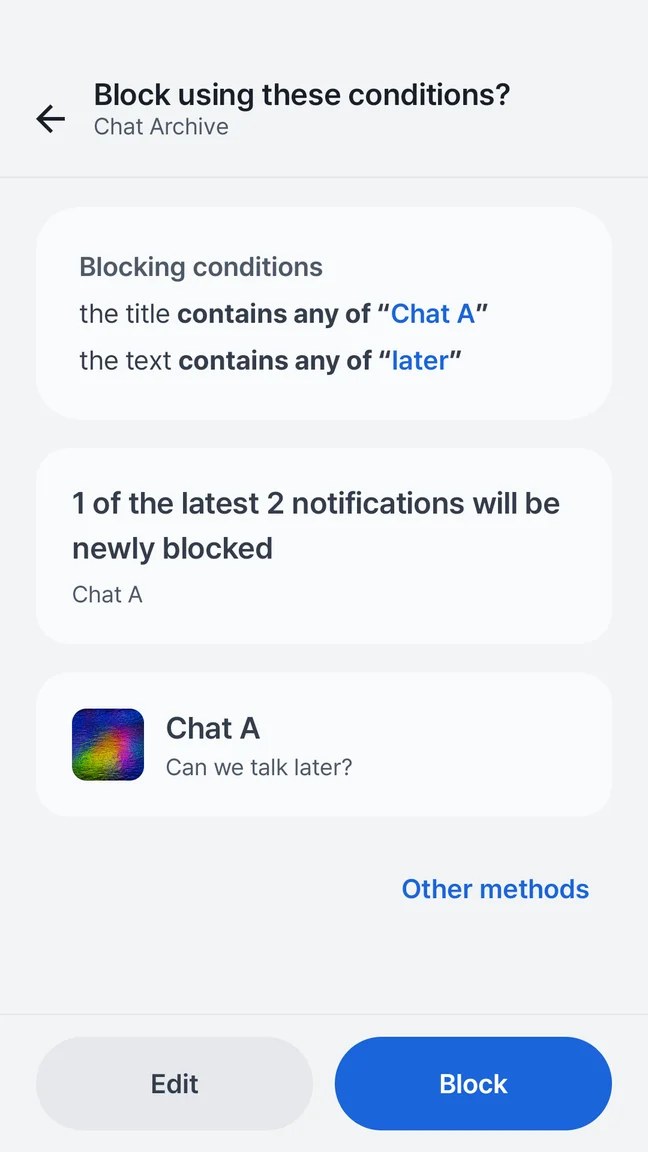
That preview was added on purpose. A keyword rule that is too broad is easy to write and hard to notice, so the rule composer shows real matches from your recent history before you commit.
Being honest about what it can’t do
A notification app gets asked for things Android doesn’t allow. The guides answer these directly instead of implying more:
- Removal happens after delivery. Android posts the notification first and Quietly removes it afterwards, so a sound or banner may still appear. For general quiet hours, Android’s own Do Not Disturb is the better tool.
- No time travel. Installing Quietly can’t recover notifications that arrived before it had access.
- Deleted messages. A preview saved before a message was deleted may still be in your history. Quietly can’t recover anything from the chat app itself.
Notification content stays on the phone
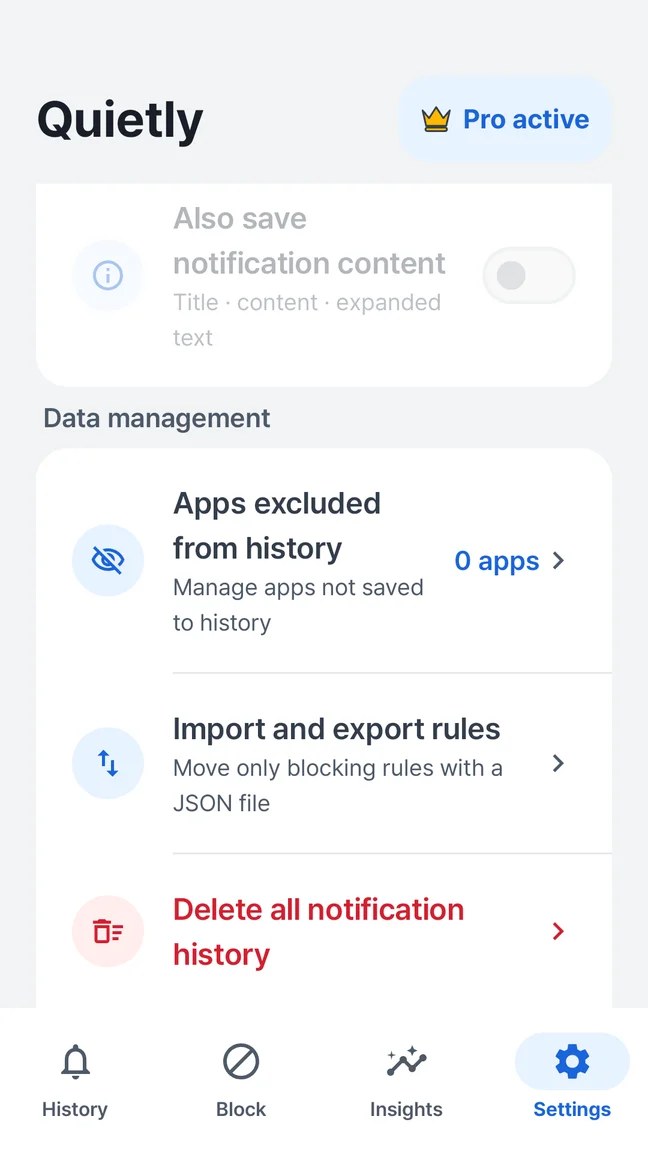
Notification access is a powerful permission, because it lets an app read message previews. Quietly keeps notification content, rules, searches and the insights built from them on the device. They are not part of analytics events. Ads and usage analytics are handled separately from that content, and you can stop processing, revoke access or delete the whole history from settings.
A lesson from the history screen
Early on, the same notification could appear in history several times. Android often updates a notification in place, for example when a chat adds a new line or a download makes progress. Each update arrived as if it were new. The fix was to treat Android’s own identifier for a notification as the record’s identity and update the saved entry instead of adding another.
The same change removed a convenient database setting that wipes local data whenever the storage format changes. That setting is fine during early development. In an app whose whole value is your history, it would mean an update could quietly delete everything, so it had to go before release.
Where it is now
Quietly supports Android 7.0 and later and is available in 13 languages. It is free with ads, and a one-time Pro purchase is optional. The new site has guides in all 13 app languages and a blog in English and Korean.