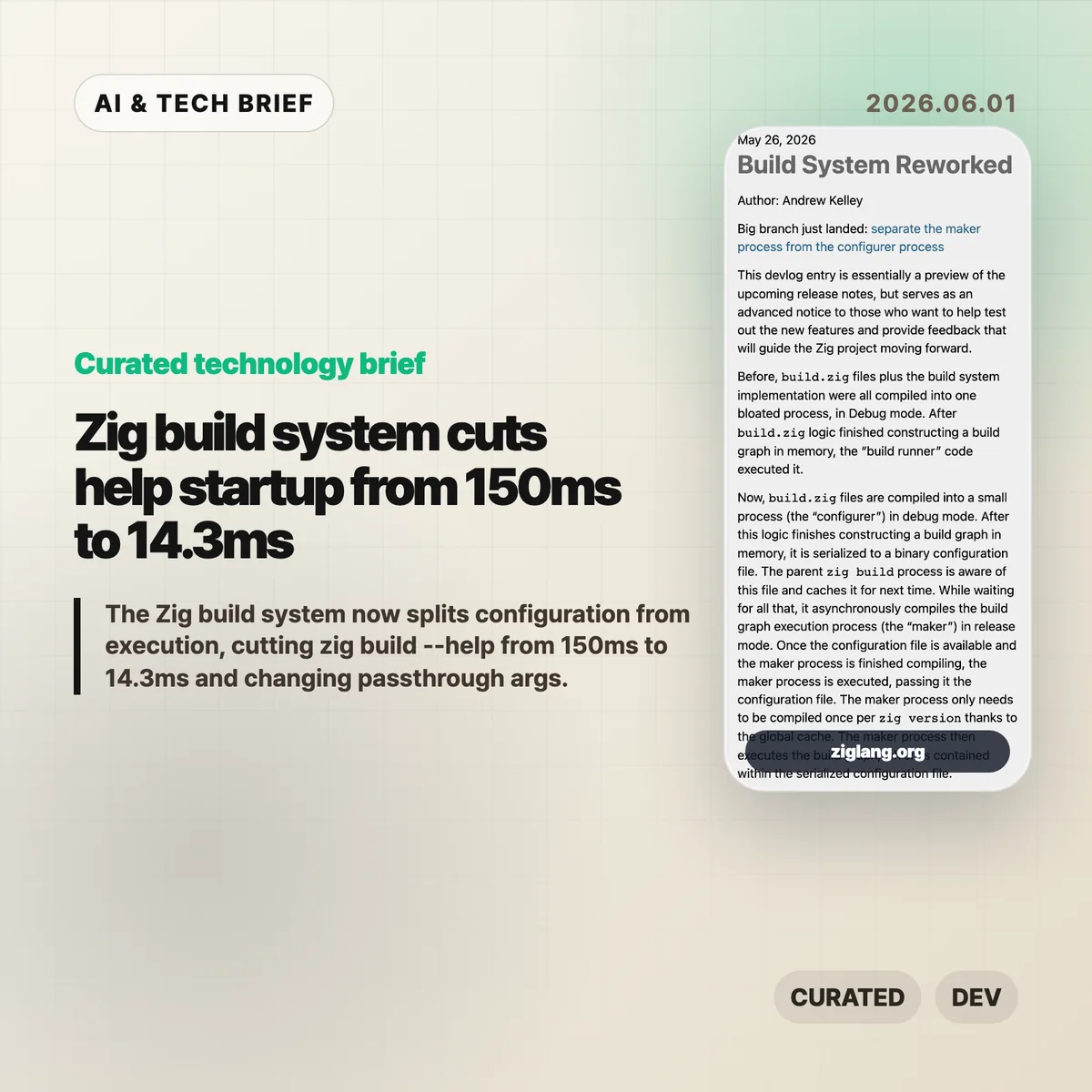
The Zig build system has been split into two jobs: a small configuration step and a faster execution step. Andrew Kelley says the change cut zig build --help from 150ms to 14.3ms on the benchmark in Zig’s 2026 devlog, mostly by avoiding repeated work when the build graph has not changed.
Table of Contents
The short version
- Zig now separates the
configurer, which runsbuild.zig, from themaker, which executes the serialized build graph. - The benchmarked
zig build --helppath dropped from 150ms to 14.3ms, with CPU cycles down from 593M to 24.1M. - The Zig build system can reuse a cached binary configuration file when command-line changes do not alter the build graph.
- Most build APIs remain compatible, but code that inspected
b.argsneeds to move toaddPassthruArgs(). - The practical payoff is less waiting in watch mode, editor integrations, help output, and other small commands that developers run over and over.
What happened
Before this rework, a project’s build.zig file and Zig’s build runner implementation were compiled into one large Debug-mode process. The build script created a graph in memory, and the same combined process ran it.
The new Zig build system splits that path. The configurer compiles and runs the user’s build.zig logic, then writes the resulting build graph as a binary configuration file. The parent zig build process can cache that file for later runs.
Execution moves to the maker. Zig compiles the maker in Release mode, does that compilation asynchronously, and stores it in a global cache per Zig version. Once the cached config file and maker are ready, the maker executes the graph.
That is a small architectural change with a very concrete point: editing a tiny build script should not force Zig to rebuild the whole build system machinery every time.
Why this is worth watching
The headline number is narrow but useful. Zig’s devlog says zig build --help fell from 150ms to 14.3ms in average wall time, a 90.4% reduction. CPU cycles fell 95.9%, instructions fell 95.6%, and cache references fell 94.3%.
A help command is not the same thing as a full project build. Still, build tools spend a lot of time on short-lived commands: printing help, checking options, restarting watch mode, serving a web UI, or feeding data to an editor. Those are exactly the places where 100ms delays become noticeable.
The cached configuration also means some command-line changes no longer force build.zig to run again. The devlog gives -freference-trace as an example: if the build graph does not change, Zig can reuse the previous configuration.
For more developer tooling coverage, see the IT & AI archive.
What changes for Zig build system users
The rework is not meant to break most build scripts. The visible compatibility issue is passthrough arguments. Code that directly observed b.args and forwarded it with run_cmd.addArgs(args) now needs to use run_cmd.addPassthruArgs().
That does remove one bit of observability from the build script. In return, changing those passthrough arguments no longer has to invalidate and rebuild the configuration step from source. It is the kind of trade that makes sense for a build tool: give up a rarely needed hook to make the common path cheaper.
Zig 0.17.0 is expected within weeks, according to the devlog. Teams already using development builds should search for b.args patterns before upgrading. Everyone else can treat this as an early warning rather than a fire drill.
What Hacker News readers are arguing about
The Hacker News thread is less about the specific 150ms benchmark and more about whether Zig is becoming practical enough to use before 1.0.
One camp is clearly encouraged. Several commenters said recent Zig releases have been disruptive but worth it, especially around I/O design and the feeling that Zig works well as a small tooling language. The recurring praise is not that Zig is magically faster everywhere. It is that the language feels good for low-level experiments without forcing as much ceremony as C++ or Rust.
The skeptical side is also useful. Some readers pushed back on claims that the new I/O system is already highly efficient, pointing to dynamic dispatch, vtable indirection, and unresolved questions around async behavior. Others said they like Zig but are tired of release-to-release API churn and may wait for 1.0 before using it in serious projects.
The build system change fits that split. It is a strong piece of engineering, but it lands in a language that is still moving quickly. If your project values stable tooling above all else, the number to watch is not 14.3ms. It is how much your build script changes between Zig releases.
The practical read
The Zig build system rework is worth watching because it attacks a boring part of developer experience that compounds all day. Fast compilers help, but fast tool startup matters too. If a build tool is called by editors, shells, watch processes, and documentation commands, every avoidable rebuild is a tax.
For Zig users, the immediate task is simple: test development builds if you can, check for b.args, and read the 0.17.0 release notes when they land. For people building other developer tools, the design lesson is broader. Separate user configuration from execution, cache the serialized result, and make the hot path cheap enough that users stop noticing it.