Tag: Software Development

  • Cheap code and the Winchester House model of AI software

    Cheap code and the Winchester House model of AI software

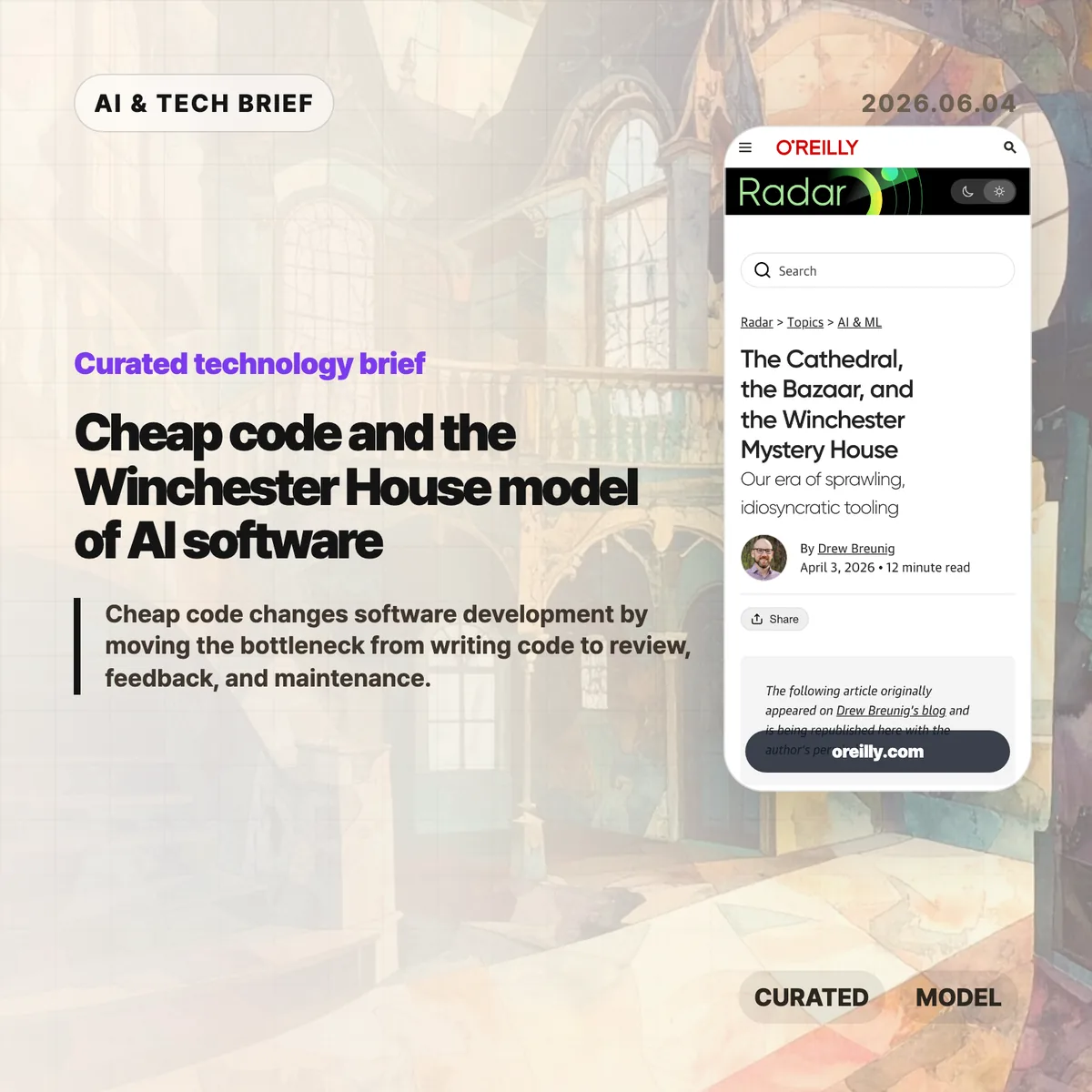
    Cheap code changes software development by making implementation feel abundant while review, feedback, and maintenance stay scarce. In an April 3, 2026 O’Reilly Radar essay, Drew Breunig argues that AI coding agents are creating a third software model: personal, sprawling tools that look less like cathedrals or bazaars and more like the Winchester Mystery House. His examples include Claude Code activity, open source contribution pressure, and personal agent stacks that grow faster than teams can explain them.

    The short version

    • O’Reilly frames AI-era development as a “Winchester Mystery House” model in an April 3, 2026 essay about sprawling personal tools.
    • Breunig cites Claude Code activity reaching about 1,000 net lines per commit, a number that makes review speed more important than raw output.
    • The useful warning is not that AI code is bad. Feedback, review, product judgment, and long-term ownership have not become cheap at the same pace.
    • Open source is unlikely to disappear, but maintainers may face more agent-written pull requests, thin context, and resume-padding contributions.
    • The business angle is boring infrastructure: testing, security, review, dependency management, and maintainability tools that developers do not want to rebuild alone.

    What happened

    O’Reilly Radar republished Drew Breunig’s essay, “The Cathedral, the Bazaar, and the Winchester Mystery House,” on April 3, 2026. The piece updates Eric S. Raymond’s 1998 contrast between the cathedral model of closed, planned software and the bazaar model of open, networked collaboration.

    Breunig’s third model starts from a simple claim: the internet made coordination cheaper, while AI coding agents make implementation cheaper. He cites Claude Code activity and says one example line had reached about 1,000 net lines per commit. That number matters less as a benchmark than as a stress test. If writing code gets faster than understanding code, teams do not automatically get cleaner products. They get more software to judge.

    The essay uses personal agent stacks, open source maintenance pressure, and the Winchester Mystery House itself to describe a world where developers keep extending tools around their own taste. The house had roughly 160 rooms when it became a tourist attraction, after peaking at far more. The software version can be useful and clever, but outsiders may struggle to find the plan.

    Why cheap code is worth watching

    Cheap code is worth watching because it changes the constraint in software work. According to O’Reilly Radar, Breunig compares AI coding agents with the internet’s role in open source: the internet made coordination cheaper, while tools such as Claude Code make implementation cheaper. That switch moves the bottleneck from typing to judgment.

    A developer can now ask an agent to scaffold features, rewrite chunks of code, or glue together APIs with less friction than before. The harder part is what happens after the code exists. Someone still has to decide whether the feature should exist, whether the implementation is safe, whether the tests cover the risky parts, and whether another human can maintain it six months later.

    Breunig’s essay puts this plainly: the fastest feedback loop is often the developer using their own tool. That works well for personal automation. It gets risky when the same habits enter shared products. For readers who follow developer tooling, the next durable products may be review, search, testing, and safety systems rather than another code generator. The broader IT & AI archive is tracking that shift across coding agents, AI infrastructure, and software workflow products.

    What does cheap code change for builders?

    Cheap code pushes builders toward personal software first. A founder, engineer, or internal tools lead can now make a workflow-specific app that would have been too annoying to justify a year ago. In practice, that favors prototypes, back-office automation, research tools, and tiny utilities that never deserved a full product roadmap.

    The trade-off is ownership. A tool that works for one developer can become a maintenance trap when it spreads to a team. Personal context does not transfer automatically. Naming, documentation, tests, access control, data retention, and rollback plans still need human discipline. Teams that adopt AI coding agents should measure more than output volume. Better operating metrics include review time, defect rate, test coverage, duplicated code, and how often generated features are removed after 30 or 90 days.

    App builders and extension developers should also read this as an ASO and marketplace warning. If anyone can build a personal tool, discovery gets noisier. The products that win may be the ones that explain their constraints clearly and handle the unfun parts better than a weekend agent script.

    What Hacker News readers are arguing about

    The Hacker News discussion linked from the O’Reilly essay is older than the current AI coding wave, but it explains why lines of code are a weak productivity metric. The thread starts from the Mythical Man-Month claim that a developer may average around 10 lines of code per day. One widely cited comment by Redis creator Salvatore Sanfilippo estimates his own Redis output at roughly 29 lines per day over a decade, after accounting for rewriting and bug fixing.

    The useful disagreement is about what counts as production. Some commenters point out that greenfield work can produce hundreds of lines in a day, while debugging, refactoring, and design work may produce almost no net lines. Others compare software to repair work: replacing a bolt is easy, knowing which bolt to replace is the skill.

    That makes the O’Reilly argument sharper. If Claude Code can produce around 1,000 net lines per commit in the example Breunig cites, the number is impressive only until it hits the old constraint. More lines still need taste, review, deletion, and responsibility. The Hacker News thread is not evidence about AI agents, but it is a useful reminder that code volume has always been a poor proxy for software value.

    The practical read

    Teams should treat cheap code as a capacity change, not a quality guarantee. The practical move is to pair AI coding agents with stricter review paths: automated tests before merge, smaller diffs, named owners, and clear rollback plans. Use agents where the feedback loop is short: prototypes, migrations, tests, scripts, documentation drafts, and personal workflow tools. Be more conservative when the work touches security, billing, permissions, production data, or shared architecture.

    For open source maintainers, the article points to a near-term process problem. Projects may need contribution templates that ask for evidence, automated triage that filters low-context pull requests, and policies that let maintainers reject generated churn quickly. The goal is not to block AI-assisted contributors. It is to make contributors bring the context that maintainers actually need.

    For tool companies, the opportunity sits around the boring parts. Developers may enjoy building their own stained-glass windows. They still want someone else to make the plumbing reliable.
    Sources

  • Zig build system cuts help startup from 150ms to 14.3ms

    Zig build system cuts help startup from 150ms to 14.3ms

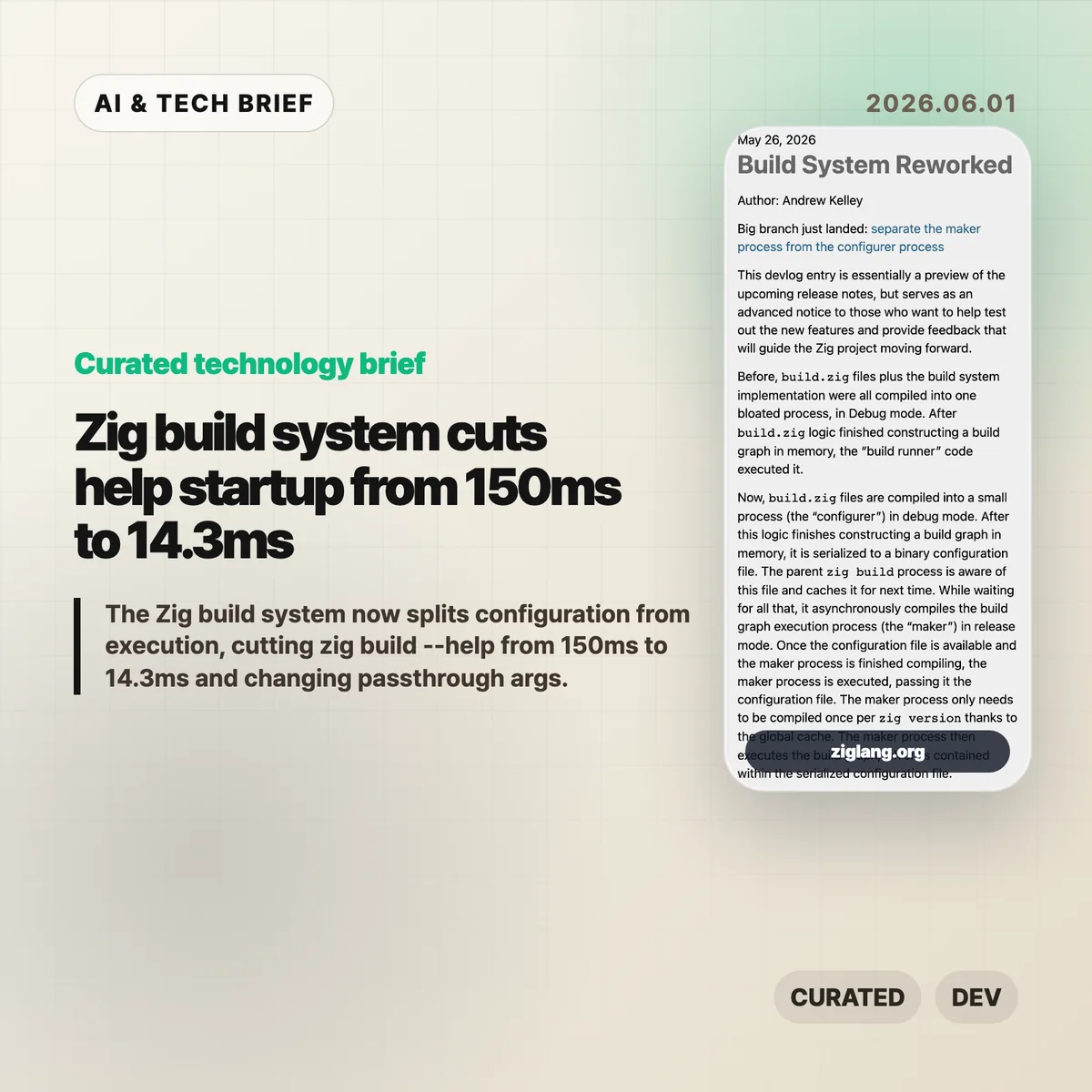
    The Zig build system has been split into two jobs: a small configuration step and a faster execution step. Andrew Kelley says the change cut zig build --help from 150ms to 14.3ms on the benchmark in Zig’s 2026 devlog, mostly by avoiding repeated work when the build graph has not changed.

    The short version

    • Zig now separates the configurer, which runs build.zig, from the maker, which executes the serialized build graph.
    • The benchmarked zig build --help path dropped from 150ms to 14.3ms, with CPU cycles down from 593M to 24.1M.
    • The Zig build system can reuse a cached binary configuration file when command-line changes do not alter the build graph.
    • Most build APIs remain compatible, but code that inspected b.args needs to move to addPassthruArgs().
    • The practical payoff is less waiting in watch mode, editor integrations, help output, and other small commands that developers run over and over.

    What happened

    Before this rework, a project’s build.zig file and Zig’s build runner implementation were compiled into one large Debug-mode process. The build script created a graph in memory, and the same combined process ran it.

    The new Zig build system splits that path. The configurer compiles and runs the user’s build.zig logic, then writes the resulting build graph as a binary configuration file. The parent zig build process can cache that file for later runs.

    Execution moves to the maker. Zig compiles the maker in Release mode, does that compilation asynchronously, and stores it in a global cache per Zig version. Once the cached config file and maker are ready, the maker executes the graph.

    That is a small architectural change with a very concrete point: editing a tiny build script should not force Zig to rebuild the whole build system machinery every time.

    Why this is worth watching

    The headline number is narrow but useful. Zig’s devlog says zig build --help fell from 150ms to 14.3ms in average wall time, a 90.4% reduction. CPU cycles fell 95.9%, instructions fell 95.6%, and cache references fell 94.3%.

    A help command is not the same thing as a full project build. Still, build tools spend a lot of time on short-lived commands: printing help, checking options, restarting watch mode, serving a web UI, or feeding data to an editor. Those are exactly the places where 100ms delays become noticeable.

    The cached configuration also means some command-line changes no longer force build.zig to run again. The devlog gives -freference-trace as an example: if the build graph does not change, Zig can reuse the previous configuration.

    For more developer tooling coverage, see the IT & AI archive.

    What changes for Zig build system users

    The rework is not meant to break most build scripts. The visible compatibility issue is passthrough arguments. Code that directly observed b.args and forwarded it with run_cmd.addArgs(args) now needs to use run_cmd.addPassthruArgs().

    That does remove one bit of observability from the build script. In return, changing those passthrough arguments no longer has to invalidate and rebuild the configuration step from source. It is the kind of trade that makes sense for a build tool: give up a rarely needed hook to make the common path cheaper.

    Zig 0.17.0 is expected within weeks, according to the devlog. Teams already using development builds should search for b.args patterns before upgrading. Everyone else can treat this as an early warning rather than a fire drill.

    What Hacker News readers are arguing about

    The Hacker News thread is less about the specific 150ms benchmark and more about whether Zig is becoming practical enough to use before 1.0.

    One camp is clearly encouraged. Several commenters said recent Zig releases have been disruptive but worth it, especially around I/O design and the feeling that Zig works well as a small tooling language. The recurring praise is not that Zig is magically faster everywhere. It is that the language feels good for low-level experiments without forcing as much ceremony as C++ or Rust.

    The skeptical side is also useful. Some readers pushed back on claims that the new I/O system is already highly efficient, pointing to dynamic dispatch, vtable indirection, and unresolved questions around async behavior. Others said they like Zig but are tired of release-to-release API churn and may wait for 1.0 before using it in serious projects.

    The build system change fits that split. It is a strong piece of engineering, but it lands in a language that is still moving quickly. If your project values stable tooling above all else, the number to watch is not 14.3ms. It is how much your build script changes between Zig releases.

    The practical read

    The Zig build system rework is worth watching because it attacks a boring part of developer experience that compounds all day. Fast compilers help, but fast tool startup matters too. If a build tool is called by editors, shells, watch processes, and documentation commands, every avoidable rebuild is a tax.

    For Zig users, the immediate task is simple: test development builds if you can, check for b.args, and read the 0.17.0 release notes when they land. For people building other developer tools, the design lesson is broader. Separate user configuration from execution, cache the serialized result, and make the hot path cheap enough that users stop noticing it.

    Sources

  • Boring technology matters more when AI writes the code

    Boring technology matters more when AI writes the code

    Boring technology is not a nostalgia play. Aaron Brethorst argues that AI coding tools make the old “choose boring technology” rule more useful, because generated code is easier to trust when your team can actually review it. The uncomfortable part is simple: AI can write code for stacks you do not understand, but it cannot give your team the judgment it skipped.

    The short version

    • Brethorst revisits Dan McKinley’s 2015 “Choose Boring Technology” essay and applies it to Claude, Copilot, and agentic coding tools.
    • The risk is not that AI writes bad code. The risk is that it writes plausible code in unfamiliar stacks, where teams have weak review instincts.
    • Boring technology works well with AI because known tools have known failure modes, docs, operational patterns, and people who can spot odd suggestions.
    • The useful question for a new stack is: if AI generated this implementation, could the team review it without guessing?

    What happened

    Brethorst’s post starts from McKinley’s idea of “innovation tokens”: teams can afford only a limited number of new, risky technical choices before their ability to operate the system gets worse. A new language, a new framework, and a new infrastructure model in the same project may feel exciting, but every unknown adds review cost.

    AI coding assistants change the feel of that tradeoff. Claude or Copilot can produce professional-looking code for Kubernetes, GraphQL federation, Rails, JavaScript, or a framework the team barely knows. That makes the unfamiliar stack look cheaper than it is. The generated code may run. It may follow naming conventions. It may include error handling. None of that proves the design is safe, maintainable, or idiomatic.

    Brethorst’s practical rule is blunt: use AI as a multiplier for stacks you already understand. If the team knows Rails, AI-generated Rails code is easier to check. If the team knows JavaScript, Copilot’s suggestions can be reviewed against real language knowledge. In a stack nobody understands, the tool becomes a confidence machine.

    Why this is worth watching

    Boring technology has a different meaning in the AI coding era. It does not mean old for the sake of old. It means the team knows how it fails, where to find answers, which APIs are deprecated, how performance problems usually show up, and what production pain looks like at 3 a.m.

    That matters because AI-generated code has become tidy enough to hide its own problems. Bad code used to look suspicious. Now the risky version may look clean, because the model has learned the surface shape of good code. The reviewer still needs taste, context, and memory of prior failures.

    For more software and AI briefings, the IT & AI archive tracks similar stories about developer tools, AI infrastructure, and product engineering choices.

    What Hacker News readers are arguing about

    The Hacker News thread is tiny, so there is no broad community verdict to report. The one useful comment points to Django as an example of boring technology that still makes a developer more productive.

    That small reaction fits the essay better than a noisy debate would. The point is not that every team should pick Django, Rails, Postgres, or any other specific default. The point is that mature tools often pair better with AI coding assistants because the human reviewer has a sharper baseline. The discussion does not prove the argument, but it shows the kind of practical response the essay invites: name the stack you know well enough to trust yourself around.

    The practical read for boring technology

    A team evaluating AI coding tools should separate two decisions that often get mixed together. One decision is whether AI can speed up the work. The other is whether the team can review the output.

    If a project already uses a familiar stack, AI can help with boilerplate, tests, migrations, refactors, and repetitive glue code. If the project also introduces a new framework or infrastructure pattern, slow down. Build a small internal test first. Ask someone to review the generated code without running to the docs every two minutes. If that review is mostly vibes, the stack is not ready for core production work.

    Boring technology is a review strategy. It gives AI less room to fool the team and gives humans more chances to catch the mistake before customers do.

    Sources

  • AI coding deskilling is repeating frontend’s old mistake

    AI coding deskilling is repeating frontend’s old mistake

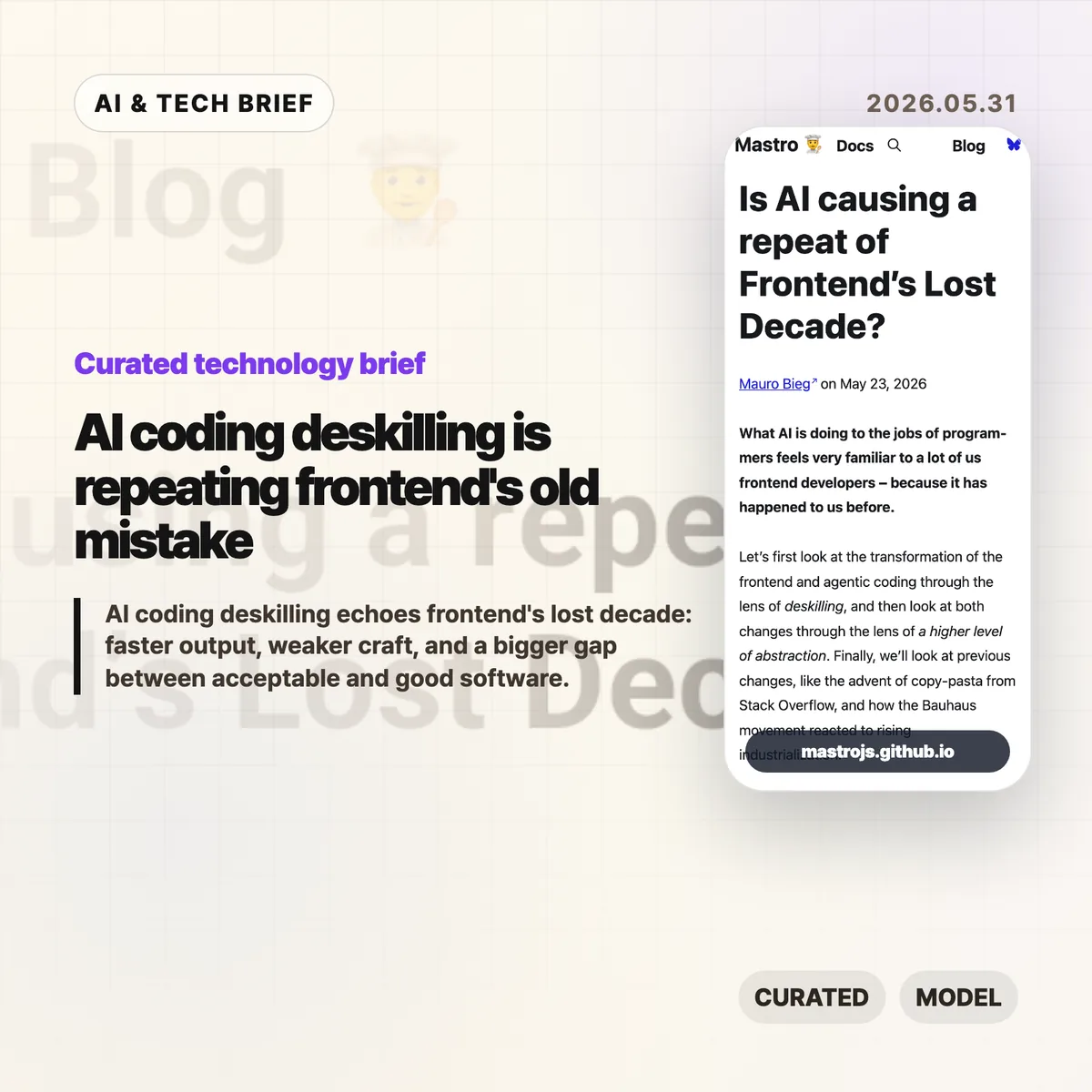
    AI coding deskilling is starting to look familiar to web developers who watched frontend work move from browser craft to framework operation. Mauro Bieg’s Mastro essay argues that AI coding tools may repeat the same trade: more people can ship software, but fewer people may understand the details that decide whether it is any good.

    The short version

    • Bieg frames AI coding deskilling through the same lens Alex Russell used for frontend’s lost decade: abstraction made teams faster, but it also hid browser behavior, accessibility, and performance costs.
    • The warning is not “never use AI.” It is that LLM generated code still needs someone who can read the output, spot missing context, and cut the wrong abstraction back down to size.
    • The Hacker News thread pushes back in useful ways. Some readers argue that frameworks and LLMs lower barriers, while others say they widen the gap between acceptable MVPs and decent software.
    • For product teams, the practical question is whether AI coding agents are paired with tests, accessibility checks, performance budgets, and human review rather than treated as a replacement for those habits.

    What happened

    Mauro Bieg published an essay asking whether AI is causing a repeat of frontend’s lost decade. The piece compares agentic coding with the way JavaScript frameworks changed frontend development over the past decade.

    His core claim is simple enough: frameworks made frontend work easier to staff and faster to start, but they also encouraged teams to treat the browser as a compilation target. That can push semantic HTML, CSS knowledge, accessibility, progressive enhancement, and network performance into the background.

    Bieg then applies the same idea to AI coding tools. If a worker can describe a change in natural language and receive a working patch, the job shifts from writing code to steering and reviewing output. That can be useful. It can also move important details out of sight.

    The essay points back to Alex Russell’s “Frontend’s Lost Decade” talk, which argued that modern frontend tooling often optimized for developer convenience while users paid the cost through slow, heavy web experiences. The point lands harder now because AI coding tools make it even easier to generate a lot of code quickly.

    Why this is worth watching

    AI coding deskilling feels familiar because frontend already lived through a version of this story. A higher level abstraction can be a gift when it removes accidental work. It becomes a problem when teams forget which details were removed and who still pays for them.

    That distinction matters for AI coding tools. A model can produce a React component, a test file, a migration, or a refactor in seconds. It cannot know by default whether the component traps keyboard focus, whether the generated test checks real behavior, or whether the new abstraction makes next month’s bug harder to find.

    The useful way to read Bieg’s argument is not as nostalgia for hand coded everything. It is a warning about ownership. If the team cannot explain the tradeoffs in AI generated code, the speed is probably being financed with technical debt.

    There is a good reason builders keep reaching for these tools anyway. Fast prototypes matter, especially before product market fit. The trap is treating prototype speed as proof that the architecture, accessibility, and performance choices are good enough for production. Readers who follow the IT & AI archive will recognize the pattern: the best AI tooling stories are usually about better review loops, not magic replacement.

    What Hacker News readers are arguing about

    The Hacker News discussion is split, but not in the usual “AI good” versus “AI bad” way. The more interesting disagreement is about what counts as waste.

    One camp argues that a lot of old frontend expertise was accidental complexity. Browser quirks, CSS specificity, and hand rolled accessible components were hard to learn, and abstracting them away let more people build things. From this view, frameworks and LLMs are acceptable tradeoffs if the alternative is fewer products getting built at all.

    The other camp says that this misses the cost to users. Accessibility, performance, compatibility, and clean architecture are easy to ignore when the demo works. AI coding can make that worse by producing a convincing first draft before anyone has checked whether it behaves well outside the happy path.

    The thread gets especially practical around testing. Optimists argue that agents can write tests, run red green cycles, and encode project rules in files like AGENTS.md. Skeptics answer that AI generated tests often mock too much, test the wrong layer, or create a maintenance burden that looks impressive without protecting real behavior. Accessibility testing gets the same treatment: automated checks help, but screen reader behavior, keyboard traps, focus restoration, and alt text still need judgment.

    A useful middle position shows up in the discussion too. AI tools may make good engineering practices more visible. Tests, design docs, specs, and review checklists suddenly matter more because they give the agent something concrete to obey. That is a better argument than claiming the model has rigor on its own.

    The practical read

    Teams using AI coding tools should separate speed from confidence. Faster output is real. Confidence still has to come from review, tests that check behavior, accessibility passes, performance measurement, and a shared idea of what “good enough” means.

    For a small MVP, the right move may be to let AI help with boilerplate and simple iteration. Keep the stack boring. Keep the code small enough that a human can still read it. Do not let generated layers pile up faster than the team can explain them.

    For production web apps, AI coding deskilling is a management problem as much as a tooling problem. If every patch goes through an agent but nobody owns browser behavior, accessibility, latency, or long term maintainability, the team has only moved the work out of sight.

    The best use of AI coding may be less glamorous: ask it to write the boring test, summarize the risky diff, check the accessibility checklist, or propose the smaller version of a change. If the tool helps experienced developers notice more, it is useful. If it helps inexperienced teams ignore more, Bieg’s frontend analogy is probably right.

    AI coding deskilling checklist

    A team does not need to reject AI coding to avoid AI coding deskilling. It needs a review loop that checks behavior, not only syntax. Start with four questions: can a human explain the change, can tests catch the obvious failure, can keyboard and screen reader users complete the flow, and does the page still feel fast on an ordinary device?

    Sources

  • Stack Overflow AI is turning a fading forum into a data business

    Stack Overflow AI is turning a fading forum into a data business

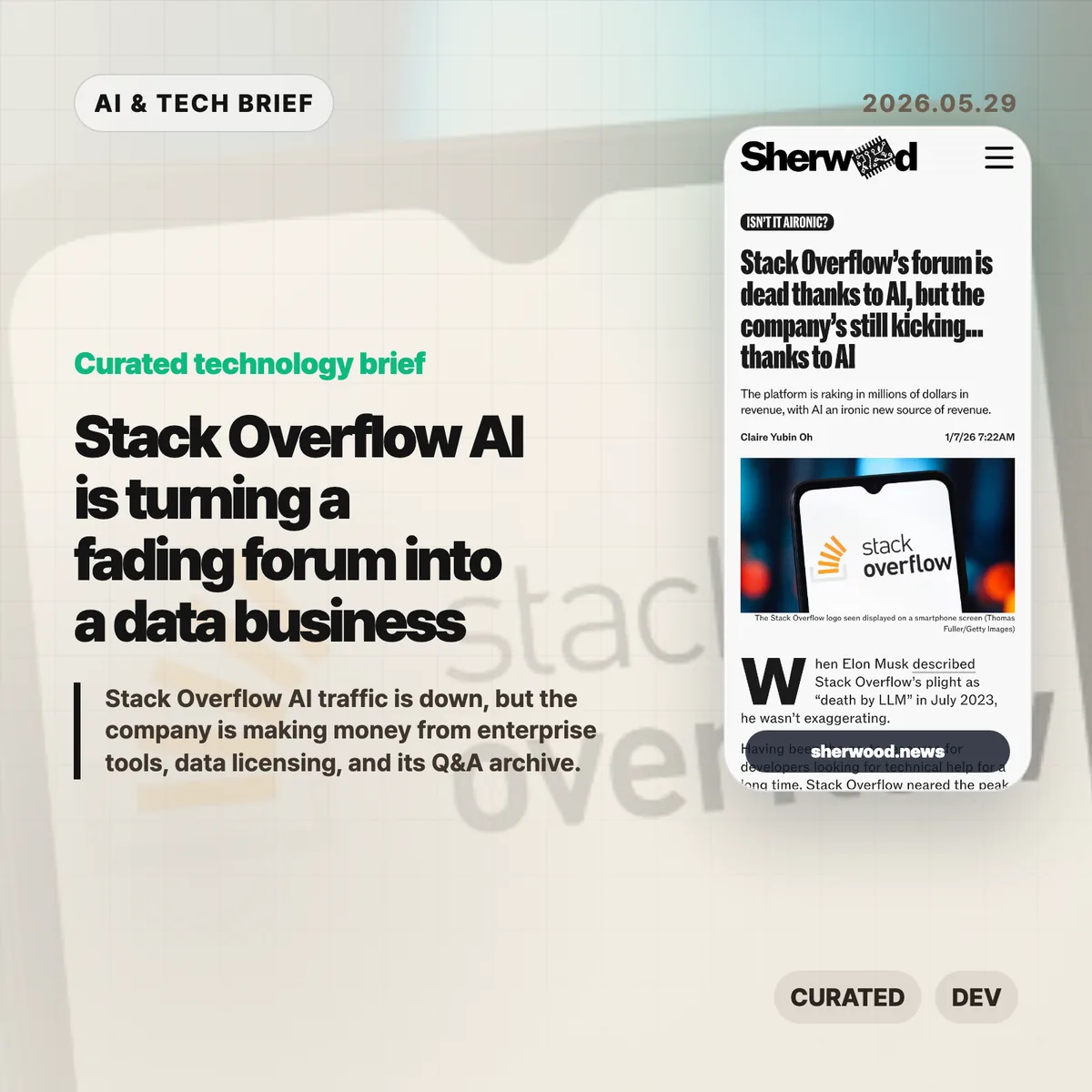
    Stack Overflow AI is a strange story: the public forum is quieter, but the company is not dead. Sherwood reports that Stack Overflow recorded only 6,866 questions last month, while annual revenue has roughly doubled to about $115 million as the business leans on enterprise products and data licensing.

    The short version

    • Stack Overflow’s question volume has fallen close to its 2008 launch-era level, according to Sherwood’s report.
    • The company is still generating about $115 million in annual revenue, with losses down from $84 million in FY2023 to about $22 million in the latest fiscal year.
    • The business has moved toward enterprise tools such as Stack Internal and licensing its developer Q&A archive to AI companies.
    • The uncomfortable part is the loop: AI systems learned from public developer knowledge, but their chat interfaces now keep many new answers out of the public web.

    What happened

    Sherwood’s piece frames Stack Overflow as one of the clearest examples of AI changing developer behavior. Developers who once searched, drafted a question, waited for replies, and left a searchable trail now ask ChatGPT, Claude, Cursor, Gemini, or Copilot first.

    That hurts the forum. A month with 6,866 questions is not a healthy signal for a site that became the default place to solve programming problems. It also changes how new software knowledge gets written down. A private answer in a chat window may solve one person’s bug, but it does not help the next person who hits the same error message.

    The company story is different. Sherwood says Stack Overflow has cut losses and shifted revenue away from forum advertising. Its enterprise product Stack Internal packages company knowledge with a Q&A-style workflow, and Stack Overflow also licenses its data to AI companies that need high quality coding examples and human-curated answers.

    Why this is worth watching

    Stack Overflow AI matters because it shows how a community can lose activity while its archive becomes more valuable. That is not a clean win. It is closer to a salvage model: the old community created a data asset, and the company is now finding buyers for that asset while the public habit that refreshed it weakens.

    Stack Overflow AI and the open-web loop

    For builders, the lesson is blunt. Traffic is not the only asset a technical community creates. Clean answers, reputation signals, accepted solutions, comments, duplicates, and edits all become structured knowledge. That kind of material is useful for retrieval systems, coding assistants, internal copilots, and model evaluation.

    The risk is decay. If fewer developers ask and answer in public, the archive gets older. Libraries change. APIs move. Frameworks break old advice. The AI tools that made the forum less necessary still need fresh, checked, human-written material to stay useful. That loop should worry anyone building on top of public web knowledge.

    This is also why developer tool companies should watch the business model, not only the traffic chart. A product that looks weaker as a destination can still become infrastructure. For more coverage of AI and developer platforms, see the IT & AI archive.

    What Hacker News readers are arguing about

    There is not much of an argument yet. The Hacker News submission exists, but the thread had only 3 points and no comments when checked. That absence is useful in its own way: the story is more developed in the source reporting than in the public discussion around it.

    If a real thread forms later, the useful debate will probably center on three questions. First, whether Stack Overflow’s decline is mostly AI substitution or partly the result of old moderation and onboarding problems. Second, whether licensing community-written answers to AI companies is fair to the people who created the archive. Third, whether private coding assistants are quietly starving the open web of fresh troubleshooting records.

    Those are not abstract complaints. They affect how future developers discover answers, how communities reward contributors, and how AI vendors get the next round of reliable programming data.

    The practical read

    If you run a developer community, Stack Overflow AI is a warning against treating posts as disposable traffic. The durable asset is the knowledge graph around the answers: who corrected what, which answer survived scrutiny, which question was a duplicate, and which explanation still works after a few release cycles.

    If you build AI coding tools, this story is a reminder that source quality matters. A model that answers from stale examples can save time today and create worse bugs tomorrow. Product teams should test answers against current docs, not only old public threads.

    If you are a developer, the practical habit is simple. Use the assistant, but publish the hard-won fix when the answer took real work. A short issue comment, a docs PR, or a public Q&A answer keeps the next person from solving the same problem alone.

    Sources