Written and tested by Diligesker Lab · Published June 29, 2026 · Reviewed July 30, 2026. Mechanical claims are checked against the current browser build, project data, or test records. Report a correction.
BUILD AND TEST EVIDENCE
These notes document the actual WordPress-hosted game routes on Diligesker’s Lab. They describe the deployed package, the loader behavior, observed failure points, viewport checks, and the current public result. This is one maintained record rather than a collection of interchangeable short posts.
1. How the WordPress game runtime is packaged
Each game is stored as a clean HTML5 runtime ZIP in WordPress uploads. The play page fetches that package, unpacks it in the browser with fflate, creates Blob URLs for the files, rewrites asset references, mounts the app, and starts the JavaScript entry point. Visitors never need to download or open the ZIP themselves.
fetch(runtimeZip)
  → unzipSync(arrayBuffer)
  → map each asset path to a Blob URL
  → rewrite CSS url(...) and runtime fetch paths
  → mount the app root
  → load the verified JavaScript entry
The current public packages are loaded from the site’s June 2026 uploads directory. Keeping the runtime on the same WordPress domain avoids a cross-origin iframe and lets the project and play routes share a stable public origin.
Failure that this design has to handle
A WordPress page can publish successfully while the embedded game still fails. Relative image paths, CSS background URLs, dynamic fetches, JavaScript module references, and generated asset names may point to files that no longer exist as normal server paths after ZIP extraction. The loader therefore maps both direct asset names and encoded variants, then rewrites CSS and runtime paths before the game starts.
2. Loader and fallback behavior
| Stage | Visible behavior | Failure evidence |
|---|---|---|
| Before fetch | A branded loading card explains the game and controls. | If the card does not appear, the page or inline script failed before runtime loading. |
| ZIP fetch | A progress message identifies WordPress storage as the source. | HTTP status and fetch error distinguish a missing package from a game error. |
| Asset mapping | Files receive Blob URLs and CSS URLs are rewritten. | Missing backgrounds or fonts indicate an unmapped reference. |
| App mount | The normal WP header/footer is hidden and the game root fills the play surface. | A visible loader with no canvas points to entry-script or mount failure. |
| Recovery | The project-notes link remains available on the loading card. | Reports can include route, browser, device, and last visible stage. |
3. Desktop and mobile layout checks
Both games use portrait-oriented play surfaces. The WordPress wrapper removes article-column width limits on the play routes, centers the game stage, and uses dynamic viewport height so mobile browser chrome does not force a fixed 100vh layout.
| Condition | Expected result | Current note |
|---|---|---|
| Desktop, wide viewport | The game stays centered and preserves its portrait ratio. | Canvas height is capped so controls remain visible without stretching. |
| Tablet or narrow desktop | The stage uses available width without horizontal clipping. | Width and height limits tighten below the desktop breakpoint. |
| Mobile portrait | The wrapper follows dynamic viewport height. | Browser chrome can still change usable height during scroll or orientation changes. |
| Mouse input | Aim or selection aligns with the visible game surface. | Report pointer offset with browser zoom and viewport size. |
| Touch input | Controls remain reachable without a separate install. | Small screens may feel denser; device and orientation matter. |
4. Public verification record — July 30, 2026
| Route or asset | Check | Result |
|---|---|---|
| / | Homepage identity and game links | Diligesker’s Lab identity; links point to the two current projects and play routes. |
| /play/netherguard/ | Loader, runtime package, mount surface, project fallback | Public route available; loader includes controls and reporting guidance. |
| /play/brick-breaker/ | Loader, runtime package, canvas sizing, project fallback | Public route available; wrapper contains desktop and mobile sizing rules. |
| /projects/netherguard/ | Rules, five current screenshots, limits, credits | Documented on the project page. |
| /projects/brick-breaker/ | Systems, six current screenshots, limits, credits | Documented on the project page. |
| Navigation and policies | Games, Guides, About, Contact, with policy and build-note links in the footer | Visitor-facing routes are linked from the site navigation or footer. |
5. What to include in a useful bug report
- The exact play URL.
- Browser name and version, device, screen orientation, and browser zoom if changed.
- Whether the loading card, menu, and game surface appeared.
- The last action before the problem: fetch, start, aim, select, restart, or orientation change.
- A screenshot when the issue is visual.
Related game evidence
Evidence inside the games
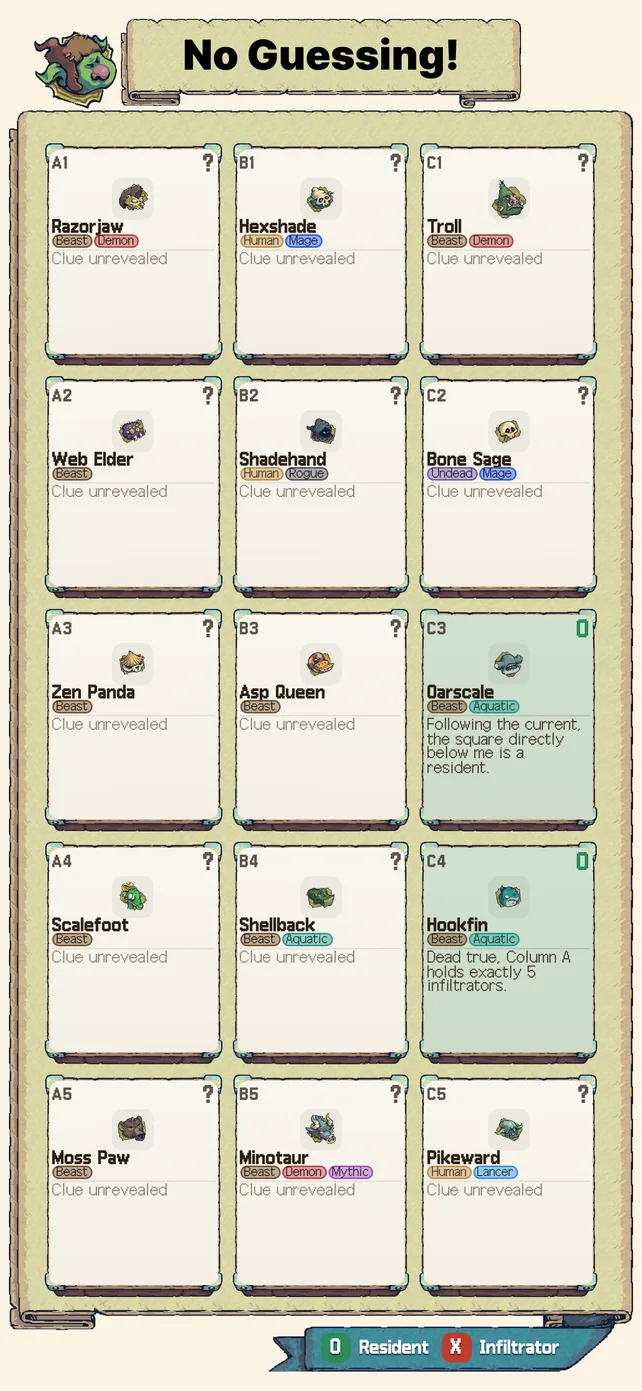
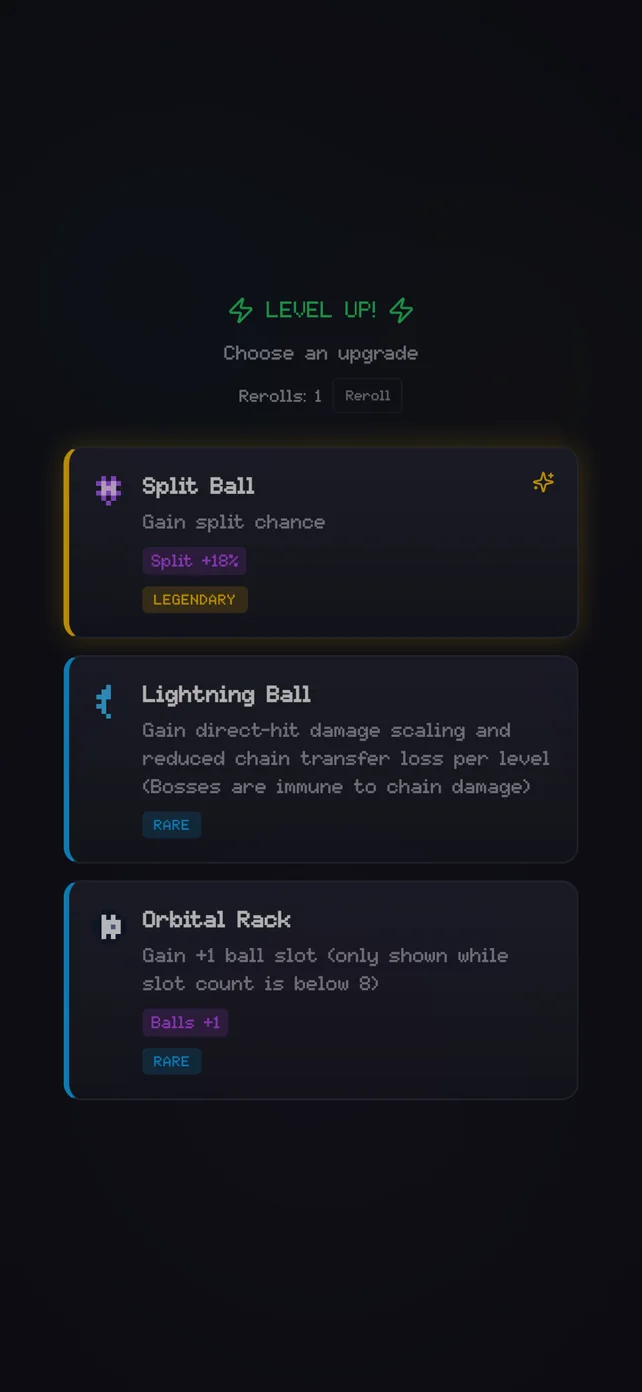
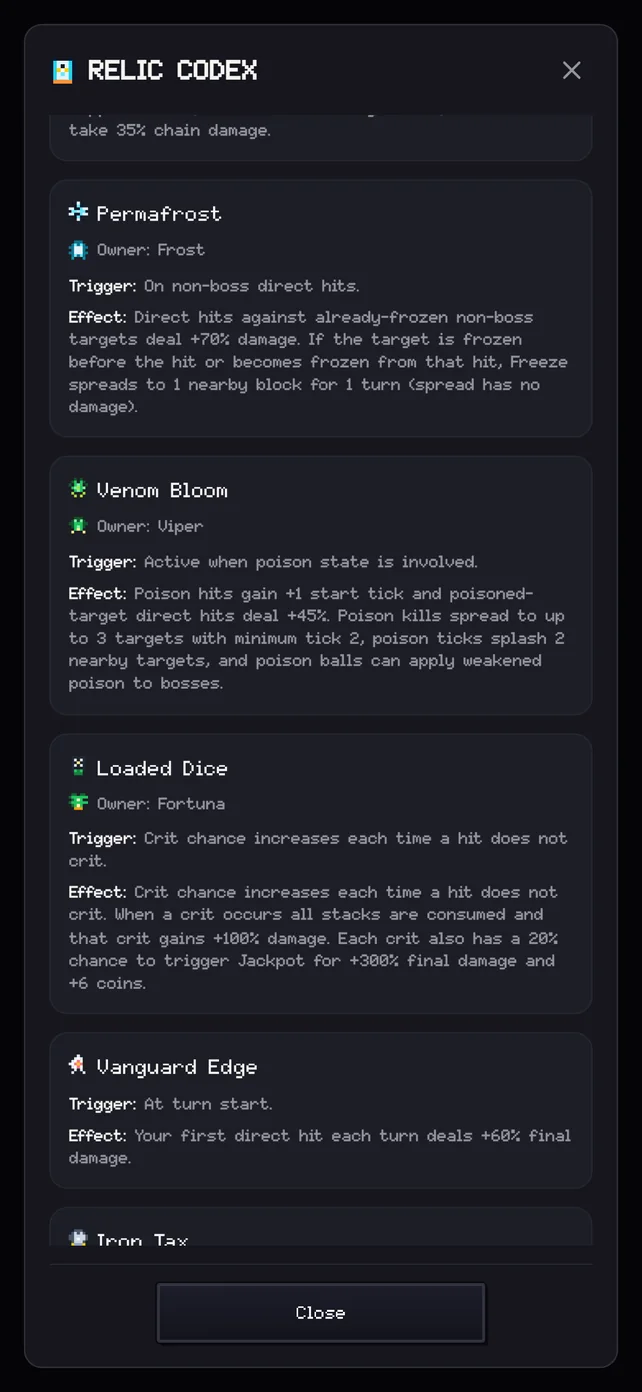
The player guides connect this deployment record to concrete game decisions.
6. Reproducible system evidence
The runtime loader uses the open-source fflate package; its project repository and license provide the external implementation reference for the in-browser ZIP step described above. Game-specific claims are checked against the current project source, data catalogs, and automated tests rather than inferred from screenshots.
- Netherguard case validation documents schema checks, exhaustive solving, progressive forced moves, quality gates, and a clean 50-case linter run.
- Block Smash boss preparation separates direct-hit behavior from boss-immune collateral and status effects.
- Block Smash permanent upgrades records the current data-backed costs, caps, accumulation, and refund path.
These checks describe the July 30, 2026 source and public build. They should be rerun after changes to case data, damage resolution, progression tables, package names, or the WordPress wrapper.