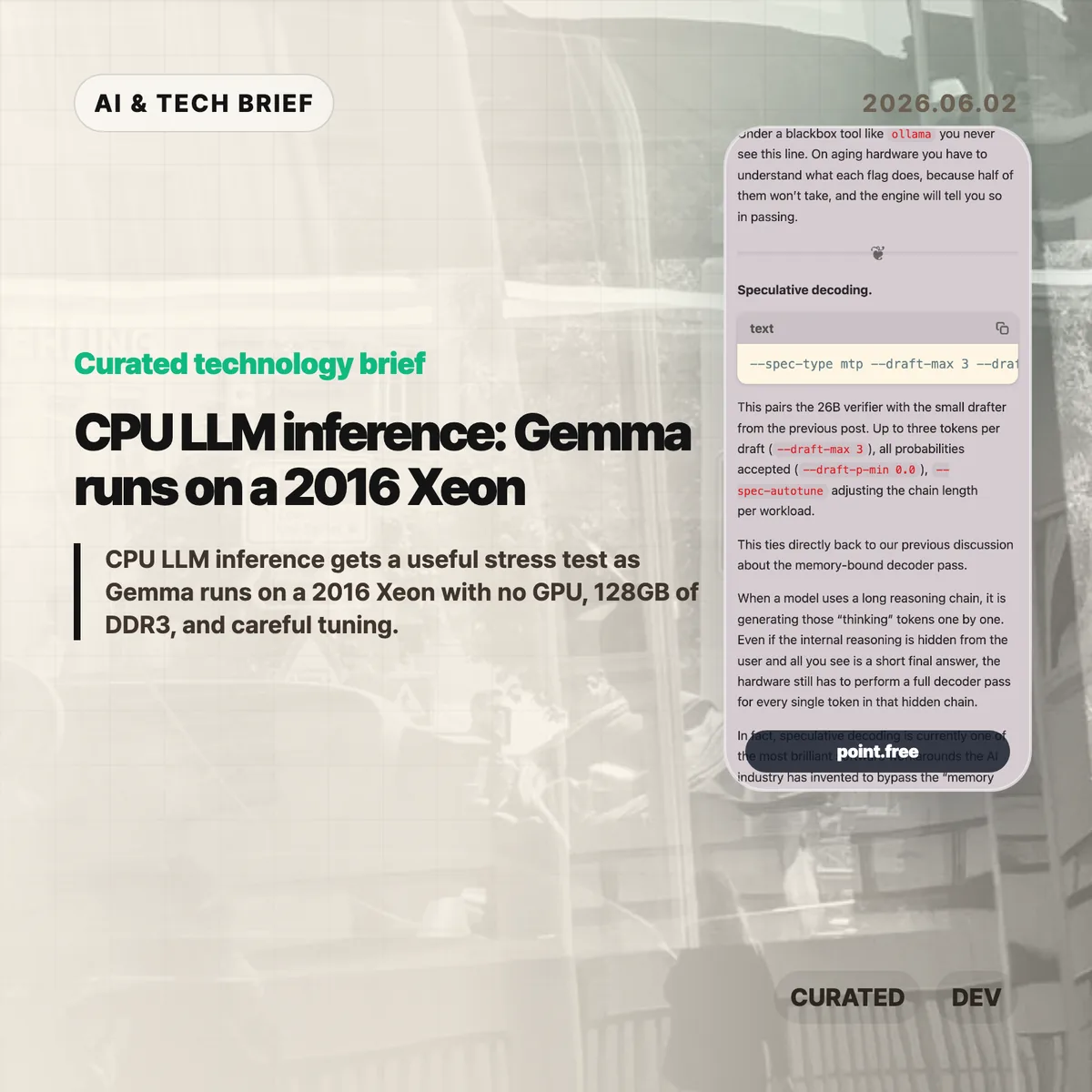
CPU LLM inference usually sounds like a compromise you make when a GPU is unavailable. Christina Sorensen’s test makes the compromise more interesting: Gemma 4 26B-A4B ran at roughly reading speed on a 2016 Intel Xeon E5-2620 v4 server with no GPU, 128GB of DDR3 memory, and a long list of ik_llama.cpp flags. The useful lesson is not that old Xeons are suddenly better than GPUs. It is that memory bandwidth, KV cache size, speculative decoding, and engine control matter more than a simple hardware checklist.
Table of Contents
The short version
- The test used one Intel Xeon E5-2620 v4, 8 physical cores, 16 threads, 128GB of DDR3 RAM, and no GPU.
- Gemma 4 26B-A4B is described as a roughly 25.2B parameter Mixture-of-Experts model with about 3.8B active parameters per token.
- The run needed about 82GB of memory at the full 262K context, with roughly 25GB for weights and 56GB for KV cache.
- The practical win came from engine-level tuning: MTP speculative decoding, CPU-aware MoE routing, runtime repacking, Flash Attention, and explicit KV-cache handling.
- For builders, the test is a reminder that local AI can make sense for privacy or batch jobs, but power draw, noise, and setup time still count.
What happened
Sorensen published a detailed run of Gemma 4 26B-A4B on a recycled server that looks weak by current AI standards. The CPU is a single Xeon E5-2620 v4 from 2016. It has AVX2, but no AVX-512, no AVX-VNNI, no BF16, and no integrated GPU. The memory is the saving grace and the bottleneck at the same time: 128GB is enough capacity, but DDR3 is slow compared with modern laptop memory.
The run did not use a simple wrapper. The command line included --spec-type mtp, --draft-max 3, --cpu-moe, --merge-up-gate-experts, --run-time-repack, --flash-attn on, --mla-use 3, --mlock, and --no-kv-offload. Some of those flags are about speed. Some are about avoiding wasted work. Some are there because the engine has to be told, explicitly, that there is no GPU to lean on.
The memory accounting is the part that should make people pause. At the full 262K context, the run needed 82,355 MiB for model tensors plus cache. The KV cache was larger than the model weights. That is a good mental reset for CPU LLM inference: once the context gets large, the short-term memory of the conversation can become the thing that dominates RAM.
CPU LLM inference in plain terms
The decoder phase of an LLM is often memory-bound. Each new token requires the system to stream model weights through memory and cache. On a GPU server, high-bandwidth memory hides a lot of that pain. On an old CPU box, the memory wall is right in your face.
That is why the details in this post matter. Speculative decoding tries to get more useful tokens out of each expensive verifier pass by pairing the main model with a smaller drafter. CPU-aware MoE routing tries to keep expert weights from thrashing the cache. Runtime repacking reshapes weight matrices so the CPU can read them more efficiently. Flash Attention and MLA reduce the amount of attention and KV-cache data that has to be materialized in memory.
None of this makes the setup friendly. It actually proves the opposite. If the only way to make CPU LLM inference usable is a 25-flag command, missing documentation, and logs that quietly downgrade unsupported settings, then the open-model stack still has a usability problem. The model may be open. The working recipe is harder to get.
Why this is worth watching
The interesting part is not nostalgia for old servers. It is the gap between “can run” and “can run well.” Local AI is full of that gap right now. A consumer tool may hide all the knobs, which is fine until the defaults waste RAM, miss a CPU optimization, or let a model swap to disk.
This matters for teams that want local inference for internal documents, private workflows, or overnight automation. A slow local model can still be useful if the job is summarizing PDFs, drafting code comments, classifying logs, or running background research. For more stories like this, the IT & AI archive tracks practical AI tooling rather than launch-day hype.
The catch is cost. A repurposed server is not free if it burns power, runs loud, and takes hours to tune. The right comparison is not “old Xeon versus H100.” It is “owned hardware for patient workloads versus hosted inference for fast ones.” CPU LLM inference belongs in that second-level decision, not in a slogan about replacing GPUs.
What Hacker News readers are arguing about
The Hacker News thread is mostly useful because it pushes back on the romance of the homelab. Several readers liked the privacy and offline angle, especially for data that should not leave a home or company network. Others pointed out that rack-era Xeon machines can be noisy, hot, and inefficient. One commenter compared old Xeon boxes with newer small Intel systems and argued that the modern machine is often faster while using far less power.
A second thread of discussion focused on measurement. Readers questioned whether a tiny prompt such as “Why is the sky blue?” tells enough about real workloads. Coding, log analysis, and document tasks often start with thousands of input tokens, so prompt evaluation, prefix caching, and long-context behavior matter as much as output speed. That skepticism is fair. Reading-speed generation is useful, but it is not a full benchmark.
There was also a more technical argument about cache and CPU choice. Some readers noted that older Xeons vary a lot, and modern consumer CPUs can have comparable or better cache behavior. Others brought up AMD 3D V-Cache and high-memory consumer systems as a better direction than keeping loud server hardware alive. The strongest practical takeaway from the thread: local inference is attractive when privacy or control matters, but hosted models may still be cheaper for casual batch jobs once electricity and time are included.
The practical read
If you are building with local models, treat this as a checklist, not a buying guide. Start with the workload. If the job is interactive chat, an old CPU box will probably frustrate users. If the job runs in the background and handles sensitive data, a slower local model can be fine.
Then check memory before you check FLOPS. Model weights are only part of the footprint. Long context can make the KV cache bigger than the model itself, and swapping will destroy performance. After that, look at the engine. A wrapper that is easy to install may be the wrong tool if it hides the settings needed for your hardware.
For app builders, the ASO angle is simple: local AI features should be marketed around privacy, offline use, and patient background work, not raw speed. CPU LLM inference is credible when the product promise matches the hardware reality.