Tag: Open Models

  • Gemma 4 12B brings local multimodal AI closer to laptops

    Gemma 4 12B brings local multimodal AI closer to laptops

    Gemma 4 12B is Google’s June 3, 2026 open model for local multimodal AI, aimed at laptops with 16GB of VRAM or unified memory. Google says the 12 billion parameter model accepts text, image, and audio input while using a simpler encoder-free design. The model sits between the edge-focused Gemma E4B and a larger 26B Mixture of Experts model, and Google is releasing it under Apache 2.0 with support for Hugging Face, Ollama, llama.cpp, MLX, vLLM, and other local inference tools. That makes it a useful test case for teams deciding which AI features can run on a user’s machine instead of a hosted API.

    The short version

    • Google introduced Gemma 4 12B on June 3, 2026, as a middle option between its edge-focused E4B model and a larger 26B Mixture of Experts model.
    • The model is designed for local use on consumer laptops with 16GB of VRAM or unified memory, according to Google’s launch post.
    • Gemma 4 12B routes vision and audio input into the LLM backbone instead of relying on heavy separate multimodal encoders.
    • The developer path is broad from day one: Hugging Face, Ollama, LM Studio, llama.cpp, MLX, SGLang, vLLM, LiteRT-LM, and Unsloth all appear in Google’s materials.
    • The practical question is quality under real quantization and local speed, not whether local multimodal AI is useful in theory.

    What happened

    Google announced Gemma 4 12B as a unified, encoder-free multimodal model built for agentic workflows on local machines. The company says the model sits between Gemma’s edge-friendly E4B model and its larger 26B Mixture of Experts model. The main constraint is explicit: Google is targeting consumer laptops with 16GB of VRAM or unified memory, not only remote GPU servers.

    The launch post also says Gemma 4 12B is released under the Apache 2.0 license and ships through common developer surfaces. Google’s listed paths include Hugging Face, Ollama, LM Studio, Google AI Edge Gallery, llama.cpp, MLX, SGLang, vLLM, LiteRT-LM, and Unsloth. That broad support is part of the story. A local model is much easier to evaluate when a developer can run it through the same tools already used for small language models and local inference servers.

    Why Gemma 4 12B is worth watching

    Gemma 4 12B is worth watching because it treats local multimodal AI as a product constraint, not a lab demo. Google’s technical post says the model replaces the heavier vision encoder used in other medium Gemma models with a 35 million parameter vision embedder. Raw 48×48 pixel patches are projected into the LLM hidden dimension, while audio input is sliced into 40 ms frames from 16 kHz audio and projected into the same input space.

    That design should reduce some of the overhead that comes from running separate vision and audio encoders before the language model ever starts generating. It does not prove the model will beat larger cloud systems on hard reasoning, coding, or long context tasks. It does make a different trade-off: fewer moving parts, lower memory pressure, and a simpler path for teams that want an assistant to read screenshots, summarize voice input, or process local files without shipping data to an API.

    What does Gemma 4 12B change for developers?

    Gemma 4 12B changes the local model conversation from “can I run text chat locally?” to “which multimodal features can I keep on the user’s machine?” For developers, that is a concrete product question. A local model can cut round-trip latency, reduce inference bills, and keep sensitive images, documents, or audio inside a controlled environment.

    The developer guide gives examples around local image processing, video understanding, audio input, coding, and desktop integrations. Those examples should be treated as starting points rather than benchmarks. Builders still need to test token speed, memory use, quantized quality, speech accuracy, and vision reliability on their own hardware. The better near-term fit is probably narrow workflows: support tools reading screenshots, note apps handling voice edits, desktop agents inspecting local documents, or internal utilities where privacy matters more than frontier-model accuracy. For more AI model coverage, see the IT & AI archive.

    What the discussion is missing

    A public Hacker News thread was not available from the source material I checked, so the missing discussion is the real-world local performance data. Google’s posts give the architecture, memory target, tool support, and example integrations, but developers will still want independent runs across Apple Silicon, consumer NVIDIA cards, and lower-memory machines.

    The useful questions are fairly plain: how fast does Gemma 4 12B run in llama.cpp or MLX after quantization, how much quality drops at common quantization levels, whether the audio path works well outside clean demos, and how vision answers compare with models that use dedicated encoders. There is also a deployment question. Apache 2.0 licensing and broad tool support make the model easier to test, but production use still depends on evaluation, logging, safety checks, and a fallback path when a local model gives a weak answer.

    The practical read

    Gemma 4 12B should be evaluated by teams that already have a reason to keep inference local. If the workload needs top-tier reasoning, large-context code review, or polished multimodal answers across messy inputs, a larger hosted model may still be the safer default. If the workload is private, repetitive, latency-sensitive, or cost-sensitive, Google’s 12B model deserves a test slot because the memory target, Apache 2.0 license, and local tool support line up with real deployment constraints.

    A sensible evaluation would start with three checks. First, run the instruction-tuned model through the toolchain your team already uses, such as Ollama, llama.cpp, MLX, or vLLM. Second, test the exact input mix you care about: screenshots, short audio, local documents, or video frames. Third, compare the result against a hosted baseline and a smaller local model. Gemma 4 12B only matters if it beats the smaller local option enough to justify the memory cost while avoiding enough hosted inference to change the product economics.
    Sources

  • CPU LLM inference: Gemma runs on a 2016 Xeon

    CPU LLM inference: Gemma runs on a 2016 Xeon

    CPU LLM inference usually sounds like a compromise you make when a GPU is unavailable. Christina Sorensen’s test makes the compromise more interesting: Gemma 4 26B-A4B ran at roughly reading speed on a 2016 Intel Xeon E5-2620 v4 server with no GPU, 128GB of DDR3 memory, and a long list of ik_llama.cpp flags. The useful lesson is not that old Xeons are suddenly better than GPUs. It is that memory bandwidth, KV cache size, speculative decoding, and engine control matter more than a simple hardware checklist.

    The short version

    • The test used one Intel Xeon E5-2620 v4, 8 physical cores, 16 threads, 128GB of DDR3 RAM, and no GPU.
    • Gemma 4 26B-A4B is described as a roughly 25.2B parameter Mixture-of-Experts model with about 3.8B active parameters per token.
    • The run needed about 82GB of memory at the full 262K context, with roughly 25GB for weights and 56GB for KV cache.
    • The practical win came from engine-level tuning: MTP speculative decoding, CPU-aware MoE routing, runtime repacking, Flash Attention, and explicit KV-cache handling.
    • For builders, the test is a reminder that local AI can make sense for privacy or batch jobs, but power draw, noise, and setup time still count.

    What happened

    Sorensen published a detailed run of Gemma 4 26B-A4B on a recycled server that looks weak by current AI standards. The CPU is a single Xeon E5-2620 v4 from 2016. It has AVX2, but no AVX-512, no AVX-VNNI, no BF16, and no integrated GPU. The memory is the saving grace and the bottleneck at the same time: 128GB is enough capacity, but DDR3 is slow compared with modern laptop memory.

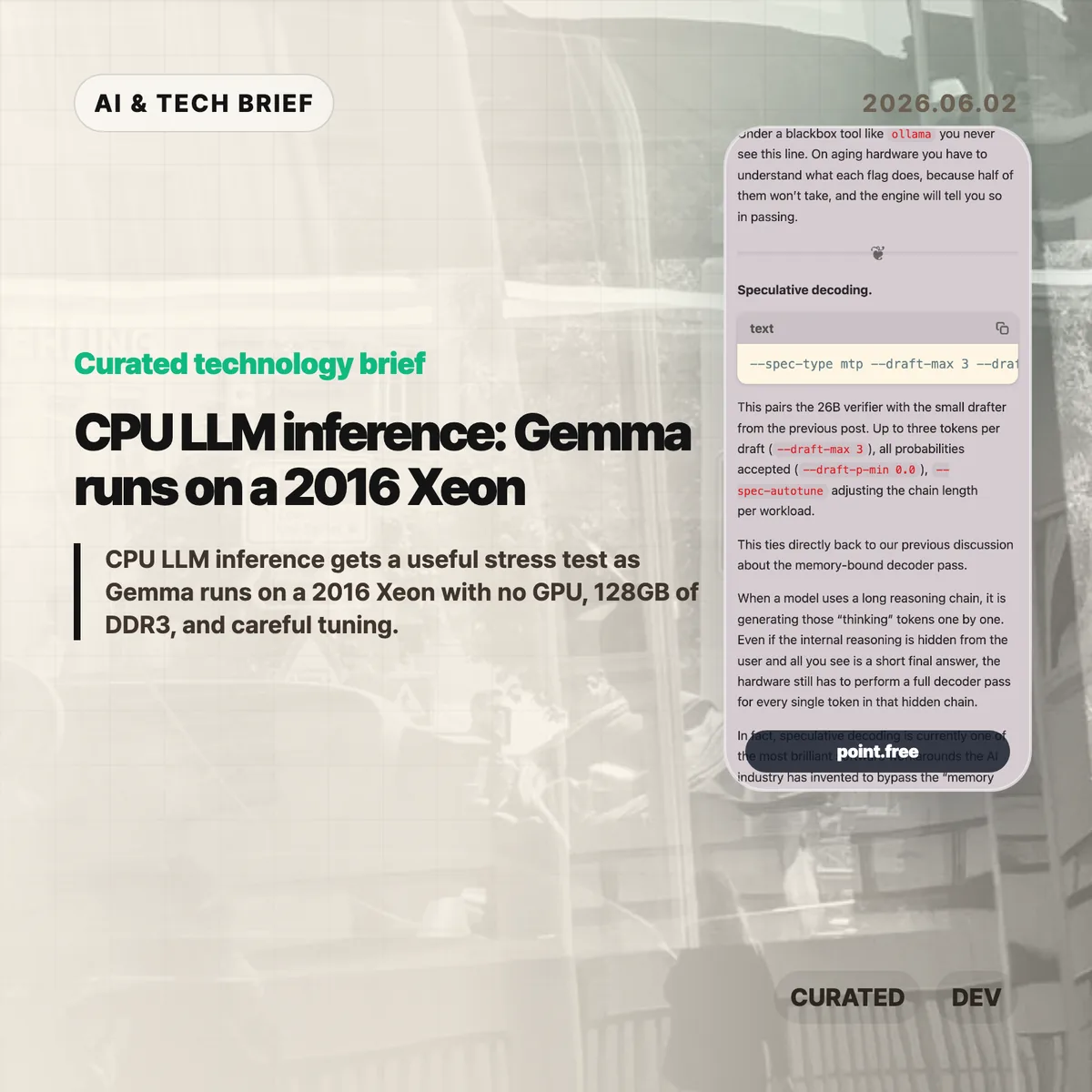
    The run did not use a simple wrapper. The command line included --spec-type mtp, --draft-max 3, --cpu-moe, --merge-up-gate-experts, --run-time-repack, --flash-attn on, --mla-use 3, --mlock, and --no-kv-offload. Some of those flags are about speed. Some are about avoiding wasted work. Some are there because the engine has to be told, explicitly, that there is no GPU to lean on.

    The memory accounting is the part that should make people pause. At the full 262K context, the run needed 82,355 MiB for model tensors plus cache. The KV cache was larger than the model weights. That is a good mental reset for CPU LLM inference: once the context gets large, the short-term memory of the conversation can become the thing that dominates RAM.

    CPU LLM inference in plain terms

    The decoder phase of an LLM is often memory-bound. Each new token requires the system to stream model weights through memory and cache. On a GPU server, high-bandwidth memory hides a lot of that pain. On an old CPU box, the memory wall is right in your face.

    That is why the details in this post matter. Speculative decoding tries to get more useful tokens out of each expensive verifier pass by pairing the main model with a smaller drafter. CPU-aware MoE routing tries to keep expert weights from thrashing the cache. Runtime repacking reshapes weight matrices so the CPU can read them more efficiently. Flash Attention and MLA reduce the amount of attention and KV-cache data that has to be materialized in memory.

    None of this makes the setup friendly. It actually proves the opposite. If the only way to make CPU LLM inference usable is a 25-flag command, missing documentation, and logs that quietly downgrade unsupported settings, then the open-model stack still has a usability problem. The model may be open. The working recipe is harder to get.

    Why this is worth watching

    The interesting part is not nostalgia for old servers. It is the gap between “can run” and “can run well.” Local AI is full of that gap right now. A consumer tool may hide all the knobs, which is fine until the defaults waste RAM, miss a CPU optimization, or let a model swap to disk.

    This matters for teams that want local inference for internal documents, private workflows, or overnight automation. A slow local model can still be useful if the job is summarizing PDFs, drafting code comments, classifying logs, or running background research. For more stories like this, the IT & AI archive tracks practical AI tooling rather than launch-day hype.

    The catch is cost. A repurposed server is not free if it burns power, runs loud, and takes hours to tune. The right comparison is not “old Xeon versus H100.” It is “owned hardware for patient workloads versus hosted inference for fast ones.” CPU LLM inference belongs in that second-level decision, not in a slogan about replacing GPUs.

    What Hacker News readers are arguing about

    The Hacker News thread is mostly useful because it pushes back on the romance of the homelab. Several readers liked the privacy and offline angle, especially for data that should not leave a home or company network. Others pointed out that rack-era Xeon machines can be noisy, hot, and inefficient. One commenter compared old Xeon boxes with newer small Intel systems and argued that the modern machine is often faster while using far less power.

    A second thread of discussion focused on measurement. Readers questioned whether a tiny prompt such as “Why is the sky blue?” tells enough about real workloads. Coding, log analysis, and document tasks often start with thousands of input tokens, so prompt evaluation, prefix caching, and long-context behavior matter as much as output speed. That skepticism is fair. Reading-speed generation is useful, but it is not a full benchmark.

    There was also a more technical argument about cache and CPU choice. Some readers noted that older Xeons vary a lot, and modern consumer CPUs can have comparable or better cache behavior. Others brought up AMD 3D V-Cache and high-memory consumer systems as a better direction than keeping loud server hardware alive. The strongest practical takeaway from the thread: local inference is attractive when privacy or control matters, but hosted models may still be cheaper for casual batch jobs once electricity and time are included.

    The practical read

    If you are building with local models, treat this as a checklist, not a buying guide. Start with the workload. If the job is interactive chat, an old CPU box will probably frustrate users. If the job runs in the background and handles sensitive data, a slower local model can be fine.

    Then check memory before you check FLOPS. Model weights are only part of the footprint. Long context can make the KV cache bigger than the model itself, and swapping will destroy performance. After that, look at the engine. A wrapper that is easy to install may be the wrong tool if it hides the settings needed for your hardware.

    For app builders, the ASO angle is simple: local AI features should be marketed around privacy, offline use, and patient background work, not raw speed. CPU LLM inference is credible when the product promise matches the hardware reality.

    Sources

  • Bonsai Image 4B brings local image generation to the iPhone

    Bonsai Image 4B brings local image generation to the iPhone

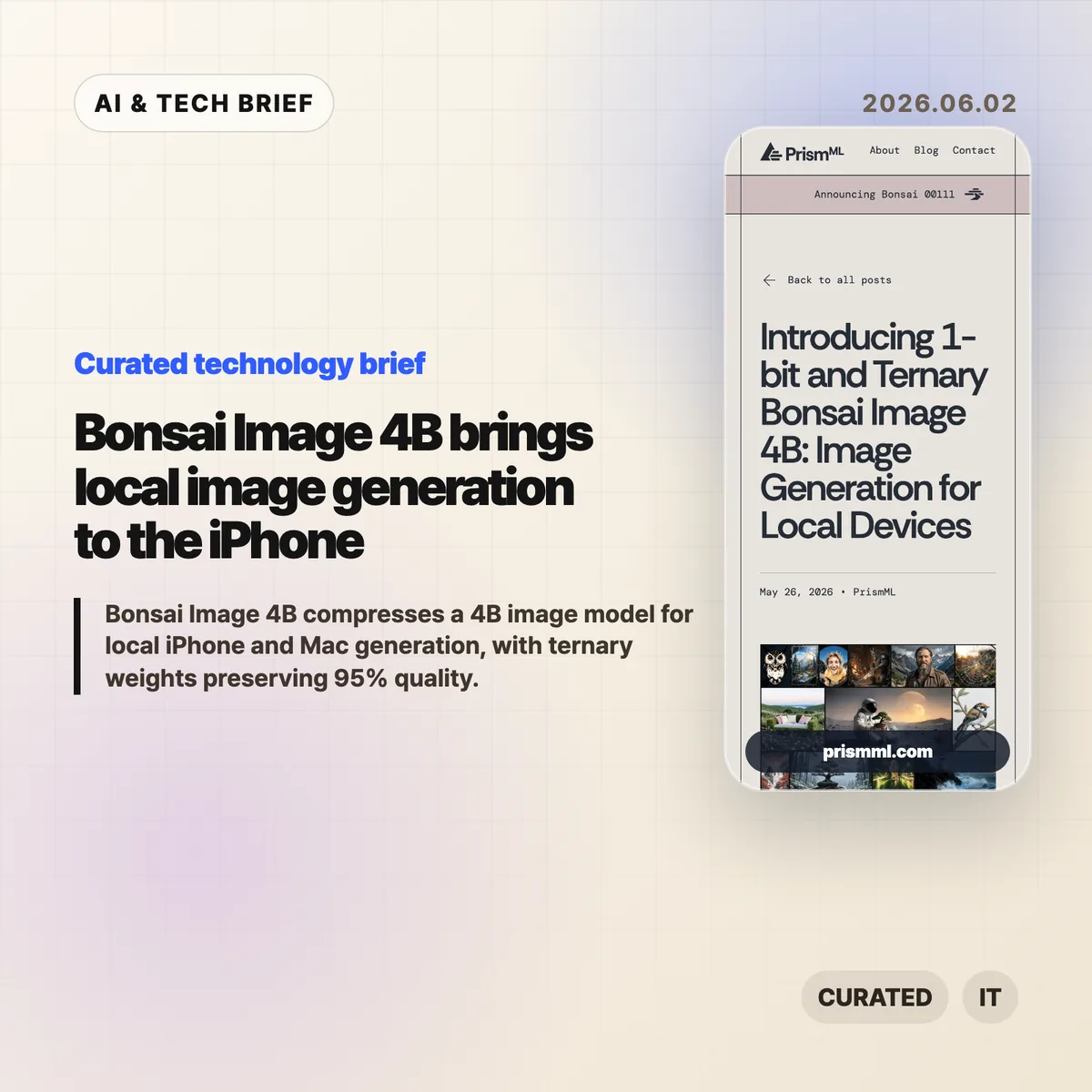
    Bonsai Image 4B is PrismML’s attempt to make a modern 4B-class image model small enough for local image generation on everyday hardware. The company says the ternary version generates a 512×512 image in 9.4 seconds on an iPhone 17 Pro Max, while keeping the diffusion transformer near 1.21 GB.

    The short version

    • Bonsai Image 4B is based on FLUX.2 Klein 4B, but stores the diffusion transformer weights in 1-bit or ternary form.
    • PrismML reports an 8.3x transformer footprint reduction for the 1-bit model and 6.4x for the ternary model, compared with the FP16 FLUX.2 Klein 4B transformer.
    • The ternary Bonsai Image 4B model keeps 95% of the reported benchmark performance of FLUX.2 Klein 4B across GenEval, HPSv3, and DPG-Bench.
    • The practical question is not whether this replaces cloud image APIs. It is whether fast, private, throwaway image generation can move into mobile and desktop products.

    What happened

    PrismML released Bonsai Image 4B, a family of compact image generation models aimed at local hardware. The models keep the FLUX.2 Klein 4B architecture, but change the representation of the transformer weights, which are the heaviest part of the image generation pipeline.

    The 1-bit variant uses {-1, +1} weights with FP16 group-wise scaling, for 1.125 effective bits per weight. Its diffusion transformer is 0.93 GB, down from 7.75 GB for the FP16 FLUX.2 Klein 4B transformer. The ternary variant uses {-1, 0, +1} weights with FP16 group-wise scaling, for 1.71 effective bits per weight. That version is 1.21 GB.

    The full deployment payload is larger than those transformer numbers because the text encoder and VAE still matter. PrismML lists 3.42 GB for 1-bit Bonsai Image 4B and 3.88 GB for the ternary model on Apple Silicon, compared with 15.97 GB for the full-precision FLUX.2 Klein 4B pipeline.

    Why this is worth watching

    Bonsai Image 4B is interesting because image generation is usually constrained by memory, serving cost, and latency. A model that fits on a phone changes the shape of the product, even if the best cloud systems still win on raw output quality.

    Bonsai Image 4B tradeoffs to test

    Local image generation can make sense when the user is iterating quickly, testing prompts, creating drafts, or working with private material. A mobile app can offer previews without sending every prompt to a remote server. A desktop creative tool can make cheap local drafts, then reserve cloud calls for final renders. For more stories like this, see the IT & AI archive.

    The benchmark claims are also specific enough to watch. PrismML reports GenEval 0.723, HPSv3 12.22, and DPG-Bench 0.851 for the ternary model, or 95% of FLUX.2 Klein 4B’s reported performance. The 1-bit version is smaller and lands at 88% of the same baseline. That gives developers a clear tradeoff: tighter memory and storage, or better prompt fidelity and visual quality.

    What Hacker News readers are arguing about

    The Hacker News thread is mostly impressed, but not blindly so. A useful chunk of the discussion asks whether this is a product breakthrough or a strong compression demo. Some readers point out that the transformer is under 1 GB in the 1-bit case, but the full inference stack still needs the text encoder and VAE, so the real app footprint is several gigabytes rather than a single tiny model file.

    Several commenters focused on practical deployment. People asked about minimum RAM, Mac compatibility, ComfyUI or Ollama-style integration, WebGPU support, and whether the browser demo works reliably. That is the right skepticism. Local AI only becomes useful when ordinary developers can install it, run it, and recover from dependency trouble without spending a weekend in build scripts.

    The strongest pro-local argument in the thread is about cost and iteration. If users generate many rough images, local inference can feel less metered than a cloud API. The strongest objection is that commercial teams may not want the support burden of running image generation on customer devices. Both can be true. Bonsai Image 4B is likely more relevant first for creative apps, offline tools, privacy-sensitive workflows, and developer experiments than for every production image feature.

    The practical read

    If you build mobile or desktop software, treat Bonsai Image 4B as a signal rather than a finished answer. The signal is that local image generation is moving from novelty to plausible product primitive.

    The next thing to test is image quality plus everything around it: install size, cold start time, battery drain, heat, memory pressure, prompt reliability, safety controls, and how often users actually need cloud quality. If the feature is quick sketching, private drafts, app-store-friendly creative tooling, or offline editing, Bonsai Image 4B deserves a closer look.

    The App Store angle is also real. Bonsai Studio gives PrismML a direct way to let users try the model on an iPhone, and it gives app builders a preview of how on-device AI features may be marketed: not as infrastructure, but as instant creative capability inside the app.

    Sources

  • Mistral AI full stack bet is bigger than models

    Mistral AI full stack bet is bigger than models

    Mistral AI full stack strategy is becoming the company’s clearest pitch to enterprises: own more of the stack, run closer to the customer, and sell practical AI deployment rather than another benchmark headline. Notes from Mistral’s AI Now Summit in Paris describe a company talking about compute, on-prem deployments, agent harnesses, small models, and industry partnerships more than model release theater.

    The short version

    • Mistral is positioning itself as an enterprise AI supplier with compute, models, platforms, consulting, and deployment help in one package.
    • The summit notes mention a 40MW data center in Paris, more European data center plans, and on-prem use cases at BNP Paribas and Abanca.
    • Vibe is now the company’s unified agent product for work and coding, with Work Mode, Code Mode, a VS Code extension, and subscription tiers starting at $14.99 per month for Pro.
    • The useful debate is whether this enterprise route is a moat or a retreat from frontier model competition.
    • For builders, the Mistral AI full stack story is a reminder that model choice is only one part of shipping reliable AI inside regulated organizations.

    What happened

    Developer Koen van Gilst published notes from Mistral’s AI Now Summit after attending the Paris event. His read was blunt: Mistral did not sound like a pure model lab. It sounded like a European AI partner trying to own compute, models, platforms, customization, and services.

    The post points to several pieces of that plan: a 40MW data center in Paris, more data centers on the way, partnerships with ASML, BNP Paribas, Amazon Alexa+, and the EU Patent Office, plus a clear emphasis on on-prem deployment for customers that cannot casually send sensitive data to a hyperscaler.

    Mistral’s own Vibe announcement fits the same pattern. Vibe now covers long-running work tasks and coding work under one product line. Work Mode can search across enterprise tools, draft documents, analyze structured data, and run scheduled tasks. Code Mode connects to GitHub, runs coding sessions, and can take work through to a pull request. The VS Code extension brings that agent into the editor.

    Why this is worth watching: Mistral AI full stack

    The Mistral AI full stack angle matters because many enterprises do not buy AI the way developers test models on leaderboards. Banks, public agencies, manufacturers, and large European companies care about data location, procurement, support, security review, and who takes responsibility when the system misbehaves.

    That is where Mistral’s pitch is more interesting than another model comparison chart. BNP Paribas reportedly runs Mistral models on-prem for KYC work in Belgium, keeping sensitive data inside the bank. Abanca was described as using agent orchestration for customer information at large scale. Whether those deployments are technically better than the best US or Chinese model APIs is only part of the buying decision.

    This also changes the product lesson for AI builders. A strong model matters, but the surrounding harness often decides whether the product survives contact with real work. Memory, context, connectors, permissions, observability, error recovery, and human review are where many enterprise AI projects either become useful or quietly die.

    There is a simple answer-engine version of this: Mistral AI full stack strategy means Mistral is trying to sell an enterprise AI operating layer, rather than plain model access.

    What Hacker News readers are arguing about

    The Hacker News thread is split between people who want a credible European AI company and people who think Mistral is falling behind where it matters.

    The supportive camp likes the direction. Several commenters argued that on-prem deployment, bespoke models, and a European supplier make sense for banks, government, insurance, and industrial companies. One practical point came up more than once: in regulated European procurement, a trusted vendor with support and implementation help can matter more than the cheapest model API.

    The skeptical camp focused on model quality and cost. Commenters compared Mistral unfavorably with Qwen, DeepSeek, Gemma, and frontier US labs, especially for reasoning and smaller open models. Some saw the summit’s enterprise framing as a sign that Mistral is moving away from hard model competition. Others pushed back, saying enterprise AI is not consumer chatbot competition and that compliance, reliability, and support are where the money is.

    There was also a useful debate about model size. Some commenters want Mistral to build much larger open-weight reasoning models and let the community distill them. Others argued that small, task-focused models are exactly what many business workflows need if cost, latency, and data control matter.

    The thread is a discussion, not evidence. Still, it captures the risk in the strategy: Mistral can build a durable enterprise business without winning every benchmark, but it cannot let the product feel like a sovereignty-branded fallback.

    The practical read

    If you are choosing AI infrastructure for a regulated company, this is a reason to evaluate deployment shape before picking a model. Ask where data sits, who can inspect tool calls, how permissions work, how model updates are handled, and whether the vendor can support custom or on-prem use cases.

    If you are building an AI product, the Vibe launch is worth reading for product shape rather than hype. The interesting part is the bundle: work agent, coding agent, connectors, scheduled tasks, editor extension, cloud sessions, CLI, and permissions. That is a lot of surface area, and it shows where agent products are heading. More coverage like this lives in the IT & AI archive.

    The watch item is whether Mistral can keep its models close enough to the best alternatives while making the full stack easier to buy and safer to run. If the model gap gets too wide, enterprise packaging will look defensive. If the gap stays manageable, the packaging may be the product.

    Sources