Tag: Developer Tools

  • MCP context cost is why the CLI still matters

    MCP context cost is why the CLI still matters

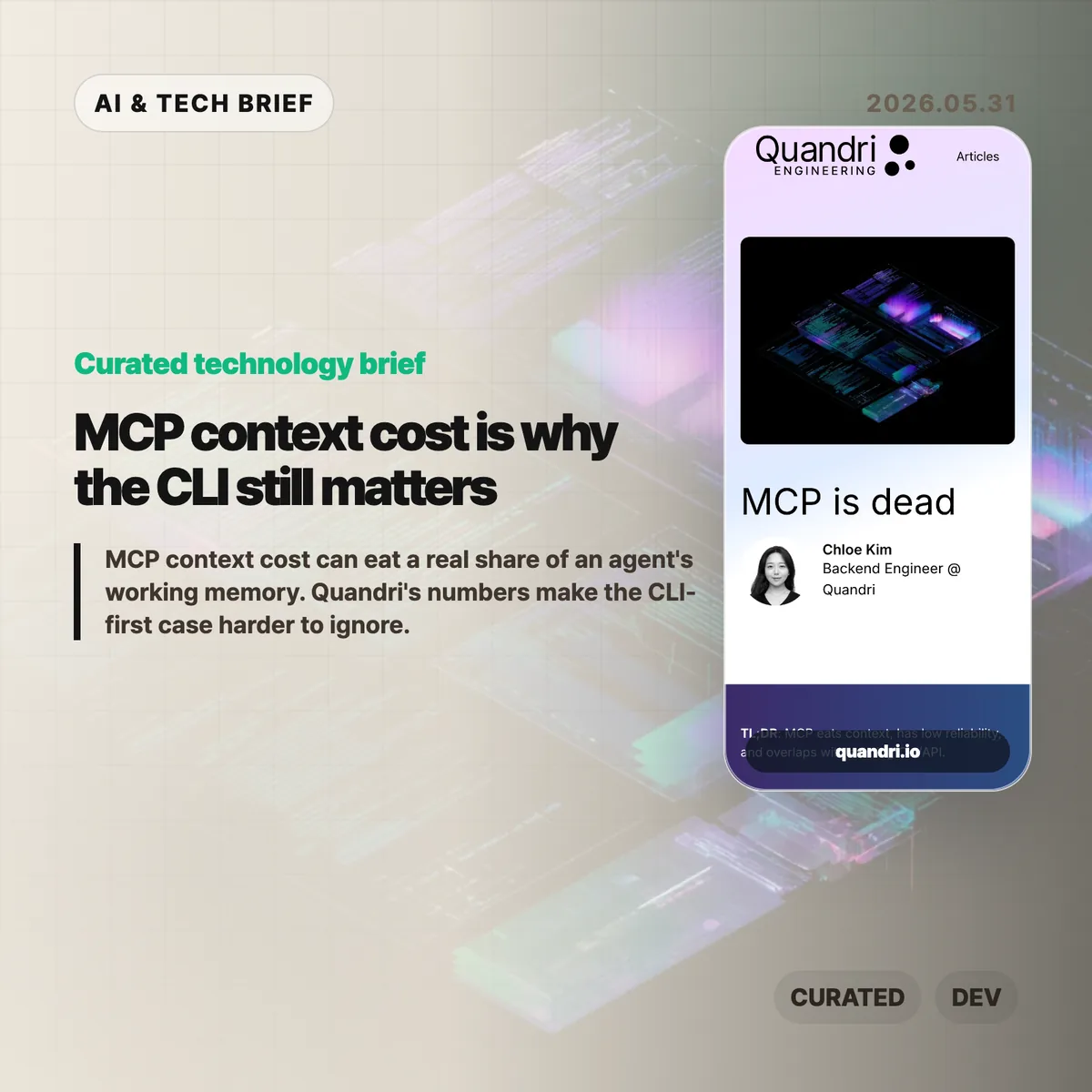
    MCP context cost is becoming the awkward part of the Model Context Protocol story. Quandri measured its own MCP setup and found that tool schemas, before any actual work happens, can take more than 21,000 tokens across four connected servers.

    The short version: MCP context cost

    • Quandri measured Linear, Notion, Slack, and Postgres MCP servers at roughly 21,077 tokens of tool definitions, or 10.5% of a 200K Claude context window.
    • Linear alone accounted for about 12,807 tokens across 42 tool definitions, compared with roughly 200 tokens for a direct GraphQL issue lookup via curl.
    • Claude Code’s newer Tool Search with Deferred Loading reportedly cuts the schema-loading burden by more than 85%, so the context complaint is less absolute than the headline suggests.
    • The useful debate is not whether MCP is dead. It is whether a given workflow needs a protocol server, or whether a CLI and a small amount of documentation are easier to run, debug, and trust.

    What happened

    Quandri published a blunt engineering note arguing that MCP is often too expensive for everyday developer workflows. The post builds on Eric Holmes’s earlier “MCP is dead. Long live the CLI” argument, then adds measurements from Quandri’s own stack.

    The headline number is the MCP context cost. Quandri says its Linear, Notion, Slack, and Postgres MCP servers expose 77 tools whose definitions total about 84,308 characters, or an estimated 21,077 tokens. On Claude’s 200K context window, that is about 10.5%. On GPT-4o’s 128K window, it would be about 16.5%.

    The Linear example is sharper. Quandri estimates that Linear’s MCP server loads 42 tool definitions at about 12,807 tokens. A direct Linear GraphQL lookup through curl, by contrast, is framed as roughly 50 tokens for the command and 150 for the response. That is where the “65x” comparison comes from.

    The post also includes an important correction. Since Quandri took its measurements, Claude Code added Tool Search with Deferred Loading, which loads MCP tool schemas on demand and reportedly reduces context use by more than 85%. That does not erase the operational objections, but it does make the original context-window argument more version-dependent.

    Why this is worth watching

    MCP became popular because it gives AI agents a common way to call external tools. That is valuable when a service has no good CLI, when an admin wants centralized access control, or when a tool needs to hide credentials from the agent and the developer.

    But developers already have a mature tool interface: the command line. gh, aws, kubectl, psql, jq, and curl are boring in the best way. Humans can run the same command an agent ran. Logs and errors are visible. Auth usually follows existing workflows. Pipelines can filter large outputs before they ever reach the model.

    That matters for AI builders because integrations are turning into product features. A developer tool that ships only an MCP server may look modern, but a strong CLI can be easier for both humans and agents to adopt. For more AI tooling coverage, see the IT & AI archive.

    The practical split is probably simple. Use MCP when the protocol server gives you safer permissions, shared administration, or access to a product that has no good local interface. Prefer a CLI or direct API when the job is already scriptable and the main need is repeatability.

    What Hacker News readers are arguing about

    The Hacker News discussion is split between individual developer ergonomics and enterprise control.

    The CLI-first camp mostly agrees with the article’s debugging point. Several commenters argue that agents are already good at shell tools, that Unix permissions and sandboxing are better understood than bespoke tool servers, and that wrapper scripts can expose narrow read or write operations without making every tool a separate protocol project.

    The strongest pro-MCP argument is about organizations, not solo workflows. Commenters defending MCP point to shared credentials, admin-controlled access, consistent tool rollout across teams, and the ability to keep secrets away from both the developer and the agent. In that view, MCP is less about convenience and more about putting a managed boundary around many services.

    There is also a security argument running in both directions. Critics worry that local MCP servers can become extra escape hatches unless they are deployed inside the same sandbox as the agent. Supporters counter that a server-managed interface can enforce read-only behavior or parameter limits more cleanly than asking every developer to maintain local scripts.

    The useful takeaway from the thread is that MCP context cost is only one axis. The real tradeoff includes who owns credentials, where policy is enforced, how failures are debugged, and whether the tool will be used by one power user or a whole company.

    The practical read

    If you are adding an integration to an AI coding workflow, start with the boring question: can a person reproduce the agent’s action in a terminal?

    If the answer is yes, a CLI-first setup may be enough. Put the exact commands, examples, and safe usage notes where the agent can load them only when needed. That keeps the interface close to what developers already understand.

    If the answer is no, MCP may be the right shape. It is especially reasonable for non-CLI products, centrally managed enterprise tools, shared credentials, and workflows where the organization needs one enforcement layer rather than dozens of local setups.

    The worst version is cargo-cult MCP: adding a server because agents are fashionable, then paying the maintenance cost, auth friction, and MCP context cost for tasks that curl or gh could already do.
    Sources

  • Mistral AI full stack bet is bigger than models

    Mistral AI full stack bet is bigger than models

    Mistral AI full stack strategy is becoming the company’s clearest pitch to enterprises: own more of the stack, run closer to the customer, and sell practical AI deployment rather than another benchmark headline. Notes from Mistral’s AI Now Summit in Paris describe a company talking about compute, on-prem deployments, agent harnesses, small models, and industry partnerships more than model release theater.

    The short version

    • Mistral is positioning itself as an enterprise AI supplier with compute, models, platforms, consulting, and deployment help in one package.
    • The summit notes mention a 40MW data center in Paris, more European data center plans, and on-prem use cases at BNP Paribas and Abanca.
    • Vibe is now the company’s unified agent product for work and coding, with Work Mode, Code Mode, a VS Code extension, and subscription tiers starting at $14.99 per month for Pro.
    • The useful debate is whether this enterprise route is a moat or a retreat from frontier model competition.
    • For builders, the Mistral AI full stack story is a reminder that model choice is only one part of shipping reliable AI inside regulated organizations.

    What happened

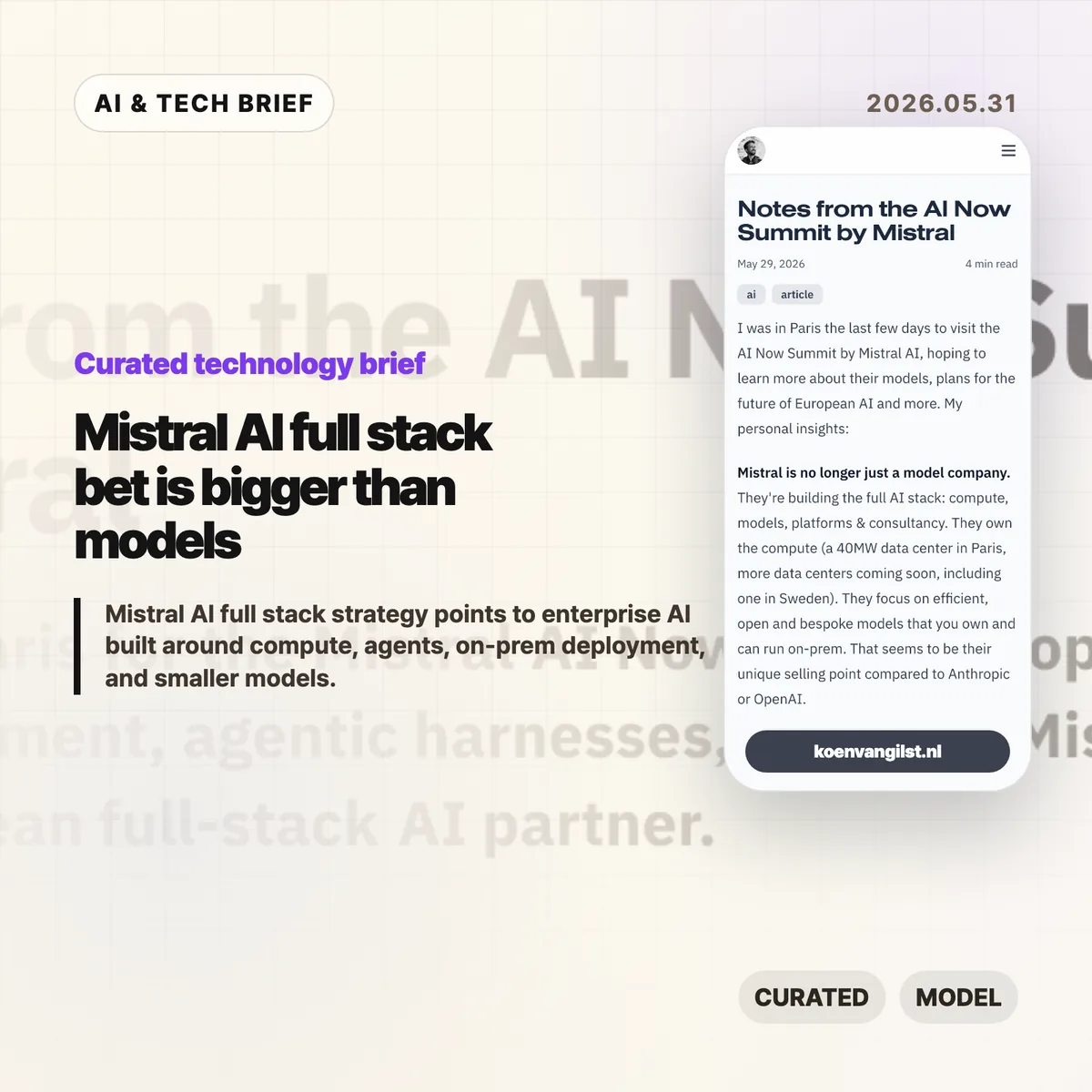
    Developer Koen van Gilst published notes from Mistral’s AI Now Summit after attending the Paris event. His read was blunt: Mistral did not sound like a pure model lab. It sounded like a European AI partner trying to own compute, models, platforms, customization, and services.

    The post points to several pieces of that plan: a 40MW data center in Paris, more data centers on the way, partnerships with ASML, BNP Paribas, Amazon Alexa+, and the EU Patent Office, plus a clear emphasis on on-prem deployment for customers that cannot casually send sensitive data to a hyperscaler.

    Mistral’s own Vibe announcement fits the same pattern. Vibe now covers long-running work tasks and coding work under one product line. Work Mode can search across enterprise tools, draft documents, analyze structured data, and run scheduled tasks. Code Mode connects to GitHub, runs coding sessions, and can take work through to a pull request. The VS Code extension brings that agent into the editor.

    Why this is worth watching: Mistral AI full stack

    The Mistral AI full stack angle matters because many enterprises do not buy AI the way developers test models on leaderboards. Banks, public agencies, manufacturers, and large European companies care about data location, procurement, support, security review, and who takes responsibility when the system misbehaves.

    That is where Mistral’s pitch is more interesting than another model comparison chart. BNP Paribas reportedly runs Mistral models on-prem for KYC work in Belgium, keeping sensitive data inside the bank. Abanca was described as using agent orchestration for customer information at large scale. Whether those deployments are technically better than the best US or Chinese model APIs is only part of the buying decision.

    This also changes the product lesson for AI builders. A strong model matters, but the surrounding harness often decides whether the product survives contact with real work. Memory, context, connectors, permissions, observability, error recovery, and human review are where many enterprise AI projects either become useful or quietly die.

    There is a simple answer-engine version of this: Mistral AI full stack strategy means Mistral is trying to sell an enterprise AI operating layer, rather than plain model access.

    What Hacker News readers are arguing about

    The Hacker News thread is split between people who want a credible European AI company and people who think Mistral is falling behind where it matters.

    The supportive camp likes the direction. Several commenters argued that on-prem deployment, bespoke models, and a European supplier make sense for banks, government, insurance, and industrial companies. One practical point came up more than once: in regulated European procurement, a trusted vendor with support and implementation help can matter more than the cheapest model API.

    The skeptical camp focused on model quality and cost. Commenters compared Mistral unfavorably with Qwen, DeepSeek, Gemma, and frontier US labs, especially for reasoning and smaller open models. Some saw the summit’s enterprise framing as a sign that Mistral is moving away from hard model competition. Others pushed back, saying enterprise AI is not consumer chatbot competition and that compliance, reliability, and support are where the money is.

    There was also a useful debate about model size. Some commenters want Mistral to build much larger open-weight reasoning models and let the community distill them. Others argued that small, task-focused models are exactly what many business workflows need if cost, latency, and data control matter.

    The thread is a discussion, not evidence. Still, it captures the risk in the strategy: Mistral can build a durable enterprise business without winning every benchmark, but it cannot let the product feel like a sovereignty-branded fallback.

    The practical read

    If you are choosing AI infrastructure for a regulated company, this is a reason to evaluate deployment shape before picking a model. Ask where data sits, who can inspect tool calls, how permissions work, how model updates are handled, and whether the vendor can support custom or on-prem use cases.

    If you are building an AI product, the Vibe launch is worth reading for product shape rather than hype. The interesting part is the bundle: work agent, coding agent, connectors, scheduled tasks, editor extension, cloud sessions, CLI, and permissions. That is a lot of surface area, and it shows where agent products are heading. More coverage like this lives in the IT & AI archive.

    The watch item is whether Mistral can keep its models close enough to the best alternatives while making the full stack easier to buy and safer to run. If the model gap gets too wide, enterprise packaging will look defensive. If the gap stays manageable, the packaging may be the product.

    Sources

  • AI coding deskilling is repeating frontend’s old mistake

    AI coding deskilling is repeating frontend’s old mistake

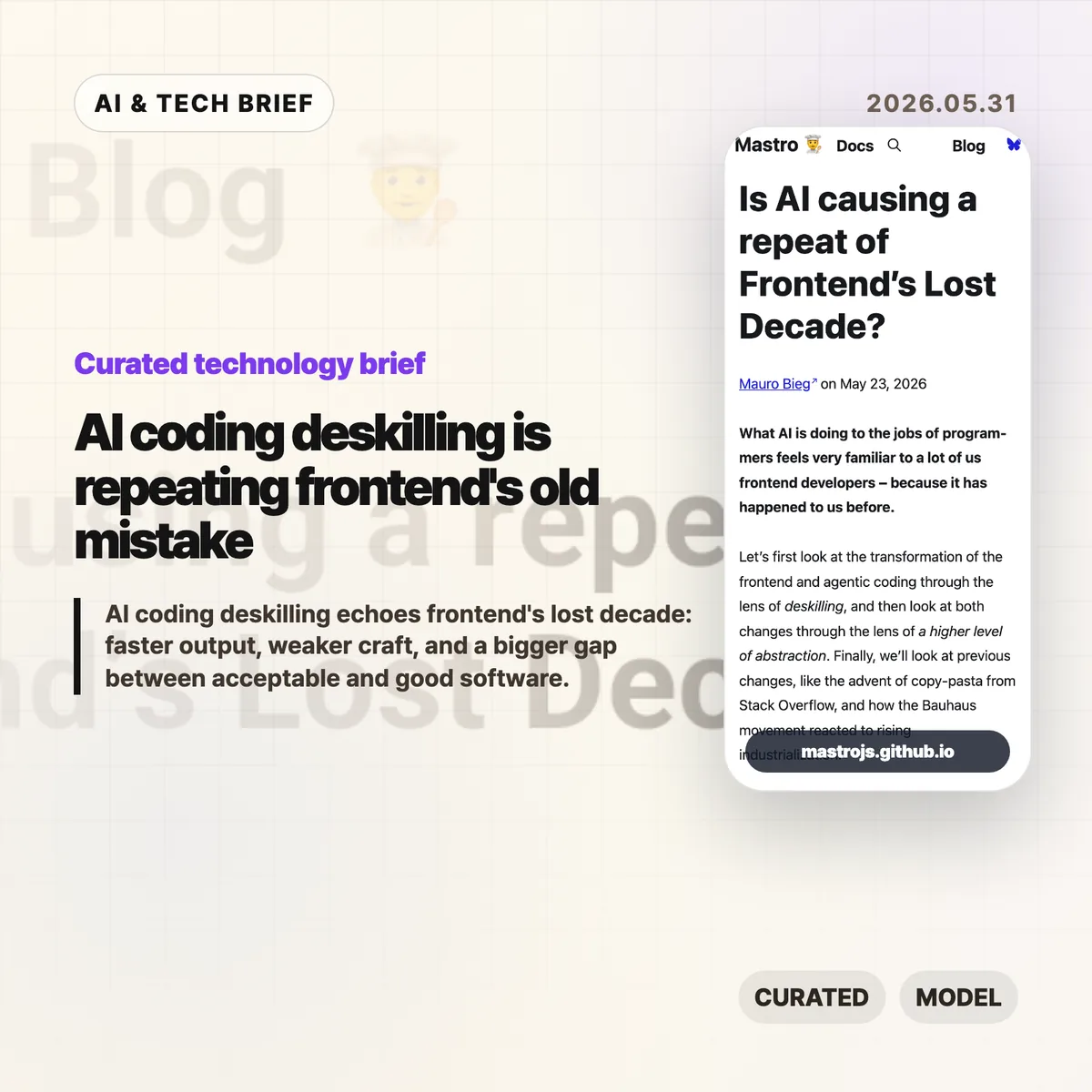
    AI coding deskilling is starting to look familiar to web developers who watched frontend work move from browser craft to framework operation. Mauro Bieg’s Mastro essay argues that AI coding tools may repeat the same trade: more people can ship software, but fewer people may understand the details that decide whether it is any good.

    The short version

    • Bieg frames AI coding deskilling through the same lens Alex Russell used for frontend’s lost decade: abstraction made teams faster, but it also hid browser behavior, accessibility, and performance costs.
    • The warning is not “never use AI.” It is that LLM generated code still needs someone who can read the output, spot missing context, and cut the wrong abstraction back down to size.
    • The Hacker News thread pushes back in useful ways. Some readers argue that frameworks and LLMs lower barriers, while others say they widen the gap between acceptable MVPs and decent software.
    • For product teams, the practical question is whether AI coding agents are paired with tests, accessibility checks, performance budgets, and human review rather than treated as a replacement for those habits.

    What happened

    Mauro Bieg published an essay asking whether AI is causing a repeat of frontend’s lost decade. The piece compares agentic coding with the way JavaScript frameworks changed frontend development over the past decade.

    His core claim is simple enough: frameworks made frontend work easier to staff and faster to start, but they also encouraged teams to treat the browser as a compilation target. That can push semantic HTML, CSS knowledge, accessibility, progressive enhancement, and network performance into the background.

    Bieg then applies the same idea to AI coding tools. If a worker can describe a change in natural language and receive a working patch, the job shifts from writing code to steering and reviewing output. That can be useful. It can also move important details out of sight.

    The essay points back to Alex Russell’s “Frontend’s Lost Decade” talk, which argued that modern frontend tooling often optimized for developer convenience while users paid the cost through slow, heavy web experiences. The point lands harder now because AI coding tools make it even easier to generate a lot of code quickly.

    Why this is worth watching

    AI coding deskilling feels familiar because frontend already lived through a version of this story. A higher level abstraction can be a gift when it removes accidental work. It becomes a problem when teams forget which details were removed and who still pays for them.

    That distinction matters for AI coding tools. A model can produce a React component, a test file, a migration, or a refactor in seconds. It cannot know by default whether the component traps keyboard focus, whether the generated test checks real behavior, or whether the new abstraction makes next month’s bug harder to find.

    The useful way to read Bieg’s argument is not as nostalgia for hand coded everything. It is a warning about ownership. If the team cannot explain the tradeoffs in AI generated code, the speed is probably being financed with technical debt.

    There is a good reason builders keep reaching for these tools anyway. Fast prototypes matter, especially before product market fit. The trap is treating prototype speed as proof that the architecture, accessibility, and performance choices are good enough for production. Readers who follow the IT & AI archive will recognize the pattern: the best AI tooling stories are usually about better review loops, not magic replacement.

    What Hacker News readers are arguing about

    The Hacker News discussion is split, but not in the usual “AI good” versus “AI bad” way. The more interesting disagreement is about what counts as waste.

    One camp argues that a lot of old frontend expertise was accidental complexity. Browser quirks, CSS specificity, and hand rolled accessible components were hard to learn, and abstracting them away let more people build things. From this view, frameworks and LLMs are acceptable tradeoffs if the alternative is fewer products getting built at all.

    The other camp says that this misses the cost to users. Accessibility, performance, compatibility, and clean architecture are easy to ignore when the demo works. AI coding can make that worse by producing a convincing first draft before anyone has checked whether it behaves well outside the happy path.

    The thread gets especially practical around testing. Optimists argue that agents can write tests, run red green cycles, and encode project rules in files like AGENTS.md. Skeptics answer that AI generated tests often mock too much, test the wrong layer, or create a maintenance burden that looks impressive without protecting real behavior. Accessibility testing gets the same treatment: automated checks help, but screen reader behavior, keyboard traps, focus restoration, and alt text still need judgment.

    A useful middle position shows up in the discussion too. AI tools may make good engineering practices more visible. Tests, design docs, specs, and review checklists suddenly matter more because they give the agent something concrete to obey. That is a better argument than claiming the model has rigor on its own.

    The practical read

    Teams using AI coding tools should separate speed from confidence. Faster output is real. Confidence still has to come from review, tests that check behavior, accessibility passes, performance measurement, and a shared idea of what “good enough” means.

    For a small MVP, the right move may be to let AI help with boilerplate and simple iteration. Keep the stack boring. Keep the code small enough that a human can still read it. Do not let generated layers pile up faster than the team can explain them.

    For production web apps, AI coding deskilling is a management problem as much as a tooling problem. If every patch goes through an agent but nobody owns browser behavior, accessibility, latency, or long term maintainability, the team has only moved the work out of sight.

    The best use of AI coding may be less glamorous: ask it to write the boring test, summarize the risky diff, check the accessibility checklist, or propose the smaller version of a change. If the tool helps experienced developers notice more, it is useful. If it helps inexperienced teams ignore more, Bieg’s frontend analogy is probably right.

    AI coding deskilling checklist

    A team does not need to reject AI coding to avoid AI coding deskilling. It needs a review loop that checks behavior, not only syntax. Start with four questions: can a human explain the change, can tests catch the obvious failure, can keyboard and screen reader users complete the flow, and does the page still feel fast on an ordinary device?

    Sources

  • SQLite durable workflows make a small-stack case for agent infrastructure

    SQLite durable workflows make a small-stack case for agent infrastructure

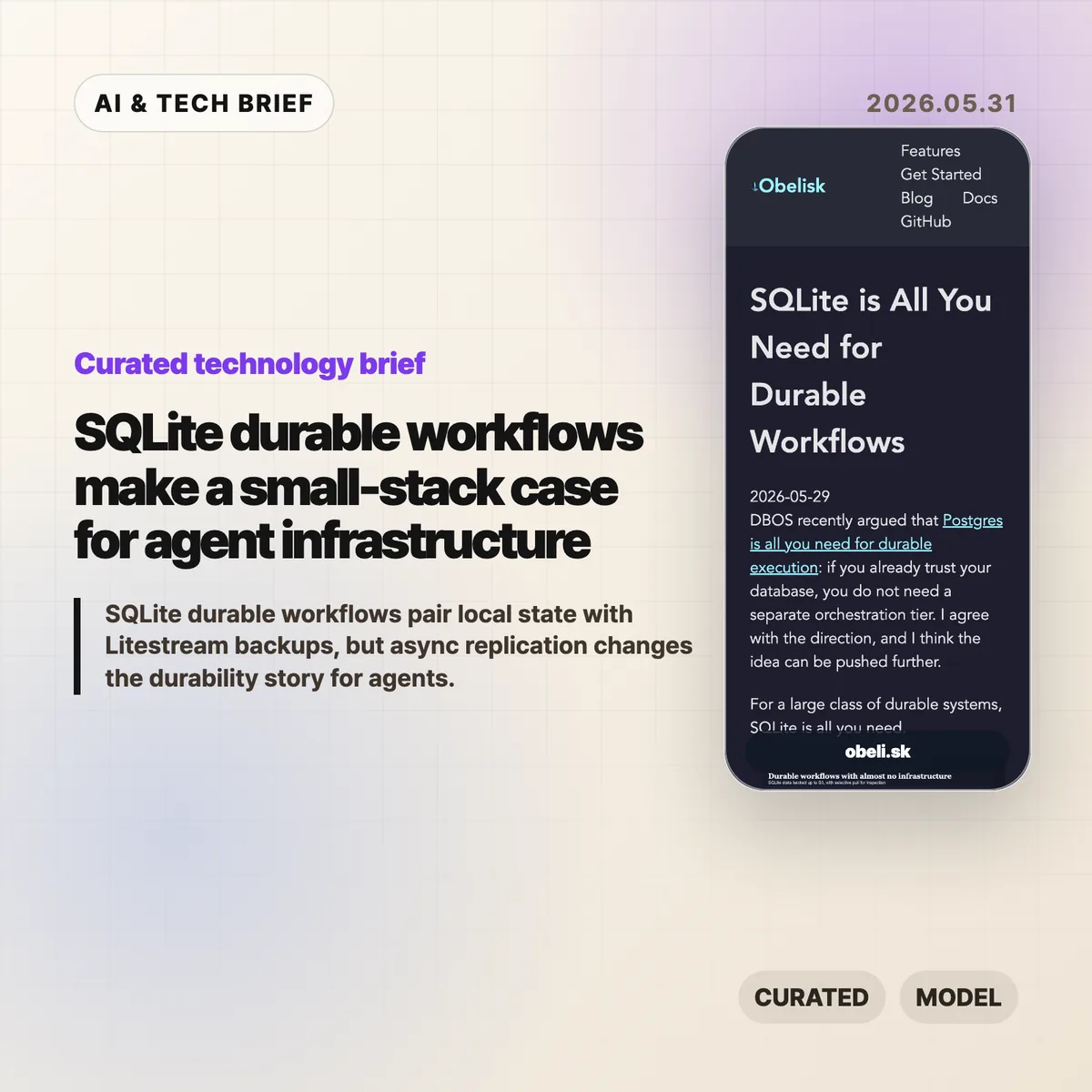
    SQLite durable workflows are a bet that many agent systems need reliable state more than they need a heavy orchestration platform on day one. Obelisk argues that a local SQLite database, backed up with Litestream to S3-compatible storage, can be enough for small durable execution systems where losing the newest local writes is acceptable.

    The short version

    • Obelisk’s argument is narrow but useful: keep workflow state close to the runtime, persist an execution log, and replay from history when work resumes.
    • Litestream adds portability by streaming SQLite changes to object storage, but the replication is asynchronous.
    • The pattern fits bursty AI agents, internal automation, prototypes, and tenant-isolated workloads better than large shared systems.
    • Postgres still makes more sense when teams need strong availability, shared writes, mature operations, or a durability model that cannot lose recent local writes.

    SQLite durable workflows in one sentence

    SQLite durable workflows turn a database file into the recovery point for a run, while Litestream makes that file easier to back up and move.

    What happened

    Obelisk published a short piece arguing that SQLite can be enough for a large class of durable workflow systems. The post responds to DBOS’s recent “Postgres is all you need for durable execution” framing and pushes the same idea toward an even smaller database: if the durable part is workflow state, the compute can be disposable.

    The design is simple. An Obelisk server writes workflow progress to SQLite. Workflows can replay from persisted history, and failed activities can be retried. Litestream then streams SQLite changes to S3-compatible object storage for backup, migration, and inspection.

    That last word matters. The article is not claiming that SQLite plus Litestream gives you the same behavior as a highly available shared database. Litestream replication is asynchronous, so a restore can miss the newest writes if the local volume disappears before those writes are copied.

    Why this is worth watching

    SQLite durable workflows are interesting because they match how a lot of agent infrastructure is being built right now: small workers, short spikes of activity, many experiments, and state that is easier to understand when it belongs to one agent or one tenant.

    For that shape, a database file is not a toy. It is a debugging artifact. You can copy it, inspect it locally, replay a run, or move one tenant without dragging a central system into every step. That is different from saying SQLite should replace Postgres everywhere. It is closer to saying that some workflows are naturally partitioned, and those partitions can be operational units.

    The pattern also lines up with a cost question that keeps showing up in developer tools. Before a team adds Temporal, Step Functions, a Postgres-backed workflow engine, or a full control plane, it can ask a smaller question: can the state model survive restarts with SQLite and object storage? For more briefings like this, the IT & AI archive tracks the developer infrastructure stories that keep resurfacing.

    What Hacker News readers are arguing about

    The Hacker News discussion is useful because it pushes back on the word “durable.” The strongest skeptical camp argues that once Litestream’s asynchronous replication is part of the story, the system may be durable enough for experiments but not durable in the stricter production sense. Several commenters called out the risk of losing the most recent local writes, and one reported replacing Litestream in production after upgrade and disk usage concerns.

    The builder camp is more sympathetic. A few commenters said they already use SQLite-backed task state for agents or pipelines because it keeps iteration simple. One pattern that came up: ask an agent to plan a DAG, store each task in SQLite, and rerun only the steps that changed. Another practical argument was token cost. Agents can query a row instead of rereading a pile of Markdown or logs.

    There was also a familiar SQLite-versus-Postgres fight. Critics argued that SQLite is the wrong tool for concurrent production systems. Supporters answered that many workloads do not need multiple writers across machines, and that strongly partitioned state changes the tradeoff. The thread is not evidence that the architecture is safe. It is a good map of where teams will disagree: recent-write loss, concurrency, operator comfort, and whether a workflow engine is worth the overhead.

    The practical read

    Use SQLite durable workflows when the workflow state is small, naturally partitioned, and valuable to inspect. That describes a lot of AI agent workloads: tool calls, step logs, inputs, outputs, retries, and run history for one tenant or one worker.

    Do not use this pattern as a blanket replacement for Postgres or Temporal. If multiple services need to coordinate writes, if the newest write must survive a node loss, or if operations already depend on database-level replication and failover, a network database or dedicated workflow engine is the safer default.

    The good test is plain: if you can explain exactly which writes may be lost before Litestream catches up, and the product can tolerate that, SQLite plus object storage may keep the stack pleasantly small. If that sentence makes you nervous, it probably should.

    Sources

  • Claw Patrol agent firewall puts action-level limits on AI agents

    Claw Patrol agent firewall puts action-level limits on AI agents

    The Claw Patrol agent firewall is an open source security layer for teams that want AI agents to touch production systems without handing them raw secrets or blank-check access. It sits between agents and services such as Postgres, ClickHouse, Kubernetes, GitHub, and Slack, then checks the actual request before it goes out.

    The short version

    • Claw Patrol keeps credentials outside the agent process and injects them only after a request passes policy checks.
    • The system can inspect HTTP method and body, SQL verbs and functions, and Kubernetes resources and verbs instead of stopping at a coarse network allowlist.
    • Risky requests can pause for an LLM judge or a human reviewer in Slack, a dashboard, or a webhook.
    • Teams can record real actions as JSON fixtures and run policy regression tests with clawpatrol test before changing rules.
    • The practical question is whether action-level security becomes a normal requirement for production AI agents.

    Claw Patrol agent firewall notes

    The Claw Patrol agent firewall is best understood as a policy checkpoint for live agent actions, not as another chatbot wrapper. It watches what the agent is about to send to production systems and decides whether that specific request deserves to pass.

    What happened

    Deno’s Claw Patrol project describes itself as “the security firewall for agents.” The idea is simple enough: agents route traffic through a gateway, and the gateway decides whether a specific action should be allowed, denied, logged, or sent for approval before it reaches the destination service.

    That distinction matters. OAuth scopes, IAM roles, and Kubernetes RBAC usually answer the access question: can this identity reach a service or resource? Claw Patrol is aimed at the next question: once the agent has a path to the service, what is it trying to do?

    The project gives concrete examples. A Postgres-capable agent may be allowed to run ordinary reads but blocked from calling functions such as pg_read_file, pg_read_binary_file, lo_get, or dblink_ routines. A Kubernetes agent may be allowed to inspect pods but forced through an LLM review before kubectl exec commands run. HTTP requests can be matched by method, path, headers, and body, then routed through custom approval logic.

    Claw Patrol can run as a gateway, join a gateway over WireGuard or Tailscale, or wrap a single agent process with clawpatrol run. The GitHub repository is MIT licensed and had 518 stars when checked for this brief.

    Why this is worth watching

    The Claw Patrol agent firewall points at a real gap in agent deployments. Prompt filtering and output scanning help, but they do not fully answer what happens when an agent already has a database password, a Kubernetes context, or an API token. A compromised or confused agent with those credentials can still make valid-looking calls.

    Moving the control point to the wire changes the shape of the problem. The agent can ask to do something, but the gateway can parse the request and make a second decision using operational facts: SQL verb, table name, Kubernetes namespace, HTTP route, request body, approval status, and prior policy tests.

    That is more useful than treating agent security as a model-only problem. It fits the way infrastructure teams already think: credentials, policy, logs, approvals, and regression tests. For readers tracking adjacent tools, the broader IT & AI archive is where we keep similar developer infrastructure briefs.

    What the discussion is missing

    I could not find a public Hacker News discussion tied to the Claw Patrol release. That absence is worth noting because the project raises the sort of questions operators usually pick apart in public: latency, failure modes, policy drift, coverage across protocols, and whether LLM approval adds a new weak point.

    The useful debate should be about boundaries. A gateway can stop a class of bad requests, but it still depends on accurate parsing, careful policy writing, and safe defaults when a reviewer or model is unavailable. Claw Patrol says human approval can time out closed, which is the right direction, but teams will need to test how that behaves during real incidents.

    There is also a deployment tradeoff. Routing an agent through WireGuard, Tailscale, NetworkExtension, or a per-process tunnel is cleaner than sprinkling checks through every tool call, but it adds another piece of infrastructure. Some teams will accept that cost for production agents. Others will keep agents away from production until the risk model is simpler.

    The practical read

    If your agents only run local coding chores, the Claw Patrol agent firewall may be more machinery than you need. The moment an agent can touch production data, customer communication, deployment systems, or cloud APIs, action-level controls start to look less optional.

    The first test is narrow: pick one dangerous action and see whether the policy can express it without blocking normal work. For a database, that might mean allowing read-only queries while denying filesystem-reaching functions. For Kubernetes, it might mean allowing inspection commands while pausing exec, deletes, and secret reads for review.

    The second test is operational. Check whether the audit log is clear enough to reconstruct what happened, whether recorded fixtures catch policy regressions, and whether approval timeouts fail closed. If those pieces work, the tool becomes more than an agent demo accessory. It becomes part of the production safety case.

    Sources

  • Container registry API: 5 things Docker hides

    Container registry API: 5 things Docker hides

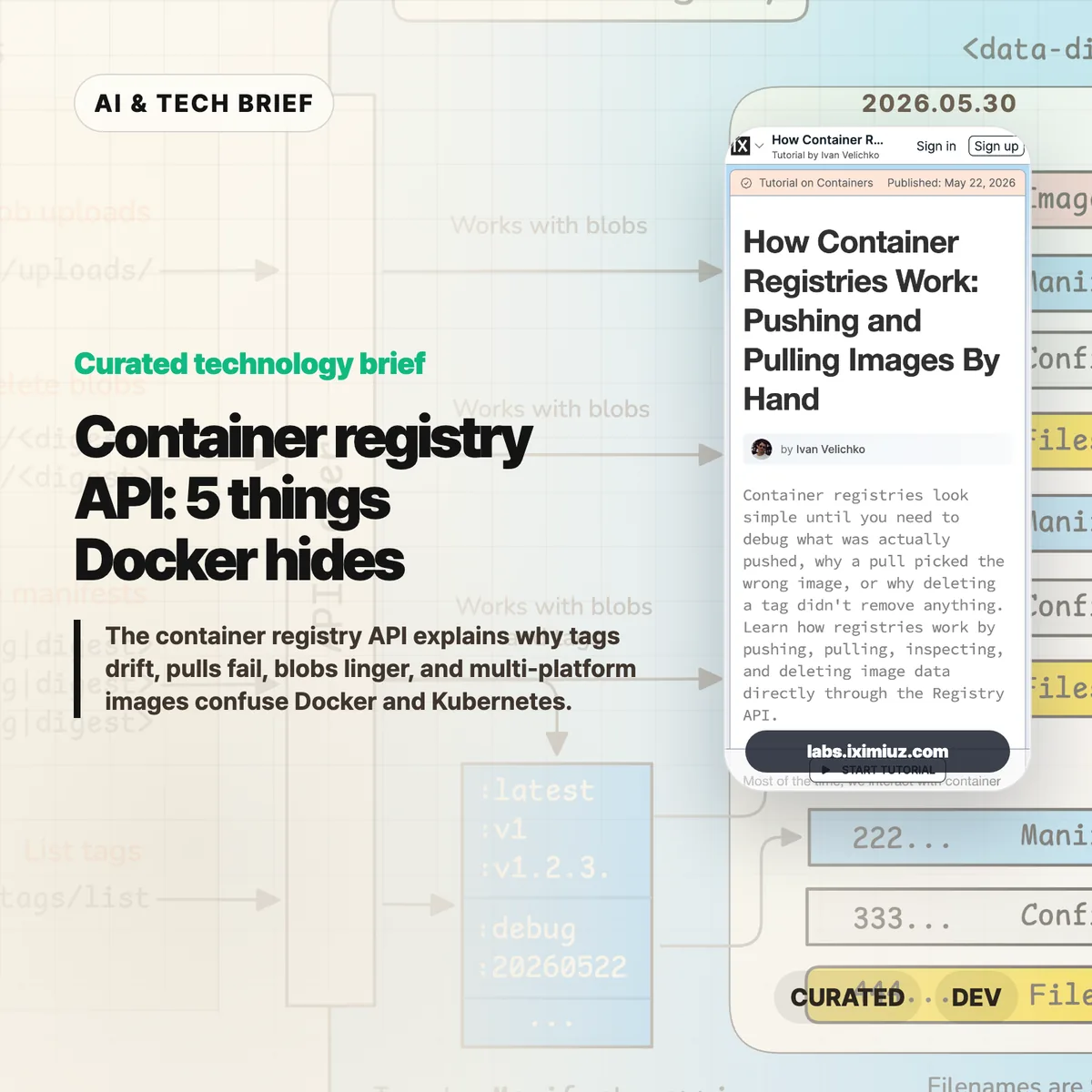
    The container registry API is the part of Docker and Kubernetes that most teams only meet when something breaks. Ivan Velichko’s iximiuz Labs tutorial is useful because it strips the registry down to HTTP calls: upload blobs, attach a manifest, pull by digest, list tags, and see what deletion really means.

    The short version

    • A registry is closer to a content-addressed blob store than a simple tag database.
    • docker push uploads layer and config blobs first, then publishes a JSON manifest that points at them.
    • docker pull starts with the manifest, so many pull failures are easier to debug if you inspect that document before blaming the runtime.
    • Deleting a tag is not the same as deleting every blob behind the image.
    • Multi-platform images add an image index above per-platform manifests, which is where amd64 versus arm64 confusion often starts.

    What happened

    iximiuz Labs published a hands-on tutorial called “How Container Registries Work: Pushing and Pulling Images By Hand.” It walks through the OCI-style registry flow with curl, not Docker. The tutorial starts with raw blob upload and download, then builds toward pushing an image manifest, listing tags, pulling image contents, deleting image data, and storing multi-platform images.

    The point is not that everyone should replace Docker with shell scripts. The point is that the registry has a small, inspectable HTTP surface. A blob upload starts with POST /v2/<repo>/blobs/uploads/, finishes with a digest-aware PUT, and a tag appears when a manifest is pushed to PUT /v2/<repo>/manifests/<tag>. Once you see that flow, tags stop feeling like magic labels and start looking like pointers to JSON documents.

    Why this is worth watching

    The registry gives platform teams a better failure model. If a cluster pulls the wrong image, the useful question is not “why is Docker weird?” It is which manifest the tag currently resolves to, which config and layer digests that manifest references, and whether the client selected the right platform entry.

    That matters in boring, expensive ways. A CI pipeline can push successfully while production still resolves an older digest. A cleanup job can remove a tag while shared layer blobs remain. An Apple Silicon laptop can produce an image that works locally but misses the manifest entry a mixed Kubernetes fleet expects. These are not exotic edge cases. They are the kind of problems that show up after a release, when people are looking at dashboards instead of registry headers.

    The tutorial also hints at a broader registry shift without over-selling it. OCI registries now hold more than runnable images: Helm charts, SBOMs, provenance attestations, and other artifacts can use the same distribution model. For more infrastructure briefs, the IT & AI archive tracks similar developer-tool shifts as they move from novelty into operational plumbing.

    What the container registry API shows

    The container registry API shows that image delivery is mostly a chain of small claims: this tag points to this manifest, this manifest points to these digests, and these digests are the bytes the runtime needs. Once that chain is visible, debugging gets less mystical.

    What the discussion is missing

    There does not appear to be a public Hacker News thread for this specific tutorial. That is a shame, because the useful debate would probably be practical rather than philosophical.

    The missing discussion is about where teams should draw the line. Most engineers do not need to hand-push manifests every week. But build, SRE, security, and platform teams benefit from knowing enough of the container registry API to answer three questions during an incident: what does this tag point to, which blobs does this manifest need, and did the client choose the platform variant we expected?

    The other open question is tooling. crane, regctl, oras, and registry vendor CLIs already wrap much of this work. The best use of the tutorial is not memorizing every endpoint. It is learning the mental model behind those tools so their output makes sense under pressure.

    The practical read

    If you ship containers, run through the tutorial once with a throwaway registry. Then add a few registry-level checks to your normal debugging playbook.

    Start by resolving tags to digests before and after a deploy. Inspect the manifest media type when a pull fails on one architecture but not another. Treat deletion as a manifest-and-garbage-collection problem, not a tag-removal problem. For security work, check whether the artifacts you care about, such as SBOMs or attestations, are attached in a way your scanners and deployment systems can actually find.

    That is the practical value of the container registry API. It turns image distribution from a black box into a set of documents and blobs you can inspect.

    Sources

  • SQLite agentic code policy draws a hard line for AI patches

    SQLite agentic code policy draws a hard line for AI patches

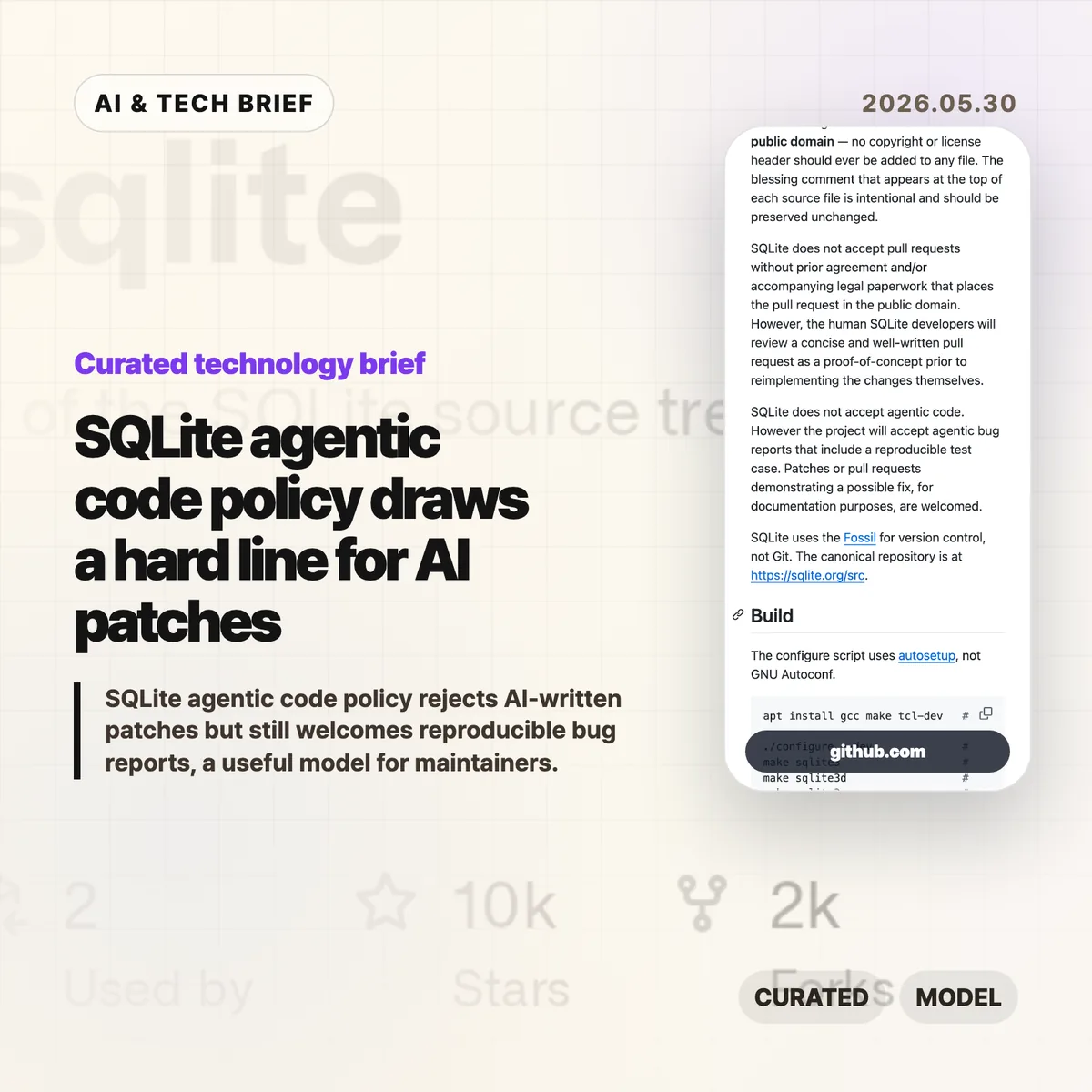
    SQLite added a plain rule to its repository guidance: it does not accept SQLite agentic code as a contribution. The project still welcomes bug reports that include a reproducible test case, which makes this less of an anti-AI manifesto and more of a maintenance boundary for a public-domain database used almost everywhere.

    The short version

    • SQLite’s AGENTS.md says the project does not accept agentic code, even though maintainers may review concise proof-of-concept patches before reimplementing changes themselves.
    • The project separates code contributions from bug reports: AI-assisted reports are acceptable when they include a reproducible test case.
    • The policy is tied to public-domain requirements, long-lived C code, Fossil-based development, and the cost of reviewing patches the maintainers did not write.
    • For AI coding tools, the useful lesson is blunt: a good repro may travel farther than a generated patch.

    What happened

    SQLite now has an AGENTS.md file aimed at people pointing coding agents at the SQLite source tree. The file explains project basics, build commands, testing commands, repository conventions, and contribution rules.

    The sharp part is the contribution policy. SQLite says it does not accept pull requests without prior agreement or legal paperwork that places the contribution in the public domain. It also says, in a separate sentence, that SQLite does not accept agentic code. Maintainers may still review a short, well-written pull request as a proof of concept, but the human SQLite developers reimplement accepted ideas themselves.

    That distinction matters because SQLite is not run like a typical GitHub-first project. Its canonical repository is Fossil, not Git, and its public-domain status is part of the project’s identity. A generated patch is not only a review burden. It can also blur authorship and provenance in a codebase that treats those details seriously.

    Why this is worth watching

    Most open source projects will not copy SQLite word for word. Plenty of maintainers do accept pull requests, and many projects live inside GitHub’s normal review flow. Still, SQLite has given maintainers a clean pattern: reject AI-written code as merge material while accepting AI-assisted evidence when it helps a human reproduce the problem.

    That is a useful split. A patch asks maintainers to trust the author, the code path, the licensing story, the tests, and the future maintenance cost. A reproducible bug report asks them to verify a failure. Those are different jobs.

    The wider lesson for developer tools is that output format matters. If an AI coding assistant produces a patch with no small failing test, it may be creating work for the maintainer. If it produces a minimal case, commands to reproduce it, and enough context for a person to inspect the failure, it has a better chance of being useful.

    For more coverage of developer-tool policy and AI engineering practice, see the IT & AI archive.

    What Hacker News readers are arguing about

    The Hacker News thread around Simon Willison’s write-up is small, so there is not enough there to claim a broad community consensus. The useful point in the comments is a clarification: SQLite is not refusing every artifact touched by an agent. It is refusing agent-written code as codebase input, while still allowing possible fixes to appear as documentation and accepting reproducible bug reports.

    A related earlier discussion on the prototype AGENTS.md commit framed the policy as a reasonable compromise. The tone was less “AI is banned” and more “give agent users rules, then keep generated code out of the project unless a human maintainer owns the final implementation.” That reading fits the file itself.

    The argument that remains open is practical. If AI tools get better at producing tests, minimization steps, and failure cases, maintainers may welcome them as triage tools. If the tools mostly produce plausible patches, projects with strict ownership rules will keep pushing back.

    SQLite agentic code policy in practice

    SQLite agentic code is the wrong deliverable for this project. A reproducible test case is the right one.

    That should influence how developers use coding agents around mature open source infrastructure. Instead of asking an agent to “fix SQLite,” ask it to isolate the failing behavior, reduce the input, show the exact command that fails, and explain why the result conflicts with documented behavior. If a patch is generated along the way, treat it as a debugging note, not as something to submit.

    For coding-agent companies, this is also a product signal. The next useful feature may not be a bigger diff. It may be a maintainer-friendly report: environment, build command, failing test, expected result, actual result, and a short explanation a human can audit.

    The practical read

    If you maintain an open source project, SQLite’s policy is a good starting template even if you soften the wording. Say whether you accept AI-written patches. Say whether AI-assisted bug reports are allowed. Say what evidence makes a report useful. The policy does not need to be dramatic; it needs to reduce ambiguity before the first generated pull request lands.

    If you contribute to projects with AI help, submit less code and better evidence. A concise failing test and reproduction steps respect the maintainer’s time. A large generated patch shifts the risk to someone else.

    Sources

  • Postgres workflows make durable execution feel boring

    Postgres workflows make durable execution feel boring

    Postgres workflows are getting a fresh look because DBOS argues that durable execution does not always need a separate orchestration service. The pitch is simple: store workflow state, step outputs, locks, and recovery checkpoints in PostgreSQL, then let application servers coordinate through the database they already operate.

    The short version

    • DBOS describes a durable execution model where application servers poll a Postgres workflows table, checkpoint each step, and recover crashed jobs from the last completed step.
    • The technical bet is that row locking, uniqueness constraints, indexes, SQL queries, and normal Postgres operations can replace a chunk of what teams buy from external orchestrators.
    • This is most attractive when the workflow is close to the application domain and the team already trusts Postgres in production.
    • The hard parts do not disappear. Payload size, hot tables, transaction retries, worker crashes, and retry semantics still need explicit design.
    • The broader developer-tool angle is practical: agent runs, video processing, document pipelines, and AI background jobs all need durable execution, but many teams do not want another distributed system first.

    What happened

    DBOS published a technical argument for Postgres workflows as a simpler durable execution architecture. In the conventional model, systems such as Temporal, Airflow, and AWS Step Functions coordinate workflow execution through a central orchestrator. A worker completes a step, reports the result to the orchestrator, and the orchestrator records the checkpoint before dispatching the next step.

    DBOS flips that arrangement. A client creates a workflow record in Postgres. Application servers dequeue work from the table, checkpoint step outputs directly to Postgres, and recover another server’s unfinished work if a process dies. The post points to locking clauses for safe worker competition, integrity constraints for detecting duplicate step writes, SQL for observability, and existing Postgres security and availability practices for operations.

    The article also claims that a single Postgres server can handle tens of thousands of workflows per second in the right setup, with distributed or sharded Postgres systems as later options. That number is less useful than the shape of the claim: durable execution is mostly about making progress durable, and a relational database is already built to make state durable.

    Why this is worth watching

    Postgres workflows are interesting because they move the orchestration question back into the data model. If each step result is a row with clear idempotency rules, the system becomes easier to inspect. A failed payment email, stuck file conversion, or half-finished AI agent run can be queried with SQL before anyone builds a custom dashboard.

    That is the best version of this idea. It does not say every team should replace Temporal tomorrow. It says many teams reach for a workflow platform before they have written down the actual state machine, retry boundary, and checkpoint model. Starting with Postgres can force those decisions into tables, indexes, and constraints. That can be refreshingly boring.

    There is also a product lesson here for developer-tool builders. The IT & AI archive keeps circling the same theme: teams want more reliability for background work, but they have little patience for heavy platforms unless the pain is already obvious. Postgres workflows fit that mood. They offer a path between ad hoc job queues and a full workflow stack.

    What Hacker News readers are arguing about

    The Hacker News discussion is useful because it separates the slogan from the operational details. Several engineers liked the general pattern, especially for queues built with SELECT FOR UPDATE SKIP LOCKED or advisory locks. The pro-Postgres camp mostly argued from experience: if Postgres is already in the stack, a workflow table can be cheaper and easier to reason about than another service.

    The skepticism was more specific. One thread challenged the article’s mention of CockroachDB as a way to scale Postgres-like systems, with commenters pointing to compatibility gaps, missing operators, index limitations, and repeated serialization_failure retries in real systems. That is a reminder that “Postgres-compatible” is not the same as “Postgres with the same operational behavior.”

    Temporal also dominated part of the thread. Some commenters described large self-hosted Temporal deployments as expensive and infrastructure-heavy, while others pushed back that those workloads may be a poor fit or that Temporal Cloud pricing can look reasonable depending on event volume. The useful takeaway is not that Temporal is bad. It is that workflow engines have their own cost curve, and teams should compare that curve against the complexity they would add to Postgres.

    A smaller but important thread focused on payload size. People were wary of putting large documents or video artifacts directly in a queue or workflow table. The practical pattern is the old claim-check approach: store the large object elsewhere, then pass a reference through the workflow state. That applies whether the orchestrator is Postgres, Temporal, or a cloud queue.

    Where Postgres workflows fit

    Postgres workflows fit best when the workflow is part of your application, the steps can be made idempotent, and the team can model retries and checkpoints in SQL without turning the main database into a dumping ground.

    The practical read

    Use this pattern when the workflow is close to your product and your team already knows how to operate Postgres under load. This is a strong fit for internal job pipelines, AI agent tasks, document processing, notification chains, and service-local background work.

    Be more cautious when the workflow spans many teams, languages, approval states, and long-running human processes. A dedicated workflow system may earn its weight there, especially if it gives you mature tooling around versioning, visibility, timeouts, and operator workflows.

    The test is not ideological. Sketch one real workflow. Count the steps. Write down what each step stores, how it retries, what happens after a worker crash, and where large payloads live. If that design fits naturally into Postgres tables and constraints, DBOS’s argument deserves a serious look. If the model starts turning into a private orchestration platform, buy or adopt the platform instead.

    For app builders, the ASO angle is indirect but real: background reliability is becoming part of product discovery. Users do not search app stores for “durable execution,” but they do notice when uploads, agent runs, and media processing quietly resume instead of failing.

    Sources

  • LLM smells are getting easy to spot

    LLM smells are getting easy to spot

    LLM smells are the tiny tells that make AI-assisted writing or AI-built websites feel oddly familiar. A short post by Shiv After Dark put a useful name on the pattern: punchline-heavy prose, repeated sentence shapes, monospace-heavy pages, badges, cards, and step sections that keep appearing across unrelated work.

    The short version

    • LLM smells are not proof that a piece of work is bad. They are signs that the draft may still be too close to the model’s default style.
    • The clearest writing tells are punchline sentences, repeated short sentences, “X is the Y of Z” metaphors, and tidy contrast formulas.
    • The web design tells are just as visible: JetBrains Mono, step layouts, badge dots, familiar cards, and generic call-to-action buttons.
    • The useful editorial move is to treat AI output as a draft, then add concrete details, uneven human rhythm, and product-specific design choices.
    • Hacker News readers mostly pushed the argument toward code quality: AI output looks strongest when you do not yet know enough to judge it.

    What happened

    Shiv After Dark published “Various LLM smells” on May 28, 2026, after noticing that prose once polished by an LLM had started to resemble a lot of other writing on the web. The post is short, but the examples are sharp: aphoristic one-liners, strings of clipped sentences, metaphor templates, and the familiar “not merely X” style of contrast.

    The second half moves from prose to AI-generated websites. The author points to the same stack of visual habits showing up again and again: monospace typography, step sections, cards, buttons, blinking badge dots, and footnote-style flourishes. None of those choices are wrong by themselves. They become LLM smells when they arrive as a bundle, without much relationship to the product or audience.

    If you follow AI writing and web tooling, this fits a larger pattern. Models are good at producing plausible defaults. Plausible defaults are useful for a first pass. They are also easy to recognize once enough people publish them unchanged. For more English briefs on AI tooling and product craft, see the IT & AI archive.

    Why this is worth watching

    LLM smells are worth watching because they are an editing problem, not a purity test. The author is not arguing that people should stop using AI for creative work. The better reading is more practical: if a model gives you a draft in seconds, you still need to remove the model’s house style before the work feels like yours.

    For writing, that means checking whether a sentence adds information or only adds mood. Punchy lines can work, but a whole page of them starts to feel assembled. The same goes for neat metaphors. “X is the visible signature of Y” may sound elegant the first time. By the tenth version, it reads like a preset.

    For web teams, LLM smells are a useful QA category. A landing page can be clean and still generic. If the typography, cards, steps, icons, and microcopy could belong to any AI startup, the page probably needs one more design pass. App builders should pay special attention here, because store listings, onboarding screens, and extension directories reward clarity, but punish sameness.

    What Hacker News readers are arguing about

    The Hacker News discussion quickly widened from writing to competence. One of the strongest recurring points was that LLM output looks best in domains where the user is least able to judge it. That explains the split many people see in coding threads: beginners may experience the model as a dramatic productivity boost, while experienced engineers see the rework, missing context, and bad abstractions.

    Several commenters gave concrete coding examples. One described an assistant proposing a security-dangerous approach that would have bypassed a WebAssembly sandbox and executed submitted Python in the application container. Others complained about agent-generated codebases growing too large because each feature gets built in isolation: every modal is different, every button drifts, and business logic ends up scattered.

    There was a more positive camp too. Some readers said LLMs are genuinely useful for format conversions, API mappings, learning unfamiliar concepts, or getting past small obstacles. The practical distinction was not “use AI” versus “do not use AI.” It was whether the user has enough taste, tests, and domain knowledge to catch the smells before they harden into the final product.

    LLM smells checklist

    Before the final edit, look for the repeated shapes: punchline stacking, metaphor templates, tidy contrast lines, generic cards, and typography that says more about the model than the product.

    The practical read

    Use LLM smells as a checklist before publishing. In prose, look for punchline stacking, repeated short sentences, decorative metaphors, tidy contrast formulas, and abstract claims that do not name a real example. Replace them with specifics. Add the thing you actually saw, measured, built, shipped, or changed.

    In interface work, scan for the default AI landing page kit: monospace labels, gradient cards, step grids, badge dots, identical buttons, and generic hero copy. Keep the pieces that fit. Cut the ones that only make the page look “AI polished.” The goal is not to hide the tool. The goal is to make the result specific enough that the tool is no longer the most visible author.

    The same rule applies to code. AI can get you moving, especially on routine or verifiable tasks. But if you cannot review the output, you are outsourcing judgment. That is where LLM smells stop being cosmetic and start turning into maintenance work.

    Sources

  • Anthropic Series H is an AI infrastructure bet

    Anthropic Series H is an AI infrastructure bet

    Anthropic Series H is not a normal late-stage startup round. The company says it raised $65 billion at a $965 billion post-money valuation, while pointing to Claude demand, Claude Code adoption, and fresh compute deals with Amazon, Google, Broadcom, and SpaceX. The useful read is simple: frontier AI is now a capital-intensive infrastructure business, not only a model leaderboard contest.

    The short version

    • Anthropic raised $65 billion in Series H funding at a $965 billion post-money valuation, led by Altimeter Capital, Dragoneer, Greenoaks, and Sequoia Capital.
    • The company says Claude run-rate revenue crossed $47 billion in May 2026, up from $30 billion in early April and $14 billion in February.
    • The new money is tied directly to compute expansion: up to 5 GW of Amazon capacity, 5 GW of Google and Broadcom TPU capacity, and access to SpaceX Colossus GPU capacity.
    • The open question is quality of revenue. Run-rate revenue can show demand, but it does not answer margin, churn, customer concentration, or whether enterprise AI bills stay this high.

    What happened

    Anthropic announced that Anthropic Series H brought in $65 billion of new funding and valued the company at $965 billion after the round. The round was led by Altimeter Capital, Dragoneer, Greenoaks, and Sequoia Capital, with a long list of large investors and $15 billion of previously committed hyperscaler investment included in the total.

    The company framed the raise around three uses: safety and interpretability research, more compute for Claude demand, and expansion of products and partnerships. It also said Micron, Samsung, and SK hynix joined as strategic infrastructure partners, which makes the supply-chain angle hard to miss. Memory, storage, logic chips, cloud capacity, and power are now part of the same story as model quality.

    The compute commitments are large. Anthropic says it has signed for up to 5 GW of new capacity with Amazon, 5 GW of next-generation TPU capacity with Google and Broadcom, and access to GPU capacity in SpaceX’s Colossus 1 and Colossus 2. AWS remains its main cloud provider and training partner, but Claude is available across AWS, Google Cloud, and Microsoft Azure.

    Why this is worth watching

    The headline number is huge, but the better signal is what Anthropic is buying time to build. Claude demand is pushing the company toward long-term cloud, chip, and data-center commitments. That means the AI race is less like a software subscription fight and more like a logistics problem with expensive hardware attached.

    There is a product angle too. Anthropic named Claude Code and Cowork in the funding announcement. For builders watching the AI tool market, that matters because developer workflow usage can create heavy, recurring inference demand. If Claude Code keeps spreading inside companies, the question shifts from “which model is best today?” to “who can serve enough tokens at a price finance teams will tolerate?” For more AI and developer-tool coverage, see the IT & AI archive.

    The semiconductor names are another clue. NVIDIA gets most of the public attention, but Anthropic’s announcement pulls memory and storage suppliers into the visible partnership stack. That fits the broader pattern in AI infrastructure: GPUs are scarce, but so are power, networking, HBM, storage, and the operations talent needed to keep large clusters useful.

    what Anthropic Series H changes

    Anthropic Series H changes the frame for AI buyers. Vendor selection now includes product quality, model behavior, price, and whether the provider has enough compute to keep service levels stable under enterprise demand.

    What Hacker News readers are arguing about

    The Hacker News thread is less excited about the valuation than the announcement itself. A lot of the discussion circles around private-market mechanics: how many funding rounds a company can keep doing, whether a Series H delays an IPO, and how employees or investors get liquidity before public markets see the books.

    The sharper argument is about run-rate revenue. Some commenters treat the jump from $14 billion in February to $30 billion in April and $47 billion in May as evidence that Anthropic has one of the fastest-growing enterprise software businesses ever. Others are much more cautious. Their objection is that run-rate revenue is an extrapolation, not audited annual revenue, and it can look better than the business feels if a few large customers are overspending before cost controls arrive.

    There is also a practical split on compute strategy. One camp sees Anthropic’s use of Amazon, Google, Broadcom, Microsoft, and SpaceX capacity as smart diversification. Another worries that relying on third-party capacity leaves Anthropic exposed if shortages tighten or suppliers change pricing. The useful middle view is that every frontier lab is exposed somewhere: chips, memory, power, data centers, pricing, or customer budgets.

    The thread also keeps coming back to Claude Code. Supporters see Claude’s developer mindshare as a reason the revenue number could be real. Skeptics ask whether current enterprise token spending is sustainable once CFOs start asking which usage actually turns into more profit.

    The practical read

    Do not read Anthropic Series H as a clean proof that the AI business model is solved. Read it as proof that top-tier AI labs now need balance sheets large enough to reserve compute before demand is fully understood.

    For founders and product teams, the near-term lesson is to watch pricing and usage limits as closely as model benchmarks. If AI features depend on a frontier model, the vendor’s compute position can affect latency, availability, and your unit economics. If you are using Claude Code or similar tools across a team, measure output quality and business impact, not only token volume.

    For investors and operators, the number to watch after this round is not the $965 billion valuation. It is whether Anthropic can turn heavy enterprise usage into durable revenue after customers learn where AI spending pays off and where it is just expensive experimentation.

    Sources