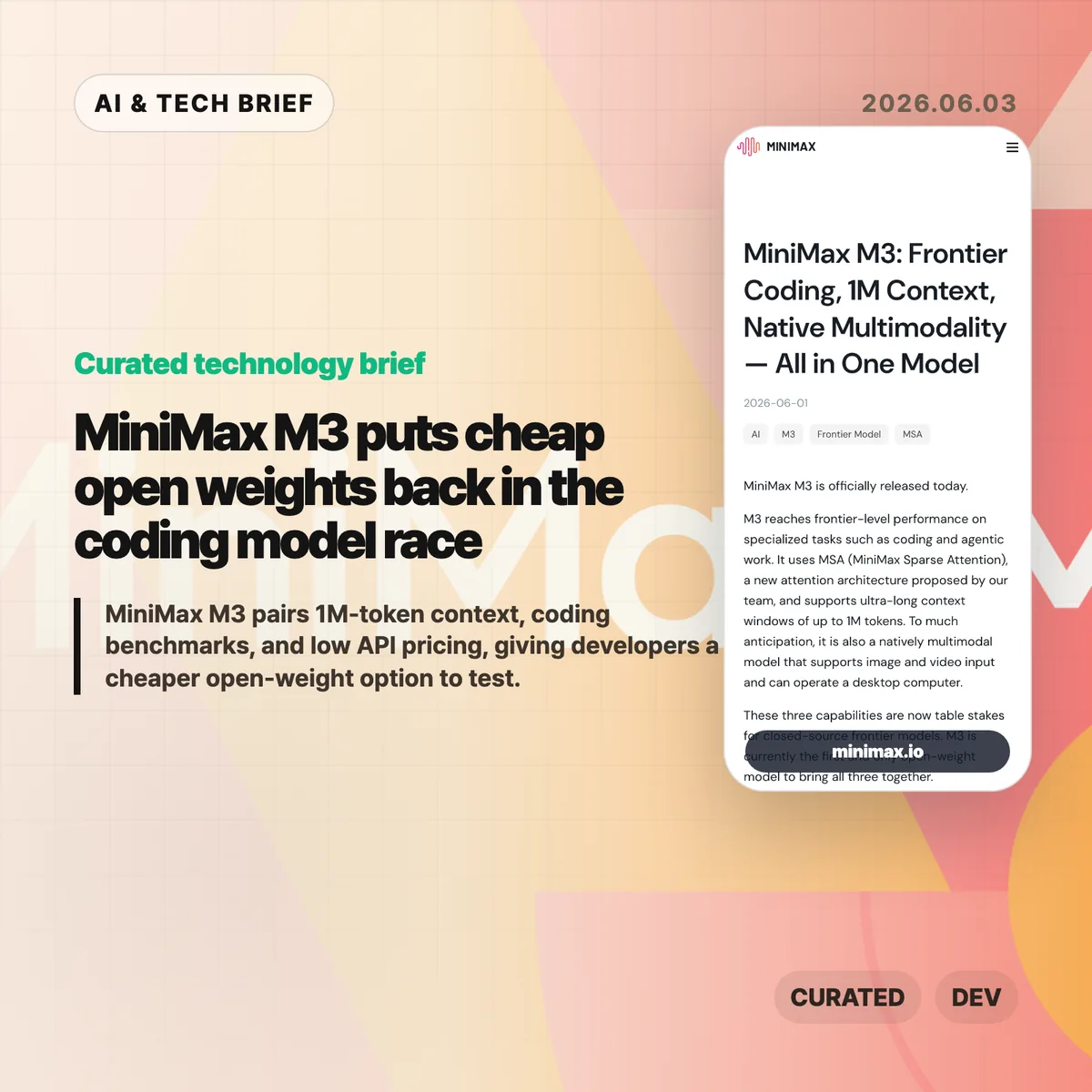
MiniMax M3 is a new open-weight coding model with a 1M-token context window, native multimodal input, and unusually low API pricing. The useful part is not the leaderboard claim by itself. It is the combination of coding benchmarks, long context, and a price point that makes agent experiments less painful to run.
Table of Contents
The short version
- MiniMax says MiniMax M3 reaches 59.0% on SWE-Bench Pro, 66.0% on Terminal-Bench 2.1, and 74.2% on MCP Atlas.
- The model supports up to 1M tokens of context and can handle text, image, and video input, according to MiniMax.
- MiniMax lists launch API pricing at $0.30 per million input tokens and $1.20 per million output tokens for standard-length requests.
- The open-weight promise matters, but teams still need the technical report, license terms, and independent benchmark runs before treating M3 as a production replacement.
What happened
MiniMax released M3 on June 1, 2026, describing it as a frontier-level model for coding and agentic work. The company says M3 uses MiniMax Sparse Attention, or MSA, to support a 1M-token context window while reducing the compute cost of long inputs.
The company also tied the release to MiniMax Code, its coding-agent product. That matters because M3 is not being sold as a general chat model first. MiniMax is aiming at the same daily developer workflow that tools such as Cursor, Claude Code, Cline, Roo Code, and API-based coding agents already compete for.
For readers tracking model releases beyond this one, the broader IT & AI archive is where we collect similar developer-tool and AI infrastructure briefs.
Why MiniMax M3 is worth watching
MiniMax M3 is worth watching because it attacks the cost side of coding agents, not only the benchmark side. Coding agents burn tokens quickly: they read files, carry logs, run tests, retry patches, and keep long sessions alive. A cheaper model can change how often developers are willing to let agents iterate.
The pricing claim is the clearest near-term hook. MiniMax lists launch pricing for standard requests at $0.30 per million input tokens and $1.20 per million output tokens, with higher rates for inputs above 512K tokens. Even if teams use M3 only for cheaper exploration before sending hard cases to a premium closed model, that split could cut the cost of codebase-wide experiments.
The benchmark numbers are also specific enough to test. MiniMax reports 59.0% on SWE-Bench Pro, 66.0% on Terminal-Bench 2.1, 34.8% on SWE-fficiency, 28.8% on KernelBench Hard, and 74.2% on MCP Atlas. Those are company-reported numbers, so the next useful step is independent reproduction.
What does MiniMax M3 change for developers?
MiniMax M3 gives developers another way to separate routine agent work from expensive frontier-model calls. A team could use M3 for repository scanning, test-log analysis, code navigation, and first-pass patch attempts, then reserve a closed model for ambiguous architecture decisions or high-risk changes.
The 1M-token context window is the part to test with care. Long context is helpful only when the model can retrieve and use the right evidence inside that context. Developers should try M3 on messy tasks: multi-file bugs, migration work, terminal sessions with failed tests, and code-review loops where the model has to remember constraints across several turns.
The open-weight plan is useful if the license allows commercial deployment. Local or private-cloud inference could matter for teams that do not want proprietary code, customer data, or production logs leaving their own infrastructure. Until MiniMax publishes the final weights and license, that remains a promise rather than a procurement decision.
What Hacker News readers are arguing about
The Hacker News thread is small, so it is a signal of curiosity rather than a real community consensus. The useful comments point readers toward the MiniMax blog post and compare M3 with previous MiniMax models, which suggests the release is being judged less as a one-off headline and more as a step in the company’s model line.
The thin discussion also says something practical: developers are not going to trust the positioning until they can run the weights, inspect the license, and compare M3 on their own tasks. A benchmark table can get attention. Adoption will depend on whether M3 behaves well inside real coding-agent loops, especially when a task stretches across many files and several rounds of terminal feedback.
The practical read
MiniMax M3 is worth a trial if your team already spends real money on coding-agent experiments. Start with low-risk workloads: repository summaries, test failure triage, code search, documentation cleanup, and patch drafts that humans review before merge. Track the same metrics you would track for any agent: accepted patches, rollback rate, test pass rate, latency, and cost per completed task.
Do not treat the release as proof that closed coding models are obsolete. The company has published benchmark claims and pricing, but the hard questions are still external reproducibility, license terms, inference quality, tool-call reliability, and how much performance drops when the model runs outside MiniMax’s hosted stack. Cheap tokens help only when the model stays useful after the fifth retry.