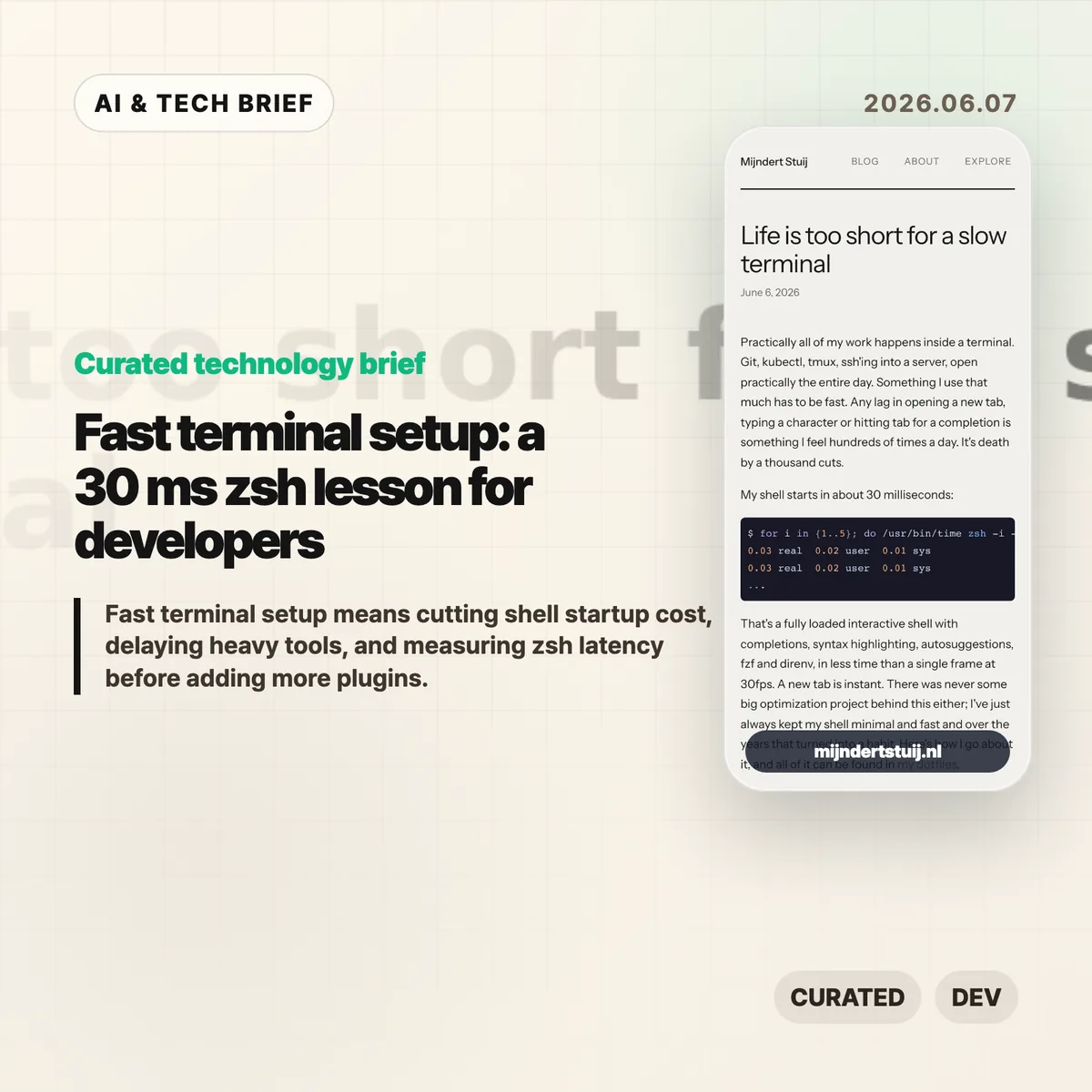
A fast terminal setup is less about buying another shiny developer tool and more about removing startup work you do not need. On June 6, 2026, Mijndert Stuij published a concrete zsh setup that reaches about 30 ms startup time while still loading completions, syntax highlighting, autosuggestions, fzf, and direnv. The point is not that every developer must copy his dotfiles. It is that shell latency can be measured, trimmed, and kept out of the way.
For developers who open new tabs all day, 30 ms is a useful target because it forces a hard question: what really needs to run before the first prompt? Stuij’s answer is direct sourcing, cached completion setup, lazy loading for heavier tools, and an asynchronous prompt.
The short version
- Mijndert Stuij’s zsh starts in roughly 30 ms, based on repeated
/usr/bin/time zsh -i -c exitruns published on June 6, 2026. - His setup avoids oh-my-zsh, Prezto, and plugin managers, then sources three cloned plugins directly:
fzf-tab,zsh-autosuggestions, andzsh-syntax-highlighting. - zsh completion uses a
.zcompdumpcache andcompinit -Cwhen the cache is less than 24 hours old, avoiding a full completion scan on every shell start. - Heavy pieces such as nvm and kubectl completion are delayed until the developer actually calls them.
- The repeatable method is measurement first:
time,hyperfine,zprof, andzsh -ixc exitshow where a shell spends its startup budget.
What happened
On June 6, 2026, Mijndert Stuij published “Life is too short for a slow terminal,” a shell-performance post built around a 30 ms interactive zsh startup. The article is aimed at people who live in Git, kubectl, tmux, SSH, and text commands all day, where small pauses repeat often enough to hurt flow.
The implementation is deliberately plain. Stuij skips the big zsh frameworks and plugin managers. His install script clones fzf-tab, zsh-autosuggestions, and zsh-syntax-highlighting, then .zshrc sources them directly. That removes framework startup work, dependency checks, theme scanning, and plugin bookkeeping from every new terminal.
The post also treats completion setup as a cache problem. zsh’s compinit can be expensive because it does security checks and scans completion files. Stuij’s configuration uses a recent .zcompdump cache with compinit -C and runs the heavier path only when the cache is older than 24 hours. That is a small change, but it attacks a repeated cost.
Why fast terminal setup is worth watching
A fast terminal setup matters because terminal delay repeats hundreds of times per day. A half second wait on a new tab, a completion menu, or a prompt refresh looks harmless in isolation. In a normal developer workflow, that pause sits between thought and command again and again.
The best part of the post is the order of operations. Stuij does not tell readers to copy a theme or switch shells for fashion. He starts from the working loop: open a terminal, type, complete, run commands, return to a tmux session, and keep moving. Then he removes the slowest startup work from that loop.
That makes the advice useful even for developers who do not use zsh. Fish users, Bash users, and people who mostly work in remote shells can still apply the same test: measure startup, find expensive initialization lines, and split tools into “needed now” versus “load when first used.” For more curated developer tooling coverage, the IT & AI archive is a good place to keep scanning.
What does fast terminal setup change for developers?
Fast terminal setup changes the default question from “what can I add to my dotfiles?” to “what should run before the first prompt appears?” That shift is useful for personal environments and team onboarding docs.
Version managers, cloud CLIs, Kubernetes completion, language toolchains, prompt themes, and directory hooks often arrive as copy-paste initialization snippets. Each snippet may be reasonable on its own. Together, they can turn a fresh shell into a pile of work the developer pays for before typing the first command.
Stuij’s lazy-loading examples are the practical part. nvm is wrapped so the real script loads only when nvm is invoked. kubectl completion is loaded after kubectl is first used. Prompt state is handled asynchronously with Pure, so Git information does not block the prompt in a large repository. The result is not a stripped-down terminal. It is a terminal that waits to load expensive features until they are relevant.
What Hacker News readers are arguing about
The Hacker News discussion was small but useful: the main submission had 11 points and five comments at check time, and the debate centered on terminal ergonomics rather than zsh tuning. Readers treated Stuij’s 30 ms shell as a prompt to argue about when command-line interfaces beat graphical tools.
One commenter argued that life is too short for terminals at all, saying GUI tools are often the same or better. The replies pushed back on workflow grounds: terminal tools map well to keyboard habits, text commands, and muscle memory, especially for programming tasks. Another commenter framed it more calmly: use the interface you are proficient with, because the right answer depends on what you learned and what work you do.
The useful takeaway from the thread is that speed is not only a benchmark. Terminal people care about latency because the interface behaves like a language. If you know the commands, a slow shell breaks rhythm in the same way a laggy editor does. For visual work, a GUI may still be the better tool. For command-heavy development, a responsive shell earns its place.
Fast terminal setup audit
A fast terminal setup is usually won in small cuts. The 30 ms zsh target is less about bragging rights and more about removing friction from a tool developers open hundreds of times a week. The audit should start with measurement, not taste.
| Layer | What to measure | Common fix |
|---|---|---|
| Shell startup | Cold and warm launch time with a profiling flag | Lazy-load version managers, completions, and prompt code. |
| Prompt | Git status latency in large repositories | Cache expensive segments or simplify the prompt in slow paths. |
| Plugins | Each plugin’s startup contribution | Delete unused plugins before optimizing the rest. |
| Terminal app | New window, new tab, scroll, font rendering | Separate shell slowness from emulator slowness. |
The biggest mistake is copying someone else’s dotfiles as a bundle. A terminal setup is personal infrastructure. The right configuration depends on which languages you use, how often you enter repositories, whether you need heavy completions, and how much visual information you want in the prompt.
The useful practice is to set a budget. For example: shell prompt under 50 ms on a normal repository, no network calls during startup, and every plugin must justify its cost. Once the budget exists, the work becomes mechanical. Measure, remove, lazy-load, then measure again.
The practical read
For zsh developers, the safest fast terminal setup starts with measurement rather than a new framework. Stuij’s 30 ms example gives a practical test path: run time zsh -i -c exit or hyperfine 'zsh -i -c exit' to get a startup baseline, then use zprof or zsh -ixc exit to find which .zshrc lines run before the first prompt appears.
Look first at framework startup, plugin managers, version managers, language environment hooks, and completions for tools you use only a few times a day. oh-my-zsh, Prezto, nvm, kubectl completion, Git prompt checks, and directory hooks can all be reasonable tools. The problem is paying their cost on every tab when the command is not needed yet.
The practical goal is not to hit 30 ms exactly. Different machines, shells, and work requirements will land in different places. The goal is a fast terminal setup that feels immediate enough to disappear while you work. If a shell feature costs time on every tab and you rarely use it, make it lazy, remove it, or move it out of the startup path.