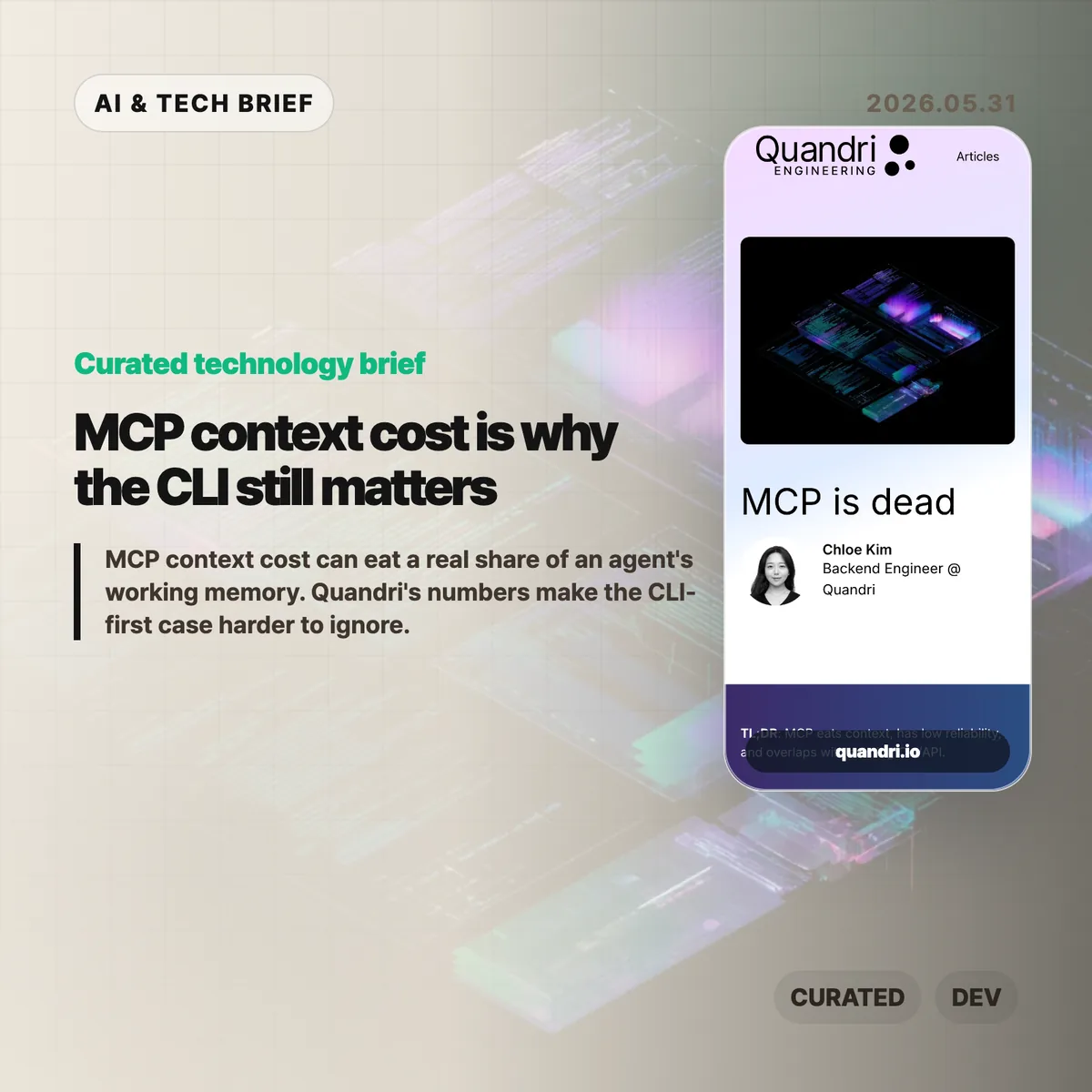
MCP context cost is becoming the awkward part of the Model Context Protocol story. Quandri measured its own MCP setup and found that tool schemas, before any actual work happens, can take more than 21,000 tokens across four connected servers.
Table of Contents
The short version: MCP context cost
- Quandri measured Linear, Notion, Slack, and Postgres MCP servers at roughly 21,077 tokens of tool definitions, or 10.5% of a 200K Claude context window.
- Linear alone accounted for about 12,807 tokens across 42 tool definitions, compared with roughly 200 tokens for a direct GraphQL issue lookup via
curl. - Claude Code’s newer Tool Search with Deferred Loading reportedly cuts the schema-loading burden by more than 85%, so the context complaint is less absolute than the headline suggests.
- The useful debate is not whether MCP is dead. It is whether a given workflow needs a protocol server, or whether a CLI and a small amount of documentation are easier to run, debug, and trust.
What happened
Quandri published a blunt engineering note arguing that MCP is often too expensive for everyday developer workflows. The post builds on Eric Holmes’s earlier “MCP is dead. Long live the CLI” argument, then adds measurements from Quandri’s own stack.
The headline number is the MCP context cost. Quandri says its Linear, Notion, Slack, and Postgres MCP servers expose 77 tools whose definitions total about 84,308 characters, or an estimated 21,077 tokens. On Claude’s 200K context window, that is about 10.5%. On GPT-4o’s 128K window, it would be about 16.5%.
The Linear example is sharper. Quandri estimates that Linear’s MCP server loads 42 tool definitions at about 12,807 tokens. A direct Linear GraphQL lookup through curl, by contrast, is framed as roughly 50 tokens for the command and 150 for the response. That is where the “65x” comparison comes from.
The post also includes an important correction. Since Quandri took its measurements, Claude Code added Tool Search with Deferred Loading, which loads MCP tool schemas on demand and reportedly reduces context use by more than 85%. That does not erase the operational objections, but it does make the original context-window argument more version-dependent.
Why this is worth watching
MCP became popular because it gives AI agents a common way to call external tools. That is valuable when a service has no good CLI, when an admin wants centralized access control, or when a tool needs to hide credentials from the agent and the developer.
But developers already have a mature tool interface: the command line. gh, aws, kubectl, psql, jq, and curl are boring in the best way. Humans can run the same command an agent ran. Logs and errors are visible. Auth usually follows existing workflows. Pipelines can filter large outputs before they ever reach the model.
That matters for AI builders because integrations are turning into product features. A developer tool that ships only an MCP server may look modern, but a strong CLI can be easier for both humans and agents to adopt. For more AI tooling coverage, see the IT & AI archive.
The practical split is probably simple. Use MCP when the protocol server gives you safer permissions, shared administration, or access to a product that has no good local interface. Prefer a CLI or direct API when the job is already scriptable and the main need is repeatability.
What Hacker News readers are arguing about
The Hacker News discussion is split between individual developer ergonomics and enterprise control.
The CLI-first camp mostly agrees with the article’s debugging point. Several commenters argue that agents are already good at shell tools, that Unix permissions and sandboxing are better understood than bespoke tool servers, and that wrapper scripts can expose narrow read or write operations without making every tool a separate protocol project.
The strongest pro-MCP argument is about organizations, not solo workflows. Commenters defending MCP point to shared credentials, admin-controlled access, consistent tool rollout across teams, and the ability to keep secrets away from both the developer and the agent. In that view, MCP is less about convenience and more about putting a managed boundary around many services.
There is also a security argument running in both directions. Critics worry that local MCP servers can become extra escape hatches unless they are deployed inside the same sandbox as the agent. Supporters counter that a server-managed interface can enforce read-only behavior or parameter limits more cleanly than asking every developer to maintain local scripts.
The useful takeaway from the thread is that MCP context cost is only one axis. The real tradeoff includes who owns credentials, where policy is enforced, how failures are debugged, and whether the tool will be used by one power user or a whole company.
The practical read
If you are adding an integration to an AI coding workflow, start with the boring question: can a person reproduce the agent’s action in a terminal?
If the answer is yes, a CLI-first setup may be enough. Put the exact commands, examples, and safe usage notes where the agent can load them only when needed. That keeps the interface close to what developers already understand.
If the answer is no, MCP may be the right shape. It is especially reasonable for non-CLI products, centrally managed enterprise tools, shared credentials, and workflows where the organization needs one enforcement layer rather than dozens of local setups.
The worst version is cargo-cult MCP: adding a server because agents are fashionable, then paying the maintenance cost, auth friction, and MCP context cost for tasks that curl or gh could already do.