The AudioMass web audio editor is a free browser-based tool for editing waveforms, applying effects, and now arranging multiple tracks without installing a desktop app. The interesting part is the product boundary: it treats the browser as the workspace, while keeping many audio jobs local to the user’s machine.
Table of Contents
The short version
- AudioMass is a free web audio and waveform editor with a live browser version and an open GitHub repository.
- Its newer multitrack mode lets users layer clips, drag tracks around, crossfade overlaps, record armed channels, and bounce a session to one file.
- The tool fits quick edits, podcast clips, voice notes, samples, and rough arrangements better than heavy studio sessions.
- The limits are real: browser memory, mobile audio behavior, autosave, large projects, and specialized DAW features still matter.
- For builders, the AudioMass web audio editor is a useful example of a local-first creative app that can be found and used from a URL.
What happened
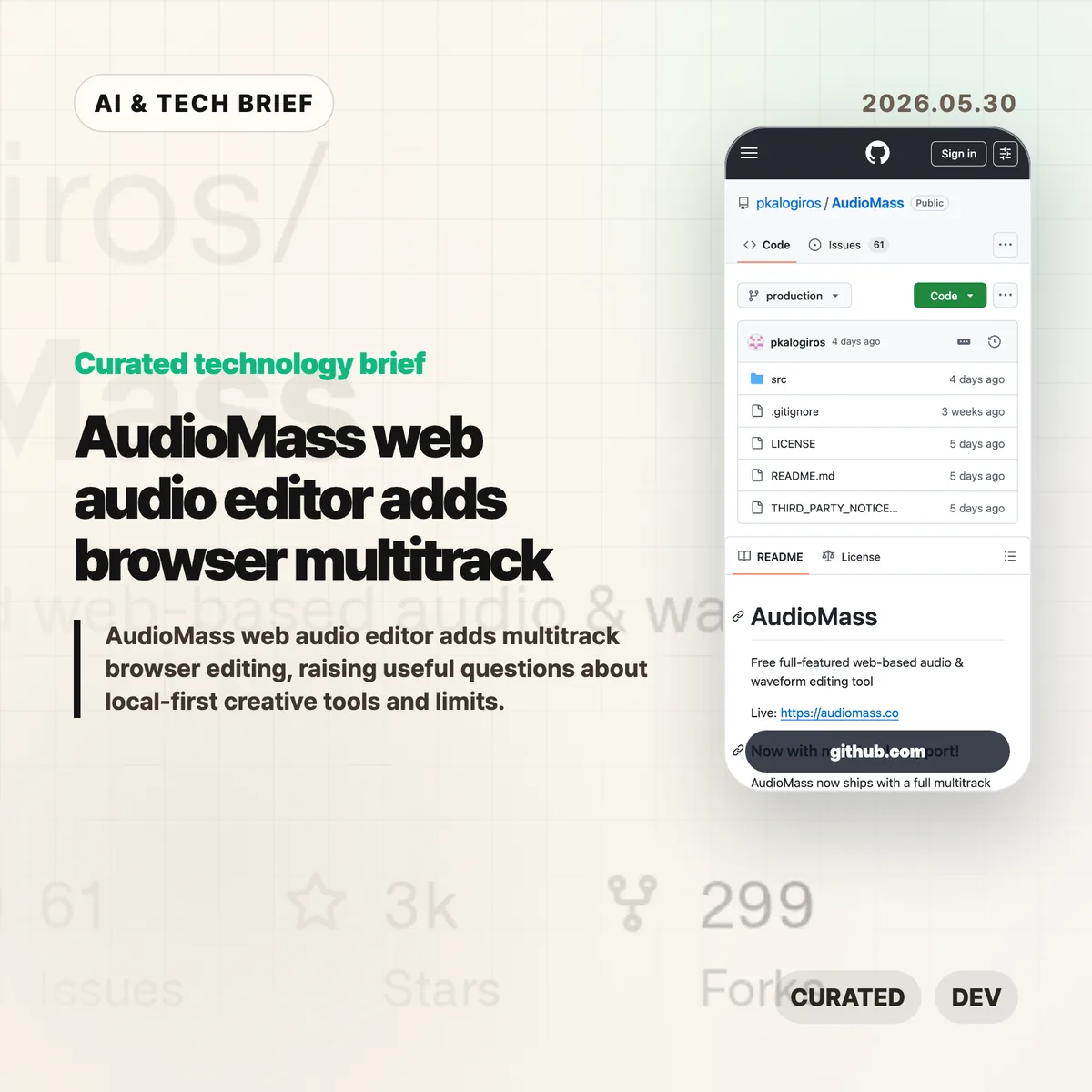
AudioMass describes itself as a “free full-featured web-based audio & waveform editing tool.” The live app runs at audiomass.co, and the GitHub repository points to a newer multitrack mode with layered tracks, draggable clips, crossfades, recording onto armed channels, and mixdown export.
The project is written mostly in JavaScript and has been public since 2018. GitHub showed about 2,700 stars and roughly 300 forks when checked for this brief. The README also notes a local development path using either a small Go server or a Python web server, which makes the project easier to inspect than a closed online editor.
This sits in a familiar category for web tools: the job used to require a desktop download, but the first useful version now loads in a tab. The same pattern already changed design tools, code editors, and image utilities. Audio editing is harder because timing, buffers, latency, file size, and crash recovery are less forgiving.
Why this is worth watching
The AudioMass web audio editor is useful because it does not ask every user to sign in, upload media, or wait for a server-side render before trimming a clip. That matters for small audio jobs. A creator can open a file, clean up a voice note, add a fade, export, and move on.
It also points to a cleaner product model for some creative apps. Local-first browser tools can reduce hosting cost and privacy risk because files do not have to leave the device for basic edits. That is not a magic fix. The browser still owns the runtime, and audio workloads expose every weak spot in memory handling, mobile support, and background storage.
The multitrack update is the bigger signal. Once a browser tool can handle layered tracks and session export, it starts to compete for the casual work that used to default to Audacity or a lightweight DAW. Readers following browser apps and creative tooling can find related coverage in the IT & AI archive.
What Hacker News readers are arguing about
The Hacker News discussion around the newer multitrack release was mostly positive, but the useful comments were practical rather than hype. Several readers compared AudioMass with Audacity, Ocenaudio, Ardour, and web ports such as Wavacity. The common praise was speed, a calmer interface, and the convenience of opening an editor from a link.
The technical thread focused on limits. The creator said there is no hard track limit in the multitrack view, but the current waveform boxes are rendered with DOM elements, so very large sessions may slow down. WebGPU came up as a possible future direction. Another answer put the JavaScript payload around 98 KB plus about 10 KB of CSS, up from an older 65 KB single-editor version after adding FLAC support, tempo estimation, and multitrack mode.
Commenters also pushed on project size and reliability. One asked what happens when the browser crashes. The creator said multitrack sessions can be exported as .amss files with settings, markers, and tracks, while a single-track crash can still lose work. IndexedDB caching exists, but the author was cautious about automatic storage because browsers make local persistence tricky and easy to abuse.
The strongest skeptical point was scope. MIDI, VST support, stem-bundle imports, cloud collaboration, and version control for music all came up. Those are fair asks, but they also describe a much larger product. The practical read from the thread is that AudioMass looks compelling as a fast audio editor in a tab, not as a full studio replacement yet.
The practical read
If you edit a short voice clip once a week, try the AudioMass web audio editor before opening a heavier desktop app. It is the kind of tool that can save five minutes without becoming a new workflow.
If you build creative software, the lesson is sharper. Browser-first does not mean cloud-first. For audio, keeping files local can be a feature, especially when users are handling interviews, music sketches, or private recordings. The product work then moves to the hard parts: autosave, large-file behavior, mobile playback, accessible controls, and clear expectations about what happens when the tab dies.
For app and extension developers, this is also a discovery story. A small, fast creative tool with a public demo, open repository, and lightweight footprint has a better shot at being shared than another account-gated utility. The browser is the distribution surface.
AudioMass web audio editor notes
The useful way to frame this product is narrow: fast browser editing for real files, with enough multitrack support to handle simple layered work. That is already valuable, and it leaves room for heavier DAWs to own serious production.