Tag: Open Source

  • SQLite agentic code policy draws a hard line for AI patches

    SQLite agentic code policy draws a hard line for AI patches

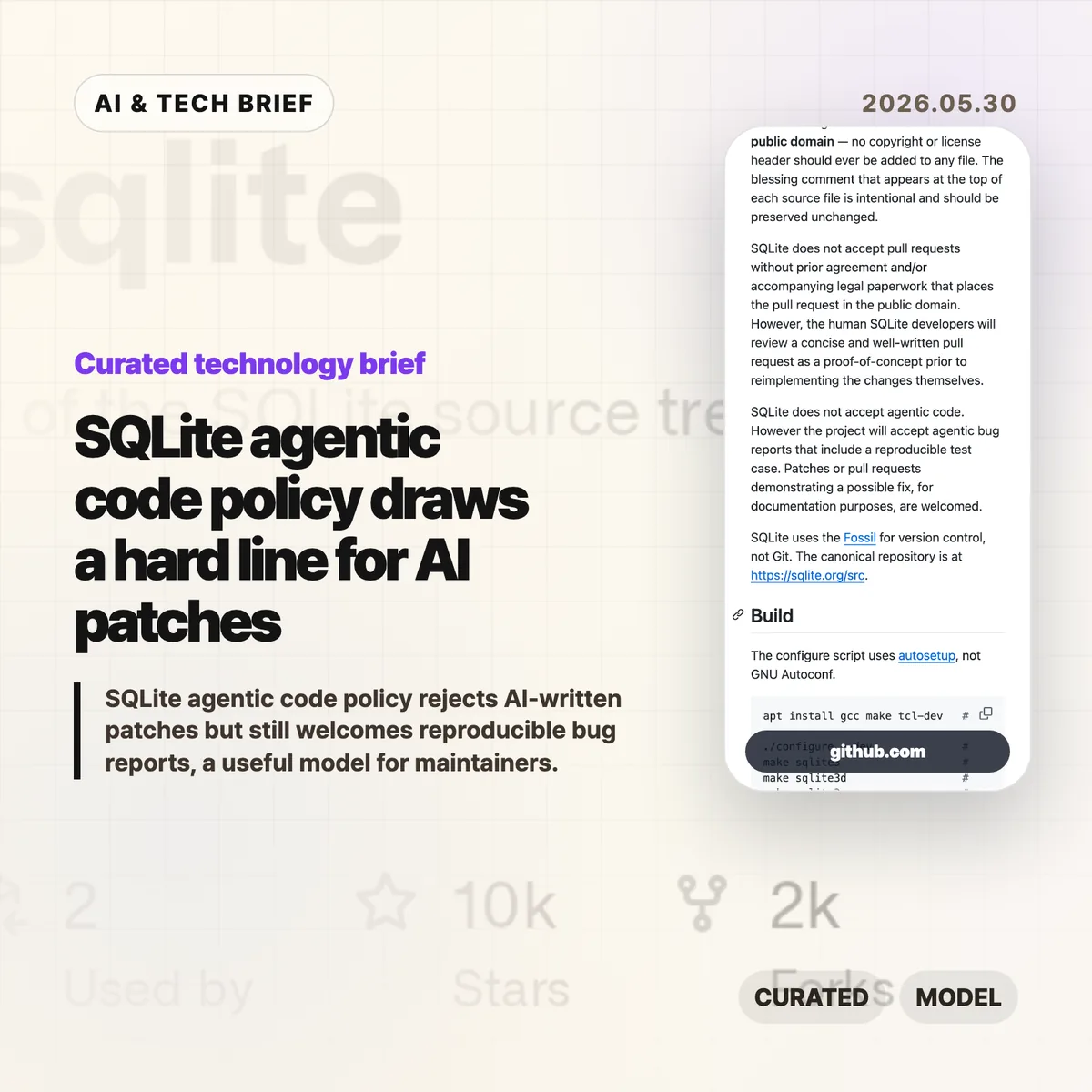
    SQLite added a plain rule to its repository guidance: it does not accept SQLite agentic code as a contribution. The project still welcomes bug reports that include a reproducible test case, which makes this less of an anti-AI manifesto and more of a maintenance boundary for a public-domain database used almost everywhere.

    The short version

    • SQLite’s AGENTS.md says the project does not accept agentic code, even though maintainers may review concise proof-of-concept patches before reimplementing changes themselves.
    • The project separates code contributions from bug reports: AI-assisted reports are acceptable when they include a reproducible test case.
    • The policy is tied to public-domain requirements, long-lived C code, Fossil-based development, and the cost of reviewing patches the maintainers did not write.
    • For AI coding tools, the useful lesson is blunt: a good repro may travel farther than a generated patch.

    What happened

    SQLite now has an AGENTS.md file aimed at people pointing coding agents at the SQLite source tree. The file explains project basics, build commands, testing commands, repository conventions, and contribution rules.

    The sharp part is the contribution policy. SQLite says it does not accept pull requests without prior agreement or legal paperwork that places the contribution in the public domain. It also says, in a separate sentence, that SQLite does not accept agentic code. Maintainers may still review a short, well-written pull request as a proof of concept, but the human SQLite developers reimplement accepted ideas themselves.

    That distinction matters because SQLite is not run like a typical GitHub-first project. Its canonical repository is Fossil, not Git, and its public-domain status is part of the project’s identity. A generated patch is not only a review burden. It can also blur authorship and provenance in a codebase that treats those details seriously.

    Why this is worth watching

    Most open source projects will not copy SQLite word for word. Plenty of maintainers do accept pull requests, and many projects live inside GitHub’s normal review flow. Still, SQLite has given maintainers a clean pattern: reject AI-written code as merge material while accepting AI-assisted evidence when it helps a human reproduce the problem.

    That is a useful split. A patch asks maintainers to trust the author, the code path, the licensing story, the tests, and the future maintenance cost. A reproducible bug report asks them to verify a failure. Those are different jobs.

    The wider lesson for developer tools is that output format matters. If an AI coding assistant produces a patch with no small failing test, it may be creating work for the maintainer. If it produces a minimal case, commands to reproduce it, and enough context for a person to inspect the failure, it has a better chance of being useful.

    For more coverage of developer-tool policy and AI engineering practice, see the IT & AI archive.

    What Hacker News readers are arguing about

    The Hacker News thread around Simon Willison’s write-up is small, so there is not enough there to claim a broad community consensus. The useful point in the comments is a clarification: SQLite is not refusing every artifact touched by an agent. It is refusing agent-written code as codebase input, while still allowing possible fixes to appear as documentation and accepting reproducible bug reports.

    A related earlier discussion on the prototype AGENTS.md commit framed the policy as a reasonable compromise. The tone was less “AI is banned” and more “give agent users rules, then keep generated code out of the project unless a human maintainer owns the final implementation.” That reading fits the file itself.

    The argument that remains open is practical. If AI tools get better at producing tests, minimization steps, and failure cases, maintainers may welcome them as triage tools. If the tools mostly produce plausible patches, projects with strict ownership rules will keep pushing back.

    SQLite agentic code policy in practice

    SQLite agentic code is the wrong deliverable for this project. A reproducible test case is the right one.

    That should influence how developers use coding agents around mature open source infrastructure. Instead of asking an agent to “fix SQLite,” ask it to isolate the failing behavior, reduce the input, show the exact command that fails, and explain why the result conflicts with documented behavior. If a patch is generated along the way, treat it as a debugging note, not as something to submit.

    For coding-agent companies, this is also a product signal. The next useful feature may not be a bigger diff. It may be a maintainer-friendly report: environment, build command, failing test, expected result, actual result, and a short explanation a human can audit.

    The practical read

    If you maintain an open source project, SQLite’s policy is a good starting template even if you soften the wording. Say whether you accept AI-written patches. Say whether AI-assisted bug reports are allowed. Say what evidence makes a report useful. The policy does not need to be dramatic; it needs to reduce ambiguity before the first generated pull request lands.

    If you contribute to projects with AI help, submit less code and better evidence. A concise failing test and reproduction steps respect the maintainer’s time. A large generated patch shifts the risk to someone else.
    Sources

  • Open source burnout made one leader leave tech

    Open source burnout made one leader leave tech

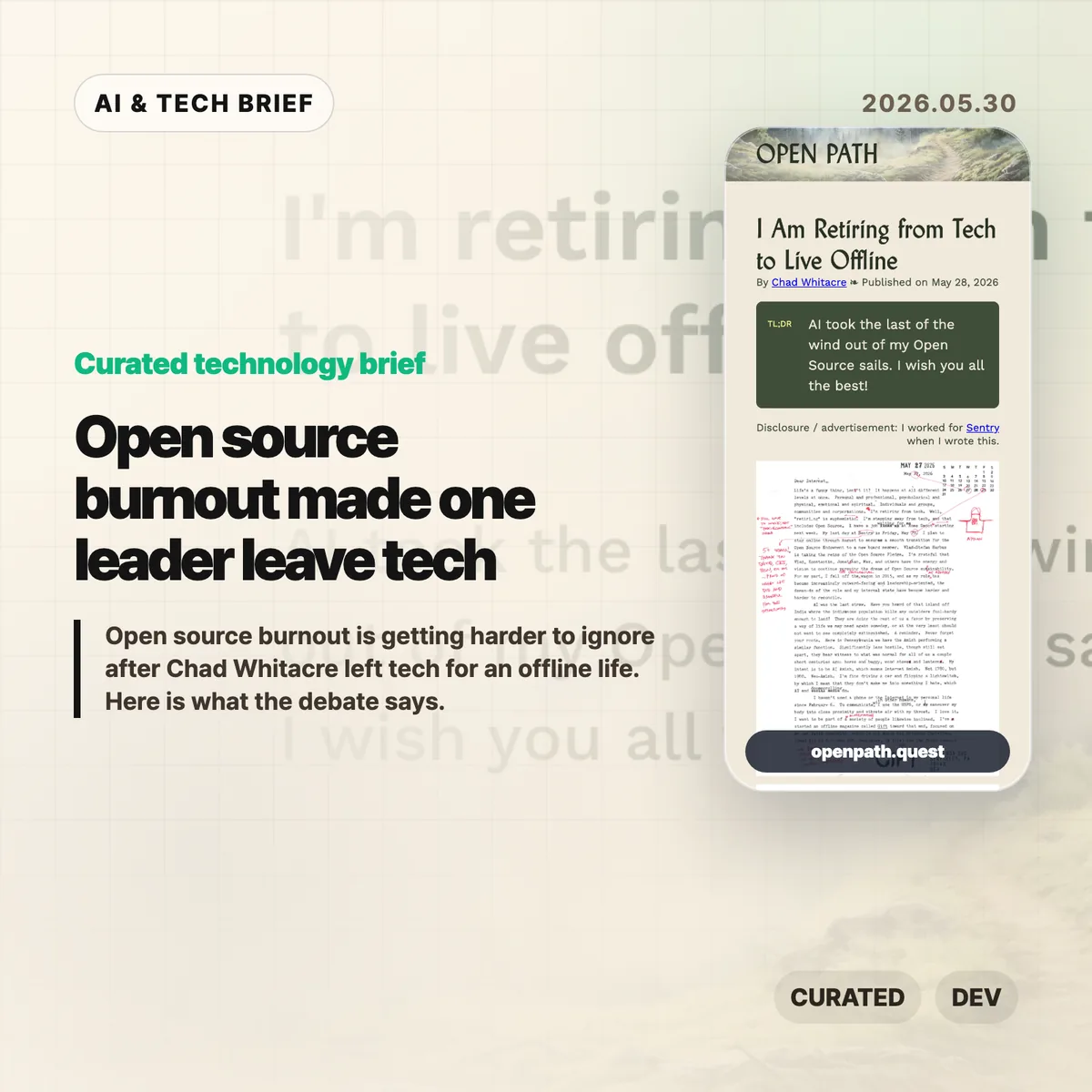
    Open source burnout is the plain reading of Chad Whitacre’s short farewell note. Whitacre, who worked on open source at Sentry and helped push the Open Source Pledge, says AI took the last wind out of his open source sails. He is leaving tech for offline work, postal mail, and a life with fewer screens.

    The short version

    • Chad Whitacre said May 29, 2026 was his last day in tech and that he planned to work at Home Depot next.
    • His post is brief, but the line about AI draining his open source energy landed because many maintainers already feel overloaded.
    • The Hacker News discussion turned into a wider argument about corporate politics, early retirement, the pleasure of writing code, and whether AI removes some of that pleasure.
    • The practical lesson is not that every developer should go offline. It is that teams building on open source should pay attention when experienced maintainers stop wanting to stay online.

    What happened

    Whitacre published “I Am Retiring from Tech to Live Offline” on Open Path on May 28, 2026. The post is almost deliberately small: a title, a date, a disclosure that he worked for Sentry when he wrote it, and the line that AI took the last wind out of his open source sails.

    The surrounding context matters. Whitacre has been visible in open source circles through Sentry and the Open Source Pledge, a project that asks companies to pay maintainers. In the Korean source material, the story was framed around a full exit from online life: no smartphone, no regular internet, and a preference for mail or in-person contact.

    That makes the post easy to overread. Still, the signal is hard to miss. This is not a random complaint from someone who never liked software. It is a note from someone who spent years trying to make open source work more sustainable, then decided the online version of the work was no longer worth it.

    Why this is worth watching: open source burnout

    Open source burnout usually gets discussed as a funding problem. That is part of it, but Whitacre’s note points at something more personal: the loss of meaning in the work.

    AI changes the texture of open source work. Maintainers may receive more generated pull requests, more automated issues, more pressure to move faster, and more questions about whether their craft still matters. Even when AI helps, it can also turn a community project into a review queue.

    That is why this story is useful for people who build developer tools, AI coding products, or infrastructure startups. Open source trust still helps products spread. But trust comes from people who answer issues, review patches, write docs, and keep projects coherent. If those people leave, the repository remains, but the social system weakens.

    For more English-language technology briefs, the IT & AI archive tracks stories where developer culture and AI adoption collide.

    What Hacker News readers are arguing about

    The Hacker News thread is less about Whitacre alone and more about the mood around tech work in 2026. Several commenters treated the post as a burnout story. The complaints were familiar: performance reviews, reorganizations, top-down corporate process, and the feeling that an industry that once felt playful now feels exhausting.

    The AI-specific argument was sharper. One commenter said the pleasure is going out of coding because they enjoy the craft as much as the finished software. That line explains why AI coding tools can feel different from earlier productivity tools. If someone values the act of shaping code, then outsourcing more of that act can feel like losing the best part of the job.

    There was pushback too. Some readers argued that tech remains a comfortable career compared with food service, landscaping, manufacturing, or other physical work. Others said the problem is not technology itself but big-company culture. A few suggested smaller teams, contracting, or nonprofit work as ways to keep the good parts of software while avoiding the corporate machinery.

    The useful read from the thread is that open source burnout is not one thing. For some people it is AI. For others it is management culture, money, health, family, or the realization that they can afford to stop. The thread does not prove a trend, but it does show how many experienced developers have a half-written exit plan in their heads.

    The practical read

    If you run a software team, do not treat open source as a free external department. Pay for the projects you depend on, keep your generated contributions small and reviewable, and make it easy for maintainers to say no.

    If you build AI tools for developers, this is a product warning. Speed alone is not enough. The tool has to preserve agency, reviewability, and the feeling that a human still owns the work. Otherwise the best users may quietly decide they would rather do something else.

    For individual developers, the lesson is more modest. You do not need to disappear into an offline life to notice when the work has stopped feeling like yours. Take that signal seriously before it turns into a public farewell post.

    Sources

  • AudioMass web audio editor adds browser multitrack

    AudioMass web audio editor adds browser multitrack

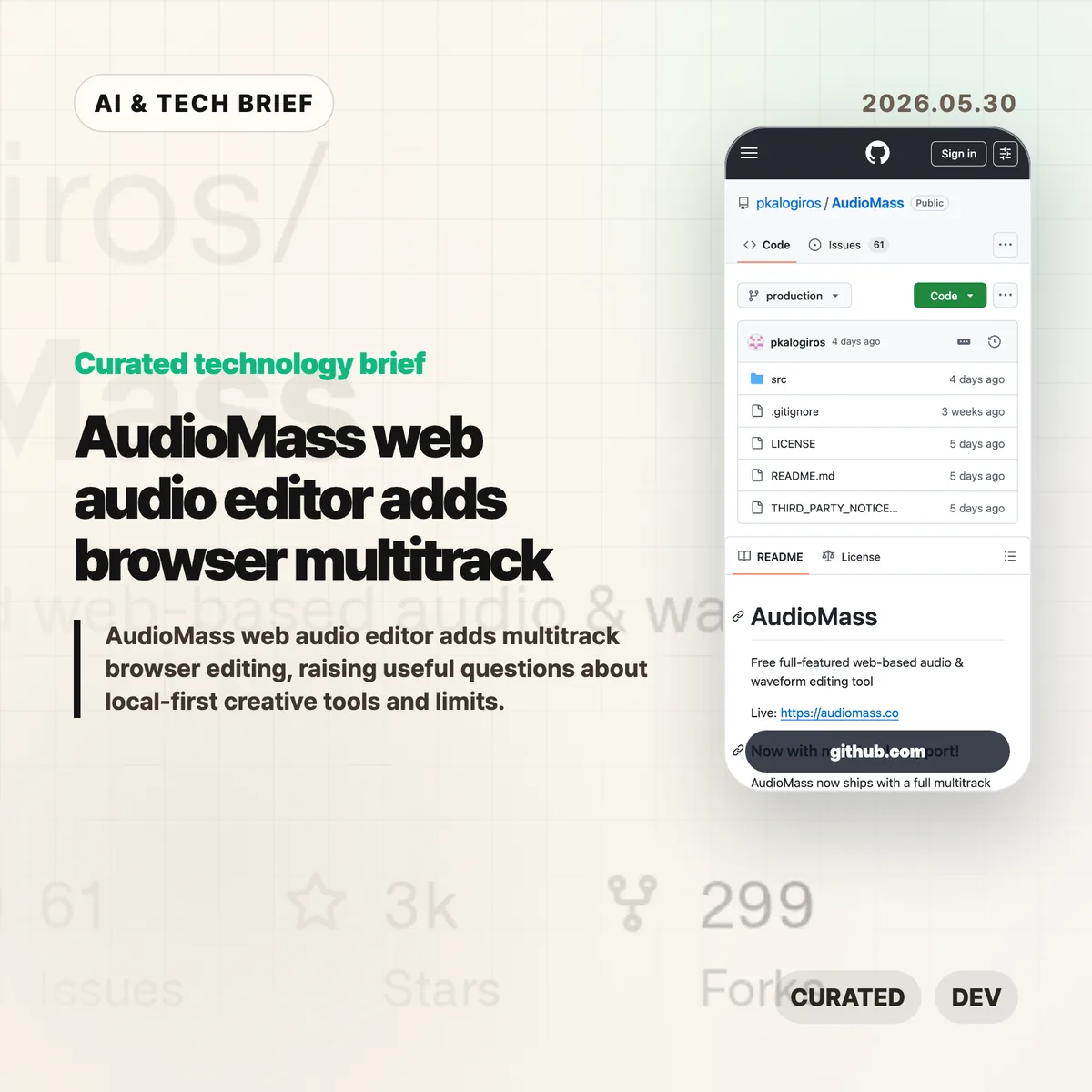
    The AudioMass web audio editor is a free browser-based tool for editing waveforms, applying effects, and now arranging multiple tracks without installing a desktop app. The interesting part is the product boundary: it treats the browser as the workspace, while keeping many audio jobs local to the user’s machine.

    The short version

    • AudioMass is a free web audio and waveform editor with a live browser version and an open GitHub repository.
    • Its newer multitrack mode lets users layer clips, drag tracks around, crossfade overlaps, record armed channels, and bounce a session to one file.
    • The tool fits quick edits, podcast clips, voice notes, samples, and rough arrangements better than heavy studio sessions.
    • The limits are real: browser memory, mobile audio behavior, autosave, large projects, and specialized DAW features still matter.
    • For builders, the AudioMass web audio editor is a useful example of a local-first creative app that can be found and used from a URL.

    What happened

    AudioMass describes itself as a “free full-featured web-based audio & waveform editing tool.” The live app runs at audiomass.co, and the GitHub repository points to a newer multitrack mode with layered tracks, draggable clips, crossfades, recording onto armed channels, and mixdown export.

    The project is written mostly in JavaScript and has been public since 2018. GitHub showed about 2,700 stars and roughly 300 forks when checked for this brief. The README also notes a local development path using either a small Go server or a Python web server, which makes the project easier to inspect than a closed online editor.

    This sits in a familiar category for web tools: the job used to require a desktop download, but the first useful version now loads in a tab. The same pattern already changed design tools, code editors, and image utilities. Audio editing is harder because timing, buffers, latency, file size, and crash recovery are less forgiving.

    Why this is worth watching

    The AudioMass web audio editor is useful because it does not ask every user to sign in, upload media, or wait for a server-side render before trimming a clip. That matters for small audio jobs. A creator can open a file, clean up a voice note, add a fade, export, and move on.

    It also points to a cleaner product model for some creative apps. Local-first browser tools can reduce hosting cost and privacy risk because files do not have to leave the device for basic edits. That is not a magic fix. The browser still owns the runtime, and audio workloads expose every weak spot in memory handling, mobile support, and background storage.

    The multitrack update is the bigger signal. Once a browser tool can handle layered tracks and session export, it starts to compete for the casual work that used to default to Audacity or a lightweight DAW. Readers following browser apps and creative tooling can find related coverage in the IT & AI archive.

    What Hacker News readers are arguing about

    The Hacker News discussion around the newer multitrack release was mostly positive, but the useful comments were practical rather than hype. Several readers compared AudioMass with Audacity, Ocenaudio, Ardour, and web ports such as Wavacity. The common praise was speed, a calmer interface, and the convenience of opening an editor from a link.

    The technical thread focused on limits. The creator said there is no hard track limit in the multitrack view, but the current waveform boxes are rendered with DOM elements, so very large sessions may slow down. WebGPU came up as a possible future direction. Another answer put the JavaScript payload around 98 KB plus about 10 KB of CSS, up from an older 65 KB single-editor version after adding FLAC support, tempo estimation, and multitrack mode.

    Commenters also pushed on project size and reliability. One asked what happens when the browser crashes. The creator said multitrack sessions can be exported as .amss files with settings, markers, and tracks, while a single-track crash can still lose work. IndexedDB caching exists, but the author was cautious about automatic storage because browsers make local persistence tricky and easy to abuse.

    The strongest skeptical point was scope. MIDI, VST support, stem-bundle imports, cloud collaboration, and version control for music all came up. Those are fair asks, but they also describe a much larger product. The practical read from the thread is that AudioMass looks compelling as a fast audio editor in a tab, not as a full studio replacement yet.

    The practical read

    If you edit a short voice clip once a week, try the AudioMass web audio editor before opening a heavier desktop app. It is the kind of tool that can save five minutes without becoming a new workflow.

    If you build creative software, the lesson is sharper. Browser-first does not mean cloud-first. For audio, keeping files local can be a feature, especially when users are handling interviews, music sketches, or private recordings. The product work then moves to the hard parts: autosave, large-file behavior, mobile playback, accessible controls, and clear expectations about what happens when the tab dies.

    For app and extension developers, this is also a discovery story. A small, fast creative tool with a public demo, open repository, and lightweight footprint has a better shot at being shared than another account-gated utility. The browser is the distribution surface.

    AudioMass web audio editor notes

    The useful way to frame this product is narrow: fast browser editing for real files, with enough multitrack support to handle simple layered work. That is already valuable, and it leaves room for heavier DAWs to own serious production.

    Sources

  • Zig interview: Andrew Kelley on the long road to 1.0

    Zig interview: Andrew Kelley on the long road to 1.0

    The Zig interview with Andrew Kelley is useful because it treats a programming language as more than syntax. Kelley talks through why Zig is still pre-1.0, why the project bans AI-generated issues and pull requests, and why build tooling may matter as much as language design for systems programmers.

    The short version

    • Kelley frames Zig as a systems language for programmers who still want direct control over memory, allocators, and hardware costs.
    • The project is taking its time before 1.0 because Kelley sees that label as a backward-compatibility promise, not a marketing milestone.
    • Zig’s no-AI contribution policy is mostly about maintainer time. If a contributor cannot explain the patch, review becomes unpaid cleanup.
    • The move from GitHub to Codeberg came down to working project infrastructure, especially CI reliability.
    • For more developer-tool coverage, see the IT & AI archive.

    What happened in the Zig interview

    JetBrains published a long video interview with Andrew Kelley, the creator of Zig. The conversation covers the language’s origin, its relationship to C, C++, Rust, and Go, the Zig Software Foundation, the move from GitHub to Codeberg, and the project’s policy against AI-generated issues and pull requests.

    The most concrete thread is the build story. Kelley argues that a good project should not require every new contributor to install a different stack of platform tools or recreate a Docker setup before the first compile. Zig’s pitch is that zig build should make cross-compilation and dependency handling feel boring, even when the target operating system or architecture is different from the developer’s machine.

    The interview also gives a clearer reason for the slow march toward Zig 1.0. Kelley treats 1.0 as a compatibility contract. Once the project makes that promise, bad language and standard-library decisions become much harder to undo.

    Why this is worth watching

    The Zig interview lands at an awkward moment for systems programming. C is still everywhere because it is stable, portable, and close to the machine. Rust has pushed safety and ownership into the mainstream, but it asks developers to buy into a stronger type system and a more opinionated model of correctness. Zig is trying to live in the middle: less hand-holding than Rust, more explicit guardrails and tooling than C.

    That bet only works if the toolchain feels excellent. A language can be elegant and still lose developers at the first broken build. This is why the build system, cross-compilation, and package story matter so much. Zig is competing on the whole workflow, not only on what individual functions look like.

    The governance piece is just as interesting. Kelley describes the Zig Software Foundation as a 501(c)(3) nonprofit with roughly $670,000 in 2024 income. That structure does not make the project immune to money pressure, but it changes the incentives. There is no obvious acquisition path to serve, and no single corporate owner gets to decide the language’s direction by default.

    What Hacker News readers are arguing about

    The Hacker News thread is small, but the split is clear. Supporters like the patience. They read Kelley’s approach as a rare case of a language project trying to get the foundation right before locking compatibility for years.

    The sharper objection is about time. One commenter argues that Zig has already spent about a decade changing the design and still has no obvious path to the stability that made C so durable. That is a fair worry. If a language wants to become a C alternative, stability is not a nice extra. It is part of the product.

    Other replies push back by saying Zig needs to break things now if it wants to barely change later. That is the strongest defense of the project, and also the biggest risk. The strategy only looks wise if Zig reaches a stable version with enough momentum left for serious adoption.

    The AI angle gets less debate in the thread than the title might suggest. The practical point is still clear: small open-source teams are not only reviewing code. They are reviewing the contributor’s understanding. AI-generated patches can make that job slower when the author cannot defend the change.

    The practical read

    For developers choosing tools today, Zig is worth testing where build friction hurts: command-line tools, cross-platform libraries, embedded targets, WebAssembly, or C interop. The language is not a safe default for every production team yet, especially if long-term API stability matters more than toolchain experiments.

    For maintainers, the no-AI rule is the more portable lesson. A blanket ban may be too strict for many projects, but the underlying standard is reasonable: contributors should understand what they submit. If review turns into explaining machine-written code back to its own author, the project is paying for someone else’s shortcut.

    For app and developer-tool builders, Zig is also a reminder that discovery is not only about the language homepage. Build commands, package defaults, editor support, CI behavior, and repository hosting all shape whether a tool gets adopted. That is the part of the Zig interview I would watch most closely.

    Sources

  • Gentoo Linux still asks who controls your system

    Gentoo Linux still asks who controls your system

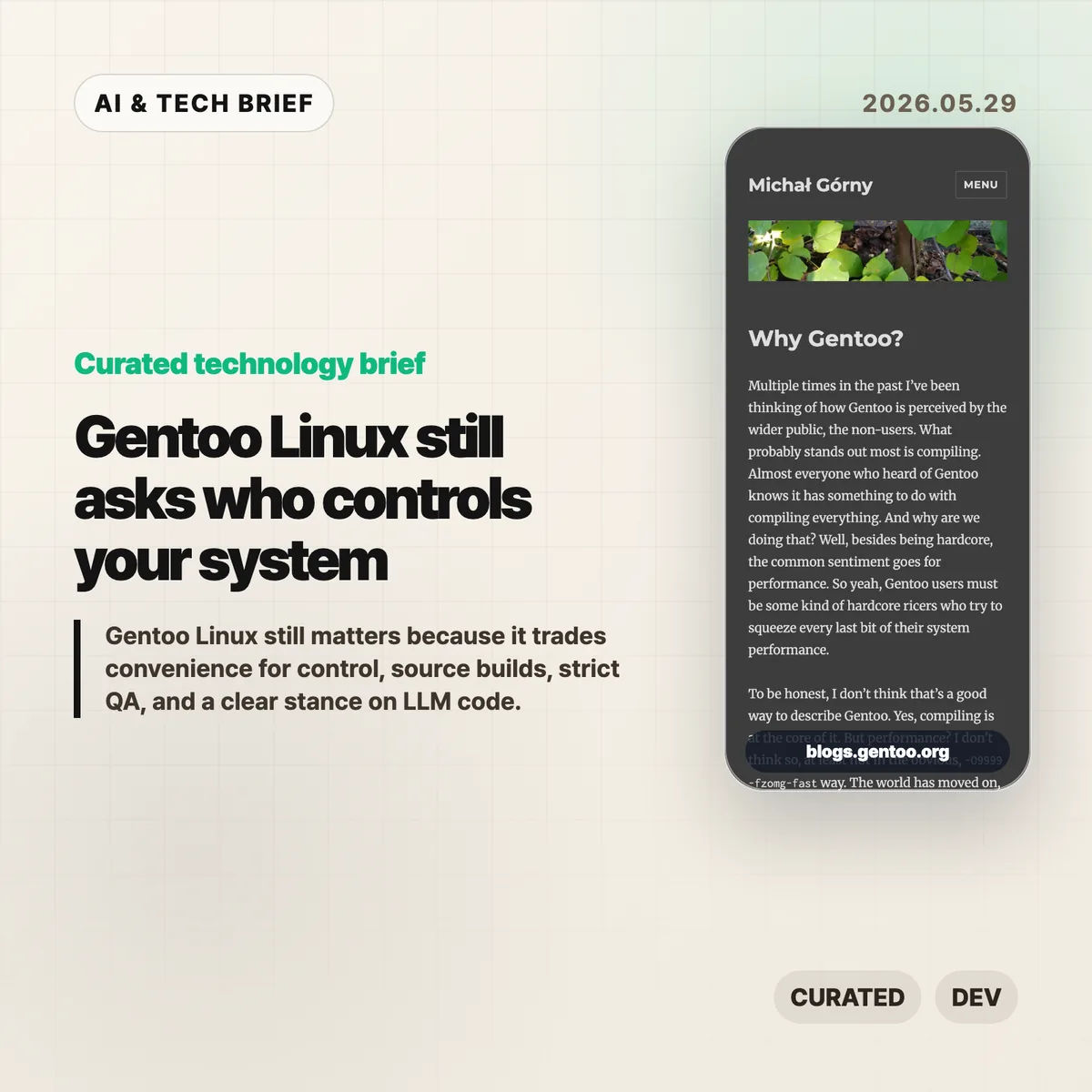
    Gentoo Linux is easy to caricature as the distribution for people who enjoy waiting for compilers. Michał Górny’s new essay makes a sharper case: the point is not raw speed, it is control. Gentoo is still useful because it forces an old but unresolved question onto the table: who gets to decide what your system includes, how it is built, and which code you trust?

    The short version

    • Gentoo Linux is less about squeezing out a few percent of performance and more about letting users choose build options, dependencies, init systems, libc variants, and patches.
    • Its governance pitch is independence: no single company, donor, forge, or business model should be able to steer the distribution on its own.
    • The security argument is practical, not nostalgic. Gentoo cares about bundled dependencies, static linking, pinned libraries, mirrors, OpenPGP distribution channels, and QA policy.
    • Its ban on LLM generated contributions has become part of the project’s trust model, even though upstream software may still contain AI-assisted code.
    • For more open source and AI infrastructure briefs, see the IT & AI archive.

    What happened

    Górny opens by pushing back on the usual Gentoo joke. Yes, Gentoo builds from source. No, that does not mean the main payoff in 2026 is turning on exotic compiler flags and beating Ubuntu in a benchmark. Modern CPUs are fast, mainstream distributions optimize their packages, and most desktop users will not feel a meaningful difference.

    The better argument is that source builds give Gentoo Linux a different contract with the user. Portage and USE flags make build choices visible. You can decide which optional features a package should include, patch a package before it builds, keep or reject parts of the dependency graph, and run combinations that a binary distribution may never ship as first-class options.

    That matters most when defaults are not enough. A developer can drop a local patch into Portage and have it applied across future package rebuilds. A systems operator can keep a narrow stack rather than accept every optional feature a maintainer enabled for the average user. None of this is frictionless. The trade is time and attention in exchange for a system that explains itself.

    Why this is worth watching

    The essay also frames Gentoo as a governance project. There is no company behind it, no SaaS funnel, and no single commercial roadmap. Infrastructure comes from donations and volunteer work. Górny says the project is even moving away from the Gentoo Foundation toward Software in the Public Interest to reduce the chance that legal or financial administration becomes a bottleneck.

    That may sound organizational, but it affects the software. A distribution depends on servers, mirrors, signing keys, package review, bug handling, and release discipline. If those pieces sit behind one sponsor or one platform, the technical system inherits that dependency.

    Gentoo’s position is more conservative. Codeberg and GitHub can be useful mirrors and contribution channels, but the project does not want to depend on either. That is not a fashionable answer, and it is not the cheapest answer. It is the answer you expect from people who think a distribution should survive a platform policy change or a sponsor walking away.

    Security is where the philosophy gets concrete

    The most practical part of the essay is the security section. Gentoo’s maintainers talk about a dedicated security team, project-controlled infrastructure, OpenPGP-protected distribution channels, and QA rules that often push against upstream habits.

    The examples are familiar to anyone who has dealt with software supply chain risk: bundled dependencies, static linking, pinned versions, and old libraries hiding inside packages. These choices may make upstream development easier, but they can make downstream security updates painful. A distribution that builds from source has more room to catch and unwind those choices, although it also inherits more combinations to test.

    This is the part of Gentoo Linux that feels newly relevant. The industry has spent years hiding build systems behind container images, package registries, managed runtimes, and remote development environments. Those tools are often the right choice. But when something breaks or a dependency becomes toxic, somebody still has to understand the layers underneath.

    What Hacker News readers are arguing about

    The Hacker News discussion is small, but the split is useful. Some longtime users defended Gentoo as a uniquely customizable system. One practical example stood out: putting a local patch under /etc/portage/patches/ so it applies automatically whenever a package is rebuilt. That is the kind of feature that explains Gentoo better than a performance benchmark.

    The more heated thread was about LLM generated code. One commenter said AI tools had helped them fix Arch User Repository package builds and that Gentoo’s strict policy would make contributing less appealing. Others argued that overlays still let users maintain their own packages, while critics called the policy inconsistent because upstream projects may already include AI-assisted changes before Gentoo packages them.

    The strongest defense of the policy was not anti-AI in the abstract. It was about review burden. If maintainers cannot tell whether a patch is understood by the person submitting it, the project absorbs risk it did not choose. The skeptical reply is fair too: a downstream distribution cannot fully audit how every upstream project writes code. Gentoo can set rules for its own tree, but it cannot make the wider ecosystem human-written by decree.

    There was also the expected comparison to Nix and Guix. That comparison is worth making because those systems offer a more formal model for reproducibility and package composition. Gentoo’s answer is different. It is less about a pure functional model and more about giving the local machine, the local maintainer, and the local patch set a lot of room.

    Gentoo Linux trade-offs

    The harder part is deciding when this model is worth the work. Gentoo Linux gives you more control, but it also asks you to carry more context in your head. That is a bad bargain for casual use and a good bargain when the build itself is part of what you need to understand.

    The practical read

    Most people should not switch to Gentoo Linux after reading one essay. Fedora, Ubuntu, Debian, Arch, NixOS, and managed developer environments are easier defaults for many teams. Convenience is not a moral failure.

    But Gentoo remains a useful benchmark for a different value system. If your team ships infrastructure, maintains internal developer tools, or depends on a large open source supply chain, Gentoo’s questions are worth borrowing. Which dependencies are bundled? Which features are enabled by default? Can you patch a package without forking your whole workflow? Who reviews code generated by an LLM? Who understands the system when the abstraction leaks?

    That is the reason this story still travels. Gentoo Linux is not only a distribution. It is a reminder that control has a cost, and sometimes that cost is the point.

    Sources

  • Neovim developer workflow: why modal editing still sticks

    Neovim developer workflow: why modal editing still sticks

    The Neovim developer workflow has outlasted several waves of shiny editors because it is built around editing as a repeatable grammar, not a panel-heavy app. Caio Bianchi’s May 26 essay is personal, but the argument lands beyond nostalgia: developers keep returning to Neovim when they want a fast, programmable editor that follows them from a local project to SSH, tmux, Git, tests, and Markdown.

    The short version

    • Bianchi says he started using Vim in 2011 and still picks Neovim after trying VS Code, JetBrains IDEs, Sublime, Atom, Zed, and others.
    • His case for Neovim is less about raw typing speed and more about motions, text objects, macros, and repeatable edits that stay useful for years.
    • Modern Neovim is not frozen in old Vim culture. Lua configuration, built-in LSP, Treesitter, snippets, formatters, and plugin managers such as Lazy.nvim make it feel current without turning it into a giant dashboard.
    • The Hacker News thread is tiny, but the one substantive reply echoes the same pattern: other editors come and go, while Vim or Neovim becomes the tool people keep returning to.

    What happened

    Bianchi published “A Love Letter to Neovim,” a first-person essay about why Neovim remains the editor he trusts most after roughly fifteen years with Vim and Neovim. The piece is not a feature checklist. It is an argument for a way of working.

    The center of the essay is Vim’s editing grammar. ci" changes text inside quotes. dap deletes a paragraph. . repeats the last change. Macros turn a boring edit into something the editor can replay. Text objects let a developer operate on structure instead of counting characters.

    That grammar matters because code editing is rarely just typing. It is moving through files, cutting a bad abstraction, reshaping a function, checking diagnostics, running tests, and doing the loop again. Bianchi’s point is that Neovim makes those small moves feel direct.

    Neovim developer workflow in practice

    The Neovim developer workflow is also a bet against the all-in-one editor. Bianchi likes that Neovim starts with a buffer and lets the user decide what belongs around it. File search can come from Telescope or fzf-lua. Git can come from Fugitive. Search can come from ripgrep. Sessions can live in tmux. Language tooling can come from LSP, Treesitter, formatters, snippets, and test runners.

    That sounds less convenient than installing a large IDE until the context changes. On a remote server, in a small terminal, inside a pairing session, or while editing a quick config file, the same commands still work. The setup is also plain text in Git, so the user can read it, delete parts of it, or carry it across machines without trusting a hidden settings database.

    This is why the essay feels current even in a year when developer tools are full of AI panels. The Neovim developer workflow does not compete by adding one more sidebar. It competes by reducing the number of moments where the editor itself becomes the thing you are managing.

    For more developer-tool briefs like this, see the IT & AI archive.

    Why this is worth watching

    Neovim is a useful reminder for anyone building developer tools: habit durability can matter as much as new capability. A feature that saves five seconds once is nice. A motion, mapping, macro, or small Lua function that fits into thousands of edits can become part of how someone thinks.

    That does not make Neovim the right editor for every team. VS Code is easy to start with, has a huge extension market, and works well for a broad base of developers. JetBrains tools are deep and polished for many language stacks. The interesting part is that Neovim survives beside those products because it gives advanced users a different bargain: more setup work, more ownership, and fewer assumptions about the rest of the workflow.

    The product lesson is blunt. Some developers do not want the editor to become the whole desk. They want the sharp part of the desk.

    What Hacker News readers are arguing about

    The Hacker News discussion is too small to call a debate. At the time checked, the story had one substantive comment. That reply is still useful because it mirrors the essay’s main claim from another long-time user.

    The commenter describes moving through Kate, Gedit, Eclipse, JEdit, NetBeans, VS Code, Emacs or Spacemacs, and Helix, but still coming back to Vim or Neovim. They credit Neovim with giving the old model a new life through LSP, Treesitter, and Lua scripting. The caveat is config maintenance. Even fans admit that keeping a Neovim setup tidy can be work, which is one reason editors like Helix remain tempting for people who want modal editing with fewer knobs.

    So the useful read from the thread is not broad consensus. It is a familiar trade: Neovim rewards time spent shaping the tool, but that same freedom creates maintenance debt.

    The practical read

    If you already have a calm, productive editor setup, this essay is not a reason to switch. It is a reason to ask where your current setup creates friction. Do you keep reaching for a mouse to do a repeatable edit? Do search, Git, tests, and terminal work feel like separate rooms? Do your settings live in a place you can actually inspect and version?

    If those questions sting, Neovim is worth testing in a narrow lane first. Use it for config files, Markdown, quick SSH edits, or one side project. Do not rebuild your whole work life in a weekend. The value of the Neovim developer workflow shows up when a few commands become automatic and stay useful across projects.

    For tool builders, the sharper lesson is about discovery. App stores, extension markets, and plugin directories often reward visible features, but the workflows people keep are usually quieter. They fit into muscle memory.

    Sources

  • CodeBoarding architecture diagrams map AI code review

    CodeBoarding architecture diagrams map AI code review

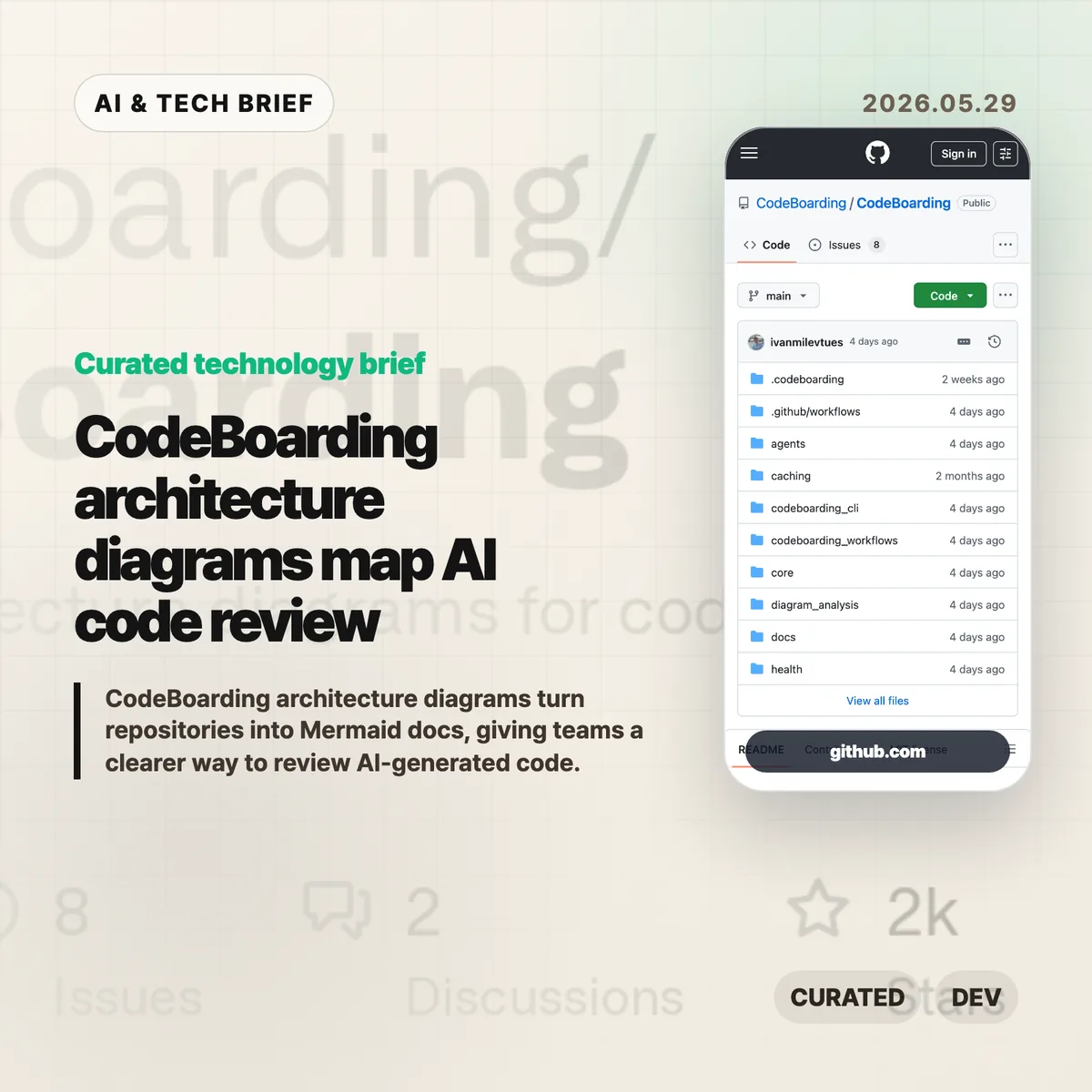
    CodeBoarding architecture diagrams turn a repository into navigable Mermaid docs, with static analysis and LLM reasoning doing the first pass. The pitch is simple: if AI coding agents are changing more code, reviewers need a faster way to see the shape of the system before they approve the diff.

    (more…)

  • Decepticon red team agent puts autonomous hacking on a tighter leash

    Decepticon red team agent puts autonomous hacking on a tighter leash

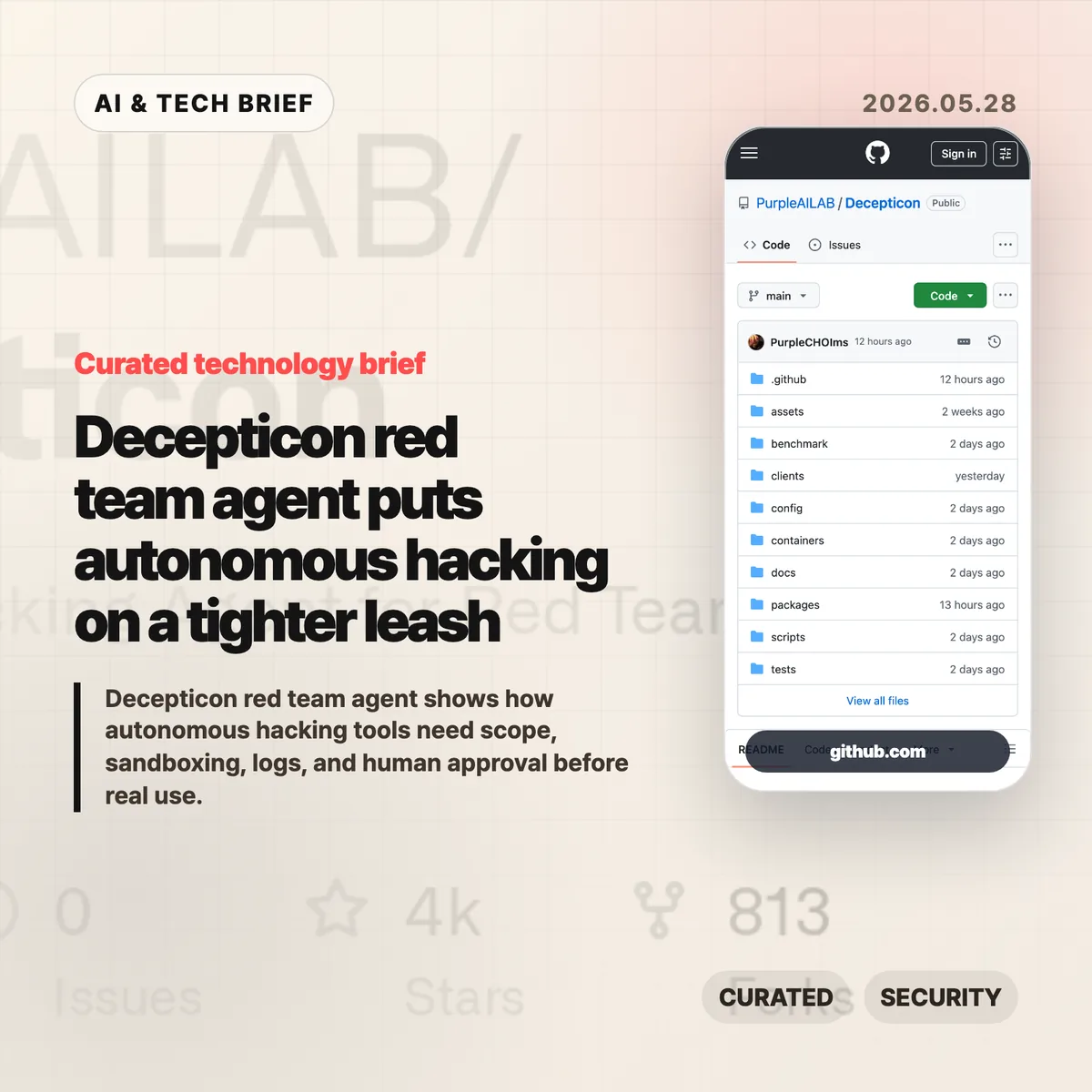
    Decepticon red team agent is an open source attempt to turn red team work into an agent workflow rather than a scanner-plus-report routine. The interesting part is not that it can call offensive tools. It is that the project puts rules of engagement, sandbox isolation, and an operation plan in front of the automation.

    The short version

    • Decepticon describes itself as an autonomous red team agent for reconnaissance, exploitation, privilege escalation, lateral movement, and command-and-control work.
    • The project claims a 102 out of 104 pass rate on the XBOW validation benchmarks, which is useful context but still not a substitute for testing in your own lab.
    • Its design separates management services from a Kali Linux sandbox and says commands run inside that sandboxed operational network.
    • The product question is less “can an AI hack?” and more “who approves the target, constrains the run, and reads the logs afterward?”

    What happened

    Purple AI Lab published Decepticon as an Apache-2.0 open source project on GitHub. The repository describes it as an autonomous red team agent that can work across a full attack chain: reconnaissance, exploitation, privilege escalation, lateral movement, and command-and-control.

    The README also claims a 98.08% result on the XBOW validation benchmarks: 102 passes out of 104 challenges. That number will draw attention, but the repo’s operating model is the more useful part for security teams. Before activity begins, Decepticon says it generates an engagement package with rules of engagement, concept of operations, a deconfliction plan, and an operation plan mapped to MITRE ATT&CK.

    Architecturally, Decepticon separates management services such as LiteLLM, PostgreSQL, LangGraph, and the web interface from the sandbox side where Kali, command-and-control components, and targets live. It also describes 16 specialist agents organized by kill chain phase, with a fresh context window per objective.

    Why this is worth watching

    Security automation has a different risk profile from code completion or meeting notes. A coding agent can break a test suite. A red team agent can touch a network, run a tool against the wrong host, or leave artifacts that defenders have to explain later.

    That is why Decepticon is worth reading even if you never run it. Its docs force a practical checklist: target scope, written authorization, network isolation, tool execution boundaries, prompt and command logs, model fallback behavior, and a human stop button. Those controls are the difference between a useful internal security tool and a liability with a web dashboard.

    The broader signal is also clear. AI agent products are moving into jobs where mistakes have real blast radius. For more coverage of agent tools and security-adjacent developer workflows, see the IT & AI archive.

    why the Decepticon red team agent matters

    The Decepticon red team agent is a good test case for how AI security tools should be judged. A long feature list is not enough. Teams need to know whether the agent can be confined to an approved lab, whether it records each command and decision, and whether operators can interrupt it before a bad assumption turns into traffic on the wire.

    The project’s use of specialist agents also raises a product design question. Splitting work by kill chain phase can keep context cleaner, but it can also make accountability harder if the system does not preserve a readable trail. Security teams should ask how the agent chose a path, which tool produced each result, and which human approved the next step.

    For app builders and security vendors, this is also an app discovery problem. Agent directories and security marketplaces will need trust markers that ordinary software listings do not capture well: safe defaults, isolated execution, audit export, model provider controls, and clear warnings around authorization.

    What the discussion is missing

    A public Hacker News thread was not available for this brief. The missing discussion is still easy to predict because offensive security automation tends to split readers into familiar camps.

    Builders will want to know whether the benchmark claims hold outside curated environments, whether the tool can handle messy interactive shells, and how well it recovers when a scan or exploit path fails. Operators will care more about containment: where credentials live, what traffic can leave the sandbox, how logs are stored, and whether the model can be tricked into stepping outside the engagement plan.

    The useful skepticism is not “AI hacking is scary.” It is more specific: any autonomous offensive tool needs proof that its guardrails are harder to bypass than its demo is impressive.

    The practical read

    Treat Decepticon as a design reference before treating it as an operational tool. If you evaluate it, start in a lab you own, with disposable targets, no production credentials, and a written scope. Then read the logs as closely as the results.

    For security teams, the buying or adoption checklist should be boring on purpose: authorization workflow, sandbox boundaries, network egress controls, credential handling, audit retention, model/provider configuration, and rollback steps. If those pieces are unclear, the automation is not ready for real assets.

    For AI product teams, the lesson is broader. Once an agent can run terminal commands, cloud tools, or security scanners, product quality depends on operational discipline as much as model quality. The Decepticon red team agent makes that tradeoff visible.

    Sources

  • Developer tools that stick usually solve boring pain

    Developer tools that stick usually solve boring pain

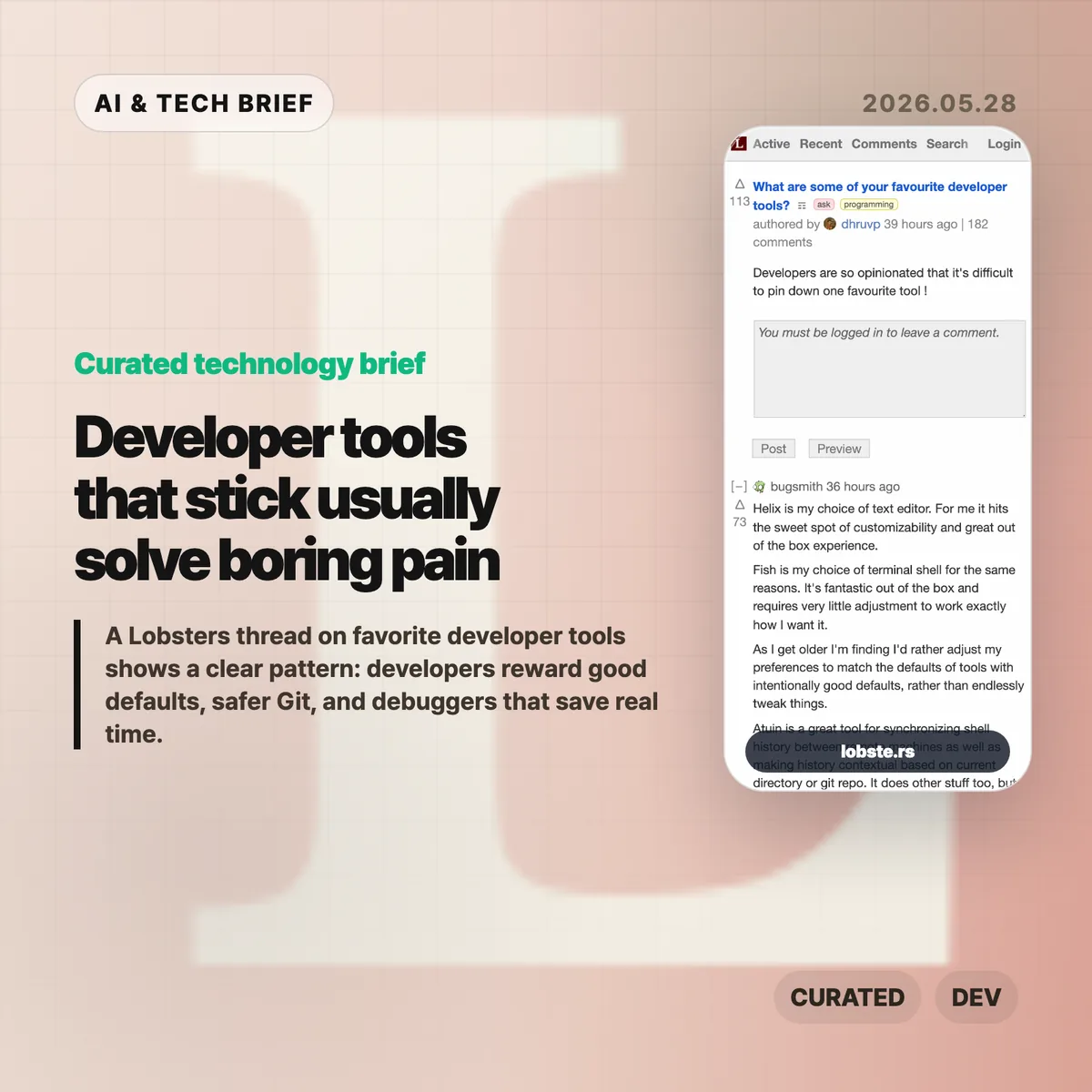
    A long Lobsters thread about favorite developer tools turned into a useful map of what developers actually keep using. The names are scattered across editors, shells, Git front ends, environment managers, and debuggers, but the pattern is fairly consistent: good tools remove friction without demanding a new hobby.

    The short version

    • Editors did not converge on one winner. Helix, Emacs, Neovim, Sublime Text, Zed, and JetBrains IDEs all came up, usually with strong opinions about defaults and muscle memory.
    • Version control comments leaned toward tools that make risky Git work feel safer, including Jujutsu, Magit, lazygit, Sublime Merge, delta, and difftastic.
    • Shell and environment picks such as Fish, WezTerm, Ghostty, tmux, Nix, mise, atuin, and fzf show how much developers care about repeatable setup.
    • The most practical answers were often about debugging and profiling: rr, Pernosco, RenderDoc, Tracy, RemedyBG, and Xcode Instruments.

    Developer tools worth keeping

    The useful developer tools in this discussion share a boring promise: they make daily work safer, faster, or easier to repeat without turning setup into the main project.

    What happened

    A Lobsters user asked a simple question: what are some of your favorite developer tools? The thread drew more than a hundred comments, which is not surprising for a community that can turn editor choice into a personality test.

    The interesting part is that the answers were not only about shiny new tools. Many developers praised tools that feel good out of the box. Helix and Fish came up that way. Several commenters said they now prefer tools with intentional defaults because they have less patience for endless configuration. Others pushed back, arguing that a carefully tuned Emacs or Vim setup can pay off for years.

    That tension says more than any single ranked list would. Some developers want defaults they can trust. Some want a tool chest they can shape over a decade. Both camps are trying to protect the same thing: attention.

    Why this is worth watching

    The thread is a useful reminder that developer productivity is rarely one big leap. It is usually a pile of small reductions in annoyance.

    Version control is a good example. Jujutsu, usually called jj, appeared repeatedly because it changes how people approach rebases, amends, branches, and history editing. Magit, lazygit, Sublime Merge, delta, and difftastic serve a similar need from different angles. They make state visible. They make diffs easier to read. They make undo and review feel less like a trap.

    Environment management came up for the same reason. Nix has a steep learning curve, but the developers who like it are tired of one project breaking another. mise drew praise for language and tool version management without much ceremony. Dev Containers and chezmoi sit in the same problem space: a laptop, a work machine, a remote server, and CI should not all feel like separate archaeological sites.

    The best answers were not always the flashiest ones. rr came up because being able to record a failing C or C++ program and replay it deterministically can save hours on memory corruption bugs. Pernosco adds time travel debugging with data flow analysis. RenderDoc and Tracy matter to graphics and performance work. JetBrains users praised the IDE because its debugger and framework support keep them moving.

    What the discussion is missing

    There is no Hacker News thread attached to this story, and the Lobsters discussion is already the source material. That means the useful caution is not about missing crowd sentiment. It is about sampling.

    Lobsters skews toward developers who enjoy tools enough to discuss them in public. That naturally favors editors, shells, version control tools, language managers, and low level debugging workflows. Enterprise defaults, team policy, accessibility, onboarding cost, Windows-heavy shops, and non-English developer communities get less attention.

    The thread also underplays one awkward truth: a great individual tool can still be a poor team default. Nix may solve dependency drift for one group and become a support burden for another. Jujutsu may make history editing nicer for an experienced engineer while confusing someone who only needs basic Git. The right question is not “which tool won?” It is “which recurring failure does this remove from my day?”

    The practical read

    If you are reviewing your own toolchain, start with the moments that waste time rather than the tools that sound fashionable. Slow search points toward ripgrep, fzf, or a better code search workflow. Messy shell history points toward atuin or autojump-style navigation. Git anxiety points toward lazygit, Magit, jj, Sublime Merge, delta, or difftastic. Reproducible setup problems point toward mise, Nix, Dev Containers, or a smaller dotfiles system.

    For teams, the thread argues for better defaults rather than forced sameness. You do not need every developer in the same editor. You do need a project that starts in minutes, a version control workflow people can recover from, and debugging tools that make the worst bugs less mysterious.

    For more briefs on software teams, AI products, and developer workflows, see the IT & AI archive.

    The dull test is the right one: does the tool get you back to the problem faster?

    Sources