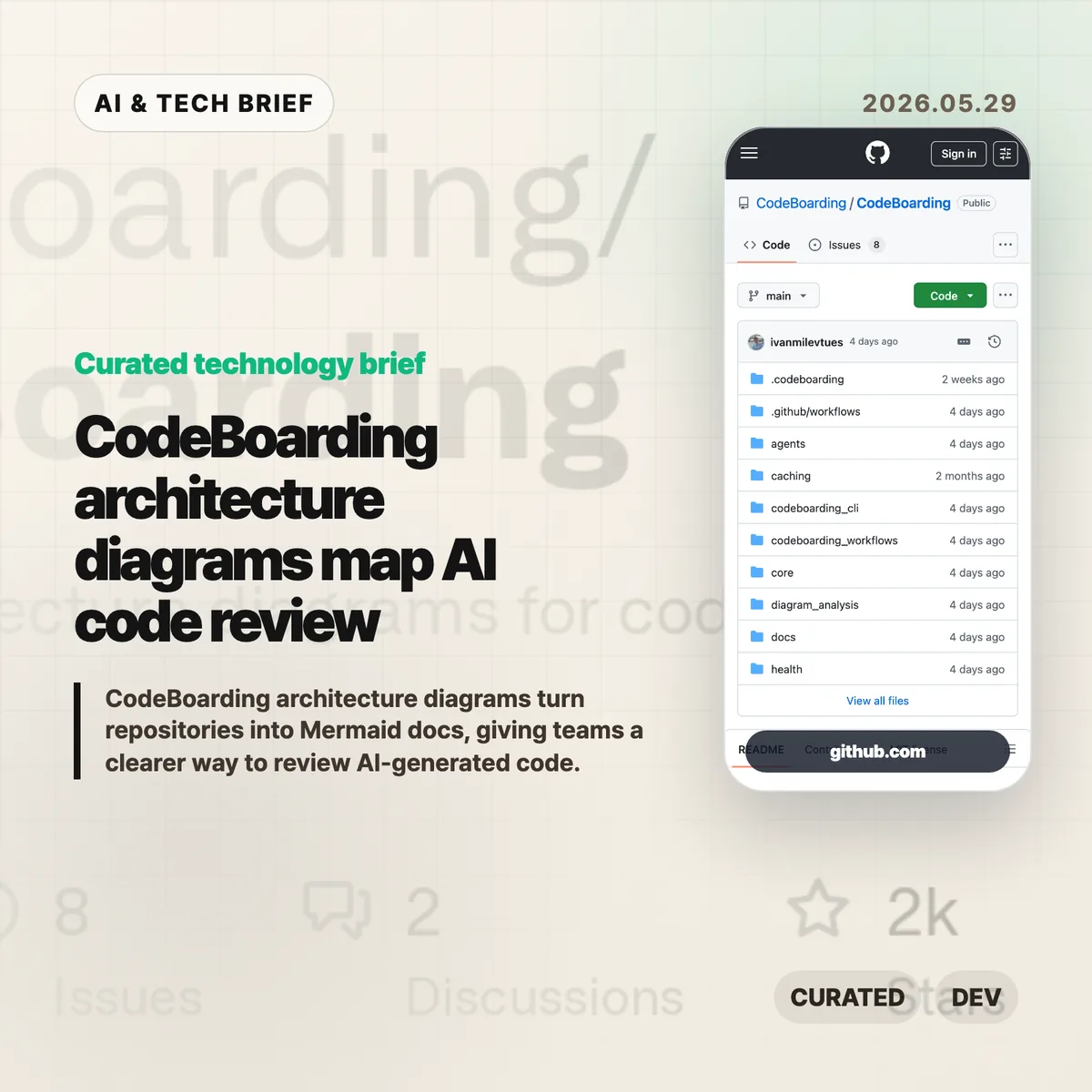
CodeBoarding architecture diagrams turn a repository into navigable Mermaid docs, with static analysis and LLM reasoning doing the first pass. The pitch is simple: if AI coding agents are changing more code, reviewers need a faster way to see the shape of the system before they approve the diff.
Table of Contents
The short version
- CodeBoarding generates high-level system diagrams, component diagrams, Markdown documentation, and Mermaid output inside
.codeboarding/. - The open-source project supports Python, TypeScript, JavaScript, Java, Go, PHP, Rust, and C#.
- It can run from the CLI, a VS Code extension, or a GitHub Action, so the same architecture view can appear during local work and CI.
- The useful question is accuracy: diagrams help reviewers, but teams still need to check whether the inferred boundaries match the real system.
What happened
CodeBoarding is an open-source tool for visualizing codebases. Its repository describes a workflow that combines static code analysis with LLM reasoning, then produces architecture diagrams and component-level documentation that developers can inspect or embed elsewhere.
The output format matters. CodeBoarding writes Markdown and Mermaid files to .codeboarding/, which makes the result easier to version, review, and reuse than a diagram trapped inside a separate dashboard. The project also lists a packaged CLI, a VS Code extension, and a GitHub Action, which gives teams a few ways to add the diagrams without changing their whole workflow.
The current GitHub repository describes support for eight languages: Python, TypeScript, JavaScript, Java, Go, PHP, Rust, and C#. It also supports multiple LLM providers through configuration, including OpenAI, Anthropic, Google, AWS Bedrock, Ollama, OpenRouter, and others.
Why this is worth watching: CodeBoarding architecture diagrams
Code review is getting squeezed from both sides. AI tools can produce larger patches faster, while many repositories already have weak architecture documentation. That creates a boring but expensive problem: reviewers can read the changed lines and still miss the system-level effect.
CodeBoarding architecture diagrams aim at that gap. A diagram will not prove that a change is safe, but it can give reviewers a map before they dive into files. That is especially useful when an agent touches a subsystem the reviewer only half remembers.
There is also a practical documentation angle. Mermaid and Markdown fit into GitHub, internal docs, pull requests, and onboarding notes. For teams tracking developer tooling more broadly, the IT & AI archive is the natural place to follow this category of code-review infrastructure.
What Hacker News readers are arguing about
The direct Hacker News submission for the CodeBoarding repository is still too thin to treat as a real debate. The better signal is in earlier Show HN threads around the same project, where the recurring concern is whether AI-generated diagrams actually scale beyond demos.
The pro-builder argument is clear enough: large codebases are hard to navigate, file trees are too low-level, and agents need better context than a pasted chunk of code. CodeBoarding’s own framing fits that view, especially with incremental analysis and component-level docs.
The skeptical argument is also worth taking seriously. LLMs can hallucinate familiar architecture patterns, and static analysis cannot see every runtime behavior. A generated map is useful only if teams treat it as a review aid, not as a source of truth. The safest first test is to run CodeBoarding on a repository your team already knows well and see where the diagram disagrees with human memory.
The practical read
Try CodeBoarding if your team already feels the pain of AI-assisted code review: bigger diffs, faster refactors, and less confidence about what changed at the system boundary. The best use case is probably not a glossy architecture page. It is a repeatable check inside a pull request or onboarding flow.
Start small. Run it on one service, inspect the generated Mermaid files, and ask whether the component boundaries match how the team talks about the system. If the diagram is close, wire it into docs or CI. If it is wrong, the mismatch is still useful because it shows where your code structure and your mental model have drifted apart.
For app and developer-tool builders, the distribution model is the interesting part. A CLI, VS Code extension, and GitHub Action give CodeBoarding more discovery surfaces than a standalone documentation app.