Category: IT & AI

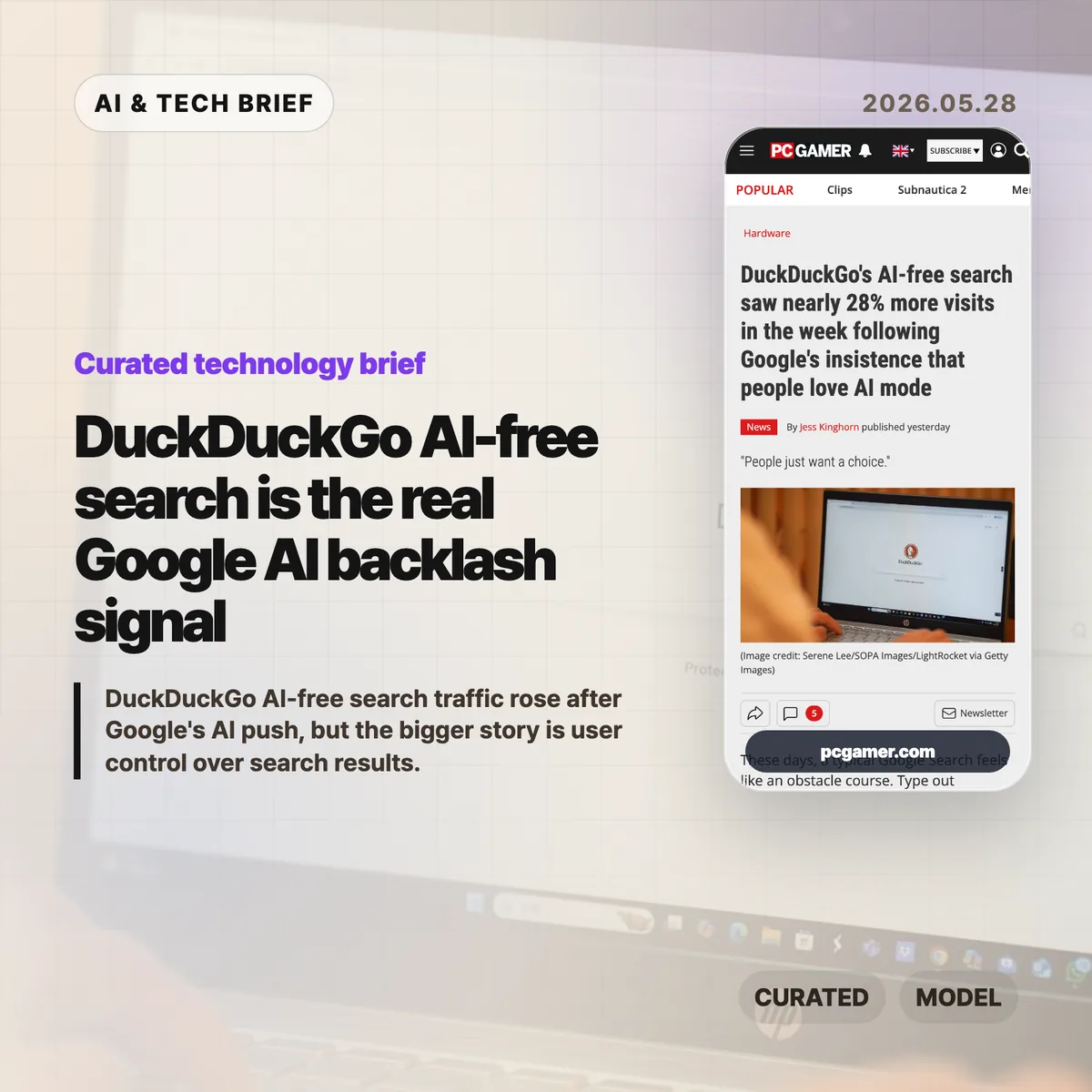
  • DuckDuckGo AI-free search is the real Google AI backlash signal

    DuckDuckGo AI-free search is the real Google AI backlash signal

    DuckDuckGo AI-free search traffic rose after Google pushed AI Mode and AI Overviews harder into the search experience. The numbers are still small next to Google’s market share, but the reaction points to a product problem: some people want AI answers, and some people want search results without a model stepping in first.

    The short version

    • Visits to DuckDuckGo’s AI-free search page reportedly rose by an average of 22.7% week over week from May 20 to May 25, peaking at 27.7% on May 24.
    • TechCrunch reported that DuckDuckGo mobile app installs in the US rose 18.1% on average over the same stretch, with a 30.5% peak on May 25.
    • This does not make DuckDuckGo a near-term threat to Google Search, which still has a much larger share of the US search market.
    • The useful signal is product fatigue: users are reacting less to AI itself than to AI being treated as the default layer in search.

    What happened

    PC Gamer reported that DuckDuckGo saw a sharp bump in usage around its AI-free search surface after Google kept promoting AI Mode as a direction users supposedly like. DuckDuckGo’s noai page, which gives people a cleaner path to search without AI answers, saw visits rise 22.7% on average week over week from May 20 through May 25. The peak was 27.7% on May 24.

    TechCrunch reported a related app-store signal. DuckDuckGo mobile app installs in the US rose 18.1% on average over the same six-day window, and the increase peaked at 30.5% on May 25. Those figures are not a market-share earthquake. They are a behavior change worth watching because they happened around a visible product dispute: Google putting AI answers closer to the center of search, and some users looking for a way around it.

    Google has a business reason to keep going. In Alphabet’s Q1 2026 remarks, Sundar Pichai said Search revenue rose 19% year over year and tied part of Google’s momentum to AI experiences such as AI Overviews and AI Mode. From Google’s side, AI search is a growth story. From the user’s side, it can feel like a familiar utility changing its rules without asking.

    Why this is worth watching

    Search is not a side feature. It is the front door to the web for a lot of people. When AI answers sit above links, the search engine is no longer only helping users find pages. It is deciding when a synthesized answer should come before the open web.

    That can be useful. Plenty of queries are simple enough that an answer box saves time. The friction starts when a user wants links, source comparison, official pages, forum threads, product documentation, or a plain list of results. In those moments, an AI answer can feel like an obstacle rather than a shortcut.

    The privacy angle also gives DuckDuckGo a cleaner message. DuckDuckGo is not anti-AI across the board. It offers AI chat and summaries in other contexts. Its pitch is closer to control: let the user choose how much AI they want, and do not turn search logs or chats into training material. For people already uneasy about data collection, that distinction is easy to understand.

    There is also a lesson for anyone building AI into consumer products. If a feature changes a daily habit, opt-out controls are part of the product, not a settings afterthought. For more coverage of search, AI products, and platform shifts, see the IT & AI archive.

    DuckDuckGo AI-free search and user control

    DuckDuckGo AI-free search is a useful phrase because it names the demand more clearly than “anti-AI search.” The demand is not for a web frozen in 2015. It is for a visible choice between answer generation and ordinary results.

    What Hacker News readers are arguing about

    The Hacker News thread was split in a useful way. Some readers had already moved to DuckDuckGo or were trying alternatives because they disliked seeing AI answers in ordinary search. A repeated complaint was not that AI is useless, but that Google Search is where they go for links. If they want a chatbot, they would rather open a dedicated AI product.

    Another group defended Google AI Mode. They said it is fast, convenient from the address bar, and good enough for quick factual checks. That camp is not imaginary; it explains why Google’s internal metrics may look positive even while a visible group of users complains loudly.

    The strongest skeptical point was about the denominator. A 28% increase sounds large, but DuckDuckGo starts from a much smaller base than Google. Several commenters argued that the headline could overstate the competitive impact if readers treat a relative increase as proof of a broad search migration.

    The more practical thread was about controls. Readers kept coming back to the same distinction: AI can be useful when asked for, annoying when forced, and worrying when it changes what counts as a search result. That is the part product teams should notice.

    The practical read

    DuckDuckGo is not suddenly replacing Google Search. The safer read is that AI search has entered the backlash phase that most default-on product changes eventually face.

    For Google, the risk is not that every frustrated user leaves tomorrow. The risk is training people to keep a second search engine nearby for cases where AI gets in the way. That is a small habit change at first, but it weakens the assumption that Google is the only search box worth using.

    For DuckDuckGo and other search apps, the opening is clear but narrow. Privacy and AI opt-out messaging can bring people in. The hard part is keeping them when results quality, local search, maps, shopping, and vertical search matter. A search engine can win a protest click and still lose the daily habit.

    For builders, the rule is simple enough: do not confuse adoption with consent. If an AI feature is genuinely useful, people will use it when the path is clear. If they have to fight the interface to get back to the old behavior, the alternative with a simple off switch starts to look better.
    Sources

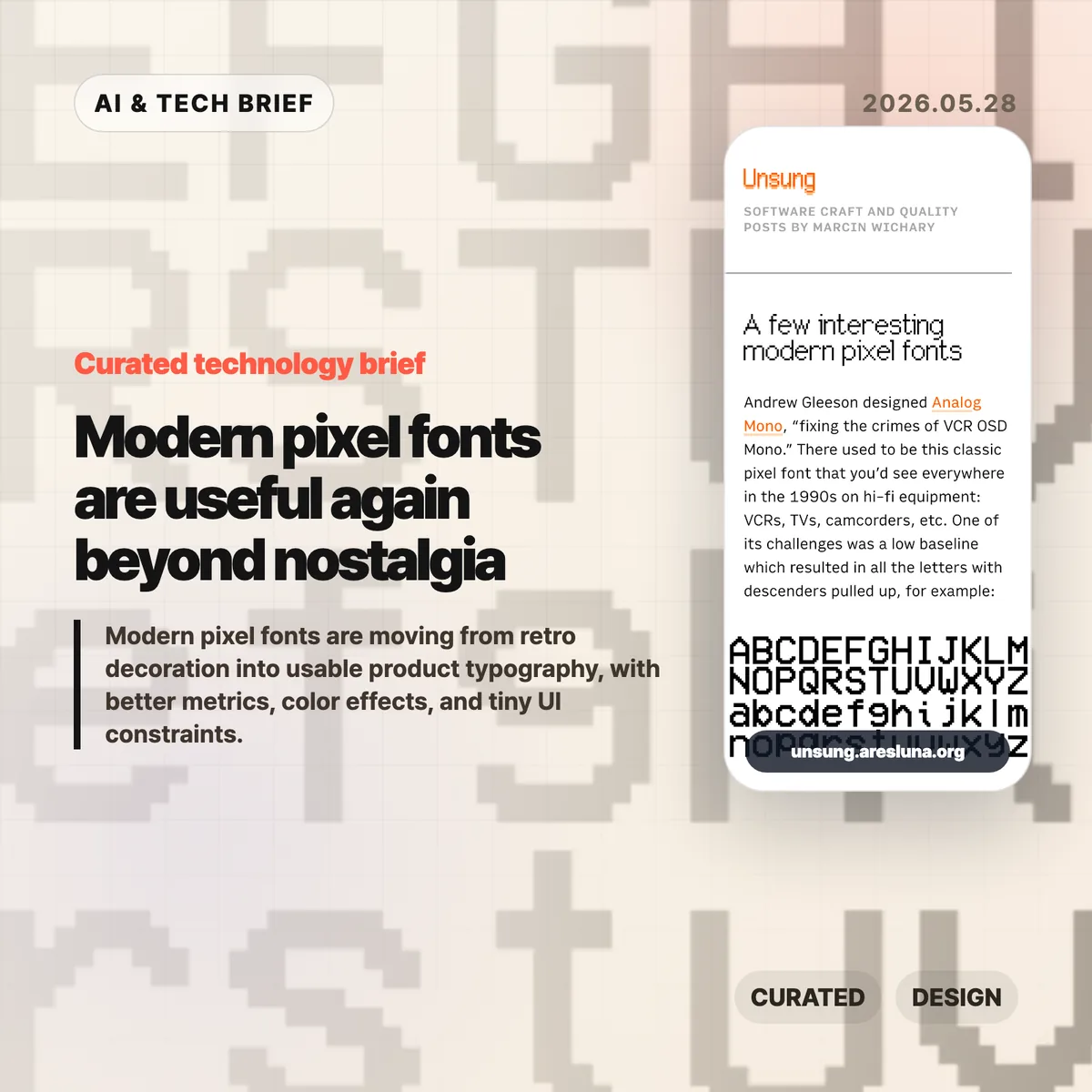
  • Modern pixel fonts are useful again beyond nostalgia

    Modern pixel fonts are useful again beyond nostalgia

    Modern pixel fonts are getting interesting again because the better ones are not simple retro props. They keep the texture of old screens while fixing the parts that made those screens hard to read: weak metrics, awkward baselines, brittle scaling, and decorative-only glyph sets.

    The short version

    • Marcin Wichary’s note points to Analog Mono, Coral Pixels, Two Slice, and Vercel’s Geist Pixel as examples of pixel-inspired type made for current systems.
    • The useful pattern is constraint with cleanup: keep the low-resolution character, but make baseline, spacing, glyph coverage, and rendering work in real interfaces.
    • Modern pixel fonts are safest in short, high-personality surfaces such as badges, landing page headers, game-like UI, status labels, and product moments.
    • The Hacker News thread was enthusiastic about the fonts, but skeptical of the marketing language around them.

    What happened with modern pixel fonts

    Marcin Wichary collected a few recent pixel-style fonts that show how the category has changed. Analog Mono by Andrew Gleeson revisits the VCR OSD Mono look from 1990s consumer electronics, but fixes the low baseline issue that pulled descenders into awkward positions. Coral Pixels by Kumiko Yoshida turns old subpixel color fringing into a deliberate font effect. Two Slice by Joseph Fatula pushes the constraint further: it is only two pixels tall and still somewhat readable.

    The last example, Vercel’s Geist Pixel, makes the product-design point most clearly. Its pitch argues that pixel fonts often fail in production because they do not scale cleanly, their vertical metrics fight the rest of the type system, or they only work as decoration. Strip away the launch-copy gloss and the problem is real. A font can look charming in a specimen and still be annoying in a UI if the spacing, metadata, fallback behavior, and glyph coverage are weak.

    For readers who follow product design and developer tools, this sits neatly beside the broader IT & AI archive: small interface details keep becoming product identity. Typography is one of the cheapest details to change, and one of the easiest to misuse.

    Why this is worth watching

    The interesting part is not nostalgia by itself. Designers have been borrowing from old terminals, arcade cabinets, handhelds, and VCR overlays for years. The shift is that some modern pixel fonts are built like usable type, not screenshots of a mood board.

    That matters for web and app teams. A pixel font used as a logo, chip, scoreboard, command label, or onboarding accent can make a product feel less generic. Used across body copy, it usually becomes a punishment. The better question is where the constraint helps the interface say something quickly.

    Coral Pixels is a good example of the tradeoff. Subpixel fringing was originally a rendering artifact. Some people remember it as ugly eye strain; others read it as a strong memory of early LCDs and Windows-era text. As a color font, that artifact becomes a controlled style rather than an accidental blur. That does not make it broadly readable. It does make it useful in short bursts.

    What Hacker News readers are arguing about

    The Hacker News discussion is mostly a mix of font recommendations, nostalgia, and irritation at product marketing. Several readers liked Geist Pixel, Analog Mono, or Two Slice, while others used the thread to trade older favorites such as Topaz, Unscii, Departure Mono, 04b-03, Sans Nouveaux, and other low-resolution typefaces.

    The sharpest disagreement was around Coral Pixels. One camp found the color fringing hard to justify because subpixel rendering was meant to make text sharper, not more colorful. Another camp pushed back that many people did experience smeary, colored edges on older or poorly configured displays, which is exactly why the look can now trigger nostalgia.

    The most useful criticism was about Vercel’s copy for Geist Pixel. Commenters mocked phrases like “system extension” because they sound inflated. That skepticism is fair, but it also points to the real production issue: a pixel font only earns its place if it behaves well inside a type system. Letterforms are the visible part. Metrics, kerning, glyph coverage, and vertical alignment decide whether it survives contact with a real product.

    The practical read

    Treat modern pixel fonts like hot sauce. A little can make a product memorable. Too much makes everything harder to read.

    For a practical test, set the font in the exact surface where it will ship: a button, badge, hero word, scoreboard number, modal title, app-store screenshot, or game-like status line. Check it at mobile size, desktop size, light mode, dark mode, and one fallback font. If the personality disappears without the specimen page, the font was probably doing decorative work that your product cannot support.

    For app builders, the ASO angle is straightforward: distinctive type can help a screenshot or feature card stand out, but store assets punish low readability. Use the pixel voice for a short label or scene-setting word, then let a normal text face carry the explanation.

    Sources

  • Enterprise AI agents are where OpenAI and Anthropic may finally get paid

    Enterprise AI agents are where OpenAI and Anthropic may finally get paid

    Enterprise AI agents are starting to look less like a subscription perk and more like a metered workplace bill. Simon Willison argues that OpenAI and Anthropic have found a version of product market fit through coding agents such as Codex and Claude Code, because companies are paying closer to API prices when employees use them heavily. The uncomfortable part is also the point: the bills are high because people are actually using the tools.

    The short version

    • Heavy personal plans can make Codex and Claude Code look cheap compared with API-equivalent token usage.
    • Enterprise AI agents change the business model because companies pay for team usage, contract terms, support, and usage controls.
    • Hacker News readers mostly agreed the usage is real, but argued hard about whether the economics can survive open models, cheaper providers, and missing ROI data.
    • The practical test is no longer whether a coding agent is impressive. It is whether a team can prove the agent is worth the tokens it burns.

    What happened

    Willison compared his own heavy usage of Anthropic Claude Code and OpenAI Codex with what the same token volume would cost at API prices. His estimate came to about $1,199.79 for Anthropic and $980.37 for OpenAI over 30 days, while he paid $200 total for two consumer plans.

    That gap matters because the enterprise side appears to be moving in the opposite direction. Willison points to Anthropic’s shift from broad seat-based expectations toward $20 per seat per month plus API-style usage, and to OpenAI’s Codex rate card, which says April 2026 pricing moved toward API token usage rather than per-message pricing. Anthropic also announced Claude Code for Team and Enterprise plans, with admin controls and higher business limits.

    The claim is not that every AI lab is suddenly healthy. It is narrower: enterprise AI agents give OpenAI and Anthropic a way to charge where the usage actually happens. Coding agents run longer jobs, inspect repositories, rewrite files, execute commands, and loop through fixes. That can consume far more tokens than a chat session.

    Why this is worth watching: enterprise AI agents

    Enterprise AI agents create a cleaner revenue story than consumer chat subscriptions. A consumer pays a flat monthly fee and may use far more inference than the plan costs. A company that rolls an agent into daily engineering work can be billed by usage, seats, support, and contract commitments.

    That also explains why the sales motion looks old-fashioned. Willison scraped job listings and found large chunks of OpenAI and Anthropic hiring tied to enterprise sales, customer support, account management, and forward deployed engineering. The irony is useful. The companies selling automation still need humans to close enterprise contracts, handle security reviews, and keep customers from turning a runaway token bill into a cancellation.

    For app and developer tool builders, the lesson is blunt. If an agent marketplace or coding platform wants durable revenue, discovery is only the start. Teams also need budgets, admin controls, usage reporting, and a way to tell whether the agent saved more money than it spent.

    For more coverage of software teams, AI products, and developer platforms, see the IT & AI archive.

    What Hacker News readers are arguing about

    The Hacker News thread was huge and messy, which fits the topic. The most useful split was between “usage proves demand” and “usage does not prove sustainable economics.”

    The bullish camp treated $200 per user per month as ordinary enterprise software pricing, especially compared with expensive engineering, CAD, cloud, or security tools. Some readers argued that the controversy itself proves the tools have entered real workflows. Nobody complains about a bill for software nobody uses.

    The skeptical camp kept coming back to ROI. Several commenters asked whether companies can show more shipped product, better features, or higher engineering output, instead of more commits and larger token bills. One recurring objection was that a 20% to 40% productivity lift may fail to support the scale of infrastructure spending implied by trillion-dollar valuations.

    A second line of skepticism was commoditization. Readers pointed to cheaper open-weight models, Chinese providers, caching, and alternative inference platforms. Their argument was not that Claude Code or Codex are useless. It was that API-priced usage may be a temporary window if “good enough” models keep getting cheaper.

    There was also a pricing trust issue. Some commenters pushed back on the idea of “$2,000 worth of tokens” as if token list prices were an objective measure of value. That is a fair caution. List price, marginal compute cost, customer value, and investor narrative are four different things.

    The practical read

    Enterprise AI agents are a budget conversation now. If you run engineering, the next step is to avoid both blanket bans and unlimited access. Put them in the same category as cloud spend: useful, measurable, and dangerous when nobody owns the bill.

    Track agent usage by team, task type, and outcome. Watch where agents save review time, test-writing time, migration effort, or support toil. Also watch where they create cleanup work. The argument for enterprise AI agents gets much weaker if the only metric is token volume.

    For OpenAI and Anthropic, the next year is a proof period. They have signs of demand, enterprise contracts, and tools that people use all day. Now they need to show that usage can turn into durable margins before cheaper models and procurement teams squeeze the story.

    Sources

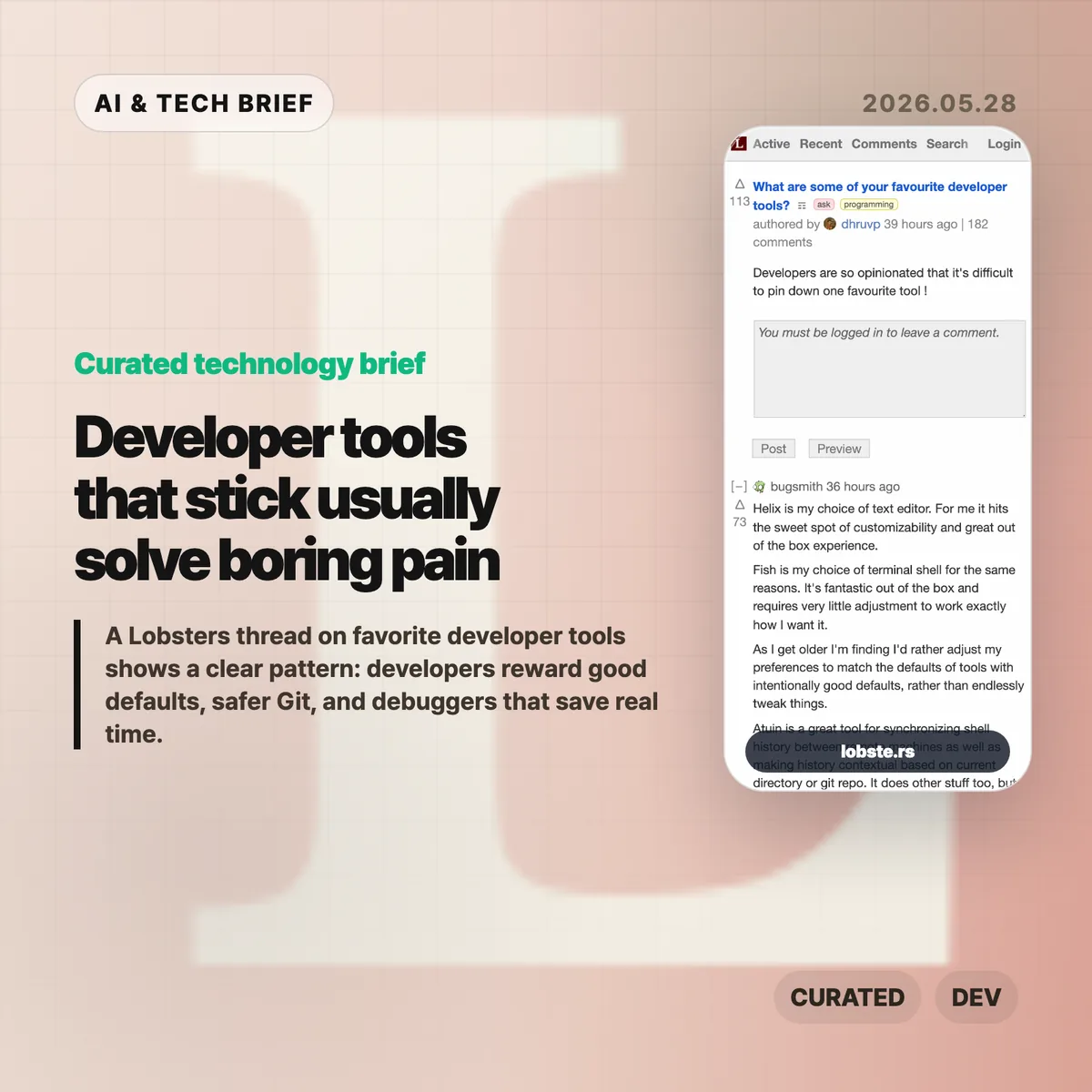
  • Developer tools that stick usually solve boring pain

    Developer tools that stick usually solve boring pain

    A long Lobsters thread about favorite developer tools turned into a useful map of what developers actually keep using. The names are scattered across editors, shells, Git front ends, environment managers, and debuggers, but the pattern is fairly consistent: good tools remove friction without demanding a new hobby.

    The short version

    • Editors did not converge on one winner. Helix, Emacs, Neovim, Sublime Text, Zed, and JetBrains IDEs all came up, usually with strong opinions about defaults and muscle memory.
    • Version control comments leaned toward tools that make risky Git work feel safer, including Jujutsu, Magit, lazygit, Sublime Merge, delta, and difftastic.
    • Shell and environment picks such as Fish, WezTerm, Ghostty, tmux, Nix, mise, atuin, and fzf show how much developers care about repeatable setup.
    • The most practical answers were often about debugging and profiling: rr, Pernosco, RenderDoc, Tracy, RemedyBG, and Xcode Instruments.

    Developer tools worth keeping

    The useful developer tools in this discussion share a boring promise: they make daily work safer, faster, or easier to repeat without turning setup into the main project.

    What happened

    A Lobsters user asked a simple question: what are some of your favorite developer tools? The thread drew more than a hundred comments, which is not surprising for a community that can turn editor choice into a personality test.

    The interesting part is that the answers were not only about shiny new tools. Many developers praised tools that feel good out of the box. Helix and Fish came up that way. Several commenters said they now prefer tools with intentional defaults because they have less patience for endless configuration. Others pushed back, arguing that a carefully tuned Emacs or Vim setup can pay off for years.

    That tension says more than any single ranked list would. Some developers want defaults they can trust. Some want a tool chest they can shape over a decade. Both camps are trying to protect the same thing: attention.

    Why this is worth watching

    The thread is a useful reminder that developer productivity is rarely one big leap. It is usually a pile of small reductions in annoyance.

    Version control is a good example. Jujutsu, usually called jj, appeared repeatedly because it changes how people approach rebases, amends, branches, and history editing. Magit, lazygit, Sublime Merge, delta, and difftastic serve a similar need from different angles. They make state visible. They make diffs easier to read. They make undo and review feel less like a trap.

    Environment management came up for the same reason. Nix has a steep learning curve, but the developers who like it are tired of one project breaking another. mise drew praise for language and tool version management without much ceremony. Dev Containers and chezmoi sit in the same problem space: a laptop, a work machine, a remote server, and CI should not all feel like separate archaeological sites.

    The best answers were not always the flashiest ones. rr came up because being able to record a failing C or C++ program and replay it deterministically can save hours on memory corruption bugs. Pernosco adds time travel debugging with data flow analysis. RenderDoc and Tracy matter to graphics and performance work. JetBrains users praised the IDE because its debugger and framework support keep them moving.

    What the discussion is missing

    There is no Hacker News thread attached to this story, and the Lobsters discussion is already the source material. That means the useful caution is not about missing crowd sentiment. It is about sampling.

    Lobsters skews toward developers who enjoy tools enough to discuss them in public. That naturally favors editors, shells, version control tools, language managers, and low level debugging workflows. Enterprise defaults, team policy, accessibility, onboarding cost, Windows-heavy shops, and non-English developer communities get less attention.

    The thread also underplays one awkward truth: a great individual tool can still be a poor team default. Nix may solve dependency drift for one group and become a support burden for another. Jujutsu may make history editing nicer for an experienced engineer while confusing someone who only needs basic Git. The right question is not “which tool won?” It is “which recurring failure does this remove from my day?”

    The practical read

    If you are reviewing your own toolchain, start with the moments that waste time rather than the tools that sound fashionable. Slow search points toward ripgrep, fzf, or a better code search workflow. Messy shell history points toward atuin or autojump-style navigation. Git anxiety points toward lazygit, Magit, jj, Sublime Merge, delta, or difftastic. Reproducible setup problems point toward mise, Nix, Dev Containers, or a smaller dotfiles system.

    For teams, the thread argues for better defaults rather than forced sameness. You do not need every developer in the same editor. You do need a project that starts in minutes, a version control workflow people can recover from, and debugging tools that make the worst bugs less mysterious.

    For more briefs on software teams, AI products, and developer workflows, see the IT & AI archive.

    The dull test is the right one: does the tool get you back to the problem faster?

    Sources

  • AI productivity claims are running ahead of the work

    AI productivity claims are running ahead of the work

    TechCrunch’s report on Aaron Levie’s warning about “AI psychosis” among CEOs lands because it names a familiar gap: executives see a strong demo, while teams still have to make the work correct, safe, and shippable. AI productivity claims can sound persuasive before that last-mile work is counted. The issue is not whether AI agents are useful. They are. The question is whether companies can tell the difference between a good prototype and a finished business process.

    The short version

    • Box CEO Aaron Levie argued that CEOs are especially vulnerable to overestimating AI because they sit far from the last mile of work.
    • Layoffs.fyi counted 115,430 tech layoffs across 152 companies in the first five months of 2026, close to the 124,636 total it tracked for all of 2025.
    • ClickUp CEO Zeb Evans said the company cut 22% of staff after deploying roughly 3,000 AI agents, a useful case study in how quickly the narrative is moving.
    • The hard part is measurement: more drafts, tickets, pull requests, or proposals do not automatically mean better output.
    • Hacker News readers mostly argued about two things: whether “psychosis” is a fair label, and whether executives understand the review work that AI creates.

    What happened

    The TechCrunch piece starts with Levie’s claim that CEOs are “uniquely prone to AI psychosis” because they are far enough away from frontline work to miss the remaining labor needed to turn AI output into value. That is the sharpest point in the article. A CEO can ask an agent to draft a contract, generate HTML, summarize a customer call, or produce a product mockup. Those outputs can look convincing in a meeting. They still need review, context, policy checks, security judgment, and someone willing to be accountable when the answer is wrong.

    The article also puts that argument next to a rough labor-market backdrop. Layoffs.fyi’s tracker shows 115,430 tech layoffs from 152 companies in the first five months of 2026. That does not prove AI caused the layoffs. It does show why the story is sensitive: AI is becoming part of the language companies use when they explain smaller teams, faster execution, and new operating models.

    ClickUp is the most concrete example in the report. CEO Zeb Evans said the company had deployed about 3,000 AI agents and reduced staff by 22%, while trying to build what he called a “100x org.” That framing is exactly why this debate matters for builders. If agents become part of the org chart, companies need a much better answer to a basic operating question: who reviews the agent’s work, and what happens when the agent is confidently wrong?

    Why this is worth watching for AI productivity claims

    The useful read is that AI adoption is moving faster than AI measurement. A team can count how many agent runs completed. It can count the number of documents, tickets, or pull requests generated. Those are activity metrics. They do not say much about whether the work reduced customer pain, lowered error rates, increased revenue per employee, or freed experts from low-value chores.

    That distinction matters because the research record is still mixed. California Management Review’s summary of AI productivity evidence warns against easy claims that AI adoption produces broad productivity gains by itself. An NBER paper on executives and AI productivity points to a gap between perceived gains and measured outcomes. MIT FutureTech’s labor-task research also suggests that many tasks remain harder to automate at human-level quality than the demo cycle implies.

    The management bottleneck may simply move. Harvard Business Review has made a similar point: if AI increases the volume of output, managers can become the constraint because more work needs to be read, compared, approved, or rejected. Anyone who has reviewed AI-generated code or AI-written legal text knows the pattern. The first draft arrives faster. The expensive part is deciding whether it can be trusted.

    For more briefs on AI products, software teams, and workplace automation, see the IT & AI archive.

    What Hacker News readers are arguing about

    The Hacker News thread around the TechCrunch article is active and messy in the usual useful way. A large part of the discussion focuses on the word “psychosis.” Some readers called it clickbait or a cheap use of medical language. Others defended it as a cultural shorthand for executives becoming detached from what AI can actually do. The split is worth noting because it mirrors the broader AI debate: people agree there is overconfidence, then fight over how harshly to name it.

    The more practical thread is about distance from the work. Several commenters argued that this is not new. Executives have long seen a toy example, assumed the hard part was solved, and pushed a rollout that frontline teams had to absorb. The AI-specific twist is that LLMs can flatter the user while producing a plausible artifact. A CEO who prompts a chatbot into a small front-end demo may come away feeling closer to engineering than they really are.

    There was also a strong operator objection: AI can create review debt. One commenter described a CEO who hit real walls around data architecture and deployment after experimenting with AI prototyping. That is the sane version of the story. The tool helped explore an idea, then exposed the need for human-designed infrastructure. Another repeated concern was failure rate. If a model gets 80% or 90% of text tasks right, the remaining errors can still be disastrous in legal, security, finance, support, or production engineering contexts.

    The thread is not evidence, but it is a useful sentiment check. Builders are not rejecting AI agents outright. They are rejecting the jump from “this generated something impressive” to “this can replace the people who know where the traps are.”

    The practical read

    Companies should treat AI productivity claims like product claims. Define the workflow, the baseline, the quality bar, and the failure mode before tying the result to headcount. If an agent writes support replies, measure refund errors, escalation rates, customer satisfaction, and policy violations. If it writes code, measure review time, defect rate, rollback frequency, and maintenance cost. If it drafts contracts, measure legal review burden and clause-level risk.

    For AI agent startups and workplace apps, the pitch also needs to mature. “We deployed 3,000 agents” is a flashy number, but buyers will eventually ask which agents survived contact with real work. The products that win will probably be the boring ones that make review easier, preserve audit trails, route uncertain cases to humans, and prove that cycle time improved without hiding risk.

    For workers, the signal is more personal. The safer skill is not prompt fluency by itself. It is judgment over the last 20%: checking the output, knowing the domain constraints, spotting the quiet mistake, and deciding when automation should stop.

    Sources