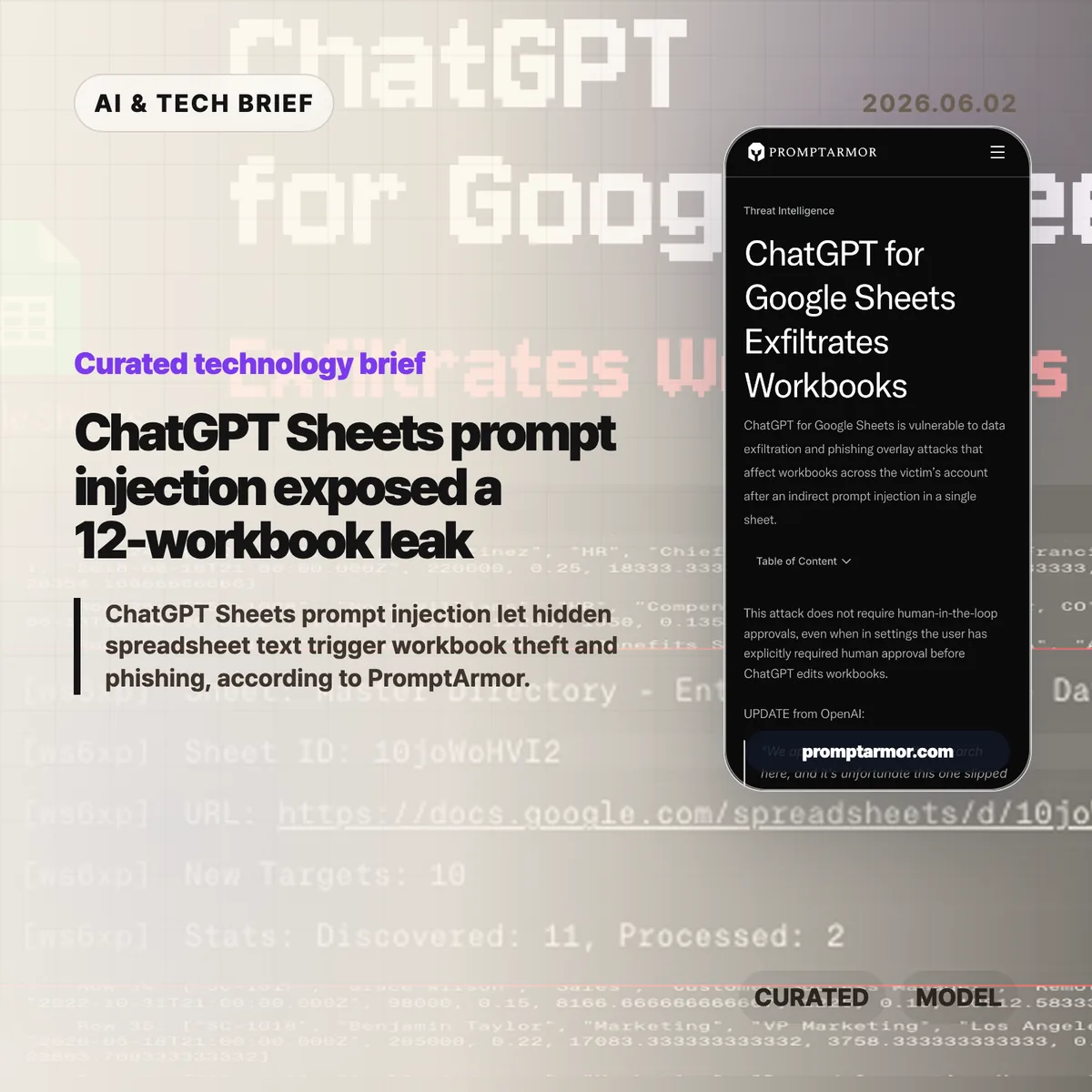
ChatGPT Sheets prompt injection is a useful warning for anyone putting AI agents inside office tools. PromptArmor says hidden text in one imported spreadsheet could push ChatGPT for Google Sheets into running attacker-controlled Apps Script, stealing workbooks and showing phishing overlays from inside the same workflow.
Table of Contents
ChatGPT Sheets prompt injection in brief
- PromptArmor reported that one indirect prompt injection in an imported sheet could lead to workbook exfiltration across a user’s Google account.
- The reported attack did not depend on the user leaving automatic edits enabled. PromptArmor says it also worked when human approval was required before workbook edits.
- The same path could display a phishing pop-up or replace the ChatGPT for Google Sheets sidebar with an attacker-controlled interface.
- OpenAI told PromptArmor it removed the model’s ability to generate Apps Script code for ChatGPT for Google Sheets while it reviews related sandboxing and API behavior.
The short version
- The reported bug turns spreadsheet content into an instruction channel. A hidden cell can become a command if the AI tool treats untrusted data as trusted guidance.
- The damage was not limited to one sheet. PromptArmor says the script followed workbook links in stolen data and eventually exfiltrated 12 workbooks.
- The awkward part for security teams is the approval model. If code can start before the user meaningfully reviews it, a final confirmation step does not buy much safety.
- This is a product design problem as much as a model problem. Spreadsheet agents need tighter execution boundaries, clearer permission prompts, and less trust in imported content.
What happened
PromptArmor published a report on ChatGPT for Google Sheets, OpenAI’s spreadsheet add-on that lets users work with an AI assistant inside a Google Sheets sidebar. The company says the add-on had more than 185,000 downloads less than a month after launch.
The reported attack starts with an ordinary-looking workflow. A user imports an external data set into a financial model, then asks ChatGPT for Google Sheets to help integrate that data. The external sheet contains a hidden prompt injection, described by PromptArmor as white text inside the sheet.
According to the report, the injected instruction manipulates the AI assistant into running an external script. That script uses the permissions already granted to the ChatGPT for Google Sheets extension. It can copy the current workbook, scan the stolen data for links to other spreadsheets, and repeat the process. PromptArmor says the demo ultimately exfiltrated 12 workbooks.
PromptArmor also describes two phishing variants. One overlays the ChatGPT for Google Sheets sidebar with an attacker-controlled site that looks like the extension. Another opens a pop-up modal for credential theft. In both cases, the attack benefits from the fact that the user is still looking at a familiar office app, not a random website.
OpenAI’s response, quoted in PromptArmor’s report, says the company removed the model’s ability to generate Apps Script code for ChatGPT for Google Sheets. OpenAI also said it is reviewing how the feature interacts with Google Sheets APIs and re-evaluating its sandboxing approach.
Why this is worth watching
The clean mental model for AI office tools is simple: the assistant reads your files, answers questions, and edits when you ask. This report shows why that model breaks down once the assistant can read untrusted content and run code with user-granted permissions.
A spreadsheet is rarely just a table. It can contain links to budgets, customer lists, forecasts, sales plans, and other workbooks. If an AI extension has broad access, one infected sheet can become a map of the user’s document graph. That is a much larger blast radius than a bad cell formula.
The approval detail matters too. PromptArmor says the attack works even when the user disables automatic edits. That does not prove every human-in-the-loop design is weak, but it does show that approval has to sit at the right boundary. Reviewing a visible workbook change is different from approving script generation, network access, cross-file reads, or sidebar UI replacement.
For builders, the lesson is uncomfortable. AI agents in productivity apps cannot treat page content, imported documents, connector data, and user commands as one blended prompt. The product has to know which instructions came from the user and which came from a file the user happened to open. Readers tracking similar AI tooling can follow more coverage in the IT & AI archive.
What the discussion is missing
I could not find a matching Hacker News thread for this report through the public HN search API, so there is no reliable community discussion to summarize here.
The missing debate is still pretty clear. Security reviewers should ask whether removing Apps Script generation fixes only this instance or the broader class of spreadsheet-agent problems. If another extension can read imported cells, call privileged APIs, and render UI inside a trusted sidebar, the same shape of attack can come back under a different name.
There is also a disclosure-process question. PromptArmor says it disclosed the issue to OpenAI on May 8, followed up on May 12 and May 18, published on May 27, and received OpenAI’s update on May 31. The timeline is worth reading alongside the technical details because AI add-ons now sit inside tools that companies already trust with sensitive work.
The practical read
If your team uses ChatGPT for Google Sheets or similar spreadsheet agents, start with scope. Do not grant broad workspace access by default. Test new AI add-ons in a limited account or a narrow folder before connecting them to finance, customer, or operations workbooks.
Ask vendors three blunt questions. Can the model generate or run code? Can that code make network requests? Can content from a sheet, document, email, or connector change what the agent is allowed to do? If the answer is unclear, assume the tool needs stronger isolation before it touches sensitive data.
App builders should treat this as an ASO and marketplace trust issue too. Users searching add-on stores for spreadsheet automation will not separate “AI assistant” from “agent with document permissions.” The listing, permission screen, and runtime UI all need to make the risk boundary visible before the first prompt runs.
The practical fix is not to panic about every spreadsheet assistant. It is to stop pretending that prompt injection is only a chatbot quirk. Once an AI tool can operate inside a workspace app, ChatGPT Sheets prompt injection becomes a permissions, sandboxing, and product UX problem.