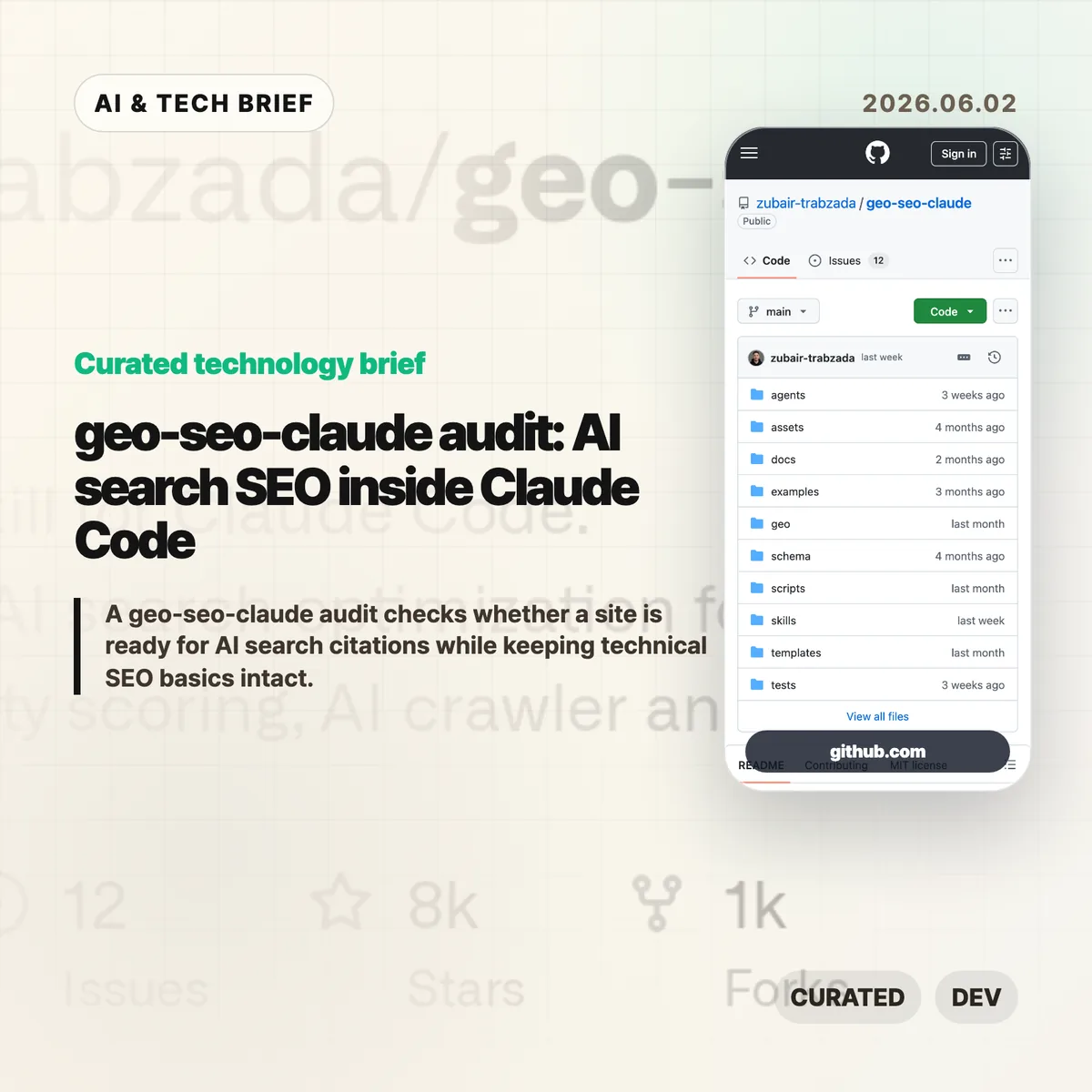
A geo-seo-claude audit brings AI search optimization into Claude Code. The open source skill checks whether a site is easy for ChatGPT, Claude, Perplexity, Gemini, and Google AI Overviews to parse, cite, and connect with a real brand while still keeping normal SEO work in view.
Table of Contents
The short version
- The project is a Claude Code skill for Generative Engine Optimization, with commands such as
/geo audit,/geo quick,/geo citability,/geo crawlers,/geo schema, and/geo llmstxt. - Its full audit flow splits work across five analysis tracks: AI visibility, platform readiness, technical SEO, content quality, and schema markup.
- The scoring model gives the most weight to AI citability, brand authority signals, and content quality rather than old keyword density habits.
- Treat the numbers as a working checklist, not a universal ranking formula. AI search behavior still varies by platform, query, language, and site type.
What happened
The geo-seo-claude repository packages a GEO-first SEO audit workflow for Claude Code users. It installs a main skill, 13 specialized sub-skills, five parallel agent prompts, and Python utilities for fetching pages, scoring citability, scanning brand mentions, checking llms.txt, and generating reports.
The command list is built for site audits rather than one-off prompt advice. /geo audit <url> runs the fuller workflow. /geo quick <url> gives a faster visibility snapshot. Other commands focus on citation readiness, crawler access, brand mentions, structured data, technical SEO, content quality, platform readiness, and report generation.
The scoring method is explicit enough to be useful. AI Citability & Visibility gets 25% of the score, Brand Authority Signals and Content Quality & E-E-A-T each get 20%, Technical Foundations gets 15%, and Structured Data plus Platform Optimization get 10% each.
Why this is worth watching
The interesting part is the mix of marketing language and real site mechanics. GEO can sound like a new label for content advice, but this project turns it into checks that developers can actually run: robots.txt access for AI crawlers, JSON-LD, site structure, crawler-friendly rendering, and passages that answer questions without needing the rest of the page.
That matters because AI search changes what a good page fragment looks like. A traditional SEO page can rank well while still being hard for an answer engine to quote cleanly. The repository’s citability section looks for self-contained, fact-rich blocks that answer a question directly. That is a useful pressure test for documentation pages, product pages, pricing pages, and comparison posts.
There is a risk here too. The README cites market projections, AI-referred traffic growth, and brand-mention correlations, but those numbers should not be treated as a guaranteed playbook for every site. A small SaaS documentation page, a local business page, and a technical blog post will not all earn AI citations the same way.
For readers tracking these tools, the broader pattern is clear: SEO work is moving closer to developer workflows. Claude Code skills, agent prompts, and audit scripts are becoming a new place where marketers and engineers meet. The IT & AI archive follows that shift as more search, coding, and publishing workflows move into agent-facing tools.
What the discussion is missing
There was no public Hacker News thread available for this repository at the time of writing. The missing debate is still easy to predict: what part of GEO is measurable, what part is repackaged SEO, and how much control site owners really have over answer-engine citations.
The technical questions are the better ones. Does a generated llms.txt file help any major answer engine today, or is it mainly documentation for humans and future crawlers? Are AI crawler allow rules enough if the page renders poorly without JavaScript? Can a site improve citation readiness without flattening every article into sterile answer blocks?
The practical answer is to test the boring parts first. Check crawler access. Fix broken structured data. Make important pages easy to quote. Then watch real referral logs and brand mentions instead of assuming a single GEO score explains everything.
The practical read for a geo-seo-claude audit
A geo-seo-claude audit is most useful as a first-pass map for teams that already use Claude Code. It can help a developer, content lead, and marketer look at the same URL and agree on what to fix first.
Do not start with llms.txt because it feels new. Start with pages that matter: docs, pricing, product pages, comparison pages, and posts that answer common buyer or developer questions. If those pages lack clear answers, schema, crawl access, or trustworthy attribution, no new file will make them strong AI search candidates.
The best use case is weekly or monthly review. Run a quick scan, fix the items that are clearly under your control, and compare whether AI search referrals, branded queries, and quoted snippets change over time. The tool gives you a workflow. Your analytics still have to tell you whether it worked.