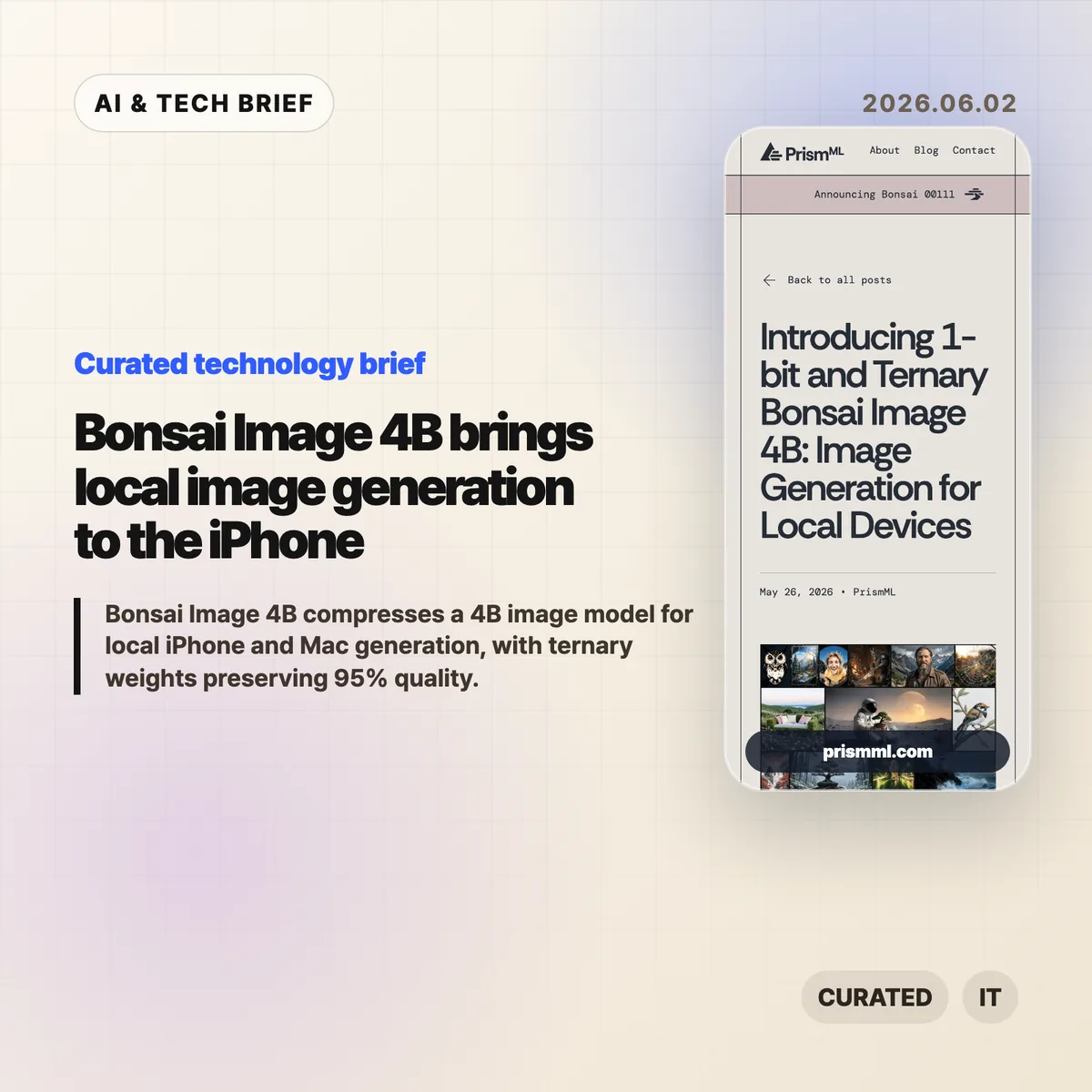
Bonsai Image 4B is PrismML’s attempt to make a modern 4B-class image model small enough for local image generation on everyday hardware. The company says the ternary version generates a 512×512 image in 9.4 seconds on an iPhone 17 Pro Max, while keeping the diffusion transformer near 1.21 GB.
Table of Contents
The short version
- Bonsai Image 4B is based on FLUX.2 Klein 4B, but stores the diffusion transformer weights in 1-bit or ternary form.
- PrismML reports an 8.3x transformer footprint reduction for the 1-bit model and 6.4x for the ternary model, compared with the FP16 FLUX.2 Klein 4B transformer.
- The ternary Bonsai Image 4B model keeps 95% of the reported benchmark performance of FLUX.2 Klein 4B across GenEval, HPSv3, and DPG-Bench.
- The practical question is not whether this replaces cloud image APIs. It is whether fast, private, throwaway image generation can move into mobile and desktop products.
What happened
PrismML released Bonsai Image 4B, a family of compact image generation models aimed at local hardware. The models keep the FLUX.2 Klein 4B architecture, but change the representation of the transformer weights, which are the heaviest part of the image generation pipeline.
The 1-bit variant uses {-1, +1} weights with FP16 group-wise scaling, for 1.125 effective bits per weight. Its diffusion transformer is 0.93 GB, down from 7.75 GB for the FP16 FLUX.2 Klein 4B transformer. The ternary variant uses {-1, 0, +1} weights with FP16 group-wise scaling, for 1.71 effective bits per weight. That version is 1.21 GB.
The full deployment payload is larger than those transformer numbers because the text encoder and VAE still matter. PrismML lists 3.42 GB for 1-bit Bonsai Image 4B and 3.88 GB for the ternary model on Apple Silicon, compared with 15.97 GB for the full-precision FLUX.2 Klein 4B pipeline.
Why this is worth watching
Bonsai Image 4B is interesting because image generation is usually constrained by memory, serving cost, and latency. A model that fits on a phone changes the shape of the product, even if the best cloud systems still win on raw output quality.
Bonsai Image 4B tradeoffs to test
Local image generation can make sense when the user is iterating quickly, testing prompts, creating drafts, or working with private material. A mobile app can offer previews without sending every prompt to a remote server. A desktop creative tool can make cheap local drafts, then reserve cloud calls for final renders. For more stories like this, see the IT & AI archive.
The benchmark claims are also specific enough to watch. PrismML reports GenEval 0.723, HPSv3 12.22, and DPG-Bench 0.851 for the ternary model, or 95% of FLUX.2 Klein 4B’s reported performance. The 1-bit version is smaller and lands at 88% of the same baseline. That gives developers a clear tradeoff: tighter memory and storage, or better prompt fidelity and visual quality.
What Hacker News readers are arguing about
The Hacker News thread is mostly impressed, but not blindly so. A useful chunk of the discussion asks whether this is a product breakthrough or a strong compression demo. Some readers point out that the transformer is under 1 GB in the 1-bit case, but the full inference stack still needs the text encoder and VAE, so the real app footprint is several gigabytes rather than a single tiny model file.
Several commenters focused on practical deployment. People asked about minimum RAM, Mac compatibility, ComfyUI or Ollama-style integration, WebGPU support, and whether the browser demo works reliably. That is the right skepticism. Local AI only becomes useful when ordinary developers can install it, run it, and recover from dependency trouble without spending a weekend in build scripts.
The strongest pro-local argument in the thread is about cost and iteration. If users generate many rough images, local inference can feel less metered than a cloud API. The strongest objection is that commercial teams may not want the support burden of running image generation on customer devices. Both can be true. Bonsai Image 4B is likely more relevant first for creative apps, offline tools, privacy-sensitive workflows, and developer experiments than for every production image feature.
The practical read
If you build mobile or desktop software, treat Bonsai Image 4B as a signal rather than a finished answer. The signal is that local image generation is moving from novelty to plausible product primitive.
The next thing to test is image quality plus everything around it: install size, cold start time, battery drain, heat, memory pressure, prompt reliability, safety controls, and how often users actually need cloud quality. If the feature is quick sketching, private drafts, app-store-friendly creative tooling, or offline editing, Bonsai Image 4B deserves a closer look.
The App Store angle is also real. Bonsai Studio gives PrismML a direct way to let users try the model on an iPhone, and it gives app builders a preview of how on-device AI features may be marketed: not as infrastructure, but as instant creative capability inside the app.