Tag: Mobile Apps

  • Bonsai Image 4B brings local image generation to the iPhone

    Bonsai Image 4B brings local image generation to the iPhone

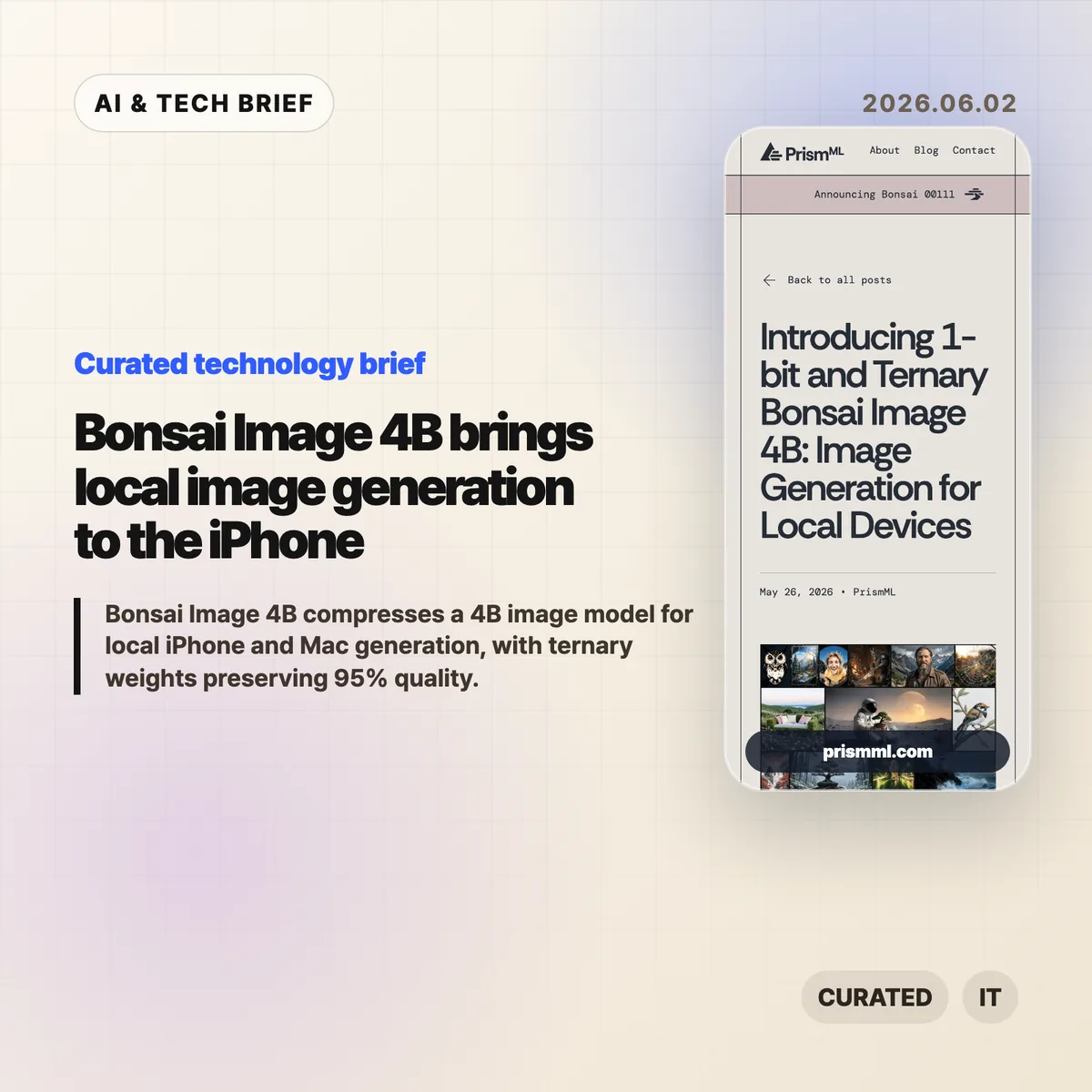
    Bonsai Image 4B is PrismML’s attempt to make a modern 4B-class image model small enough for local image generation on everyday hardware. The company says the ternary version generates a 512×512 image in 9.4 seconds on an iPhone 17 Pro Max, while keeping the diffusion transformer near 1.21 GB.

    The short version

    • Bonsai Image 4B is based on FLUX.2 Klein 4B, but stores the diffusion transformer weights in 1-bit or ternary form.
    • PrismML reports an 8.3x transformer footprint reduction for the 1-bit model and 6.4x for the ternary model, compared with the FP16 FLUX.2 Klein 4B transformer.
    • The ternary Bonsai Image 4B model keeps 95% of the reported benchmark performance of FLUX.2 Klein 4B across GenEval, HPSv3, and DPG-Bench.
    • The practical question is not whether this replaces cloud image APIs. It is whether fast, private, throwaway image generation can move into mobile and desktop products.

    What happened

    PrismML released Bonsai Image 4B, a family of compact image generation models aimed at local hardware. The models keep the FLUX.2 Klein 4B architecture, but change the representation of the transformer weights, which are the heaviest part of the image generation pipeline.

    The 1-bit variant uses {-1, +1} weights with FP16 group-wise scaling, for 1.125 effective bits per weight. Its diffusion transformer is 0.93 GB, down from 7.75 GB for the FP16 FLUX.2 Klein 4B transformer. The ternary variant uses {-1, 0, +1} weights with FP16 group-wise scaling, for 1.71 effective bits per weight. That version is 1.21 GB.

    The full deployment payload is larger than those transformer numbers because the text encoder and VAE still matter. PrismML lists 3.42 GB for 1-bit Bonsai Image 4B and 3.88 GB for the ternary model on Apple Silicon, compared with 15.97 GB for the full-precision FLUX.2 Klein 4B pipeline.

    Why this is worth watching

    Bonsai Image 4B is interesting because image generation is usually constrained by memory, serving cost, and latency. A model that fits on a phone changes the shape of the product, even if the best cloud systems still win on raw output quality.

    Bonsai Image 4B tradeoffs to test

    Local image generation can make sense when the user is iterating quickly, testing prompts, creating drafts, or working with private material. A mobile app can offer previews without sending every prompt to a remote server. A desktop creative tool can make cheap local drafts, then reserve cloud calls for final renders. For more stories like this, see the IT & AI archive.

    The benchmark claims are also specific enough to watch. PrismML reports GenEval 0.723, HPSv3 12.22, and DPG-Bench 0.851 for the ternary model, or 95% of FLUX.2 Klein 4B’s reported performance. The 1-bit version is smaller and lands at 88% of the same baseline. That gives developers a clear tradeoff: tighter memory and storage, or better prompt fidelity and visual quality.

    What Hacker News readers are arguing about

    The Hacker News thread is mostly impressed, but not blindly so. A useful chunk of the discussion asks whether this is a product breakthrough or a strong compression demo. Some readers point out that the transformer is under 1 GB in the 1-bit case, but the full inference stack still needs the text encoder and VAE, so the real app footprint is several gigabytes rather than a single tiny model file.

    Several commenters focused on practical deployment. People asked about minimum RAM, Mac compatibility, ComfyUI or Ollama-style integration, WebGPU support, and whether the browser demo works reliably. That is the right skepticism. Local AI only becomes useful when ordinary developers can install it, run it, and recover from dependency trouble without spending a weekend in build scripts.

    The strongest pro-local argument in the thread is about cost and iteration. If users generate many rough images, local inference can feel less metered than a cloud API. The strongest objection is that commercial teams may not want the support burden of running image generation on customer devices. Both can be true. Bonsai Image 4B is likely more relevant first for creative apps, offline tools, privacy-sensitive workflows, and developer experiments than for every production image feature.

    The practical read

    If you build mobile or desktop software, treat Bonsai Image 4B as a signal rather than a finished answer. The signal is that local image generation is moving from novelty to plausible product primitive.

    The next thing to test is image quality plus everything around it: install size, cold start time, battery drain, heat, memory pressure, prompt reliability, safety controls, and how often users actually need cloud quality. If the feature is quick sketching, private drafts, app-store-friendly creative tooling, or offline editing, Bonsai Image 4B deserves a closer look.

    The App Store angle is also real. Bonsai Studio gives PrismML a direct way to let users try the model on an iPhone, and it gives app builders a preview of how on-device AI features may be marketed: not as infrastructure, but as instant creative capability inside the app.
    Sources

  • Push notification summaries are changing who controls alerts

    Push notification summaries are changing who controls alerts

    Push notification summaries now sit between the app that sends an alert and the person who sees it. Apple and Google still run the delivery pipes through APNs and FCM, but the more interesting shift happens on the device, where Focus modes, notification channels, ranking systems, and AI summaries decide what appears on the lock screen.

    The short version

    • Apple and Google have always mediated mobile push through APNs and FCM, so the channel was never fully owned by app teams.
    • The newer layer is editorial: iOS and Android can group, delay, rank, or summarize notifications after delivery.
    • Push notification summaries make vague marketing copy riskier because the operating system may compress it into something less accurate or less persuasive.
    • Hacker News readers mostly sided with users, arguing that promotional pushes created the conditions for platform-level filtering.
    • App teams should measure downstream behavior, keep transactional alerts clean, and build owned surfaces such as in-app inboxes for anything important.

    What happened

    Jacques Corby-Tuech argues that push notifications are following the same path as email: a channel that once looked like transport is becoming an actively managed surface. On iOS, every third-party alert passes through Apple’s push service. On Android, it passes through Google’s Firebase Cloud Messaging or its predecessors. That architecture has existed for years, but the visible editing layer has become much stronger.

    The article traces the shift from battery-saving infrastructure to user and platform control. Android 8 introduced notification channels in 2017. iOS 15 added Focus modes, Scheduled Summary, and interruption levels. Android 13 made notification permission an explicit runtime grant. Apple Intelligence and Google’s Gemini Nano add another layer by summarizing, ranking, and organizing text on the device.

    The point is not that every alert gets rewritten. The point is that app teams can no longer assume that “delivered” means “shown as written.” For more coverage of mobile and AI platform shifts, see the IT & AI archive.

    Why this is worth watching

    Push notification summaries matter because the last mile is no longer just a UI template. The operating system can decide whether an alert belongs in a quiet batch, whether it looks time-sensitive, whether it should be grouped with other messages, or whether an AI-generated line is a better lock-screen representation than the sender’s original copy.

    How push notification summaries change control

    That creates an awkward measurement problem. APNs or FCM delivery tells a team that the platform accepted the message. It does not tell them whether the user saw it, whether a Focus mode hid it, whether Android organized it into a lower-priority bucket, or whether an AI summary changed its meaning. The old email lesson applies here: proxy metrics can survive long after they stop measuring what teams think they measure.

    It also changes copywriting. “Big update today” is easy to compress badly. “Your 6 p.m. delivery moved to 6:30” gives the system less room to blur the point. Amounts, names, times, status changes, and direct next actions are more likely to survive summarization than brand tone or urgency language.

    What Hacker News readers are arguing about

    The Hacker News thread was lively, with more than 300 comments, and the strongest reaction was not sympathy for marketers. Many readers framed push as a user-owned surface, not a sender-owned channel. Their practical stance was simple: transactional alerts are useful, promotional alerts are usually spam, and app teams have abused that trust often enough that platform filtering feels deserved.

    A second camp accepted the author’s broader platform-power concern but wanted the blame spread around. Several commenters argued that Apple and Google have too much arbitrary control over users and developers, yet also said that users need stronger defaults because most people will not tune every app’s notification settings. In that view, platform mediation is a messy defense mechanism rather than a clean win.

    The most useful operator thread came from people who have worked at scale. One commenter described monitoring push delay, suppression, and coalescing at WhatsApp years before today’s AI summaries. That is a good reminder: push was never a guaranteed real-time pipe. The newer concern is that the intervention is becoming more semantic. It is not only “when does this arrive?” but “what does the user actually read?”

    The practical read

    If you run a mobile product, separate alerts by user intent before the platform does it for you. Transactional messages, account security, delivery changes, chat, rides, timers, and live events should live in clean channels with plain copy. Promotional pushes should be opt-in, easy to turn off, and measured by clicks or downstream actions rather than delivery counts.

    Treat push notification summaries as a constraint on product writing. Put the non-negotiable fact first. Avoid clever subject lines that only make sense with the full body. Do not rely on repeated reminders to create urgency. If a message matters after the lock screen disappears, put it somewhere durable inside the app.

    The app-store angle is easy to miss. Notification behavior now affects retention, reviews, permission prompts, and whether users trust the app enough to keep alerts enabled. For app builders, that makes push design part of the product’s discovery and retention surface, not a growth hack bolted on after launch.

    Sources