Tag: Infrastructure

  • systemd timers vs cron: a cleaner way to run scheduled Linux jobs

    systemd timers vs cron: a cleaner way to run scheduled Linux jobs

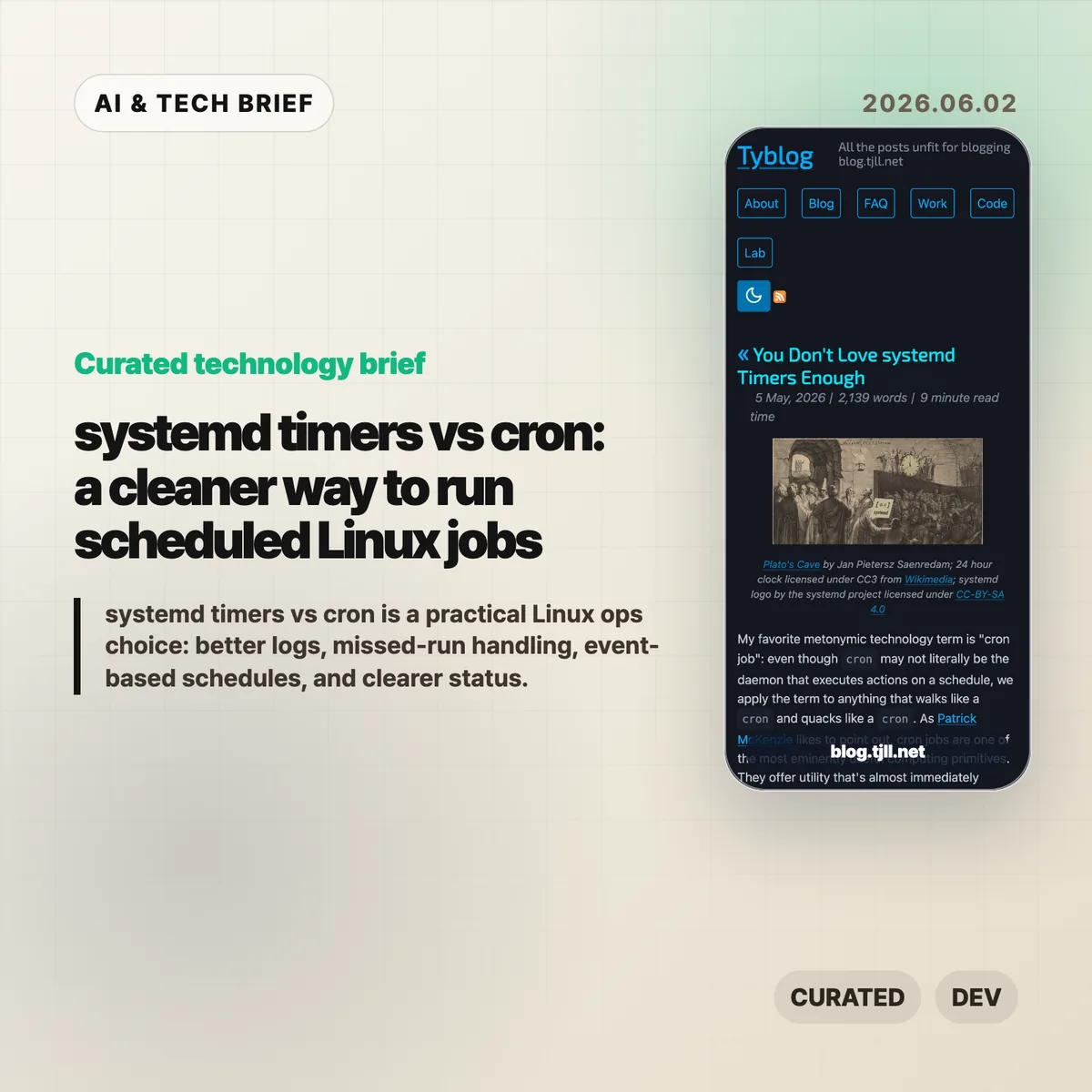
    systemd timers are worth another look if your Linux servers already run systemd and your scheduled jobs have grown beyond a one-line cron entry. The argument is not that cron is obsolete. It is that many production tasks need logs, status, retry behavior, missed-run handling, and readable schedules more than they need the shortest possible config file.

    The short version

    • systemd timers split the schedule from the work: a .timer decides when to run, while a .service defines what runs.
    • For operators, the biggest win is observability. systemctl status, journalctl, and systemctl list-timers make failures easier to inspect than a quiet crontab.
    • Timer expressions can be wall-clock based, such as OnCalendar=daily, or event based, such as OnBootSec=1h and OnUnitActiveSec=1h.
    • Options like Persistent=true, RandomizedDelaySec, and WakeSystem help with laptops, fleets, and jobs that should not all fire at the same second.
    • Cron still matters, especially across mixed Unix, BSD, embedded, or older Linux environments where systemd is not guaranteed.

    What happened

    Tyler Langlois published a long, practical defense of systemd timers as a better default for many scheduled Linux jobs. The piece walks through a service-and-timer pair, shows how timer units activate matching service units, and points readers toward systemd.time(7) and systemd-analyze calendar for checking schedule expressions before trusting them in production.

    The useful part is the framing. Cron makes it easy to say “run this at this time.” systemd timers make it easier to say “run this service under the same supervision, logging, environment, and failure semantics I use for the rest of the machine.” That matters for backups, cleanup jobs, refresh tasks, polling loops, and other background work that becomes painful only after it fails.

    If you follow Linux and infrastructure tooling, this fits naturally beside other practical operations notes in the IT & AI archive: small workflow changes that do not look dramatic, but remove a lot of late-night debugging.

    Why this is worth watching

    systemd timers change the shape of a scheduled job. Instead of hiding the command inside a crontab line, you describe the command as a service unit. That means stdout and stderr land in the journal, the job can use systemd features such as ExecCondition=, OnFailure=, and Restart=, and the current state is visible through familiar systemctl commands.

    The schedule language is also less narrow than classic cron. OnCalendar= covers fixed dates and times. OnBootSec= handles jobs that should run after a machine has been up for a while. OnUnitActiveSec= handles “run again one hour after the last successful activation” style tasks. For many jobs, that is closer to the real requirement than “run at minute 0 of every hour.”

    The fleet angle is easy to miss. If every server checks the same API at midnight, cron can create avoidable spikes unless you build jitter yourself. systemd timers include randomized delay options, so the schedule can spread work across machines without turning the command into a pile of shell glue.

    What Hacker News readers are arguing about

    The Hacker News discussion was tiny, so there is no broad community verdict to report. The most useful objection came from a commenter who works across mixed commercial environments: cron is still the portable skill, and good cron setups can explicitly set PATH, redirect output, and feed audit logs or syslog pipelines.

    That is the right caveat. systemd timers are compelling when systemd is already the operating layer. They are a weaker default if you support BSD, embedded Linux, vendor appliances, HPC systems, or older distributions where systemd is absent or politically unwelcome. The practical takeaway is not “replace every crontab.” It is “do not leave production Linux jobs in cron by habit when systemd would give you better inspection tools.”

    systemd timers in practice

    The safest first test is a job with annoying failure modes: a backup, cleanup task, local cache refresh, or polling script that already sends people looking through logs. Those are the jobs where systemd timers usually pay for their extra unit file.

    The practical read

    Use cron for simple, portable, low-risk jobs. Use systemd timers when you care about status, logs, dependency ordering, missed runs, restart behavior, or event-based scheduling.

    A reasonable migration path is boring: pick one recurring job that already causes questions when it fails. Move the command into a .service, create a matching .timer, validate the schedule with systemd-analyze calendar, then check it with systemctl list-timers and journalctl -u your-job.service. If that feels clearer than the old crontab, move the next job.

    For developer tool builders, there is also a product lesson here. Scheduled work is easier to trust when the system can answer three questions quickly: when did it last run, what happened, and when will it run again? systemd timers get closer to that model than a bare cron line.
    Sources

  • Files SDK tries to make blob storage less annoying

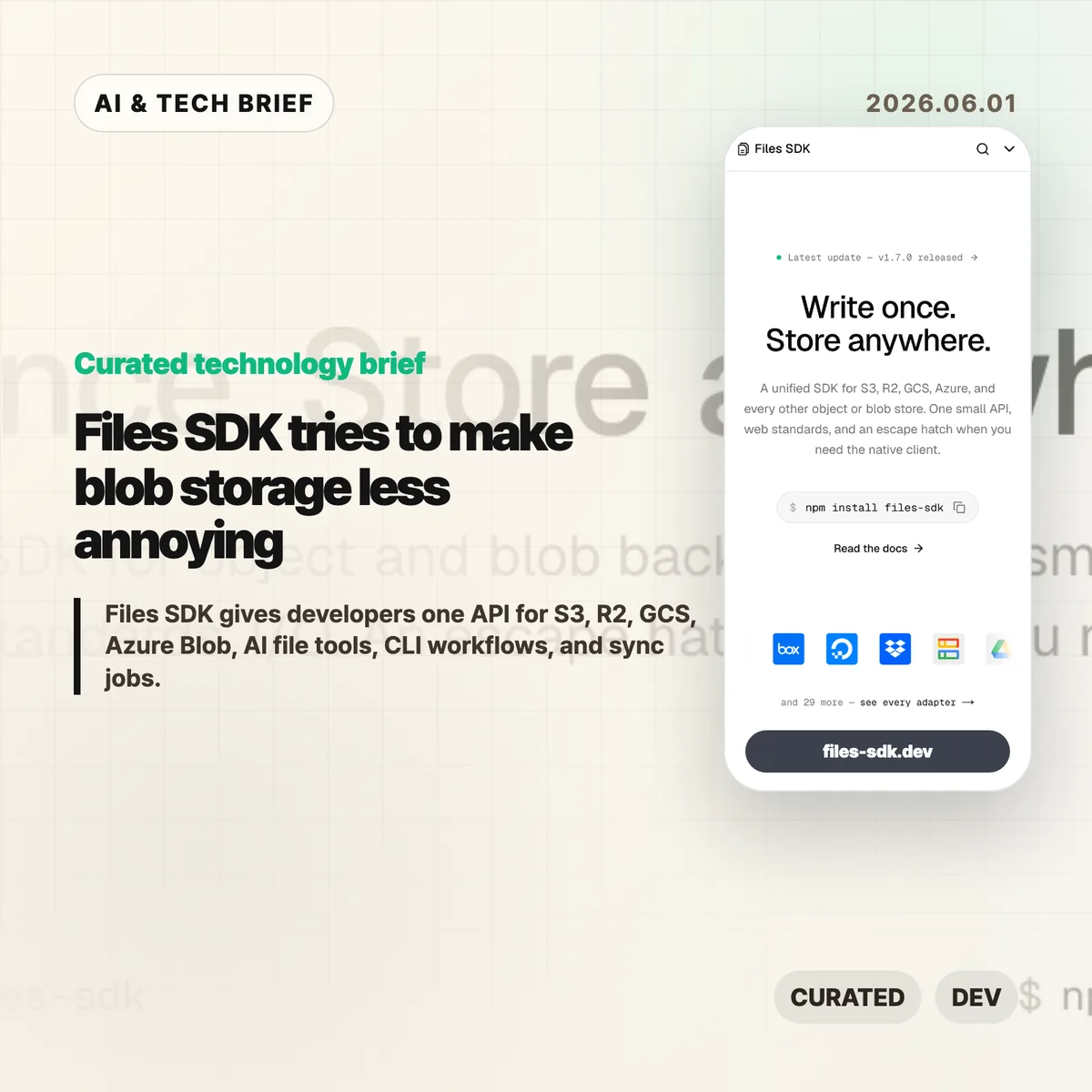
    Files SDK tries to make blob storage less annoying

    Files SDK is an open source JavaScript storage library that puts S3, Cloudflare R2, Google Cloud Storage, Azure Blob, Vercel Blob, Netlify Blobs, MinIO, and other backends behind one file API. The pitch is simple: swap the adapter, keep the upload, download, list, head, copy, move, and delete calls mostly the same. For teams that keep writing the same storage glue in different projects, that is a boring problem worth solving.

    The short version

    • Files SDK advertises 40+ adapters, optional peer dependencies for provider clients, and npm install files-sdk as the base install path.
    • Version 1.7.0, published on May 31, 2026, adds sync() for incremental mirrors, dry runs, pruning, directory-style listing, and related CLI and MCP support.
    • The useful part is not that every storage backend becomes identical. It is that the common path gets smaller while escape hatches remain for native clients.
    • The agent angle matters: Files SDK can generate file tools for the Vercel AI SDK, OpenAI Agents, Claude, and MCP with read-only mode and approval gates.

    What happened

    The project site describes Files SDK as “one API” for object and blob storage, with examples for S3, R2, GCS, Azure Blob, Vercel Blob, Netlify Blobs, and MinIO. Its live snippets show the same basic sequence across providers: create a Files instance with an adapter, then call methods such as upload, download, head, list, and delete.

    The GitHub repository describes the package as a unified storage SDK for object and blob backends with web standards I/O and an escape hatch for native clients. The package is MIT licensed, authored by Hayden Bleasel, and published as an ES module package with a CLI binary named files.

    The latest release is files-sdk@1.7.0. The release notes add a few details that make the project more than a wrapper around upload and download. The new sync() API can mirror one provider into another, skip objects that already match, prune destination keys in mirror mode, and run a dry-run plan before it writes. The same release also adds directory-style listing through a delimiter option.

    Why this is worth watching

    Files SDK is aimed at the code that tends to age badly: migrations, backup scripts, user upload flows, admin tools, and one-off operations that quietly become production dependencies. If a product starts on S3, adds R2 for cheaper egress, stores some files in Vercel Blob, and later needs a GCS migration path, the API differences start leaking everywhere.

    A small abstraction can help there. It gives teams one place to handle routine file work, one CLI surface for scripts and CI, and one shape for bulk operations. The docs call out bounded concurrency for batch calls, async iterable listings, multipart upload, upload progress callbacks, byte-range downloads that map to HTTP 206, and lifecycle hooks such as onAction, onRetry, and onError.

    There is a catch. Storage providers differ in permissions, consistency behavior, object metadata, signed URL rules, regional constraints, and billing. Files SDK looks most useful when teams use it for the shared 80 percent and keep provider-native clients for the cases where those differences matter.

    For more developer tool briefs, the IT & AI archive keeps related coverage in one place.

    What the discussion is missing

    I could not find a public Hacker News thread for Files SDK in the usual search surface, so there is no community consensus to summarize yet. That leaves a few things buyers and maintainers should check directly.

    First, adapter depth matters more than adapter count. A list of 40+ adapters is useful only if the ones you need handle pagination, metadata, retries, range reads, signed URLs, and edge cases the way your app expects. Second, the AI agent file tools deserve a security review before anyone gives them write or delete access. Approval gates and read-only mode are good defaults, but the risk depends on what buckets, paths, and credentials the agent can reach.

    The missing debate is probably where the value lives: is this a clean common layer for boring file work, or will teams hit backend-specific behavior quickly enough that they return to native SDKs? That answer will vary by workload.

    Files SDK in practice

    Files SDK is worth testing if your team already has more than one blob store, expects to migrate between providers, or keeps rebuilding storage scripts for backups and cleanup. Start with a narrow path: list a prefix, copy a few objects, run sync() in dry-run mode, and compare the result against the provider’s native SDK.

    The practical read

    For AI workflows, keep the first integration read-only. Let an agent list and read files before it can upload, move, delete, or sync anything. If write tools are needed, put approval gates on destructive actions and limit the adapter credentials to the smallest bucket or prefix that works.

    Ignore the abstraction if your product depends heavily on provider-specific features. In that case, Files SDK may still be useful for CLI chores or migration scripts, but the core application path should stay close to the native client.

    Sources

  • SQLite durable workflows make a small-stack case for agent infrastructure

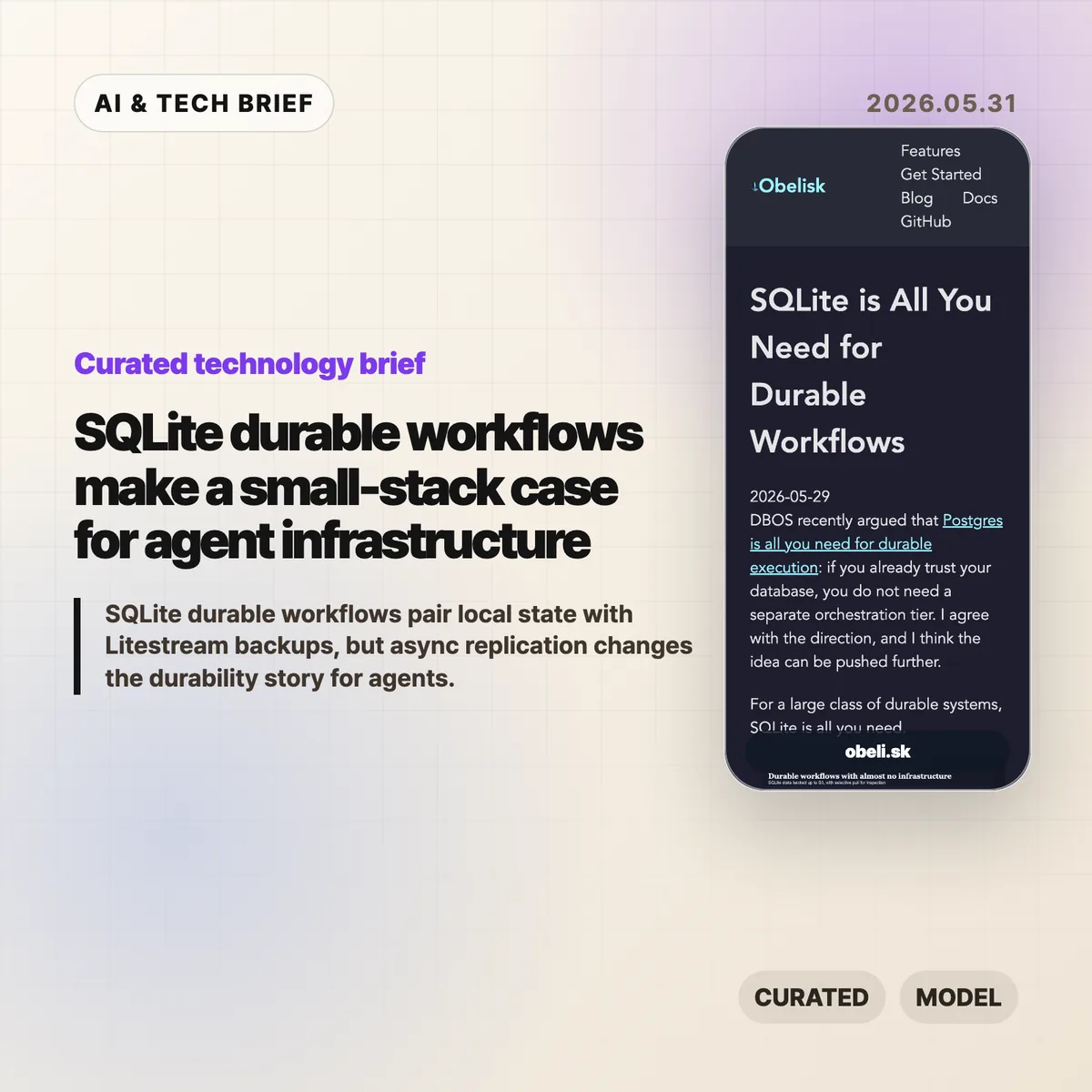
    SQLite durable workflows make a small-stack case for agent infrastructure

    SQLite durable workflows are a bet that many agent systems need reliable state more than they need a heavy orchestration platform on day one. Obelisk argues that a local SQLite database, backed up with Litestream to S3-compatible storage, can be enough for small durable execution systems where losing the newest local writes is acceptable.

    The short version

    • Obelisk’s argument is narrow but useful: keep workflow state close to the runtime, persist an execution log, and replay from history when work resumes.
    • Litestream adds portability by streaming SQLite changes to object storage, but the replication is asynchronous.
    • The pattern fits bursty AI agents, internal automation, prototypes, and tenant-isolated workloads better than large shared systems.
    • Postgres still makes more sense when teams need strong availability, shared writes, mature operations, or a durability model that cannot lose recent local writes.

    SQLite durable workflows in one sentence

    SQLite durable workflows turn a database file into the recovery point for a run, while Litestream makes that file easier to back up and move.

    What happened

    Obelisk published a short piece arguing that SQLite can be enough for a large class of durable workflow systems. The post responds to DBOS’s recent “Postgres is all you need for durable execution” framing and pushes the same idea toward an even smaller database: if the durable part is workflow state, the compute can be disposable.

    The design is simple. An Obelisk server writes workflow progress to SQLite. Workflows can replay from persisted history, and failed activities can be retried. Litestream then streams SQLite changes to S3-compatible object storage for backup, migration, and inspection.

    That last word matters. The article is not claiming that SQLite plus Litestream gives you the same behavior as a highly available shared database. Litestream replication is asynchronous, so a restore can miss the newest writes if the local volume disappears before those writes are copied.

    Why this is worth watching

    SQLite durable workflows are interesting because they match how a lot of agent infrastructure is being built right now: small workers, short spikes of activity, many experiments, and state that is easier to understand when it belongs to one agent or one tenant.

    For that shape, a database file is not a toy. It is a debugging artifact. You can copy it, inspect it locally, replay a run, or move one tenant without dragging a central system into every step. That is different from saying SQLite should replace Postgres everywhere. It is closer to saying that some workflows are naturally partitioned, and those partitions can be operational units.

    The pattern also lines up with a cost question that keeps showing up in developer tools. Before a team adds Temporal, Step Functions, a Postgres-backed workflow engine, or a full control plane, it can ask a smaller question: can the state model survive restarts with SQLite and object storage? For more briefings like this, the IT & AI archive tracks the developer infrastructure stories that keep resurfacing.

    What Hacker News readers are arguing about

    The Hacker News discussion is useful because it pushes back on the word “durable.” The strongest skeptical camp argues that once Litestream’s asynchronous replication is part of the story, the system may be durable enough for experiments but not durable in the stricter production sense. Several commenters called out the risk of losing the most recent local writes, and one reported replacing Litestream in production after upgrade and disk usage concerns.

    The builder camp is more sympathetic. A few commenters said they already use SQLite-backed task state for agents or pipelines because it keeps iteration simple. One pattern that came up: ask an agent to plan a DAG, store each task in SQLite, and rerun only the steps that changed. Another practical argument was token cost. Agents can query a row instead of rereading a pile of Markdown or logs.

    There was also a familiar SQLite-versus-Postgres fight. Critics argued that SQLite is the wrong tool for concurrent production systems. Supporters answered that many workloads do not need multiple writers across machines, and that strongly partitioned state changes the tradeoff. The thread is not evidence that the architecture is safe. It is a good map of where teams will disagree: recent-write loss, concurrency, operator comfort, and whether a workflow engine is worth the overhead.

    The practical read

    Use SQLite durable workflows when the workflow state is small, naturally partitioned, and valuable to inspect. That describes a lot of AI agent workloads: tool calls, step logs, inputs, outputs, retries, and run history for one tenant or one worker.

    Do not use this pattern as a blanket replacement for Postgres or Temporal. If multiple services need to coordinate writes, if the newest write must survive a node loss, or if operations already depend on database-level replication and failover, a network database or dedicated workflow engine is the safer default.

    The good test is plain: if you can explain exactly which writes may be lost before Litestream catches up, and the product can tolerate that, SQLite plus object storage may keep the stack pleasantly small. If that sentence makes you nervous, it probably should.

    Sources

  • Shopify MySQL inventory reservations: 5 lessons

    Shopify MySQL inventory reservations: 5 lessons

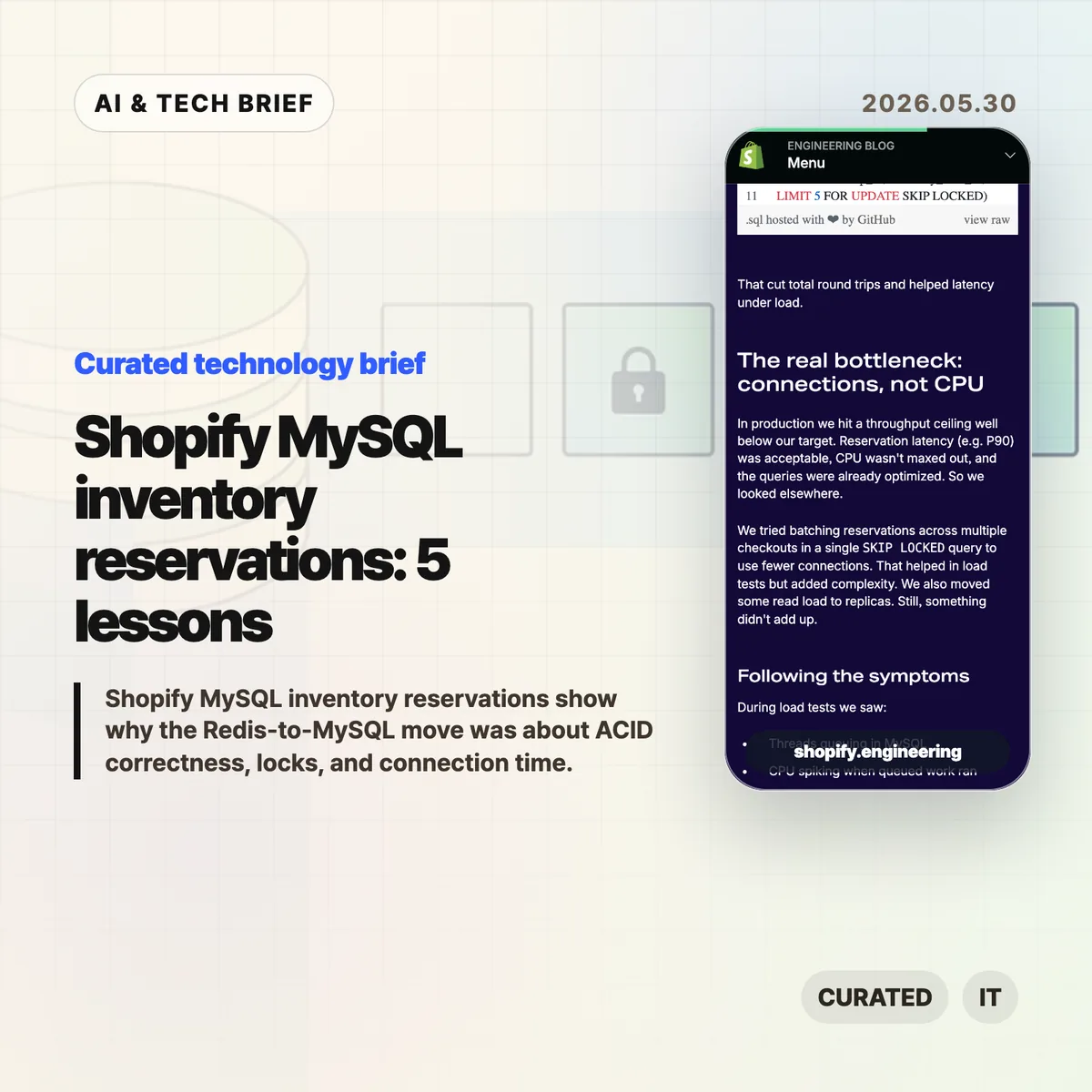
    Shopify MySQL inventory reservations are a useful reminder that a database migration story can be less about raw speed than about removing awkward failure modes. Shopify moved checkout-time inventory holds from Redis into MySQL so reservations and the inventory ledger could live inside the same ACID transaction boundary. The interesting part is how much work it took around SKIP LOCKED, schema shape, isolation level, lock ordering, and connection visibility before the design held up at peak commerce traffic.

    The short version

    • Shopify’s old Redis reservation system handled concurrency, but Redis and the MySQL inventory ledger could not be claimed in one atomic step.
    • The MySQL design used one row per sellable unit, capped the available row pool at 1,000 per item/location pair, and relied on SKIP LOCKED to avoid waiting on rows another checkout had already taken.
    • The migration was not a blanket “MySQL beats Redis” claim. It worked because Shopify changed the data model, tuned transaction behavior, and instrumented the full checkout path.
    • The surprising bottleneck was connection hold time, not simply reservation query latency or database CPU.
    • Shopify says the system handled high-volume flash-sale traffic with writer CPU under 50% and reader CPU under 16% after cleanup and configuration changes.

    What happened

    Shopify published an engineering write-up explaining how it replaced a Redis-backed inventory reservation path with a MySQL design for checkout. The reservation step is the short hold that happens while a buyer is paying. If it is wrong, one buyer may purchase stock that no longer exists, or another buyer may be told an item is sold out when it is still available.

    The old Redis model used operations like DECR and INCR on quantity keys. That was fast enough for concurrency, but it split the reservation state from the MySQL inventory ledger. Once payment succeeded, Shopify had to update MySQL and clean up Redis without a single atomic transaction across both systems.

    The new design put reservations in MySQL. Instead of updating one quantity column for an item, Shopify represented sellable units as rows. A checkout that needs three units selects three rows, skips rows locked by other transactions, and moves the selected units inside the database transaction. That is the core of Shopify MySQL inventory reservations.

    Why this is worth watching for Shopify MySQL inventory reservations

    The practical lesson is that SKIP LOCKED is not magic dust. It only helped because Shopify changed the shape of the data. A single hot row with a quantity column still creates contention. A pool of unit rows gives MySQL something useful to skip.

    Shopify also bounded the row pool. Keeping one row for every unit everywhere would explode for high-stock items, so the system caps available rows at 1,000 per item/location combination and uses a replenishment process to refill the pool from the ledger. That detail matters. It turns a clever locking trick into a design that can survive real catalog size.

    The engineering work continued below the schema. Shopify moved the relevant transactions to READ COMMITTED to avoid gap-lock behavior that blocked replenishment, fixed deadlocks by enforcing a consistent table lock order, and batched multi-line carts with UNION ALL to reduce round trips. For readers who follow backend infrastructure, the broader IT & AI archive is useful because this is the kind of systems story where the headline undersells the operational work.

    What Hacker News readers are arguing about

    The public Hacker News submissions I found were quiet: low score, no comments on the linked discussion. So there is no meaningful community argument to summarize from that thread.

    That silence is still telling in a small way. This is not a flashy framework launch or a new database benchmark. It is an operations-heavy post about transaction boundaries, lock behavior, and connection pools. The missing debate is the one backend teams should have internally: whether a separate coordination service is buying enough simplicity to justify the consistency and operating cost it adds.

    If a team reads the Shopify story as “replace Redis with MySQL,” it will copy the least important part. The useful question is narrower: can the source of truth, the reservation state, and the failure recovery path sit inside one transaction without making the checkout path a bad neighbor for every other database workload?

    The practical read

    Shopify MySQL inventory reservations are worth reading before you add Redis, Kafka, or a custom lock service to a checkout path. The first check is not “which tool is faster?” It is “what state must change atomically, and where does that state live?”

    For builders, the migration suggests five concrete checks:

    • Model contention explicitly. If every buyer fights over the same row, the database choice will not save you.
    • Test the isolation level you actually need. Default settings can be wrong for a narrow high-throughput path.
    • Keep lock acquisition order boring and consistent.
    • Measure connection hold time by caller, not only query latency.
    • Roll out with shadow mode or dual writes when the old system is still the safer source of truth.

    The app-builder angle is straightforward: checkout reliability affects conversion. For commerce apps, marketplaces, and inventory plugins, a reservation bug is not a backend detail. It can become a canceled order, a support ticket, or a merchant who stops trusting the platform.

    Sources

  • Container registry API: 5 things Docker hides

    Container registry API: 5 things Docker hides

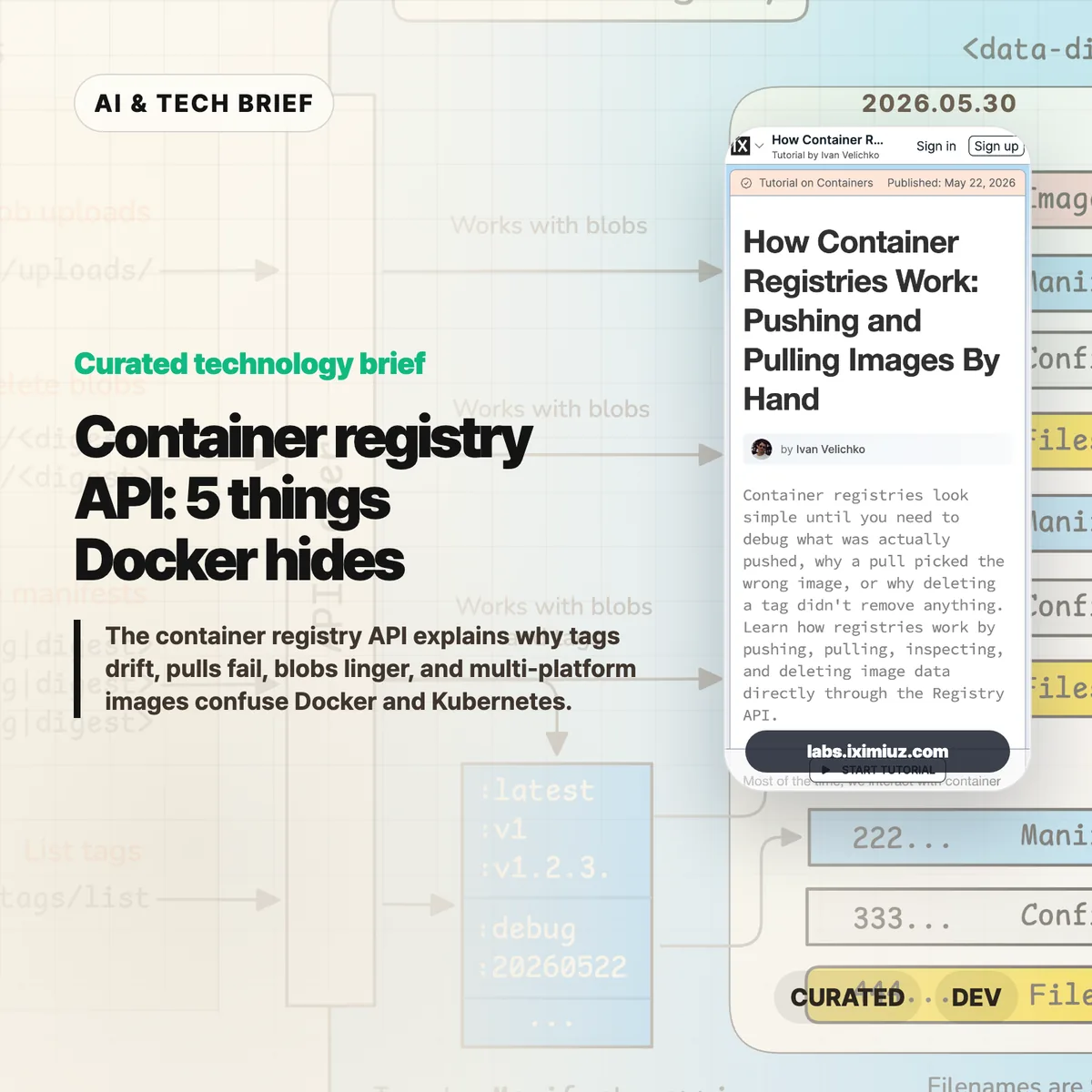
    The container registry API is the part of Docker and Kubernetes that most teams only meet when something breaks. Ivan Velichko’s iximiuz Labs tutorial is useful because it strips the registry down to HTTP calls: upload blobs, attach a manifest, pull by digest, list tags, and see what deletion really means.

    The short version

    • A registry is closer to a content-addressed blob store than a simple tag database.
    • docker push uploads layer and config blobs first, then publishes a JSON manifest that points at them.
    • docker pull starts with the manifest, so many pull failures are easier to debug if you inspect that document before blaming the runtime.
    • Deleting a tag is not the same as deleting every blob behind the image.
    • Multi-platform images add an image index above per-platform manifests, which is where amd64 versus arm64 confusion often starts.

    What happened

    iximiuz Labs published a hands-on tutorial called “How Container Registries Work: Pushing and Pulling Images By Hand.” It walks through the OCI-style registry flow with curl, not Docker. The tutorial starts with raw blob upload and download, then builds toward pushing an image manifest, listing tags, pulling image contents, deleting image data, and storing multi-platform images.

    The point is not that everyone should replace Docker with shell scripts. The point is that the registry has a small, inspectable HTTP surface. A blob upload starts with POST /v2/<repo>/blobs/uploads/, finishes with a digest-aware PUT, and a tag appears when a manifest is pushed to PUT /v2/<repo>/manifests/<tag>. Once you see that flow, tags stop feeling like magic labels and start looking like pointers to JSON documents.

    Why this is worth watching

    The registry gives platform teams a better failure model. If a cluster pulls the wrong image, the useful question is not “why is Docker weird?” It is which manifest the tag currently resolves to, which config and layer digests that manifest references, and whether the client selected the right platform entry.

    That matters in boring, expensive ways. A CI pipeline can push successfully while production still resolves an older digest. A cleanup job can remove a tag while shared layer blobs remain. An Apple Silicon laptop can produce an image that works locally but misses the manifest entry a mixed Kubernetes fleet expects. These are not exotic edge cases. They are the kind of problems that show up after a release, when people are looking at dashboards instead of registry headers.

    The tutorial also hints at a broader registry shift without over-selling it. OCI registries now hold more than runnable images: Helm charts, SBOMs, provenance attestations, and other artifacts can use the same distribution model. For more infrastructure briefs, the IT & AI archive tracks similar developer-tool shifts as they move from novelty into operational plumbing.

    What the container registry API shows

    The container registry API shows that image delivery is mostly a chain of small claims: this tag points to this manifest, this manifest points to these digests, and these digests are the bytes the runtime needs. Once that chain is visible, debugging gets less mystical.

    What the discussion is missing

    There does not appear to be a public Hacker News thread for this specific tutorial. That is a shame, because the useful debate would probably be practical rather than philosophical.

    The missing discussion is about where teams should draw the line. Most engineers do not need to hand-push manifests every week. But build, SRE, security, and platform teams benefit from knowing enough of the container registry API to answer three questions during an incident: what does this tag point to, which blobs does this manifest need, and did the client choose the platform variant we expected?

    The other open question is tooling. crane, regctl, oras, and registry vendor CLIs already wrap much of this work. The best use of the tutorial is not memorizing every endpoint. It is learning the mental model behind those tools so their output makes sense under pressure.

    The practical read

    If you ship containers, run through the tutorial once with a throwaway registry. Then add a few registry-level checks to your normal debugging playbook.

    Start by resolving tags to digests before and after a deploy. Inspect the manifest media type when a pull fails on one architecture but not another. Treat deletion as a manifest-and-garbage-collection problem, not a tag-removal problem. For security work, check whether the artifacts you care about, such as SBOMs or attestations, are attached in a way your scanners and deployment systems can actually find.

    That is the practical value of the container registry API. It turns image distribution from a black box into a set of documents and blobs you can inspect.

    Sources

  • Gentoo Linux still asks who controls your system

    Gentoo Linux still asks who controls your system

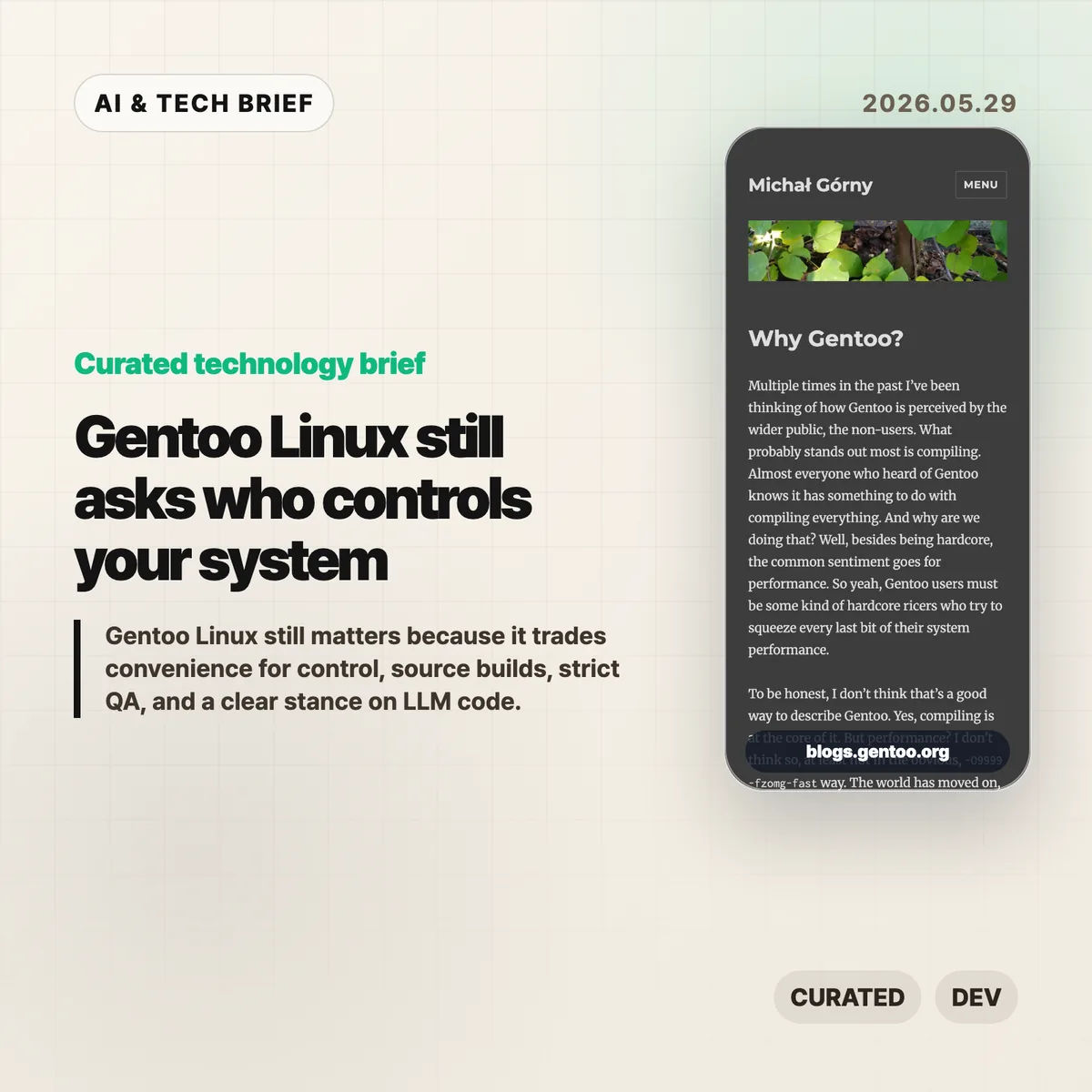
    Gentoo Linux is easy to caricature as the distribution for people who enjoy waiting for compilers. Michał Górny’s new essay makes a sharper case: the point is not raw speed, it is control. Gentoo is still useful because it forces an old but unresolved question onto the table: who gets to decide what your system includes, how it is built, and which code you trust?

    The short version

    • Gentoo Linux is less about squeezing out a few percent of performance and more about letting users choose build options, dependencies, init systems, libc variants, and patches.
    • Its governance pitch is independence: no single company, donor, forge, or business model should be able to steer the distribution on its own.
    • The security argument is practical, not nostalgic. Gentoo cares about bundled dependencies, static linking, pinned libraries, mirrors, OpenPGP distribution channels, and QA policy.
    • Its ban on LLM generated contributions has become part of the project’s trust model, even though upstream software may still contain AI-assisted code.
    • For more open source and AI infrastructure briefs, see the IT & AI archive.

    What happened

    Górny opens by pushing back on the usual Gentoo joke. Yes, Gentoo builds from source. No, that does not mean the main payoff in 2026 is turning on exotic compiler flags and beating Ubuntu in a benchmark. Modern CPUs are fast, mainstream distributions optimize their packages, and most desktop users will not feel a meaningful difference.

    The better argument is that source builds give Gentoo Linux a different contract with the user. Portage and USE flags make build choices visible. You can decide which optional features a package should include, patch a package before it builds, keep or reject parts of the dependency graph, and run combinations that a binary distribution may never ship as first-class options.

    That matters most when defaults are not enough. A developer can drop a local patch into Portage and have it applied across future package rebuilds. A systems operator can keep a narrow stack rather than accept every optional feature a maintainer enabled for the average user. None of this is frictionless. The trade is time and attention in exchange for a system that explains itself.

    Why this is worth watching

    The essay also frames Gentoo as a governance project. There is no company behind it, no SaaS funnel, and no single commercial roadmap. Infrastructure comes from donations and volunteer work. Górny says the project is even moving away from the Gentoo Foundation toward Software in the Public Interest to reduce the chance that legal or financial administration becomes a bottleneck.

    That may sound organizational, but it affects the software. A distribution depends on servers, mirrors, signing keys, package review, bug handling, and release discipline. If those pieces sit behind one sponsor or one platform, the technical system inherits that dependency.

    Gentoo’s position is more conservative. Codeberg and GitHub can be useful mirrors and contribution channels, but the project does not want to depend on either. That is not a fashionable answer, and it is not the cheapest answer. It is the answer you expect from people who think a distribution should survive a platform policy change or a sponsor walking away.

    Security is where the philosophy gets concrete

    The most practical part of the essay is the security section. Gentoo’s maintainers talk about a dedicated security team, project-controlled infrastructure, OpenPGP-protected distribution channels, and QA rules that often push against upstream habits.

    The examples are familiar to anyone who has dealt with software supply chain risk: bundled dependencies, static linking, pinned versions, and old libraries hiding inside packages. These choices may make upstream development easier, but they can make downstream security updates painful. A distribution that builds from source has more room to catch and unwind those choices, although it also inherits more combinations to test.

    This is the part of Gentoo Linux that feels newly relevant. The industry has spent years hiding build systems behind container images, package registries, managed runtimes, and remote development environments. Those tools are often the right choice. But when something breaks or a dependency becomes toxic, somebody still has to understand the layers underneath.

    What Hacker News readers are arguing about

    The Hacker News discussion is small, but the split is useful. Some longtime users defended Gentoo as a uniquely customizable system. One practical example stood out: putting a local patch under /etc/portage/patches/ so it applies automatically whenever a package is rebuilt. That is the kind of feature that explains Gentoo better than a performance benchmark.

    The more heated thread was about LLM generated code. One commenter said AI tools had helped them fix Arch User Repository package builds and that Gentoo’s strict policy would make contributing less appealing. Others argued that overlays still let users maintain their own packages, while critics called the policy inconsistent because upstream projects may already include AI-assisted changes before Gentoo packages them.

    The strongest defense of the policy was not anti-AI in the abstract. It was about review burden. If maintainers cannot tell whether a patch is understood by the person submitting it, the project absorbs risk it did not choose. The skeptical reply is fair too: a downstream distribution cannot fully audit how every upstream project writes code. Gentoo can set rules for its own tree, but it cannot make the wider ecosystem human-written by decree.

    There was also the expected comparison to Nix and Guix. That comparison is worth making because those systems offer a more formal model for reproducibility and package composition. Gentoo’s answer is different. It is less about a pure functional model and more about giving the local machine, the local maintainer, and the local patch set a lot of room.

    Gentoo Linux trade-offs

    The harder part is deciding when this model is worth the work. Gentoo Linux gives you more control, but it also asks you to carry more context in your head. That is a bad bargain for casual use and a good bargain when the build itself is part of what you need to understand.

    The practical read

    Most people should not switch to Gentoo Linux after reading one essay. Fedora, Ubuntu, Debian, Arch, NixOS, and managed developer environments are easier defaults for many teams. Convenience is not a moral failure.

    But Gentoo remains a useful benchmark for a different value system. If your team ships infrastructure, maintains internal developer tools, or depends on a large open source supply chain, Gentoo’s questions are worth borrowing. Which dependencies are bundled? Which features are enabled by default? Can you patch a package without forking your whole workflow? Who reviews code generated by an LLM? Who understands the system when the abstraction leaks?

    That is the reason this story still travels. Gentoo Linux is not only a distribution. It is a reminder that control has a cost, and sometimes that cost is the point.

    Sources