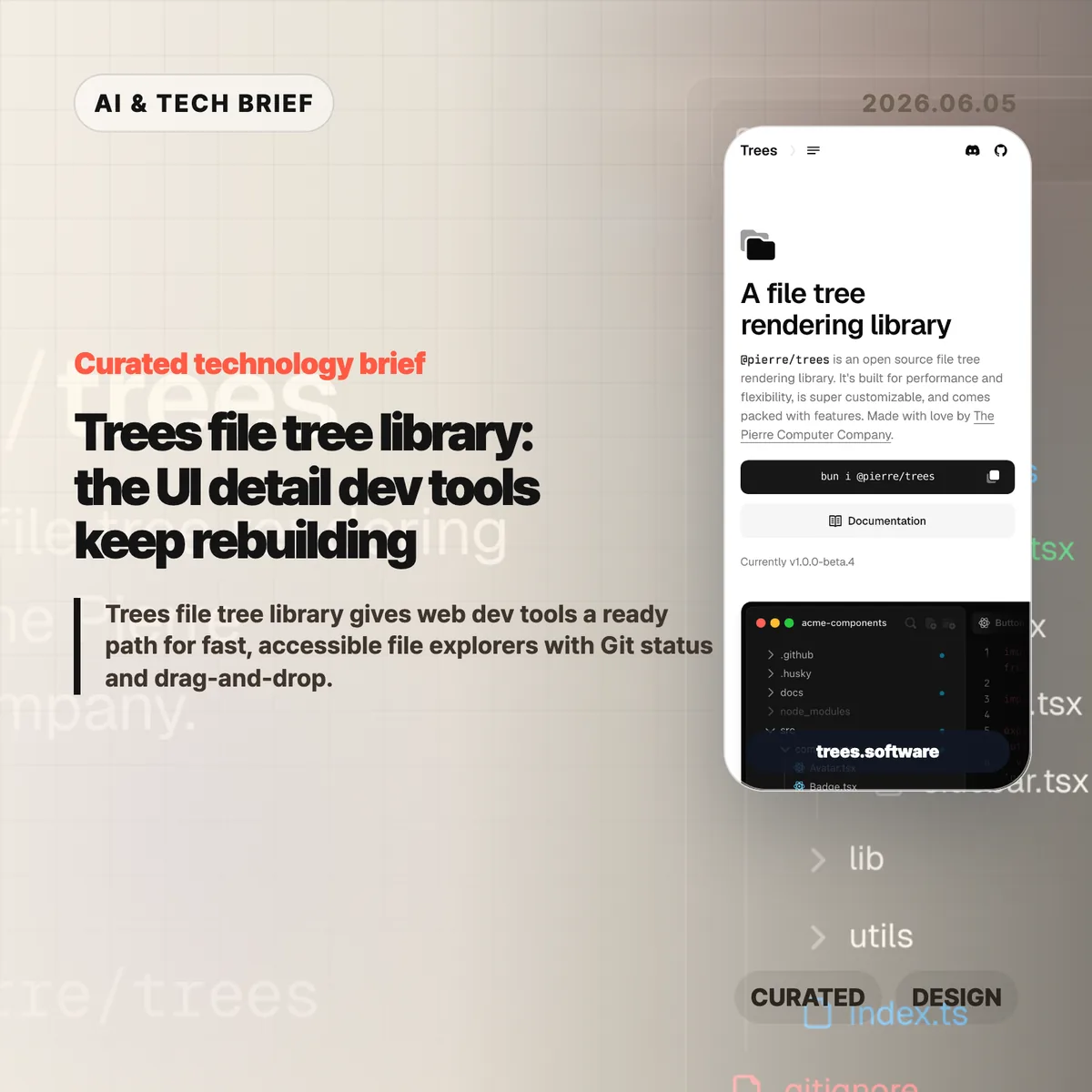
Trees file tree library is an open source package from The Pierre Computer Co. for rendering VS Code-style file explorers on the web. The project page lists @pierre/trees as v1.0.0-beta.4, and its demo highlights automatic virtualization, Git status, drag-and-drop, search modes, ARIA tree roles, and theme control in one sidebar component.
Table of Contents
The short version
- Trees is an open source file tree rendering library from The Pierre Computer Co., currently shown as v1.0.0-beta.4 on its product page.
- The package focuses on the dull but expensive parts of developer-tool UI: flattened directory chains, Git status badges, context menus, search modes, drag-and-drop, and icon theming.
- Its strongest technical claim is automatic virtualization. The demo says only visible rows are mounted and shows a fully expanded tree with 2,956 files.
- Accessibility is part of the pitch, with keyboard navigation, focus management, ARIA tree roles, and WCAG 2.1 guidance called out on the source page.
- The Hacker News submission exists, but the thread is nearly empty, so the useful questions are still coming from builders rather than commenters.
What happened
The Pierre Computer Co. released Trees as a web file tree rendering library under the @pierre/trees package name. The product page describes it as open source, built for performance and flexibility, and aimed at file and directory navigation inside developer tools.
The feature set reads like a checklist from a real code editor sidebar. Trees can collapse single-child folder chains with flattenEmptyDirectories, show Git status for added, modified, deleted, renamed, untracked, and ignored files, and mark folders that contain changed descendants. It also supports custom context menus, drag-and-drop between folders or the root, and search modes that hide, collapse, or expand non-matching paths.
That is a narrow product surface, but it is not a trivial one. A file explorer becomes infrastructure once a tool handles large repositories, AI-generated diffs, cloud workspaces, or review flows where users need to understand what changed before they trust an action.
Why Trees file tree library is worth watching
Trees file tree library is worth watching because The Pierre Computer Co. is treating file navigation as developer-tool infrastructure, not a throwaway sidebar. The public demo names @pierre/trees v1.0.0-beta.4, lists Git status states for added, modified, deleted, renamed, untracked, and ignored files, and shows a fully expanded 2,956-file tree with automatic virtualization.
Those details matter for monorepos and generated projects, where rendering the whole tree can make selection and scrolling feel broken even when the data model is fine. A basic nested list is easy to build. A file tree that remains fast with thousands of entries, behaves correctly with a keyboard, shows Git state, and still fits a branded product is a different job.
The accessibility details are also worth noting. Trees lists keyboard shortcuts for focus movement, expansion, selection, multi-select, type-ahead search, and tab focus. It also references ARIA roles such as tree and treeitem, plus aria-level, aria-posinset, and aria-setsize. Those are the details teams often postpone until a customer or internal accessibility review forces the issue.
For more developer-tool coverage, see the IT & AI archive.
What does Trees file tree library change for builders?
Trees file tree library gives builders a starting point for the file explorer instead of forcing every web IDE, admin console, code review tool, or documentation product to rebuild the same sidebar. The practical gain is not only fewer lines of UI code. It is fewer hidden decisions around focus behavior, drag targets, Git decorations, search filtering, and theme integration.
The trade-off is the usual one for a young specialized library. Trees is shown as v1.0.0-beta.4, so teams should test API stability, bundle cost, framework fit, and edge cases before committing it to a core workflow. The package looks strongest for products already close to the Pierre ecosystem or for teams that need a polished file tree quickly and would otherwise spend weeks on details users only notice when they fail.
There is also an AI-adjacent reason this category is getting more important. Coding agents change files quickly. Humans still need a readable map of what changed, which files matter, and which folders hide work in progress. A fast file tree will not make an AI coding tool safer by itself, but it gives review and navigation screens a better base.
What Hacker News readers are arguing about
The Hacker News submission for Trees exists, but it has almost no discussion at the time of writing. That absence is useful in its own way: the project has a clear product demo, yet the public technical debate has not caught up.
The questions worth asking are the ones a longer thread would likely surface. How stable is the API while the package is still beta? How well does virtualization behave with variable row heights, custom icons, and nested drag targets? Can the accessibility model hold up once a product adds multi-select, rename fields, context menus, and async file loading? And for teams outside the Pierre stack, how much styling and state management do they need to own themselves?
So the discussion is not evidence of broad adoption yet. Treat it as an early signal for a common developer-tool problem: file navigation is easy to underestimate, and the cost shows up late.
The practical read
Use Trees as a reference point when a product needs a browser-based IDE, code review surface, repo browser, AI coding dashboard, or cloud console with a real file explorer. The concrete benchmark to copy is not visual polish; it is the combination of v1.0.0-beta.4 features: visible-row virtualization, 2,956-file demo scale, Git status badges, drag-and-drop controls, search modes, keyboard shortcuts, ARIA roles, and CSS/Shiki theming.
Test it with your worst repository, not a toy example. Expand everything, search across paths, move folders, try keyboard-only navigation, turn on Git status, switch themes, and run it through a screen reader pass. If those tests hold, Trees can save real UI time. If they fail, the failure will still tell you which parts of your file tree spec were missing.
The safest bet is to treat Trees as product infrastructure, not decoration. File trees sit between the user’s mental model and the codebase. When that layer is slow or confusing, the rest of the tool feels less trustworthy.