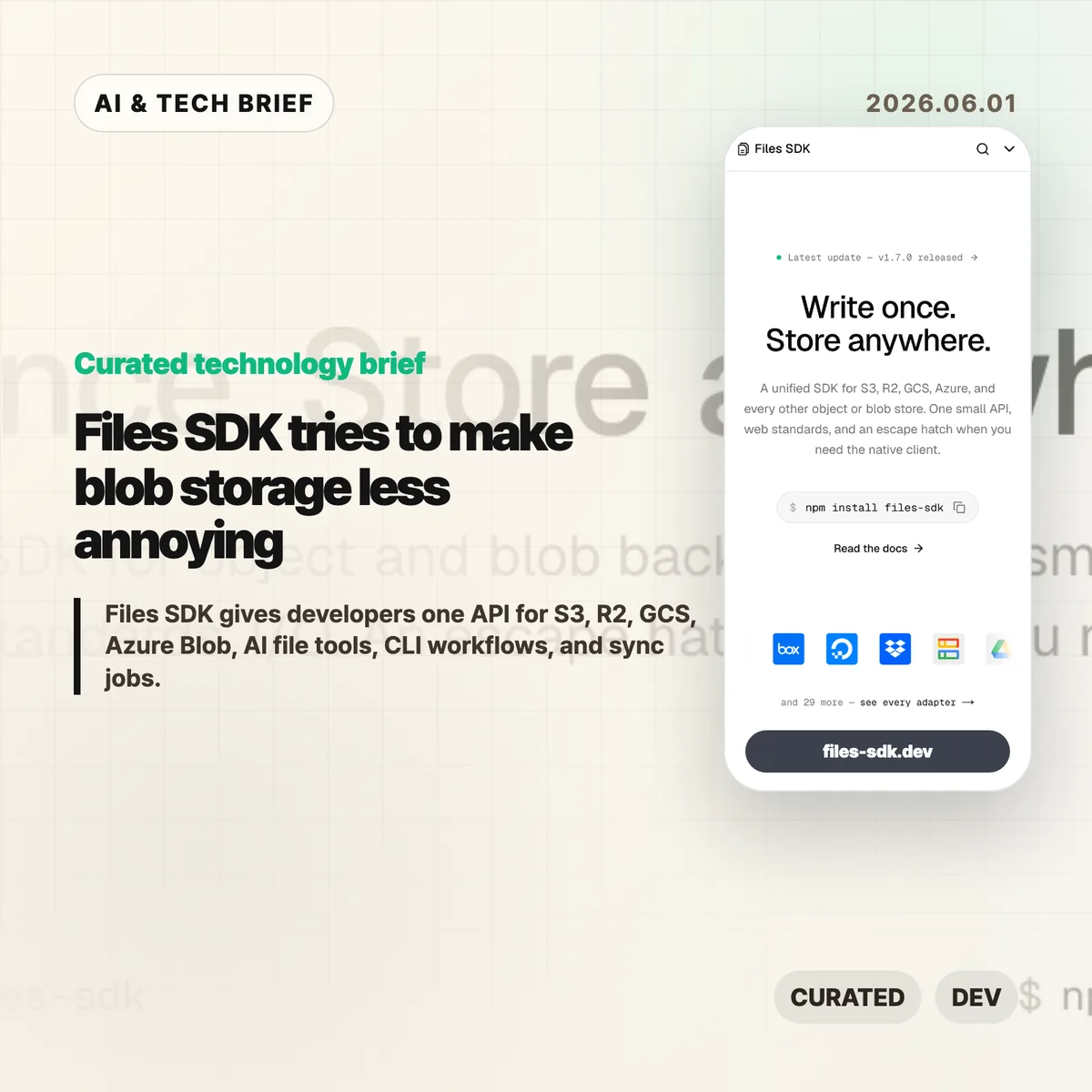
Files SDK is an open source JavaScript storage library that puts S3, Cloudflare R2, Google Cloud Storage, Azure Blob, Vercel Blob, Netlify Blobs, MinIO, and other backends behind one file API. The pitch is simple: swap the adapter, keep the upload, download, list, head, copy, move, and delete calls mostly the same. For teams that keep writing the same storage glue in different projects, that is a boring problem worth solving.
Table of Contents
The short version
- Files SDK advertises 40+ adapters, optional peer dependencies for provider clients, and
npm install files-sdkas the base install path. - Version 1.7.0, published on May 31, 2026, adds
sync()for incremental mirrors, dry runs, pruning, directory-style listing, and related CLI and MCP support. - The useful part is not that every storage backend becomes identical. It is that the common path gets smaller while escape hatches remain for native clients.
- The agent angle matters: Files SDK can generate file tools for the Vercel AI SDK, OpenAI Agents, Claude, and MCP with read-only mode and approval gates.
What happened
The project site describes Files SDK as “one API” for object and blob storage, with examples for S3, R2, GCS, Azure Blob, Vercel Blob, Netlify Blobs, and MinIO. Its live snippets show the same basic sequence across providers: create a Files instance with an adapter, then call methods such as upload, download, head, list, and delete.
The GitHub repository describes the package as a unified storage SDK for object and blob backends with web standards I/O and an escape hatch for native clients. The package is MIT licensed, authored by Hayden Bleasel, and published as an ES module package with a CLI binary named files.
The latest release is files-sdk@1.7.0. The release notes add a few details that make the project more than a wrapper around upload and download. The new sync() API can mirror one provider into another, skip objects that already match, prune destination keys in mirror mode, and run a dry-run plan before it writes. The same release also adds directory-style listing through a delimiter option.
Why this is worth watching
Files SDK is aimed at the code that tends to age badly: migrations, backup scripts, user upload flows, admin tools, and one-off operations that quietly become production dependencies. If a product starts on S3, adds R2 for cheaper egress, stores some files in Vercel Blob, and later needs a GCS migration path, the API differences start leaking everywhere.
A small abstraction can help there. It gives teams one place to handle routine file work, one CLI surface for scripts and CI, and one shape for bulk operations. The docs call out bounded concurrency for batch calls, async iterable listings, multipart upload, upload progress callbacks, byte-range downloads that map to HTTP 206, and lifecycle hooks such as onAction, onRetry, and onError.
There is a catch. Storage providers differ in permissions, consistency behavior, object metadata, signed URL rules, regional constraints, and billing. Files SDK looks most useful when teams use it for the shared 80 percent and keep provider-native clients for the cases where those differences matter.
For more developer tool briefs, the IT & AI archive keeps related coverage in one place.
What the discussion is missing
I could not find a public Hacker News thread for Files SDK in the usual search surface, so there is no community consensus to summarize yet. That leaves a few things buyers and maintainers should check directly.
First, adapter depth matters more than adapter count. A list of 40+ adapters is useful only if the ones you need handle pagination, metadata, retries, range reads, signed URLs, and edge cases the way your app expects. Second, the AI agent file tools deserve a security review before anyone gives them write or delete access. Approval gates and read-only mode are good defaults, but the risk depends on what buckets, paths, and credentials the agent can reach.
The missing debate is probably where the value lives: is this a clean common layer for boring file work, or will teams hit backend-specific behavior quickly enough that they return to native SDKs? That answer will vary by workload.
Files SDK in practice
Files SDK is worth testing if your team already has more than one blob store, expects to migrate between providers, or keeps rebuilding storage scripts for backups and cleanup. Start with a narrow path: list a prefix, copy a few objects, run sync() in dry-run mode, and compare the result against the provider’s native SDK.
The practical read
For AI workflows, keep the first integration read-only. Let an agent list and read files before it can upload, move, delete, or sync anything. If write tools are needed, put approval gates on destructive actions and limit the adapter credentials to the smallest bucket or prefix that works.
Ignore the abstraction if your product depends heavily on provider-specific features. In that case, Files SDK may still be useful for CLI chores or migration scripts, but the core application path should stay close to the native client.