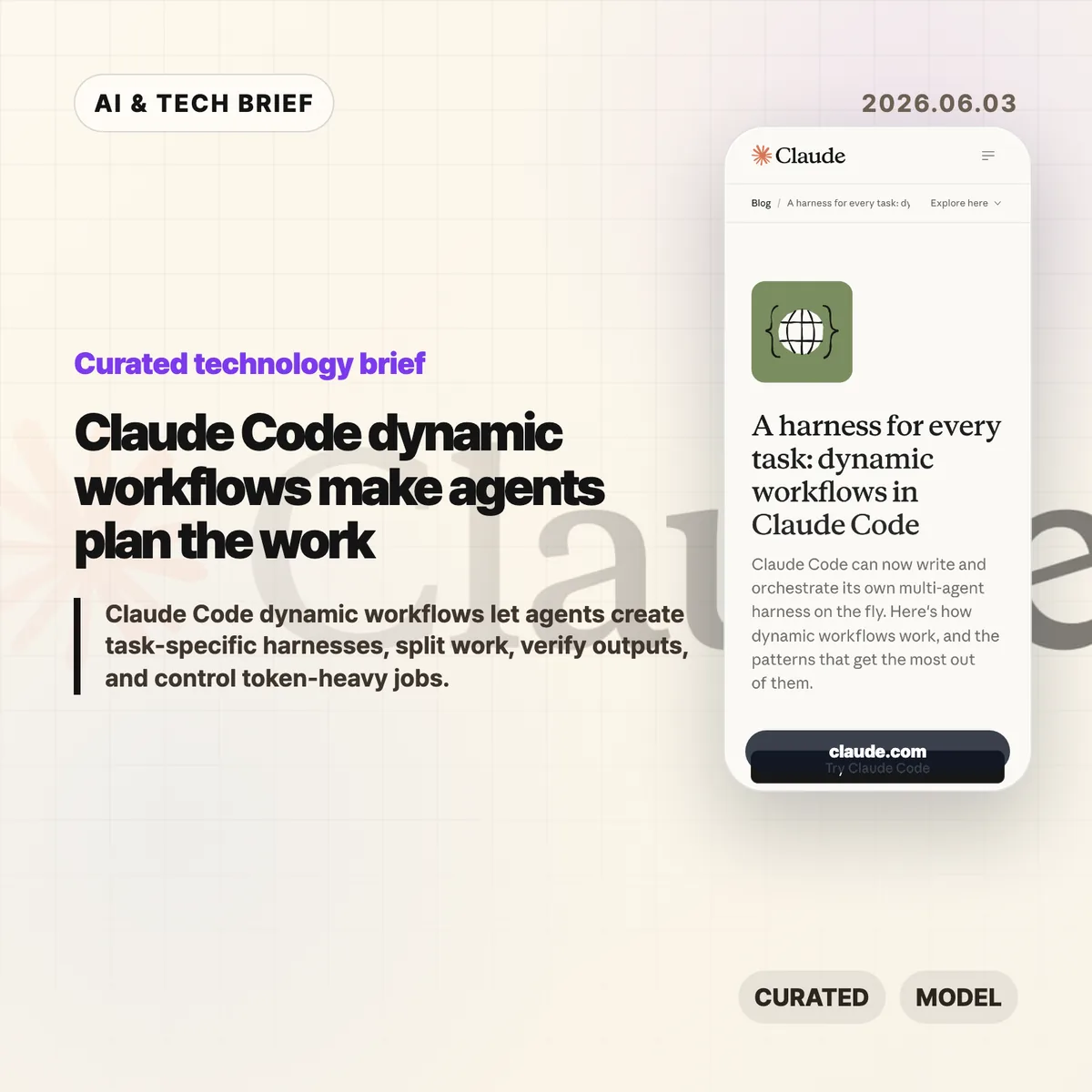
Claude Code dynamic workflows let Claude Code write a task-specific JavaScript harness, spawn subagents, and coordinate the result instead of keeping a long job in one chat thread. Anthropic introduced the feature on June 2, 2026, and frames it as a way to handle complex coding, research, security, triage, and verification work without forcing developers to build the orchestration layer by hand.
Table of Contents
The short version
- Claude Code dynamic workflows create custom harnesses for a task, then use subagents to split, verify, compare, or synthesize work.
- Anthropic names seven useful patterns: classify-and-act, fan-out-and-synthesize, adversarial verification, generate-and-filter, tournament, loop until done, and model routing.
- The feature is aimed at complex, high-value jobs such as refactors, migrations, deep research, source checking, support triage, and root-cause analysis.
- The trade-off is cost and complexity. Anthropic says dynamic workflows can use significantly more tokens and are not needed for ordinary coding tasks.
What happened
Anthropic says Claude Code can now create a custom harness on the fly for the job in front of it. The harness is a JavaScript file with special functions for spawning and coordinating subagents, plus ordinary JavaScript utilities such as JSON, Math, and Array for processing data. A workflow can choose which model an agent uses and whether subagents run in their own worktree, which matters when a task needs isolation or a higher intelligence model.
The company’s post describes this as a move beyond static orchestration. Developers could already coordinate multiple Claude Code runs through the Claude Agent SDK or claude -p, but those static harnesses tend to be generic because they have to survive many edge cases. Dynamic workflows push more of that planning into Claude Code itself: ask for a workflow, or use Anthropic’s trigger word “ultracode,” and Claude Code can build a structure for the current task.
Why this is worth watching
Claude Code dynamic workflows are worth watching because Anthropic is moving Claude Code from a single assistant loop toward task-level orchestration. In the June 2, 2026 post, Anthropic names three failure modes that show up in long agent runs: agentic laziness, self-preferential bias, and goal drift. Those are practical problems, not abstract benchmark issues.
A separate harness gives Claude Code a cleaner way to check work against evidence and rubrics. One subagent can inspect logs, another can review files, another can verify claims, and a synthesis step can wait until each branch returns structured output. The feature will matter if that structure reduces missed requirements more often than it burns extra tokens. For more analysis of developer tooling and AI systems, see the IT & AI archive.
What does Claude Code dynamic workflows change for developers?
Claude Code dynamic workflows let developers request a repeatable process with a stop condition, a rubric, and isolated work streams. Anthropic’s examples include reproducing a flaky test that fails 1 in 50 runs, mining the last 50 Claude Code sessions for repeated corrections, checking every technical claim in a draft against a codebase, ranking 80 resumes, and reviewing a business plan from investor, customer, and competitor viewpoints.
The strongest fit is work where one context window becomes a liability. Large refactors can be split by call site, module, or failing test. Security reviews can assign one verifier per rule. Research workflows can fan out source gathering and then check claims. Triage workflows can classify a backlog, dedupe it against known issues, and quarantine agents that read untrusted public content from agents that can take higher privilege actions.
Seven workflow patterns Anthropic highlights
Anthropic’s seven workflow patterns turn Claude Code dynamic workflows into something developers can prompt deliberately. Classify-and-act routes different tasks to different behavior. Fan-out-and-synthesize splits work into clean contexts and merges structured outputs after a barrier. Adversarial verification asks another agent to check a result against a rubric. Generate-and-filter produces candidates, removes duplicates, and keeps the best tested ideas.
The remaining patterns handle comparison, persistence, and model choice. Tournament workflows make agents compete on the same task and use judging agents for pairwise comparisons. Loop-until-done workflows keep spawning work until no new findings or errors remain. Model and intelligence routing uses a classifier agent to decide whether a job needs a cheaper model or a stronger one such as Opus. The pattern list gives teams concrete language to use instead of vague prompts like “be thorough.”
When not to use Claude Code dynamic workflows
Claude Code dynamic workflows should not become the default for every prompt. Anthropic says the feature is new, best practices are still developing, and workflows may consume significantly more tokens. Most normal coding tasks do not need five reviewers, a tournament bracket, or a loop that keeps running until a broad condition is met.
A good rule is to reserve workflows for jobs where the structure is part of the value. Use them when the task needs parallel evidence gathering, adversarial checking, repeated passes, isolated worktrees, or qualitative comparison at scale. Skip them for a small bug fix, a one-file change, or a question where a normal Claude Code session can answer cleanly. Token budgets can also be set directly in the prompt, such as asking the workflow to stay under 10,000 tokens.
What Hacker News readers are arguing about
The Hacker News submission for Anthropic’s post existed when checked, but it had no substantive discussion attached to it. That means there is no useful community consensus to summarize yet, and it would be misleading to turn a quiet thread into a debate.
The missing discussion is still worth noting. The questions developers should bring to a fuller thread are predictable: whether dynamic workflows are reliable enough for real codebases, how often they waste tokens, how safe the worktree isolation is, whether adversarial verification catches real mistakes, and whether teams can share reusable workflows without turning them into brittle scripts. Treat the Hacker News link as a place to watch for later operator feedback, not as evidence today.
The practical read
Claude Code dynamic workflows are best understood as an orchestration feature for messy work. If your team already knows how to decompose a task, the feature may remove boilerplate around spawning agents and combining results. If your team does not know the right rubric, stop condition, or trust boundary, the workflow can still produce confident noise.
The first experiments should be bounded. Try a flaky-test reproduction, a code review checklist, a migration with isolated worktrees, or a claim-verification pass on a technical document. Give Claude Code the workflow pattern you want, the token budget, the stop condition, and the rubric for success. Then inspect the transcript and saved workflow before using it on a higher-stakes job.