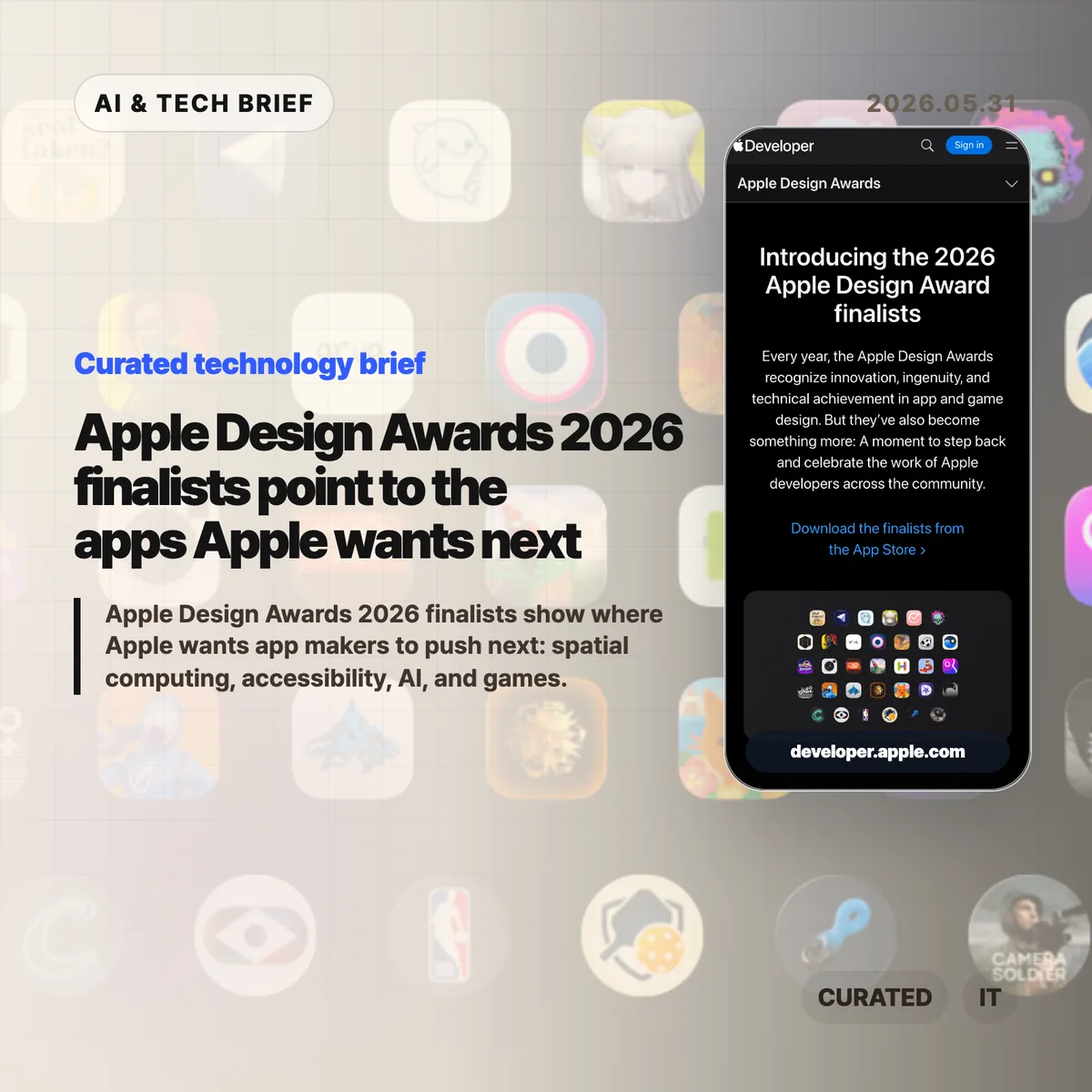
Apple Design Awards 2026 finalists are less about trophy-season polish than about platform direction. Apple’s list points developers toward spatial computing, built-in accessibility, practical AI features, and games that treat Apple silicon as a serious target.
Table of Contents
The short version
- Apple named finalists across Delight and Fun, Inclusivity, Innovation, Interaction, Social Impact, and Visuals and Graphics.
- The list gives visionOS more room than a casual reader might expect, with apps such as Metaballs, NBA, and Caradise built around spatial experiences.
- Accessibility appears inside core product flows, from VoiceOver guitar instruction to live captions and structured planning.
- AI shows up as editing help, transcription, scheduling, and health support rather than as a standalone gimmick.
- For builders, the useful read is simple: Apple is rewarding apps that use the platform deeply, not apps that merely look native.
What happened
Apple published the finalists for the 2026 Apple Design Awards ahead of WWDC. The official page groups apps and games into six categories: Delight and Fun, Inclusivity, Innovation, Interaction, Social Impact, and Visuals and Graphics.
The names are broad on purpose. Blippo+, Metaballs, grug, Guitar Wiz, Hearing Buddy, Structured, Detail: AI Video Editor, NBA: Live Games & Scores, Primary: News in Depth, Harvee, Caradise, (Not Boring) Camera, Cyberpunk 2077 Ultimate Edition, Arknights: Endfield, and SILT all appear on the finalist page. That range matters because it shows how wide Apple’s definition of design has become.
Design here does not mean a cleaner settings screen. It means how an app uses the device, how quickly it makes sense to a new user, whether it works for people with different abilities, and whether the platform-specific work feels worth the effort.
Apple Design Awards 2026 as a product signal
Apple Design Awards 2026 finalists usually double as a reading list for app teams. If Apple keeps pointing to a kind of experience in awards, sessions, and sample code, developers tend to see that pattern again in App Store featuring and platform guidance.
This year’s pattern is pretty clear. Spatial computing is no longer treated as a side experiment. Metaballs uses a spatial canvas, NBA brings multi-game viewing to Vision Pro, and Caradise frames a car museum as an immersive environment with 3D visuals and spatial audio.
The better question for developers is not “Can this app run on Vision Pro?” It is “Does this experience have a reason to exist in space?” The finalists that make the strongest case are the ones where layout, input, audio, and attention feel connected.
For more English tech briefs from this site, see the IT & AI archive.
Why this is worth watching
The accessibility signal is just as important. Guitar Wiz, Hearing Buddy, and Structured are not presented as charity features or compliance work. They are framed as better product design.
That is the part more teams should copy. VoiceOver, Dynamic Type, captioning, color contrast, low-friction input, and readable structure belong in the product plan early. Adding them at the end usually leaves them feeling bolted on.
The AI angle is also quieter than the market hype around AI apps. Detail uses AI to speed up video editing. Hearing Buddy turns speech into captions and summaries. Structured and Harvee point toward assistance inside planning and health workflows. The user benefit is not that a model exists. The benefit is that the app removes a step, shortens a task, or makes messy information easier to act on.
Games tell the other half of the story. Cyberpunk 2077 Ultimate Edition and Arknights: Endfield put Metal, Apple silicon, hardware-accelerated graphics, and spatial audio in front of developers who still think of Mac and iPad as productivity-first platforms. Apple is using a design award list to make a performance argument.
What Hacker News readers are arguing about
The Hacker News submission exists, but it did not attract a substantive thread. That absence is useful in its own way: there is no visible technical debate to synthesize, no repeated objection about the finalist choices, and no clear builder consensus beyond the submitted link.
So the safer read is to treat the Hacker News page as a pointer, not as evidence of community sentiment. If a discussion appears later, the questions worth watching are predictable: whether Apple is over-indexing on Vision Pro, whether awards translate into App Store discovery, and whether the AI examples feel useful enough to matter after the keynote cycle ends.
The practical read
If you build for Apple platforms, the Apple Design Awards 2026 list is a checklist, not homework to copy.
Start with the platform fit. A visionOS app needs a reason to be spatial. An iPhone app needs to respect one-handed use, interruption, and privacy. A Mac app should justify the screen space and performance it asks for.
Then look at accessibility as product quality. Test VoiceOver. Support Dynamic Type. Avoid color-only states. Give users captions or transcripts when audio matters. These choices are easy to postpone, but the finalist list is a reminder that Apple notices when they are part of the main flow.
Finally, be honest about AI. If a model removes editing drudgery, summarizes speech locally, or helps a user structure a day, it can earn its place. If it is there because the roadmap needed an AI bullet, users will feel that too.