Tag: AI Agents

  • Meta employee tracking turns AI agent training into a workplace trust test

    Meta employee tracking turns AI agent training into a workplace trust test

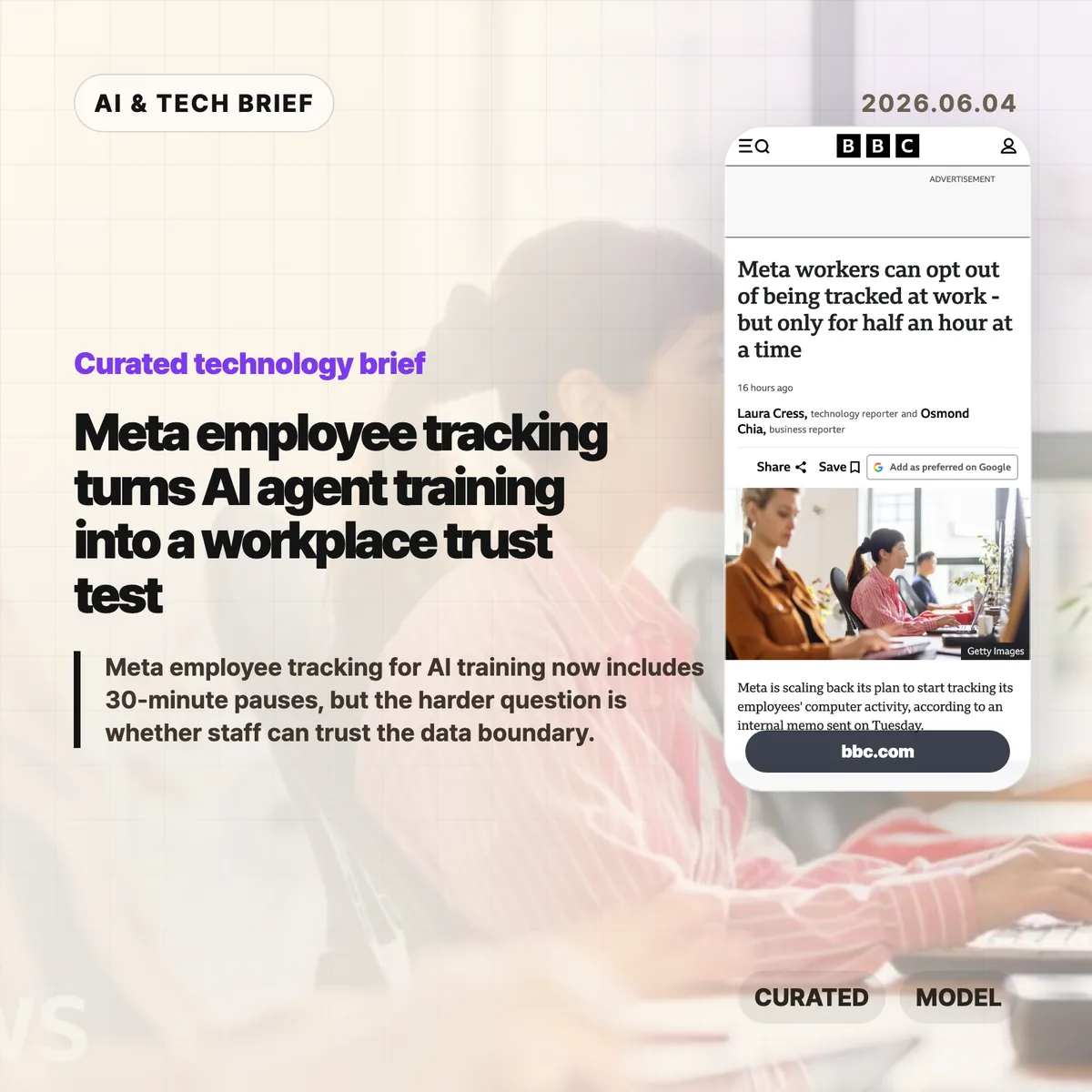
    Meta employee tracking moved from an internal AI training plan into a public workplace privacy fight after the company added limited controls for staff in June 2026. BBC News reported that Meta now lets employees pause collection of clicks and keystrokes for up to 30 minutes at a time, with a separate path to request a full exemption. That narrow opt-out raises the harder question for AI agent teams: how much real workplace behavior can a company collect before model training starts to feel like surveillance?

    The short version

    • Meta’s Model Capability Initiative was designed to collect employees’ keystrokes and mouse clicks so AI models could learn how people use computers at work, according to BBC News.
    • In June 2026, Meta added a pause control that can stop collection for up to 30 minutes at a time, plus a process for full exemptions.
    • BBC News reported that a staff petition against the program drew more than 1,500 signatures, after workers raised concerns about personal data, battery life, and control over capture.
    • Agent builders should treat consent, scope, retention, redaction, and opt-out records as product requirements, not policy cleanup after employees complain.

    What happened

    Meta scaled back part of an internal plan to record employees’ computer activity for AI training in June 2026, according to BBC News, which cited Reuters reporting and an internal memo. The system, called the Model Capability Initiative, was meant to capture examples of how staff use computers so Meta’s models could learn everyday software workflows. Meta had previously told the BBC that agents need real examples if they are going to help people complete tasks on computers.

    The new controls let employees pause collection for “up to 30 minutes at a time” and request an exemption from the initiative. Meta also said the data would not be used for another purpose and that safeguards were in place for sensitive content. Staff were still uneasy. The BBC story says more than 1,500 employees signed a petition, while named and unnamed workers raised concerns about personal data on work devices, battery life, and the feeling that AI was being pushed into daily work without enough trust.

    Why Meta employee tracking is worth watching

    Meta employee tracking is worth watching because it exposes the data trade-off behind computer-using AI agents. A chatbot can learn from documents and conversations. An agent that operates software needs examples of clicking through tools, filling forms, switching windows, correcting errors, and recovering when apps behave oddly. Those traces are closer to how work actually happens, which makes them useful for training and more sensitive than ordinary product analytics.

    For enterprise AI teams, the Meta case turns product design into labor policy. A pause button sounds like user control, but a 30-minute window does not answer who can see pause events, whether managers can infer that someone opted out, how long raw traces are stored, or how personal material on a work machine is filtered before training. Teams building similar systems need to write those boundaries before collection starts, not after employees organize against it. For more IT and AI coverage, see the IT & AI archive.

    What does Meta employee tracking change for agent builders?

    Meta employee tracking gives agent builders a practical warning: workflow data is valuable because it is messy, and that mess includes private context. A clickstream can reveal source code, customer records, HR screens, medical details, private messages, passwords in bad workflows, or simply the rhythm of a person’s day. Even if a company promises to use the data only for model training, employees may hear a second promise that was never made: that the same data will not affect performance reviews, investigations, or future automation decisions.

    Builders of enterprise agents should treat pause, opt-out, redaction, retention, audit logs, and purpose limits as core product requirements. The minimum viable policy is not a banner that says collection is happening. Teams need plain rules for which apps are in scope, which fields are masked, who can inspect raw traces, when data is deleted, and how an employee can challenge a capture. That matters for adoption as much as model quality.

    What Hacker News readers are arguing about

    The Hacker News discussion was overwhelmingly skeptical, with most of the heat aimed at the gap between a 30-minute pause and meaningful control. Several commenters treated the pause button as dark comedy: if employees need privacy for payroll, HR, legal work, or personal material on a work device, half an hour feels arbitrary. A repeated worry was that opt-outs themselves could become a management signal, even if Meta never says that is the purpose.

    The more useful builder argument in the thread was about culture. One commenter noted that modern companies can already use Jira, GitHub, chat logs, and LLM summaries to build a picture of an employee’s work. In that view, the danger is less the existence of telemetry and more whether leadership has earned enough trust to use it narrowly. Other comments were harsher, comparing the policy to surveillance tech being turned inward on the people who build it. It is a discussion, not evidence, but it captures why technical safeguards will not carry a workplace AI program if employees expect the data to be used against them.

    The practical read

    Teams building workplace AI agents should separate three questions before copying Meta’s approach. First, what behavior data is genuinely needed to improve the model? Second, can the same goal be met with synthetic tasks, volunteer sessions, narrow app-specific traces, or redacted recordings instead of broad background collection? Third, what would employees see if they audited the system after the fact?

    The 30-minute pause is a useful reminder that control surfaces can look generous while still feeling weak. A stronger design would make collection visible, narrow, revocable, and auditable. It would also protect the act of opting out, because a privacy control that creates a performance signal is not much of a privacy control. AI agent teams should test their data policy with the same seriousness they give latency, benchmarks, and tool reliability.
    Sources

  • Claude Code dynamic workflows make agents plan the work

    Claude Code dynamic workflows make agents plan the work

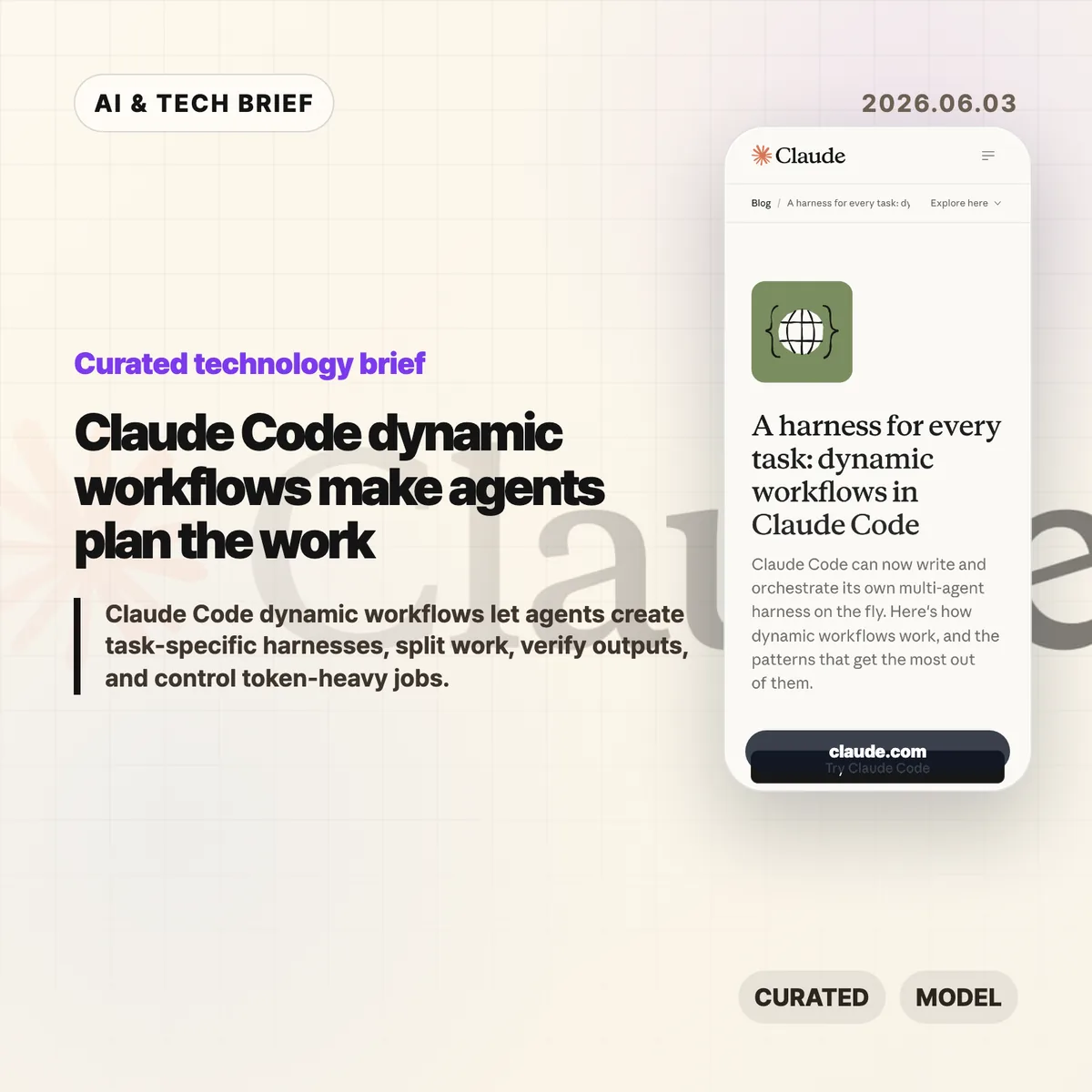
    Claude Code dynamic workflows let Claude Code write a task-specific JavaScript harness, spawn subagents, and coordinate the result instead of keeping a long job in one chat thread. Anthropic introduced the feature on June 2, 2026, and frames it as a way to handle complex coding, research, security, triage, and verification work without forcing developers to build the orchestration layer by hand.

    The short version

    • Claude Code dynamic workflows create custom harnesses for a task, then use subagents to split, verify, compare, or synthesize work.
    • Anthropic names seven useful patterns: classify-and-act, fan-out-and-synthesize, adversarial verification, generate-and-filter, tournament, loop until done, and model routing.
    • The feature is aimed at complex, high-value jobs such as refactors, migrations, deep research, source checking, support triage, and root-cause analysis.
    • The trade-off is cost and complexity. Anthropic says dynamic workflows can use significantly more tokens and are not needed for ordinary coding tasks.

    What happened

    Anthropic says Claude Code can now create a custom harness on the fly for the job in front of it. The harness is a JavaScript file with special functions for spawning and coordinating subagents, plus ordinary JavaScript utilities such as JSON, Math, and Array for processing data. A workflow can choose which model an agent uses and whether subagents run in their own worktree, which matters when a task needs isolation or a higher intelligence model.

    The company’s post describes this as a move beyond static orchestration. Developers could already coordinate multiple Claude Code runs through the Claude Agent SDK or claude -p, but those static harnesses tend to be generic because they have to survive many edge cases. Dynamic workflows push more of that planning into Claude Code itself: ask for a workflow, or use Anthropic’s trigger word “ultracode,” and Claude Code can build a structure for the current task.

    Why this is worth watching

    Claude Code dynamic workflows are worth watching because Anthropic is moving Claude Code from a single assistant loop toward task-level orchestration. In the June 2, 2026 post, Anthropic names three failure modes that show up in long agent runs: agentic laziness, self-preferential bias, and goal drift. Those are practical problems, not abstract benchmark issues.

    A separate harness gives Claude Code a cleaner way to check work against evidence and rubrics. One subagent can inspect logs, another can review files, another can verify claims, and a synthesis step can wait until each branch returns structured output. The feature will matter if that structure reduces missed requirements more often than it burns extra tokens. For more analysis of developer tooling and AI systems, see the IT & AI archive.

    What does Claude Code dynamic workflows change for developers?

    Claude Code dynamic workflows let developers request a repeatable process with a stop condition, a rubric, and isolated work streams. Anthropic’s examples include reproducing a flaky test that fails 1 in 50 runs, mining the last 50 Claude Code sessions for repeated corrections, checking every technical claim in a draft against a codebase, ranking 80 resumes, and reviewing a business plan from investor, customer, and competitor viewpoints.

    The strongest fit is work where one context window becomes a liability. Large refactors can be split by call site, module, or failing test. Security reviews can assign one verifier per rule. Research workflows can fan out source gathering and then check claims. Triage workflows can classify a backlog, dedupe it against known issues, and quarantine agents that read untrusted public content from agents that can take higher privilege actions.

    Seven workflow patterns Anthropic highlights

    Anthropic’s seven workflow patterns turn Claude Code dynamic workflows into something developers can prompt deliberately. Classify-and-act routes different tasks to different behavior. Fan-out-and-synthesize splits work into clean contexts and merges structured outputs after a barrier. Adversarial verification asks another agent to check a result against a rubric. Generate-and-filter produces candidates, removes duplicates, and keeps the best tested ideas.

    The remaining patterns handle comparison, persistence, and model choice. Tournament workflows make agents compete on the same task and use judging agents for pairwise comparisons. Loop-until-done workflows keep spawning work until no new findings or errors remain. Model and intelligence routing uses a classifier agent to decide whether a job needs a cheaper model or a stronger one such as Opus. The pattern list gives teams concrete language to use instead of vague prompts like “be thorough.”

    When not to use Claude Code dynamic workflows

    Claude Code dynamic workflows should not become the default for every prompt. Anthropic says the feature is new, best practices are still developing, and workflows may consume significantly more tokens. Most normal coding tasks do not need five reviewers, a tournament bracket, or a loop that keeps running until a broad condition is met.

    A good rule is to reserve workflows for jobs where the structure is part of the value. Use them when the task needs parallel evidence gathering, adversarial checking, repeated passes, isolated worktrees, or qualitative comparison at scale. Skip them for a small bug fix, a one-file change, or a question where a normal Claude Code session can answer cleanly. Token budgets can also be set directly in the prompt, such as asking the workflow to stay under 10,000 tokens.

    What Hacker News readers are arguing about

    The Hacker News submission for Anthropic’s post existed when checked, but it had no substantive discussion attached to it. That means there is no useful community consensus to summarize yet, and it would be misleading to turn a quiet thread into a debate.

    The missing discussion is still worth noting. The questions developers should bring to a fuller thread are predictable: whether dynamic workflows are reliable enough for real codebases, how often they waste tokens, how safe the worktree isolation is, whether adversarial verification catches real mistakes, and whether teams can share reusable workflows without turning them into brittle scripts. Treat the Hacker News link as a place to watch for later operator feedback, not as evidence today.

    The practical read

    Claude Code dynamic workflows are best understood as an orchestration feature for messy work. If your team already knows how to decompose a task, the feature may remove boilerplate around spawning agents and combining results. If your team does not know the right rubric, stop condition, or trust boundary, the workflow can still produce confident noise.

    The first experiments should be bounded. Try a flaky-test reproduction, a code review checklist, a migration with isolated worktrees, or a claim-verification pass on a technical document. Give Claude Code the workflow pattern you want, the token budget, the stop condition, and the rubric for success. Then inspect the transcript and saved workflow before using it on a higher-stakes job.

    Sources

  • Website Specification turns web QA into a 128-point map

    Website Specification turns web QA into a 128-point map

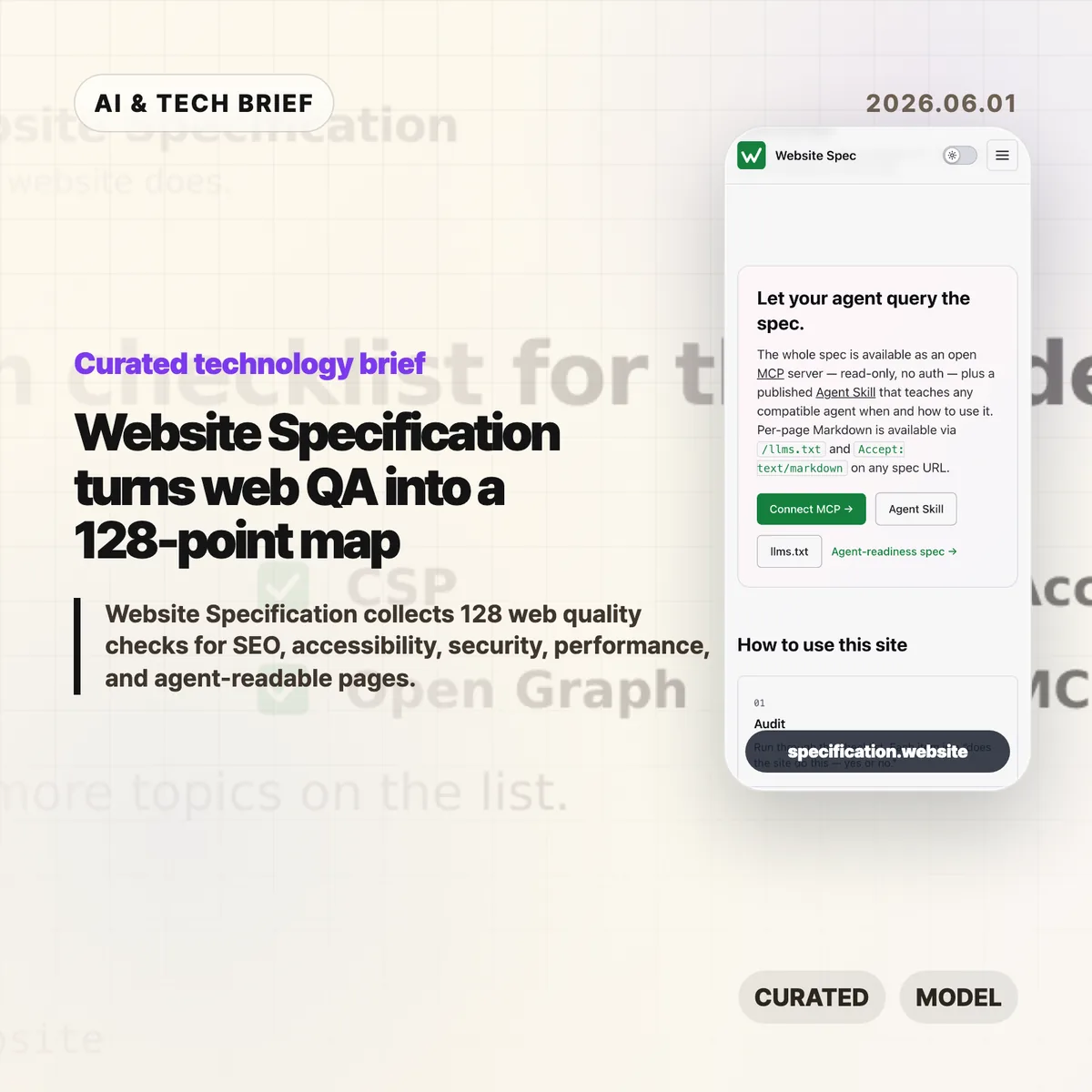
    Website Specification is a new open web checklist that tries to put the boring, easy-to-miss parts of a good site in one place. It covers 128 topics across SEO, accessibility, security, performance, privacy, resilience, internationalisation, and agent-readable surfaces such as Markdown pages and llms.txt.

    The short version

    • Website Specification is platform-agnostic: WordPress, Next.js, Astro, Django, Drupal, plain HTML, and other stacks are meant to be checked against the same list.
    • The project groups 128 topics into 10 areas, including foundations, SEO, accessibility, security, well-known URIs, agent readiness, performance, privacy, resilience, and internationalisation.
    • The useful part is not that every site must pass every item. It is that teams can discuss site quality with a shared map instead of a pile of scattered audit tools.
    • The controversial part is agent readiness. Hacker News readers liked the checklist but argued hard about llms.txt, MCP, and whether machine-facing pages invite abuse.

    What happened

    The Website Specification site describes itself as “a platform-agnostic specification of the technical features every decent website should have.” The home page points to familiar basics, such as <title>, /.well-known/security.txt, WCAG contrast, and llms.txt, then links into a full topic index.

    The index currently lists 128 topics across 10 categories. Foundations alone covers the doctype, <html lang>, UTF-8 charset, viewport, title, meta description, canonical URLs, favicons, theme color, Open Graph tags, feed discovery, and related basics. Other sections move into robots.txt, sitemaps, structured data, WCAG-aligned accessibility checks, security headers, Core Web Vitals, privacy signals, error handling, and language metadata.

    The project is also deliberately machine-readable. It publishes llms.txt, per-page Markdown via .md URLs or Accept: text/markdown, a full llms-full.txt, a public MCP server, and an Agent Skill. That makes the site a reference for humans, but also a test case for how web documentation might expose itself to AI coding tools and audit agents.

    Why this is worth watching

    Most website quality work is fragmented. One audit tool catches missing metadata. Another complains about contrast. A security scanner checks headers. A performance tool cares about images, caching, and script weight. Product teams often end up with a spreadsheet that mixes browser requirements, SEO advice, accessibility obligations, and someone’s personal preferences.

    Website Specification is interesting because it pulls those concerns into one model and cites the underlying sources: WHATWG, W3C, IETF RFCs, WCAG, MDN, IANA, and other web references. That does not make every recommendation equally urgent. It does make the tradeoffs easier to see.

    The agent-readable layer is the part to watch. A checklist that can be queried over MCP or consumed as Markdown is useful for AI-assisted QA, especially for teams building developer tools, site generators, CMS plugins, or agent workflows. If you track this space, the IT & AI archive is a good place to follow similar shifts in web tooling and AI developer infrastructure.

    Website Specification in practice

    For builders, the best use of Website Specification is probably as a deployment review, not a religion. A small landing page may not need every feed, structured data, or internationalisation detail. A public product site, docs site, or media site probably needs many more of them than its team remembers before launch.

    The checklist is also a useful way to split ownership. Engineers can handle headers, status codes, caching, redirects, and HTML correctness. Designers can review contrast, focus states, and readable layouts. Product and growth teams can own metadata, previews, search snippets, and feed behavior. The spec gives those conversations a common vocabulary.

    The weak spot is the same one that makes the project interesting: agent readiness is still unsettled. llms.txt, public MCP endpoints, and agent skills may help tools inspect a site, but they are not equivalent to browser standards or WCAG. Treat them as experiments until real adoption patterns become clearer.

    What Hacker News readers are arguing about

    The Hacker News discussion is split in a useful way. Many readers liked having a single checklist and said they discovered features they had missed, especially around /.well-known/ URLs and older web basics. A few developers with long experience said the list is handy precisely because websites accumulate quiet technical debt.

    The strongest objection is checklist inflation. Several commenters worried that a 128-item list could become another Jira mandate where teams must justify why a simple site does not implement every modern web feature. That is a fair concern. A spec like this is only helpful if teams can mark items as required, recommended, optional, or irrelevant for their context.

    The sharpest argument was about agent readiness. Some readers dismissed llms.txt as unsupported by major AI providers. Others argued that giving agents a separate surface could repeat old SEO problems, where machines see a cleaner or more flattering version of the site than humans do. The practical counterpoint is that plain Markdown, accessible HTML, and predictable URLs also help screen readers, search engines, archivers, and developer tools. The safest reading is boring but useful: make the human site clean first, then expose machine-readable versions only when they match the real content.

    The practical read

    If you run a website, use Website Specification as a triage tool. Start with the items that affect every visitor: valid HTML basics, mobile viewport, titles and descriptions, canonical URLs, accessible contrast and focus states, HTTPS, security headers, useful error pages, and reasonable performance.

    If you build web tooling, the project is more interesting as an interface pattern. A spec exposed through pages, Markdown, llms.txt, MCP, and an agent skill gives coding assistants something concrete to query. That could turn site QA from a vague prompt into a repeatable audit.

    Just do not let the checklist replace judgment. A good website still has to serve its users. The list helps you find gaps; it cannot decide which gaps matter this week.

    Sources

  • AI harness design is becoming the real software moat

    AI harness design is becoming the real software moat

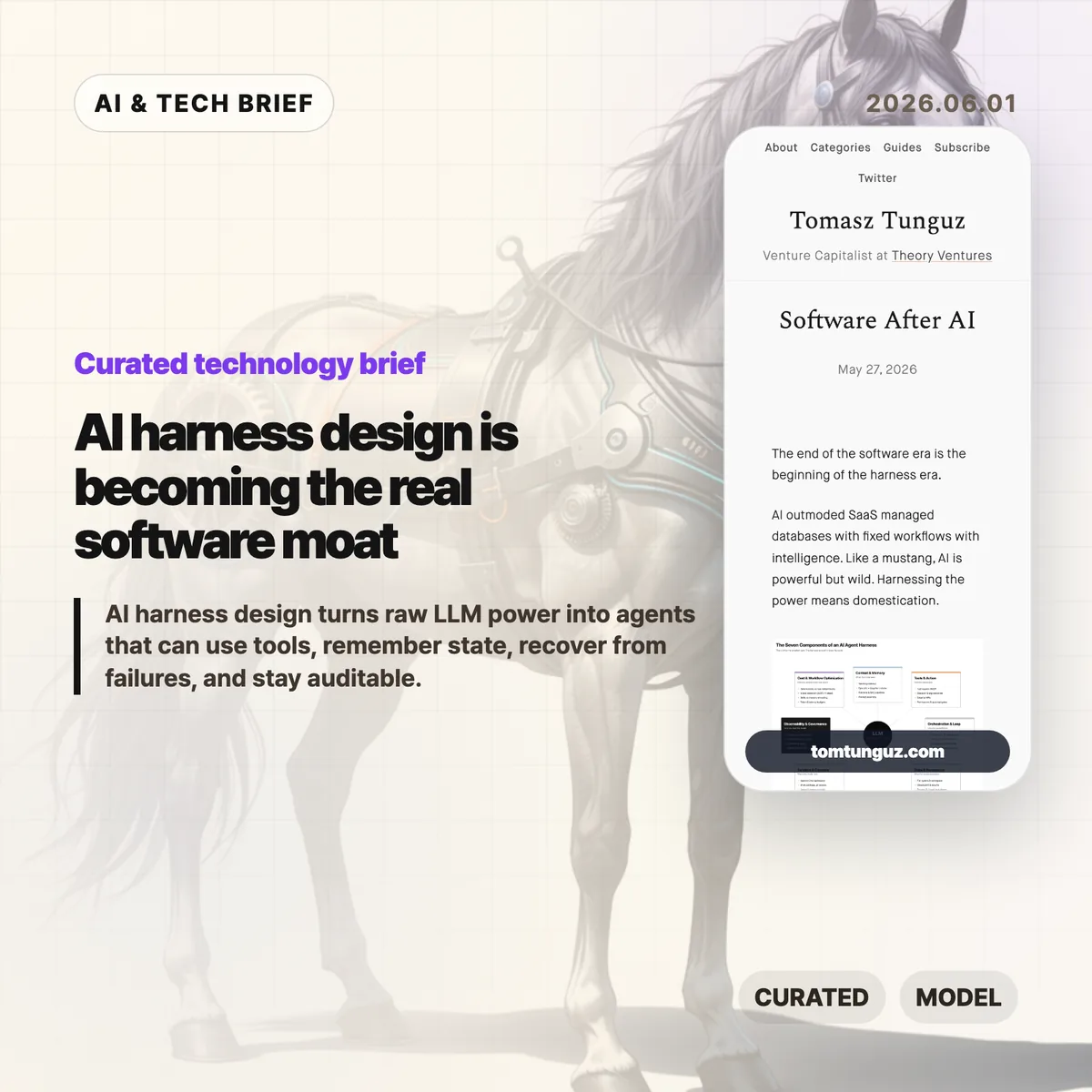
    Tomasz Tunguz argues that the next software fight is moving away from polished SaaS screens and toward the AI harness, the operating layer that turns an LLM into something closer to a dependable worker. His useful framing is simple: models are powerful, but production agents need context, tools, memory, sandboxes, logs, policy, and cost control before they can handle real work.

    The short version: AI harness

    • Tunguz describes seven parts of an AI harness: context and memory, tools and action, orchestration, state, sandboxed compute, observability, and cost-aware workflow design.
    • The argument is less about replacing SaaS overnight and more about where software products now create value: in the runtime around the model.
    • For builders, the hard part is no longer choosing a model alone. It is deciding what the agent can see, what it can do, when it stops, and who can audit it later.
    • The startup opening is domain depth. If everyone can rent similar models, the product edge shifts toward messy workflow knowledge and safe execution.

    What happened

    Tunguz published “Software After AI,” a short essay on May 27, 2026, about the stack that sits around AI agents. The piece uses the word “harness” deliberately. A raw model can answer questions, but a working product has to constrain that model, feed it the right business context, expose tools safely, resume work after failures, and leave an audit trail.

    The seven-part list is practical rather than futuristic. Context and memory cover retrieval, short-term task history, and the company-specific recipes people usually keep in their heads. Tools and action cover registries, argument validation, approvals, dispatch, and failure handling. Orchestration covers the think-act-observe loop. State and persistence cover checkpoints and artifacts. Sandbox and compute cover isolated workspaces and credentials outside the model. Observability and governance cover tracing, evals, guardrails, and human review. Cost and workflow optimization cover the decision of which steps should be deterministic, which model should run each step, and where knowledge should live.

    Why this is worth watching

    The term AI harness is useful because it names the part of agent software that demos often hide. A demo can succeed once with a clever prompt. A product has to succeed repeatedly when the CRM record is stale, the tool call fails, the user asks for a risky change, or the model forgets what it was doing three steps ago.

    That is where the SaaS comparison gets interesting. Traditional SaaS products gave users a fixed interface over a database and a workflow. Agent products may hide more of the interface, but they cannot hide responsibility. If an agent refunds a customer, rewrites a contract, changes a cloud setting, or files a report, the company still needs permissions, logs, rollback paths, and a way to explain what happened.

    This is also a decent filter for AI product pitches. If a vendor talks only about the model, the demo, or a benchmark, the product may still be thin. The durable work is in the boring layer: retrieval quality, tool boundaries, state recovery, sandbox rules, evals, and unit economics. Readers who track AI infrastructure and developer tooling can find more coverage in the IT & AI archive.

    What the discussion is missing

    I could not find a dedicated Hacker News thread for this exact article. That absence is a little unfortunate, because the strongest debate would probably be among people building agents in production rather than people judging them from a launch video.

    The missing questions are the useful ones. How much of this AI harness should be a platform, and how much has to be custom per industry? Will MCP-style tool registries make agents safer, or will they mostly make unsafe access easier to wire up? Can evals catch the failures that matter in legal, medical, finance, or customer operations? And at what point does the harness become so complex that a deterministic workflow would have been cheaper and safer?

    Those are not objections to Tunguz’s framing. They are the next layer of the conversation. The essay says the harness is the new software battleground. The harder question is which parts of that battleground can be standardized.

    The practical read

    If you are building an agentic product, start with the AI harness before you polish the chat surface. Write down the tools the agent can call, the data it can read, the approvals it needs, the state it must preserve, and the failure cases it must recover from. Then decide which model belongs in each step.

    If you are buying AI software, ask a different set of questions. Do not stop at “Which model powers this?” Ask what context system it uses, how tool calls are logged, how sensitive actions are approved, how tasks resume after a crash, how evals run, and how costs are controlled as usage grows.

    And if you are a startup, the point is not to out-model the labs. You probably will not. The better bet is to know a workflow so well that your AI harness handles the annoying exceptions, handoffs, and audit needs that a general-purpose agent will miss.

    Sources

  • Files SDK tries to make blob storage less annoying

    Files SDK tries to make blob storage less annoying

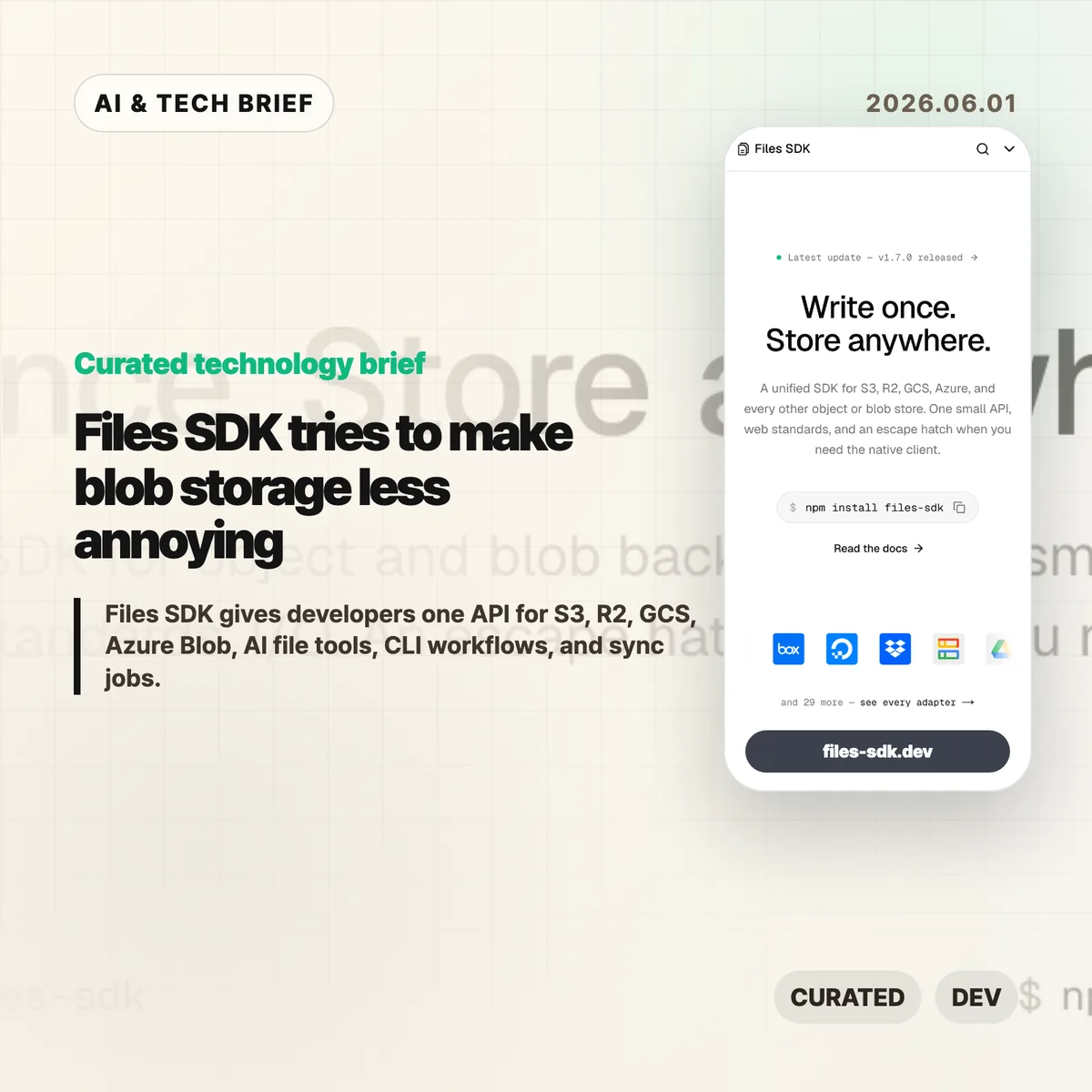
    Files SDK is an open source JavaScript storage library that puts S3, Cloudflare R2, Google Cloud Storage, Azure Blob, Vercel Blob, Netlify Blobs, MinIO, and other backends behind one file API. The pitch is simple: swap the adapter, keep the upload, download, list, head, copy, move, and delete calls mostly the same. For teams that keep writing the same storage glue in different projects, that is a boring problem worth solving.

    The short version

    • Files SDK advertises 40+ adapters, optional peer dependencies for provider clients, and npm install files-sdk as the base install path.
    • Version 1.7.0, published on May 31, 2026, adds sync() for incremental mirrors, dry runs, pruning, directory-style listing, and related CLI and MCP support.
    • The useful part is not that every storage backend becomes identical. It is that the common path gets smaller while escape hatches remain for native clients.
    • The agent angle matters: Files SDK can generate file tools for the Vercel AI SDK, OpenAI Agents, Claude, and MCP with read-only mode and approval gates.

    What happened

    The project site describes Files SDK as “one API” for object and blob storage, with examples for S3, R2, GCS, Azure Blob, Vercel Blob, Netlify Blobs, and MinIO. Its live snippets show the same basic sequence across providers: create a Files instance with an adapter, then call methods such as upload, download, head, list, and delete.

    The GitHub repository describes the package as a unified storage SDK for object and blob backends with web standards I/O and an escape hatch for native clients. The package is MIT licensed, authored by Hayden Bleasel, and published as an ES module package with a CLI binary named files.

    The latest release is files-sdk@1.7.0. The release notes add a few details that make the project more than a wrapper around upload and download. The new sync() API can mirror one provider into another, skip objects that already match, prune destination keys in mirror mode, and run a dry-run plan before it writes. The same release also adds directory-style listing through a delimiter option.

    Why this is worth watching

    Files SDK is aimed at the code that tends to age badly: migrations, backup scripts, user upload flows, admin tools, and one-off operations that quietly become production dependencies. If a product starts on S3, adds R2 for cheaper egress, stores some files in Vercel Blob, and later needs a GCS migration path, the API differences start leaking everywhere.

    A small abstraction can help there. It gives teams one place to handle routine file work, one CLI surface for scripts and CI, and one shape for bulk operations. The docs call out bounded concurrency for batch calls, async iterable listings, multipart upload, upload progress callbacks, byte-range downloads that map to HTTP 206, and lifecycle hooks such as onAction, onRetry, and onError.

    There is a catch. Storage providers differ in permissions, consistency behavior, object metadata, signed URL rules, regional constraints, and billing. Files SDK looks most useful when teams use it for the shared 80 percent and keep provider-native clients for the cases where those differences matter.

    For more developer tool briefs, the IT & AI archive keeps related coverage in one place.

    What the discussion is missing

    I could not find a public Hacker News thread for Files SDK in the usual search surface, so there is no community consensus to summarize yet. That leaves a few things buyers and maintainers should check directly.

    First, adapter depth matters more than adapter count. A list of 40+ adapters is useful only if the ones you need handle pagination, metadata, retries, range reads, signed URLs, and edge cases the way your app expects. Second, the AI agent file tools deserve a security review before anyone gives them write or delete access. Approval gates and read-only mode are good defaults, but the risk depends on what buckets, paths, and credentials the agent can reach.

    The missing debate is probably where the value lives: is this a clean common layer for boring file work, or will teams hit backend-specific behavior quickly enough that they return to native SDKs? That answer will vary by workload.

    Files SDK in practice

    Files SDK is worth testing if your team already has more than one blob store, expects to migrate between providers, or keeps rebuilding storage scripts for backups and cleanup. Start with a narrow path: list a prefix, copy a few objects, run sync() in dry-run mode, and compare the result against the provider’s native SDK.

    The practical read

    For AI workflows, keep the first integration read-only. Let an agent list and read files before it can upload, move, delete, or sync anything. If write tools are needed, put approval gates on destructive actions and limit the adapter credentials to the smallest bucket or prefix that works.

    Ignore the abstraction if your product depends heavily on provider-specific features. In that case, Files SDK may still be useful for CLI chores or migration scripts, but the core application path should stay close to the native client.

    Sources

  • Mistral AI full stack bet is bigger than models

    Mistral AI full stack bet is bigger than models

    Mistral AI full stack strategy is becoming the company’s clearest pitch to enterprises: own more of the stack, run closer to the customer, and sell practical AI deployment rather than another benchmark headline. Notes from Mistral’s AI Now Summit in Paris describe a company talking about compute, on-prem deployments, agent harnesses, small models, and industry partnerships more than model release theater.

    The short version

    • Mistral is positioning itself as an enterprise AI supplier with compute, models, platforms, consulting, and deployment help in one package.
    • The summit notes mention a 40MW data center in Paris, more European data center plans, and on-prem use cases at BNP Paribas and Abanca.
    • Vibe is now the company’s unified agent product for work and coding, with Work Mode, Code Mode, a VS Code extension, and subscription tiers starting at $14.99 per month for Pro.
    • The useful debate is whether this enterprise route is a moat or a retreat from frontier model competition.
    • For builders, the Mistral AI full stack story is a reminder that model choice is only one part of shipping reliable AI inside regulated organizations.

    What happened

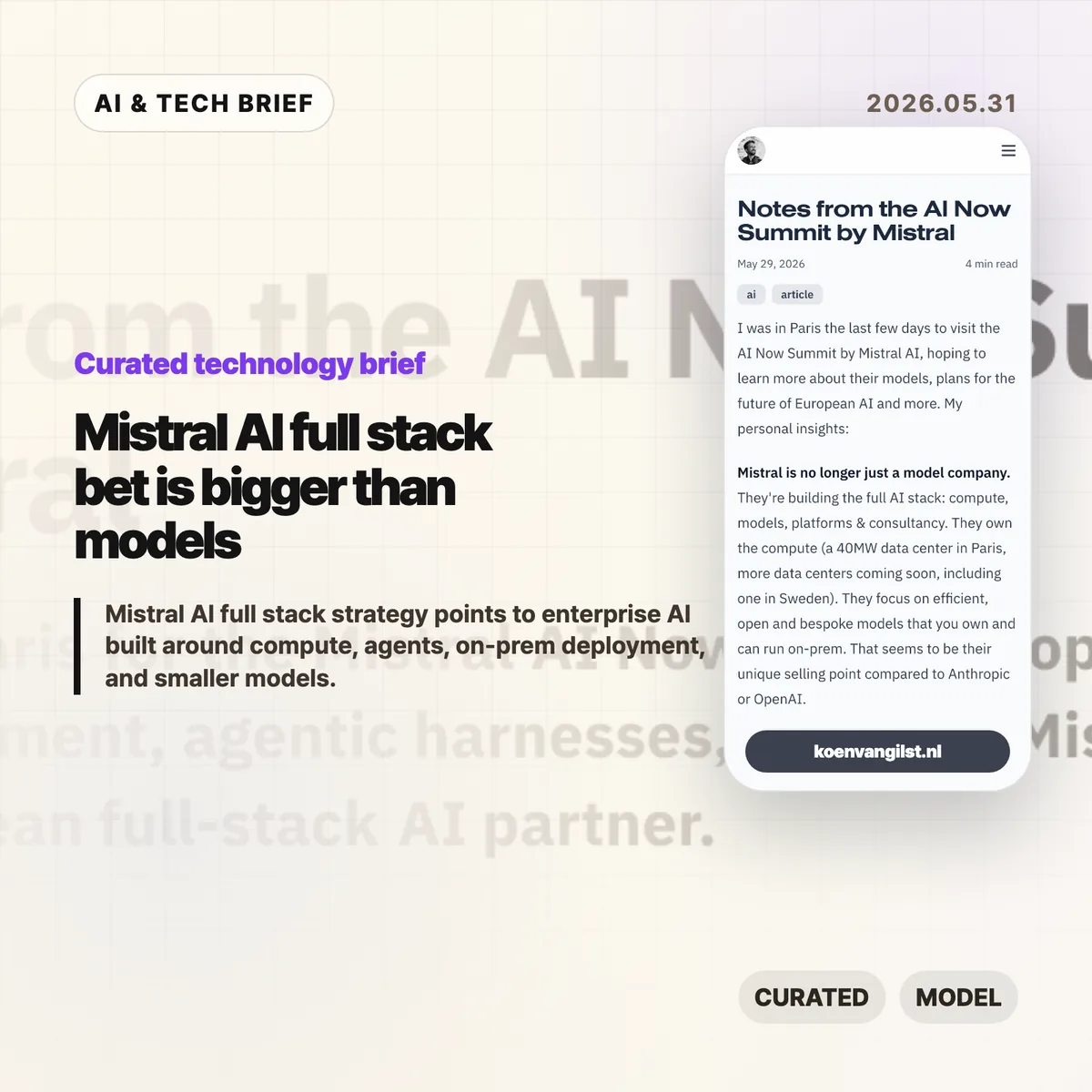
    Developer Koen van Gilst published notes from Mistral’s AI Now Summit after attending the Paris event. His read was blunt: Mistral did not sound like a pure model lab. It sounded like a European AI partner trying to own compute, models, platforms, customization, and services.

    The post points to several pieces of that plan: a 40MW data center in Paris, more data centers on the way, partnerships with ASML, BNP Paribas, Amazon Alexa+, and the EU Patent Office, plus a clear emphasis on on-prem deployment for customers that cannot casually send sensitive data to a hyperscaler.

    Mistral’s own Vibe announcement fits the same pattern. Vibe now covers long-running work tasks and coding work under one product line. Work Mode can search across enterprise tools, draft documents, analyze structured data, and run scheduled tasks. Code Mode connects to GitHub, runs coding sessions, and can take work through to a pull request. The VS Code extension brings that agent into the editor.

    Why this is worth watching: Mistral AI full stack

    The Mistral AI full stack angle matters because many enterprises do not buy AI the way developers test models on leaderboards. Banks, public agencies, manufacturers, and large European companies care about data location, procurement, support, security review, and who takes responsibility when the system misbehaves.

    That is where Mistral’s pitch is more interesting than another model comparison chart. BNP Paribas reportedly runs Mistral models on-prem for KYC work in Belgium, keeping sensitive data inside the bank. Abanca was described as using agent orchestration for customer information at large scale. Whether those deployments are technically better than the best US or Chinese model APIs is only part of the buying decision.

    This also changes the product lesson for AI builders. A strong model matters, but the surrounding harness often decides whether the product survives contact with real work. Memory, context, connectors, permissions, observability, error recovery, and human review are where many enterprise AI projects either become useful or quietly die.

    There is a simple answer-engine version of this: Mistral AI full stack strategy means Mistral is trying to sell an enterprise AI operating layer, rather than plain model access.

    What Hacker News readers are arguing about

    The Hacker News thread is split between people who want a credible European AI company and people who think Mistral is falling behind where it matters.

    The supportive camp likes the direction. Several commenters argued that on-prem deployment, bespoke models, and a European supplier make sense for banks, government, insurance, and industrial companies. One practical point came up more than once: in regulated European procurement, a trusted vendor with support and implementation help can matter more than the cheapest model API.

    The skeptical camp focused on model quality and cost. Commenters compared Mistral unfavorably with Qwen, DeepSeek, Gemma, and frontier US labs, especially for reasoning and smaller open models. Some saw the summit’s enterprise framing as a sign that Mistral is moving away from hard model competition. Others pushed back, saying enterprise AI is not consumer chatbot competition and that compliance, reliability, and support are where the money is.

    There was also a useful debate about model size. Some commenters want Mistral to build much larger open-weight reasoning models and let the community distill them. Others argued that small, task-focused models are exactly what many business workflows need if cost, latency, and data control matter.

    The thread is a discussion, not evidence. Still, it captures the risk in the strategy: Mistral can build a durable enterprise business without winning every benchmark, but it cannot let the product feel like a sovereignty-branded fallback.

    The practical read

    If you are choosing AI infrastructure for a regulated company, this is a reason to evaluate deployment shape before picking a model. Ask where data sits, who can inspect tool calls, how permissions work, how model updates are handled, and whether the vendor can support custom or on-prem use cases.

    If you are building an AI product, the Vibe launch is worth reading for product shape rather than hype. The interesting part is the bundle: work agent, coding agent, connectors, scheduled tasks, editor extension, cloud sessions, CLI, and permissions. That is a lot of surface area, and it shows where agent products are heading. More coverage like this lives in the IT & AI archive.

    The watch item is whether Mistral can keep its models close enough to the best alternatives while making the full stack easier to buy and safer to run. If the model gap gets too wide, enterprise packaging will look defensive. If the gap stays manageable, the packaging may be the product.

    Sources

  • SQLite durable workflows make a small-stack case for agent infrastructure

    SQLite durable workflows make a small-stack case for agent infrastructure

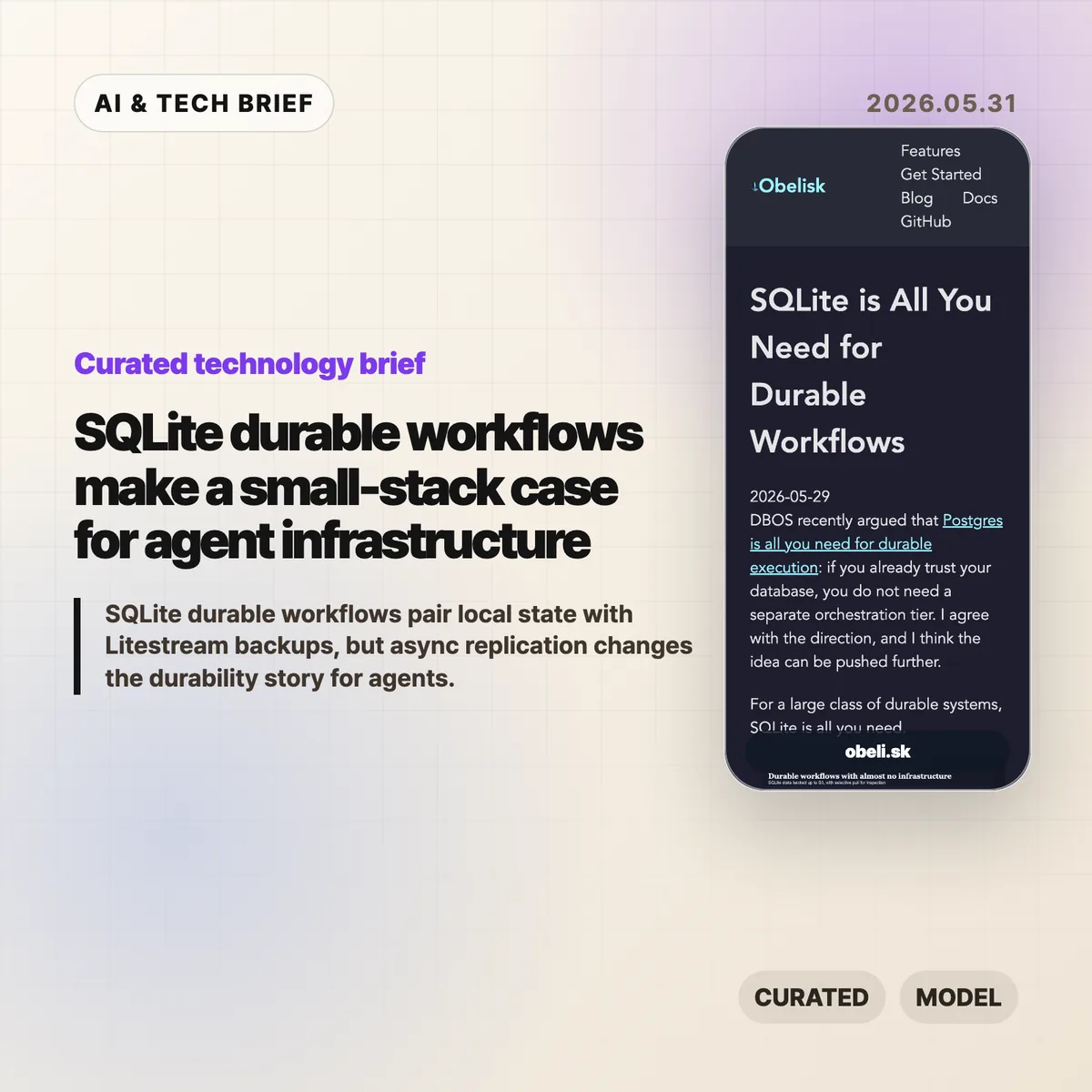
    SQLite durable workflows are a bet that many agent systems need reliable state more than they need a heavy orchestration platform on day one. Obelisk argues that a local SQLite database, backed up with Litestream to S3-compatible storage, can be enough for small durable execution systems where losing the newest local writes is acceptable.

    The short version

    • Obelisk’s argument is narrow but useful: keep workflow state close to the runtime, persist an execution log, and replay from history when work resumes.
    • Litestream adds portability by streaming SQLite changes to object storage, but the replication is asynchronous.
    • The pattern fits bursty AI agents, internal automation, prototypes, and tenant-isolated workloads better than large shared systems.
    • Postgres still makes more sense when teams need strong availability, shared writes, mature operations, or a durability model that cannot lose recent local writes.

    SQLite durable workflows in one sentence

    SQLite durable workflows turn a database file into the recovery point for a run, while Litestream makes that file easier to back up and move.

    What happened

    Obelisk published a short piece arguing that SQLite can be enough for a large class of durable workflow systems. The post responds to DBOS’s recent “Postgres is all you need for durable execution” framing and pushes the same idea toward an even smaller database: if the durable part is workflow state, the compute can be disposable.

    The design is simple. An Obelisk server writes workflow progress to SQLite. Workflows can replay from persisted history, and failed activities can be retried. Litestream then streams SQLite changes to S3-compatible object storage for backup, migration, and inspection.

    That last word matters. The article is not claiming that SQLite plus Litestream gives you the same behavior as a highly available shared database. Litestream replication is asynchronous, so a restore can miss the newest writes if the local volume disappears before those writes are copied.

    Why this is worth watching

    SQLite durable workflows are interesting because they match how a lot of agent infrastructure is being built right now: small workers, short spikes of activity, many experiments, and state that is easier to understand when it belongs to one agent or one tenant.

    For that shape, a database file is not a toy. It is a debugging artifact. You can copy it, inspect it locally, replay a run, or move one tenant without dragging a central system into every step. That is different from saying SQLite should replace Postgres everywhere. It is closer to saying that some workflows are naturally partitioned, and those partitions can be operational units.

    The pattern also lines up with a cost question that keeps showing up in developer tools. Before a team adds Temporal, Step Functions, a Postgres-backed workflow engine, or a full control plane, it can ask a smaller question: can the state model survive restarts with SQLite and object storage? For more briefings like this, the IT & AI archive tracks the developer infrastructure stories that keep resurfacing.

    What Hacker News readers are arguing about

    The Hacker News discussion is useful because it pushes back on the word “durable.” The strongest skeptical camp argues that once Litestream’s asynchronous replication is part of the story, the system may be durable enough for experiments but not durable in the stricter production sense. Several commenters called out the risk of losing the most recent local writes, and one reported replacing Litestream in production after upgrade and disk usage concerns.

    The builder camp is more sympathetic. A few commenters said they already use SQLite-backed task state for agents or pipelines because it keeps iteration simple. One pattern that came up: ask an agent to plan a DAG, store each task in SQLite, and rerun only the steps that changed. Another practical argument was token cost. Agents can query a row instead of rereading a pile of Markdown or logs.

    There was also a familiar SQLite-versus-Postgres fight. Critics argued that SQLite is the wrong tool for concurrent production systems. Supporters answered that many workloads do not need multiple writers across machines, and that strongly partitioned state changes the tradeoff. The thread is not evidence that the architecture is safe. It is a good map of where teams will disagree: recent-write loss, concurrency, operator comfort, and whether a workflow engine is worth the overhead.

    The practical read

    Use SQLite durable workflows when the workflow state is small, naturally partitioned, and valuable to inspect. That describes a lot of AI agent workloads: tool calls, step logs, inputs, outputs, retries, and run history for one tenant or one worker.

    Do not use this pattern as a blanket replacement for Postgres or Temporal. If multiple services need to coordinate writes, if the newest write must survive a node loss, or if operations already depend on database-level replication and failover, a network database or dedicated workflow engine is the safer default.

    The good test is plain: if you can explain exactly which writes may be lost before Litestream catches up, and the product can tolerate that, SQLite plus object storage may keep the stack pleasantly small. If that sentence makes you nervous, it probably should.

    Sources

  • Claw Patrol agent firewall puts action-level limits on AI agents

    Claw Patrol agent firewall puts action-level limits on AI agents

    The Claw Patrol agent firewall is an open source security layer for teams that want AI agents to touch production systems without handing them raw secrets or blank-check access. It sits between agents and services such as Postgres, ClickHouse, Kubernetes, GitHub, and Slack, then checks the actual request before it goes out.

    The short version

    • Claw Patrol keeps credentials outside the agent process and injects them only after a request passes policy checks.
    • The system can inspect HTTP method and body, SQL verbs and functions, and Kubernetes resources and verbs instead of stopping at a coarse network allowlist.
    • Risky requests can pause for an LLM judge or a human reviewer in Slack, a dashboard, or a webhook.
    • Teams can record real actions as JSON fixtures and run policy regression tests with clawpatrol test before changing rules.
    • The practical question is whether action-level security becomes a normal requirement for production AI agents.

    Claw Patrol agent firewall notes

    The Claw Patrol agent firewall is best understood as a policy checkpoint for live agent actions, not as another chatbot wrapper. It watches what the agent is about to send to production systems and decides whether that specific request deserves to pass.

    What happened

    Deno’s Claw Patrol project describes itself as “the security firewall for agents.” The idea is simple enough: agents route traffic through a gateway, and the gateway decides whether a specific action should be allowed, denied, logged, or sent for approval before it reaches the destination service.

    That distinction matters. OAuth scopes, IAM roles, and Kubernetes RBAC usually answer the access question: can this identity reach a service or resource? Claw Patrol is aimed at the next question: once the agent has a path to the service, what is it trying to do?

    The project gives concrete examples. A Postgres-capable agent may be allowed to run ordinary reads but blocked from calling functions such as pg_read_file, pg_read_binary_file, lo_get, or dblink_ routines. A Kubernetes agent may be allowed to inspect pods but forced through an LLM review before kubectl exec commands run. HTTP requests can be matched by method, path, headers, and body, then routed through custom approval logic.

    Claw Patrol can run as a gateway, join a gateway over WireGuard or Tailscale, or wrap a single agent process with clawpatrol run. The GitHub repository is MIT licensed and had 518 stars when checked for this brief.

    Why this is worth watching

    The Claw Patrol agent firewall points at a real gap in agent deployments. Prompt filtering and output scanning help, but they do not fully answer what happens when an agent already has a database password, a Kubernetes context, or an API token. A compromised or confused agent with those credentials can still make valid-looking calls.

    Moving the control point to the wire changes the shape of the problem. The agent can ask to do something, but the gateway can parse the request and make a second decision using operational facts: SQL verb, table name, Kubernetes namespace, HTTP route, request body, approval status, and prior policy tests.

    That is more useful than treating agent security as a model-only problem. It fits the way infrastructure teams already think: credentials, policy, logs, approvals, and regression tests. For readers tracking adjacent tools, the broader IT & AI archive is where we keep similar developer infrastructure briefs.

    What the discussion is missing

    I could not find a public Hacker News discussion tied to the Claw Patrol release. That absence is worth noting because the project raises the sort of questions operators usually pick apart in public: latency, failure modes, policy drift, coverage across protocols, and whether LLM approval adds a new weak point.

    The useful debate should be about boundaries. A gateway can stop a class of bad requests, but it still depends on accurate parsing, careful policy writing, and safe defaults when a reviewer or model is unavailable. Claw Patrol says human approval can time out closed, which is the right direction, but teams will need to test how that behaves during real incidents.

    There is also a deployment tradeoff. Routing an agent through WireGuard, Tailscale, NetworkExtension, or a per-process tunnel is cleaner than sprinkling checks through every tool call, but it adds another piece of infrastructure. Some teams will accept that cost for production agents. Others will keep agents away from production until the risk model is simpler.

    The practical read

    If your agents only run local coding chores, the Claw Patrol agent firewall may be more machinery than you need. The moment an agent can touch production data, customer communication, deployment systems, or cloud APIs, action-level controls start to look less optional.

    The first test is narrow: pick one dangerous action and see whether the policy can express it without blocking normal work. For a database, that might mean allowing read-only queries while denying filesystem-reaching functions. For Kubernetes, it might mean allowing inspection commands while pausing exec, deletes, and secret reads for review.

    The second test is operational. Check whether the audit log is clear enough to reconstruct what happened, whether recorded fixtures catch policy regressions, and whether approval timeouts fail closed. If those pieces work, the tool becomes more than an agent demo accessory. It becomes part of the production safety case.

    Sources

  • The orchestration tax is the real limit on AI agents

    The orchestration tax is the real limit on AI agents

    The orchestration tax is Addy Osmani’s name for the cost developers pay when many AI agents produce work faster than one human can review it. The pitch for agentic coding often starts with parallelism. The harder question is what happens when every result still has to pass through one person’s judgment.

    The short version

    • The orchestration tax appears when launching AI agents is cheap but reviewing their output is still slow.
    • Osmani argues that the scarce resource is not agent runtime. It is the developer’s attention.
    • More agents can deepen the review queue instead of increasing merged, reliable work.
    • The useful operating rule is backpressure: scale agents to review capacity, not to whatever the UI allows.
    • This matters for builders of agent tools because workflow design may matter more than raw parallel execution.

    What happened

    Addy Osmani, a Google Cloud AI director and longtime developer advocate, published a short article on X titled “The Orchestration Tax.” It grew out of a Google I/O panel with Richard Seroter, Aja Hammerly, and Ciera Jaspan about where software engineering is going as AI agents become normal parts of the development workflow.

    His argument is blunt: starting more AI agents is easy, but there is still only one person reading the diffs, resolving conflicts, and deciding whether the work fits the system. That makes the human reviewer the serial resource in an otherwise concurrent system.

    Osmani uses two familiar software ideas to frame the problem. The first is Python’s Global Interpreter Lock: many threads can exist, but work that needs the lock still runs through one choke point. The second is Amdahl’s Law: parallel speedup is capped by the part of the process that cannot be parallelized. In agentic software development, he says, that serial part is judgment.

    Why this is worth watching

    The orchestration tax is useful because it moves the AI agent debate away from demos and toward throughput. A dashboard full of active agents can feel productive. That does not mean the team is shipping better code.

    The risk is cognitive debt. If developers accept agent output because forming an independent opinion has become too tiring, they lose the mental model of their own codebase. The failure may not show up on the same day. It shows up later, when production breaks and nobody can explain why the system works that way.

    Osmani’s practical advice is closer to systems design than personal discipline. Use backpressure. Keep the parallel agent count low enough that reviews stay real. Split work into two piles: isolated tasks that can run in the background, and complex tasks where the human judgment is the work. Batch reviews instead of constantly context-switching between half-finished threads.

    That framing is also relevant to the broader IT & AI archive, where the pattern keeps repeating: the biggest gains from AI tools often depend on the boring workflow around the model.

    What Hacker News readers are arguing about

    There is a Hacker News submission for the piece, but it had no meaningful discussion at the time this brief was prepared. That silence is still mildly interesting. The post is not a benchmark launch or a new model release, so it does not trigger the usual speed-and-capability fight.

    The useful debate to have is more operational: how many agents can one engineer review without lowering standards, and what evidence should an agent produce before a human spends attention on it? Tests, screenshots, small diffs, and clear handoff notes are not glamorous. They are what make agent work reviewable.

    A fair skeptical view is that “orchestration tax” may just be a new label for old engineering management problems: code review queues, merge conflicts, and context switching. That is partly true. The new part is the imbalance. AI agents make it much easier to create parallel work than to create parallel understanding.

    The practical read on orchestration tax

    If you run AI coding agents, treat review attention as a capacity limit. Start with one or two concurrent agents on contained tasks. Require each agent to produce evidence before you review the result: a passing test, a screenshot, a concise change summary, or a small diff that can be understood in one sitting.

    Do not use agent count as the success metric. Use merged work that you still understand. If the queue grows faster than you can review it, reduce the fleet. The orchestration tax is paid either way; the choice is whether you pay it deliberately in workflow design or later through shallow reviews and stale system knowledge.

    For product teams building agent platforms, the lesson is awkward but valuable. The winning feature may not be “run 20 agents.” It may be better batching, clearer review packets, dependency boundaries, and defaults that protect the human reviewer from becoming the bottleneck nobody wants to measure.

    Sources

  • Local AI coding costs are starting to pressure frontier labs

    Local AI coding costs are starting to pressure frontier labs

    Local AI coding costs are becoming a real budget line for teams that run coding agents all day. A SignalBloom essay argues that cheap open-source models, local inference, and lower-cost engineering labor could put a ceiling on what frontier labs can charge for routine software work. The claim is a little aggressive, but the cost pressure is not imaginary.

    The short version

    • The essay compares frontier-model API economics with much cheaper open-source model usage, using a roughly 30x token-cost gap as the headline example.
    • Coding agents burn tokens differently from chatbots: they read files, retry commands, inspect logs, and loop through implementation work.
    • The strongest case for local AI is not replacing every frontier model call. It is routing boring, repeatable coding tasks to cheaper systems.
    • The hard part is quality control. Architecture, product judgment, security review, and long-context debugging still need stronger models or stronger humans.
    • For more coverage of AI tools and software economics, see the IT & AI archive.

    What happened

    SignalBloom published an argument that outsourcing plus LocalAI-style setups may soon look more economical than relying on frontier AI labs for a large share of coding work. The piece frames the issue around price: if frontier model calls keep getting more expensive while open-source models keep improving, teams that run many coding-agent loops will start looking for cheaper routing strategies.

    The article cites a large gap between high-end commercial model pricing and DeepSeek-style open model costs, with the headline comparison landing around 30x in favor of the cheaper option. Treat that number as a directional example, not a permanent price table. Model pricing changes quickly, and a token price alone does not include hardware, orchestration, monitoring, review time, or failed attempts.

    Still, the basic point is useful. AI coding agents are not one-shot assistants. They may scan a repository, write code, run tests, read the failure, try again, and repeat the loop. That makes local AI coding costs more important than they looked when teams were only comparing chat subscriptions.

    Why this is worth watching

    The interesting shift is in routing. A team does not have to choose one model for everything. It can use a frontier model for planning, ambiguous debugging, security-sensitive review, or architecture. It can then hand well-scoped implementation chores to cheaper open-source models or local inference when the task is narrow enough.

    That is why this story matters for developer-tool companies. Heavy users are already different from casual users. A founder asking a chatbot for a landing-page tweak is not the same customer as a team running ten agents across a monorepo. Once agents become part of the workflow, inference starts to look like cloud spend. You need budgets, limits, queues, caches, and a reason for every expensive call.

    The catch is that cheap does not mean free. Local inference brings hardware costs, model-serving work, evaluation, prompt routing, and review burden. Outsourced engineering also adds coordination cost. If the cheaper system produces work that a senior engineer must constantly unwind, the apparent savings vanish fast.

    What Hacker News readers are arguing about

    The Hacker News thread is more useful than the headline because it pushes on the economics from several angles. One camp buys the basic pressure story: open-source models only need to become good enough for day-to-day software tasks to take revenue away from frontier labs. Several commenters imagined hybrid workflows where a strong model handles planning while cheaper models handle the token-heavy implementation loop.

    The main objection is marginal cost. Some readers argued that AI is not like older software, where serving one more user can feel close to free. Inference uses expensive hardware, and the cost curve becomes stepwise: if existing capacity is full, the next user may require another server. That makes price competition more complicated than a simple SaaS comparison.

    A second thread focused on energy, chips, and geography. Some commenters thought lower energy costs and more efficient inference infrastructure could favor Chinese labs or local deployment. Others pushed back, noting that training expertise, capital allocation, chip constraints, and regulatory friction still matter.

    The practical signal from the discussion is that nobody should model this as a clean replacement story. The believable version is a mixed stack: frontier models where quality pays for itself, cheaper local models where repetition dominates, and humans watching the seams.

    The practical read on local AI coding costs

    If you run a small team, the move is not to rip out frontier models. Start by measuring where the tokens go. Coding-agent usage often hides the expensive part in repository reads, failed runs, and repeated edits. Once you know that, you can test cheaper models on bounded tasks: test generation, mechanical refactors, migration scripts, documentation updates, and first-pass bug fixes.

    Keep the evaluation boring. Compare accepted pull requests, reviewer time, rollback rate, failed test loops, and security findings. If a local model saves 80% on inference but doubles review time, it did not save money. If it handles repetitive changes while the frontier model handles planning, it may be worth keeping.

    The bigger lesson is that local AI coding costs will become a product-design constraint. Coding-assistant vendors, agent platforms, and internal tooling teams need pricing that survives power users. The winning stack may be less glamorous than the model leaderboard: good routing, clear budgets, strong review, and enough taste to know when the cheap path is getting expensive.

    Sources