Tag: Accessibility

  • Angular v22 makes agentic development part of the framework story

    Angular v22 makes agentic development part of the framework story

    Angular v22, announced by the Angular team on June 3, 2026, is a release about production defaults and agentic development. The team moved Signal Forms, Angular Aria, resource, and httpResource into stable status while adding MCP tools and WebMCP documentation for AI coding agents that need to build, run, and inspect Angular apps.

    The short version

    • Angular v22 makes Signal Forms, Angular Aria, resource, and httpResource production ready, giving teams stable APIs for forms, accessibility, and asynchronous data.
    • Angular MCP now includes development server tools such as devserver.start, devserver.stop, and devserver.wait_for_build, which helps coding agents read build output and continue work.
    • Google is tying Angular to AI development surfaces, including Angular Agent Skills, experimental WebMCP support, Google AI Studio, and Gemini Canvas.
    • New apps now use OnPush by default, while the old default change detection strategy has been renamed ChangeDetectionStrategy.Eager.
    • Webpack-related Angular builders and @ngtools/webpack are deprecated in v22 as the team shifts attention toward TSGo support.

    What happened

    Angular v22 was announced on June 3, 2026, and it stabilizes several APIs that Angular teams have been watching since earlier releases. Signal Forms is now ready for production with documentation, Angular Material support, Angular Aria support, and fixes based on community feedback. Angular Aria also moves to production with accessible UI patterns, test harnesses, and support for Signal Forms.

    The release also makes the asynchronous reactivity APIs resource and httpResource production ready. That matters because Angular developers can keep a signal-style mental model for async work instead of treating every network-backed state change as a separate pattern. The Angular blog frames this as a way to request resources without giving up the ergonomics of signals.

    The practical reading is simple: Angular v22 gives teams fewer excuses to keep these APIs in a wait-and-see bucket. For teams maintaining design systems, admin tools, and long-lived enterprise apps, stable forms and accessibility primitives are the parts of this release most likely to affect day-to-day code.

    Why Angular v22 is worth watching

    Angular v22 is worth watching because it gives coding agents official ways to understand and operate an Angular project. The updated Angular MCP tooling can start and stop the development server, wait for builds, and expose build output to an agent. That creates a cleaner loop for tools that generate code, run the app, inspect errors, and revise the implementation.

    Angular Agent Skills are the second piece. The new angular-developer and angular-new-app skills give AI assistants compact guidance on modern Angular patterns, including Signal Forms and Angular Aria. The team says the core skill is under 140 lines and uses progressive disclosure, so an agent can pull deeper references only when it needs them.

    WebMCP pushes the same idea into browser interaction. Angular’s experimental WebMCP support lets apps expose structured tools for agents, including tools for routes, services, and dynamic Signal Forms. For builders following AI-assisted development, the direction is clear: Angular wants agents to use framework-native structure instead of guessing through the DOM.

    For more IT and AI coverage, see the IT & AI archive.

    What Angular v22 changes for frontend teams

    Angular v22 changes the migration conversation for frontend teams by making performance and maintainability more explicit defaults. New Angular apps use OnPush by default, aligning with Angular’s zoneless direction. The old ChangeDetectionStrategy.Default name becomes ChangeDetectionStrategy.Eager, which is clearer about what the strategy does.

    The router also gets closer to the browser platform. Angular v22 adds experimental integration with the platform Navigation API, so the router can intercept navigation requests, rely on native scroll behavior, and make global loading indicators or accessibility announcements easier to coordinate during page transitions.

    The template updates are smaller but useful. Angular v22 adds comments inside HTML elements, spread and rest syntax in templates, more capable @switch blocks, exhaustive checks, and short arrow functions in templates. These are not flashy features, but they reduce the amount of workaround code that tends to accumulate in large Angular projects.

    What does Angular v22 mean for app builders?

    Angular v22 gives app builders a more direct path from prompt-driven prototype to structured Angular project. The Angular team says builders can choose Angular in Google AI Studio’s framework selector and use Gemini Canvas to generate an Angular app in the browser, keep editing by chat, and add services such as Firebase later. The release post shows Angular selected alongside options such as React and Next.js.

    That does not make generated apps production ready by default. The useful change is that Angular is appearing inside the workflow where non-specialist builders already experiment. If an app starts as a quick Gemini Canvas prototype, a team can still move toward Angular’s conventional strengths: typed code, routing, testable components, accessible primitives, and framework-owned build tooling.

    For app teams, the ASO angle is less about an app store keyword and more about discovery surfaces. Agent directories, prompt-based builders, and IDE copilots are becoming places where frameworks compete for mindshare. Angular v22 gives Google a clearer story in those surfaces.

    What Hacker News readers are arguing about

    The Hacker News discussion around Angular v22 is less about one feature and more about whether modern Angular deserves a fresh look. Several commenters argued that Angular is much better than its early v2-era reputation, with one recurring comparison to Django because Angular ships more of the application stack in one place. Signal-based APIs, control flow, and reduced boilerplate came up as reasons some developers are reconsidering it.

    The skeptical thread is toolchain control. Some readers still see Angular CLI, the compiler, and custom build integration as the framework’s weak spot, especially when compared with Vite-centered workflows. Others pushed back that the integrated tooling is a feature for teams that want fewer decisions.

    RxJS also remains a fault line. Commenters welcomed signals and stable Signal Forms, but several noted that Angular still has promises, observables, and signals in the same ecosystem. The most useful criticism is that Angular v22 improves the situation without erasing the learning curve. Accessibility drew a similar split: Angular Aria was praised, but one reader flagged keyboard behavior in the docs as worth checking rather than assuming the primitives are perfect.

    The practical read

    Angular v22 is worth testing first in teams that already use Angular for large, maintained web apps. Start with the production-ready APIs from the June 2026 release: Signal Forms for form-heavy screens, Angular Aria for shared accessible components, and httpResource for data fetching that fits signals.

    If your team uses AI coding tools, test Angular MCP in a real repository instead of judging it from the release notes. The important question is whether an agent can run the dev server, read build errors, and make useful corrections without a developer babysitting every step.

    Teams with custom build pipelines should read the deprecation notes before upgrading. Angular v22 deprecates Webpack support, @angular-devkit/build-angular builders, and @ngtools/webpack, while the team says it is focusing on TSGo support in the application builder. That is probably good for agentic workflows and framework consistency. It may be annoying for teams that built their own toolchain around Angular years ago.
    Sources

  • Website Specification turns web QA into a 128-point map

    Website Specification turns web QA into a 128-point map

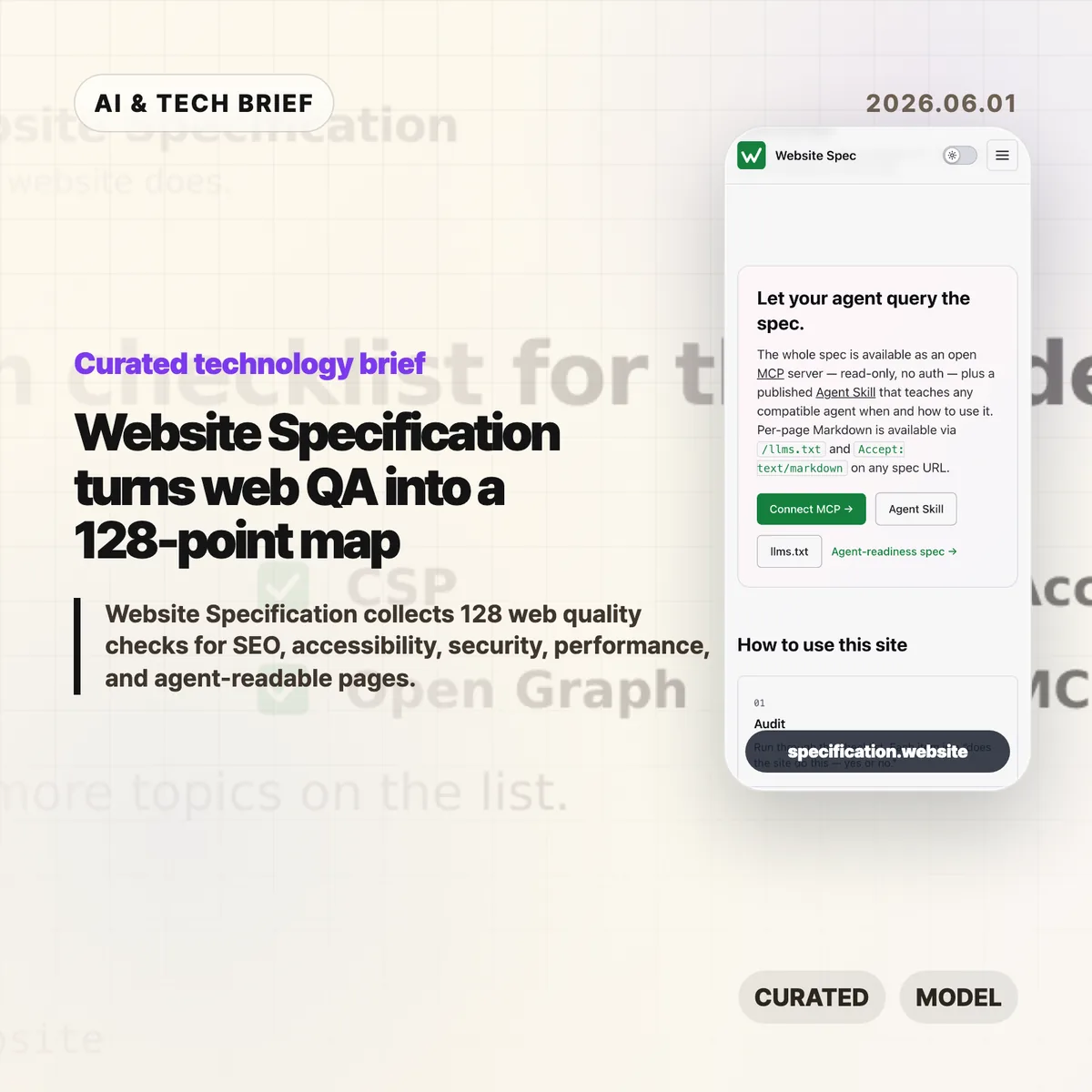
    Website Specification is a new open web checklist that tries to put the boring, easy-to-miss parts of a good site in one place. It covers 128 topics across SEO, accessibility, security, performance, privacy, resilience, internationalisation, and agent-readable surfaces such as Markdown pages and llms.txt.

    The short version

    • Website Specification is platform-agnostic: WordPress, Next.js, Astro, Django, Drupal, plain HTML, and other stacks are meant to be checked against the same list.
    • The project groups 128 topics into 10 areas, including foundations, SEO, accessibility, security, well-known URIs, agent readiness, performance, privacy, resilience, and internationalisation.
    • The useful part is not that every site must pass every item. It is that teams can discuss site quality with a shared map instead of a pile of scattered audit tools.
    • The controversial part is agent readiness. Hacker News readers liked the checklist but argued hard about llms.txt, MCP, and whether machine-facing pages invite abuse.

    What happened

    The Website Specification site describes itself as “a platform-agnostic specification of the technical features every decent website should have.” The home page points to familiar basics, such as <title>, /.well-known/security.txt, WCAG contrast, and llms.txt, then links into a full topic index.

    The index currently lists 128 topics across 10 categories. Foundations alone covers the doctype, <html lang>, UTF-8 charset, viewport, title, meta description, canonical URLs, favicons, theme color, Open Graph tags, feed discovery, and related basics. Other sections move into robots.txt, sitemaps, structured data, WCAG-aligned accessibility checks, security headers, Core Web Vitals, privacy signals, error handling, and language metadata.

    The project is also deliberately machine-readable. It publishes llms.txt, per-page Markdown via .md URLs or Accept: text/markdown, a full llms-full.txt, a public MCP server, and an Agent Skill. That makes the site a reference for humans, but also a test case for how web documentation might expose itself to AI coding tools and audit agents.

    Why this is worth watching

    Most website quality work is fragmented. One audit tool catches missing metadata. Another complains about contrast. A security scanner checks headers. A performance tool cares about images, caching, and script weight. Product teams often end up with a spreadsheet that mixes browser requirements, SEO advice, accessibility obligations, and someone’s personal preferences.

    Website Specification is interesting because it pulls those concerns into one model and cites the underlying sources: WHATWG, W3C, IETF RFCs, WCAG, MDN, IANA, and other web references. That does not make every recommendation equally urgent. It does make the tradeoffs easier to see.

    The agent-readable layer is the part to watch. A checklist that can be queried over MCP or consumed as Markdown is useful for AI-assisted QA, especially for teams building developer tools, site generators, CMS plugins, or agent workflows. If you track this space, the IT & AI archive is a good place to follow similar shifts in web tooling and AI developer infrastructure.

    Website Specification in practice

    For builders, the best use of Website Specification is probably as a deployment review, not a religion. A small landing page may not need every feed, structured data, or internationalisation detail. A public product site, docs site, or media site probably needs many more of them than its team remembers before launch.

    The checklist is also a useful way to split ownership. Engineers can handle headers, status codes, caching, redirects, and HTML correctness. Designers can review contrast, focus states, and readable layouts. Product and growth teams can own metadata, previews, search snippets, and feed behavior. The spec gives those conversations a common vocabulary.

    The weak spot is the same one that makes the project interesting: agent readiness is still unsettled. llms.txt, public MCP endpoints, and agent skills may help tools inspect a site, but they are not equivalent to browser standards or WCAG. Treat them as experiments until real adoption patterns become clearer.

    What Hacker News readers are arguing about

    The Hacker News discussion is split in a useful way. Many readers liked having a single checklist and said they discovered features they had missed, especially around /.well-known/ URLs and older web basics. A few developers with long experience said the list is handy precisely because websites accumulate quiet technical debt.

    The strongest objection is checklist inflation. Several commenters worried that a 128-item list could become another Jira mandate where teams must justify why a simple site does not implement every modern web feature. That is a fair concern. A spec like this is only helpful if teams can mark items as required, recommended, optional, or irrelevant for their context.

    The sharpest argument was about agent readiness. Some readers dismissed llms.txt as unsupported by major AI providers. Others argued that giving agents a separate surface could repeat old SEO problems, where machines see a cleaner or more flattering version of the site than humans do. The practical counterpoint is that plain Markdown, accessible HTML, and predictable URLs also help screen readers, search engines, archivers, and developer tools. The safest reading is boring but useful: make the human site clean first, then expose machine-readable versions only when they match the real content.

    The practical read

    If you run a website, use Website Specification as a triage tool. Start with the items that affect every visitor: valid HTML basics, mobile viewport, titles and descriptions, canonical URLs, accessible contrast and focus states, HTTPS, security headers, useful error pages, and reasonable performance.

    If you build web tooling, the project is more interesting as an interface pattern. A spec exposed through pages, Markdown, llms.txt, MCP, and an agent skill gives coding assistants something concrete to query. That could turn site QA from a vague prompt into a repeatable audit.

    Just do not let the checklist replace judgment. A good website still has to serve its users. The list helps you find gaps; it cannot decide which gaps matter this week.

    Sources

  • Apple Design Awards 2026 finalists point to the apps Apple wants next

    Apple Design Awards 2026 finalists point to the apps Apple wants next

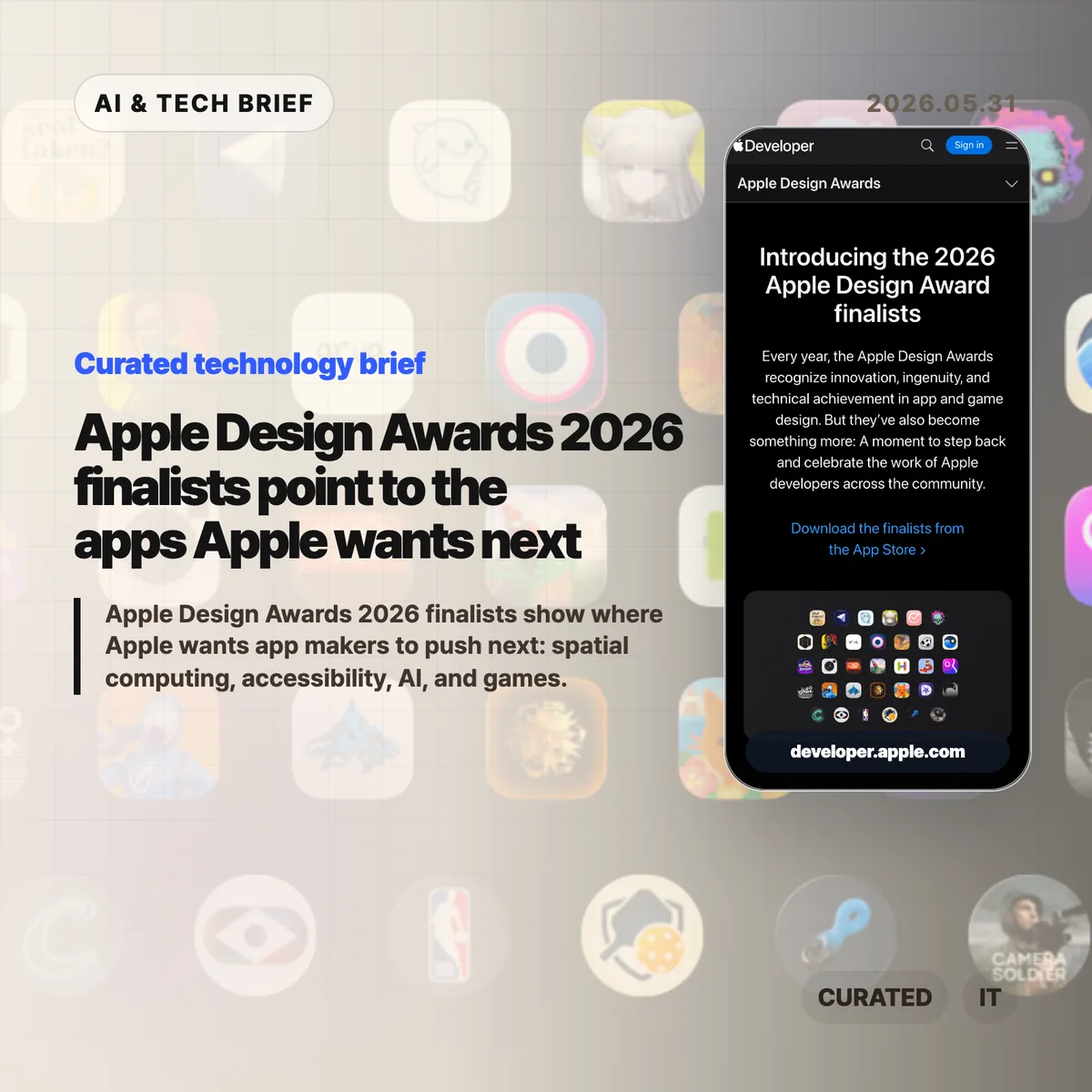
    Apple Design Awards 2026 finalists are less about trophy-season polish than about platform direction. Apple’s list points developers toward spatial computing, built-in accessibility, practical AI features, and games that treat Apple silicon as a serious target.

    The short version

    • Apple named finalists across Delight and Fun, Inclusivity, Innovation, Interaction, Social Impact, and Visuals and Graphics.
    • The list gives visionOS more room than a casual reader might expect, with apps such as Metaballs, NBA, and Caradise built around spatial experiences.
    • Accessibility appears inside core product flows, from VoiceOver guitar instruction to live captions and structured planning.
    • AI shows up as editing help, transcription, scheduling, and health support rather than as a standalone gimmick.
    • For builders, the useful read is simple: Apple is rewarding apps that use the platform deeply, not apps that merely look native.

    What happened

    Apple published the finalists for the 2026 Apple Design Awards ahead of WWDC. The official page groups apps and games into six categories: Delight and Fun, Inclusivity, Innovation, Interaction, Social Impact, and Visuals and Graphics.

    The names are broad on purpose. Blippo+, Metaballs, grug, Guitar Wiz, Hearing Buddy, Structured, Detail: AI Video Editor, NBA: Live Games & Scores, Primary: News in Depth, Harvee, Caradise, (Not Boring) Camera, Cyberpunk 2077 Ultimate Edition, Arknights: Endfield, and SILT all appear on the finalist page. That range matters because it shows how wide Apple’s definition of design has become.

    Design here does not mean a cleaner settings screen. It means how an app uses the device, how quickly it makes sense to a new user, whether it works for people with different abilities, and whether the platform-specific work feels worth the effort.

    Apple Design Awards 2026 as a product signal

    Apple Design Awards 2026 finalists usually double as a reading list for app teams. If Apple keeps pointing to a kind of experience in awards, sessions, and sample code, developers tend to see that pattern again in App Store featuring and platform guidance.

    This year’s pattern is pretty clear. Spatial computing is no longer treated as a side experiment. Metaballs uses a spatial canvas, NBA brings multi-game viewing to Vision Pro, and Caradise frames a car museum as an immersive environment with 3D visuals and spatial audio.

    The better question for developers is not “Can this app run on Vision Pro?” It is “Does this experience have a reason to exist in space?” The finalists that make the strongest case are the ones where layout, input, audio, and attention feel connected.

    For more English tech briefs from this site, see the IT & AI archive.

    Why this is worth watching

    The accessibility signal is just as important. Guitar Wiz, Hearing Buddy, and Structured are not presented as charity features or compliance work. They are framed as better product design.

    That is the part more teams should copy. VoiceOver, Dynamic Type, captioning, color contrast, low-friction input, and readable structure belong in the product plan early. Adding them at the end usually leaves them feeling bolted on.

    The AI angle is also quieter than the market hype around AI apps. Detail uses AI to speed up video editing. Hearing Buddy turns speech into captions and summaries. Structured and Harvee point toward assistance inside planning and health workflows. The user benefit is not that a model exists. The benefit is that the app removes a step, shortens a task, or makes messy information easier to act on.

    Games tell the other half of the story. Cyberpunk 2077 Ultimate Edition and Arknights: Endfield put Metal, Apple silicon, hardware-accelerated graphics, and spatial audio in front of developers who still think of Mac and iPad as productivity-first platforms. Apple is using a design award list to make a performance argument.

    What Hacker News readers are arguing about

    The Hacker News submission exists, but it did not attract a substantive thread. That absence is useful in its own way: there is no visible technical debate to synthesize, no repeated objection about the finalist choices, and no clear builder consensus beyond the submitted link.

    So the safer read is to treat the Hacker News page as a pointer, not as evidence of community sentiment. If a discussion appears later, the questions worth watching are predictable: whether Apple is over-indexing on Vision Pro, whether awards translate into App Store discovery, and whether the AI examples feel useful enough to matter after the keynote cycle ends.

    The practical read

    If you build for Apple platforms, the Apple Design Awards 2026 list is a checklist, not homework to copy.

    Start with the platform fit. A visionOS app needs a reason to be spatial. An iPhone app needs to respect one-handed use, interruption, and privacy. A Mac app should justify the screen space and performance it asks for.

    Then look at accessibility as product quality. Test VoiceOver. Support Dynamic Type. Avoid color-only states. Give users captions or transcripts when audio matters. These choices are easy to postpone, but the finalist list is a reminder that Apple notices when they are part of the main flow.

    Finally, be honest about AI. If a model removes editing drudgery, summarizes speech locally, or helps a user structure a day, it can earn its place. If it is there because the roadmap needed an AI bullet, users will feel that too.

    Sources

  • AI coding deskilling is repeating frontend’s old mistake

    AI coding deskilling is repeating frontend’s old mistake

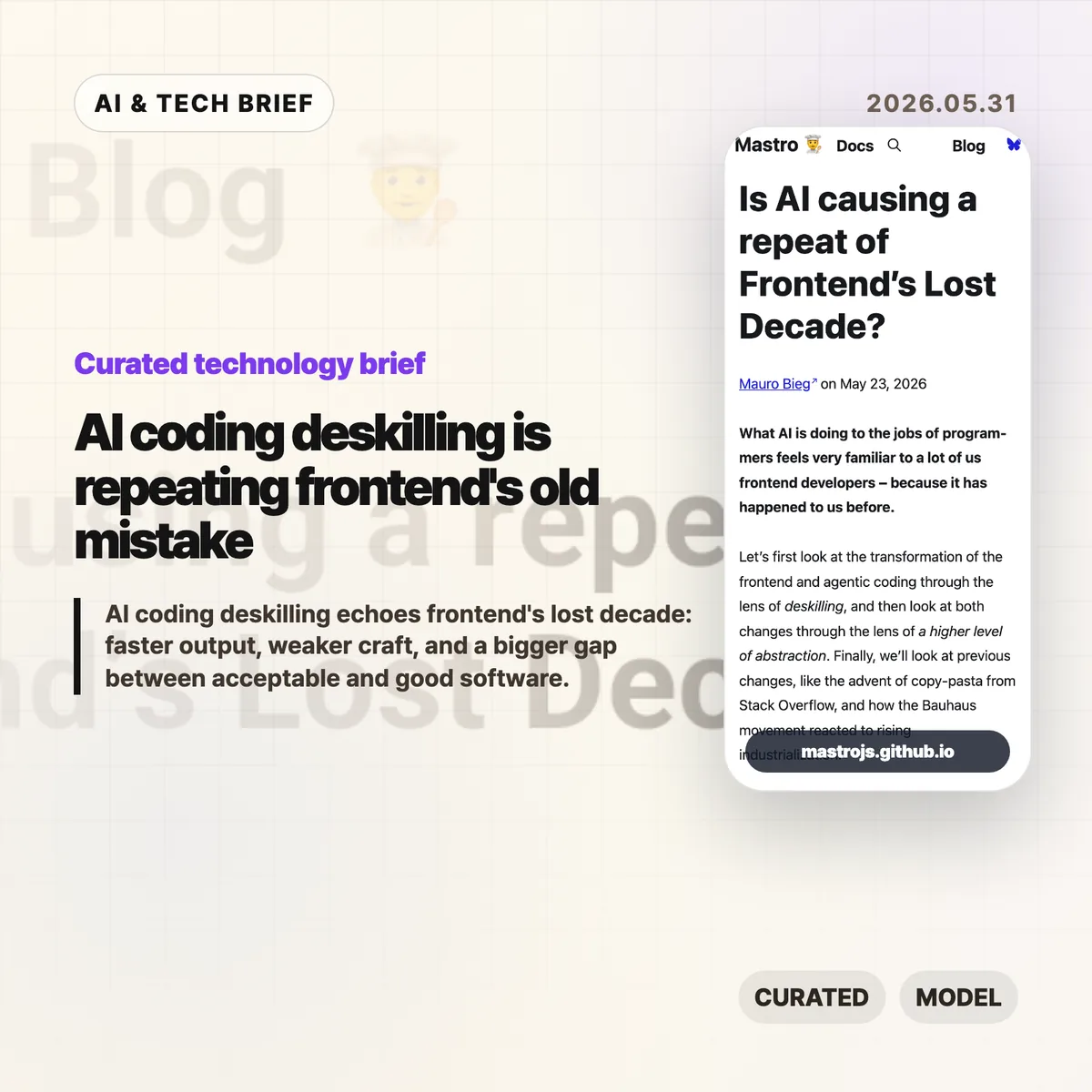
    AI coding deskilling is starting to look familiar to web developers who watched frontend work move from browser craft to framework operation. Mauro Bieg’s Mastro essay argues that AI coding tools may repeat the same trade: more people can ship software, but fewer people may understand the details that decide whether it is any good.

    The short version

    • Bieg frames AI coding deskilling through the same lens Alex Russell used for frontend’s lost decade: abstraction made teams faster, but it also hid browser behavior, accessibility, and performance costs.
    • The warning is not “never use AI.” It is that LLM generated code still needs someone who can read the output, spot missing context, and cut the wrong abstraction back down to size.
    • The Hacker News thread pushes back in useful ways. Some readers argue that frameworks and LLMs lower barriers, while others say they widen the gap between acceptable MVPs and decent software.
    • For product teams, the practical question is whether AI coding agents are paired with tests, accessibility checks, performance budgets, and human review rather than treated as a replacement for those habits.

    What happened

    Mauro Bieg published an essay asking whether AI is causing a repeat of frontend’s lost decade. The piece compares agentic coding with the way JavaScript frameworks changed frontend development over the past decade.

    His core claim is simple enough: frameworks made frontend work easier to staff and faster to start, but they also encouraged teams to treat the browser as a compilation target. That can push semantic HTML, CSS knowledge, accessibility, progressive enhancement, and network performance into the background.

    Bieg then applies the same idea to AI coding tools. If a worker can describe a change in natural language and receive a working patch, the job shifts from writing code to steering and reviewing output. That can be useful. It can also move important details out of sight.

    The essay points back to Alex Russell’s “Frontend’s Lost Decade” talk, which argued that modern frontend tooling often optimized for developer convenience while users paid the cost through slow, heavy web experiences. The point lands harder now because AI coding tools make it even easier to generate a lot of code quickly.

    Why this is worth watching

    AI coding deskilling feels familiar because frontend already lived through a version of this story. A higher level abstraction can be a gift when it removes accidental work. It becomes a problem when teams forget which details were removed and who still pays for them.

    That distinction matters for AI coding tools. A model can produce a React component, a test file, a migration, or a refactor in seconds. It cannot know by default whether the component traps keyboard focus, whether the generated test checks real behavior, or whether the new abstraction makes next month’s bug harder to find.

    The useful way to read Bieg’s argument is not as nostalgia for hand coded everything. It is a warning about ownership. If the team cannot explain the tradeoffs in AI generated code, the speed is probably being financed with technical debt.

    There is a good reason builders keep reaching for these tools anyway. Fast prototypes matter, especially before product market fit. The trap is treating prototype speed as proof that the architecture, accessibility, and performance choices are good enough for production. Readers who follow the IT & AI archive will recognize the pattern: the best AI tooling stories are usually about better review loops, not magic replacement.

    What Hacker News readers are arguing about

    The Hacker News discussion is split, but not in the usual “AI good” versus “AI bad” way. The more interesting disagreement is about what counts as waste.

    One camp argues that a lot of old frontend expertise was accidental complexity. Browser quirks, CSS specificity, and hand rolled accessible components were hard to learn, and abstracting them away let more people build things. From this view, frameworks and LLMs are acceptable tradeoffs if the alternative is fewer products getting built at all.

    The other camp says that this misses the cost to users. Accessibility, performance, compatibility, and clean architecture are easy to ignore when the demo works. AI coding can make that worse by producing a convincing first draft before anyone has checked whether it behaves well outside the happy path.

    The thread gets especially practical around testing. Optimists argue that agents can write tests, run red green cycles, and encode project rules in files like AGENTS.md. Skeptics answer that AI generated tests often mock too much, test the wrong layer, or create a maintenance burden that looks impressive without protecting real behavior. Accessibility testing gets the same treatment: automated checks help, but screen reader behavior, keyboard traps, focus restoration, and alt text still need judgment.

    A useful middle position shows up in the discussion too. AI tools may make good engineering practices more visible. Tests, design docs, specs, and review checklists suddenly matter more because they give the agent something concrete to obey. That is a better argument than claiming the model has rigor on its own.

    The practical read

    Teams using AI coding tools should separate speed from confidence. Faster output is real. Confidence still has to come from review, tests that check behavior, accessibility passes, performance measurement, and a shared idea of what “good enough” means.

    For a small MVP, the right move may be to let AI help with boilerplate and simple iteration. Keep the stack boring. Keep the code small enough that a human can still read it. Do not let generated layers pile up faster than the team can explain them.

    For production web apps, AI coding deskilling is a management problem as much as a tooling problem. If every patch goes through an agent but nobody owns browser behavior, accessibility, latency, or long term maintainability, the team has only moved the work out of sight.

    The best use of AI coding may be less glamorous: ask it to write the boring test, summarize the risky diff, check the accessibility checklist, or propose the smaller version of a change. If the tool helps experienced developers notice more, it is useful. If it helps inexperienced teams ignore more, Bieg’s frontend analogy is probably right.

    AI coding deskilling checklist

    A team does not need to reject AI coding to avoid AI coding deskilling. It needs a review loop that checks behavior, not only syntax. Start with four questions: can a human explain the change, can tests catch the obvious failure, can keyboard and screen reader users complete the flow, and does the page still feel fast on an ordinary device?

    Sources